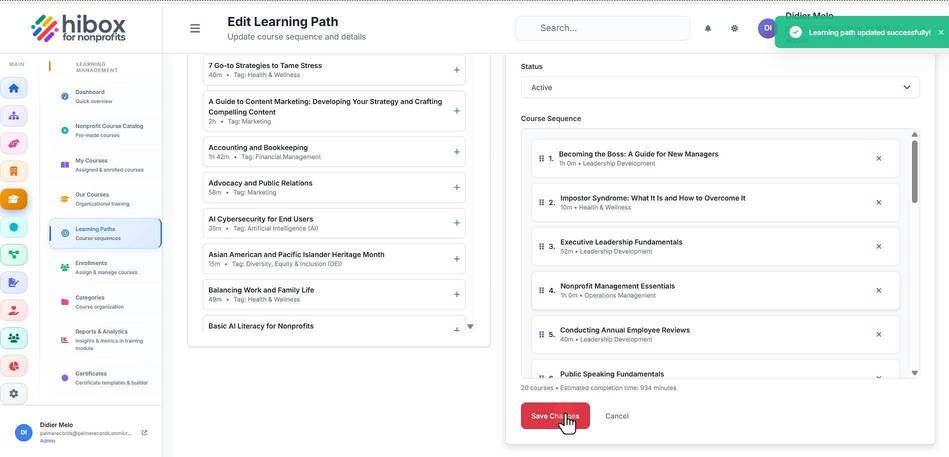
Activate or Deactivate a Learning Path
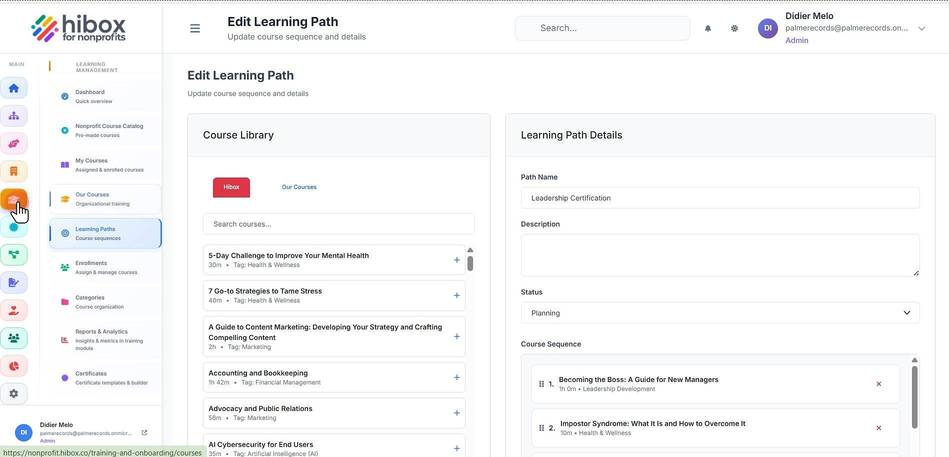
1. Click "Training & Onboarding" on the left-side menu
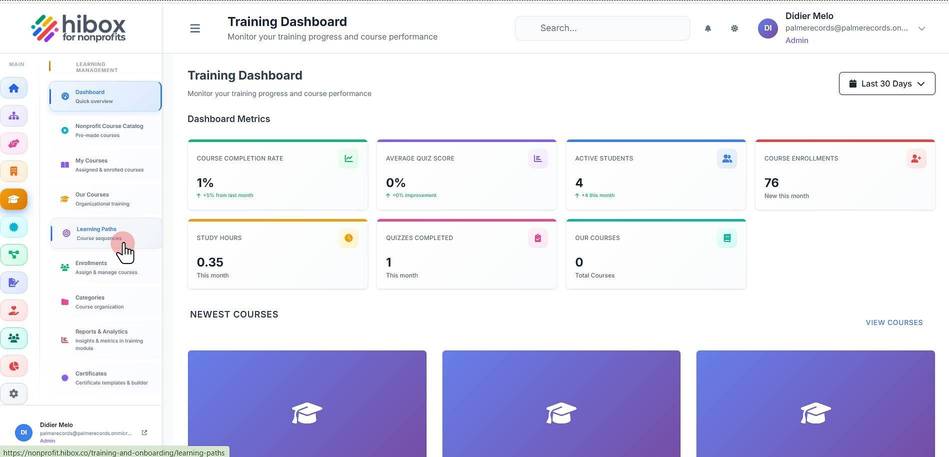
2. Click "Learning Paths" on the sub-menu
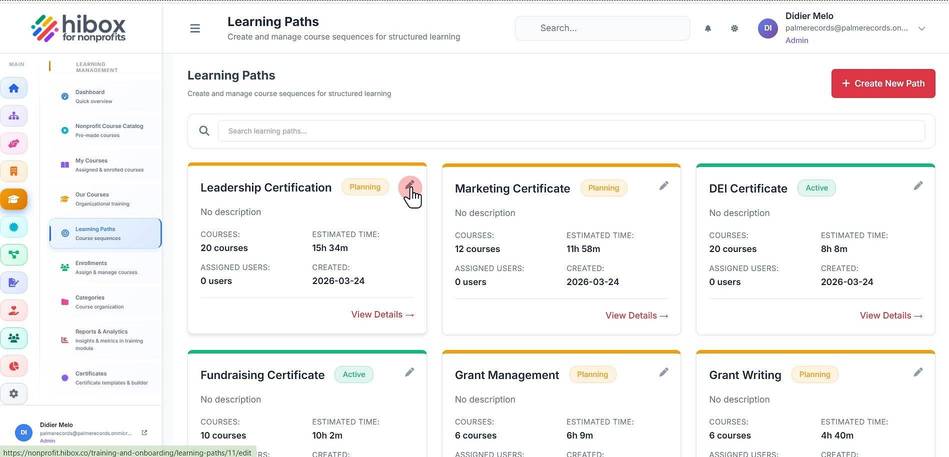
3. Find the learning path and click "Edit"
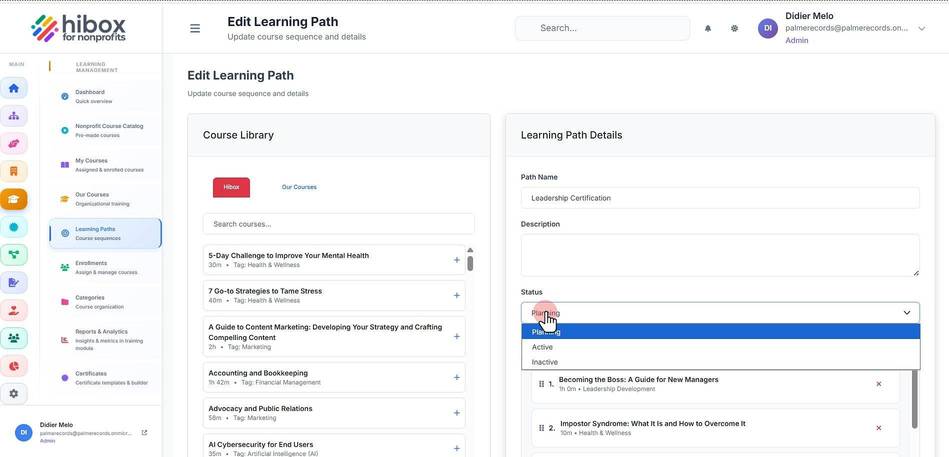
4. Set the "Status" using the dropdown menu
5. Click "Save Changes" to finish