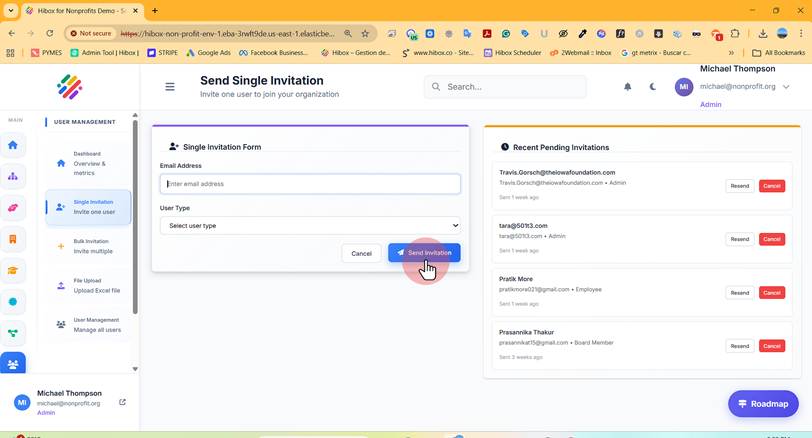
Add an Individual User
Add an Individual User
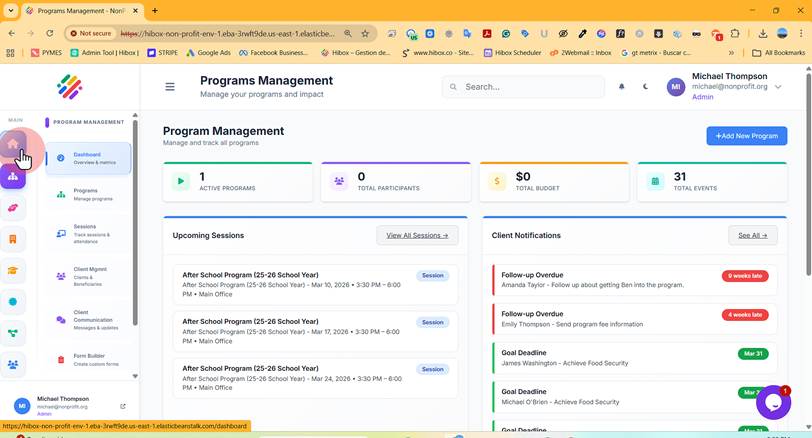
1. Click "Main Dashboard"
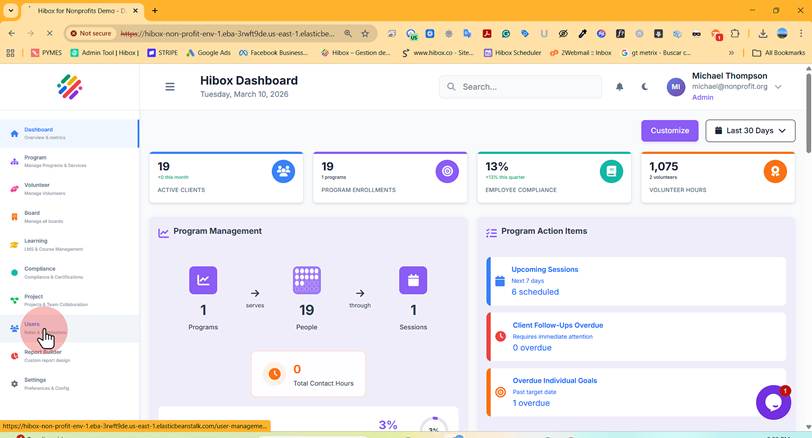
2. Click "Users" on the left-side menu.
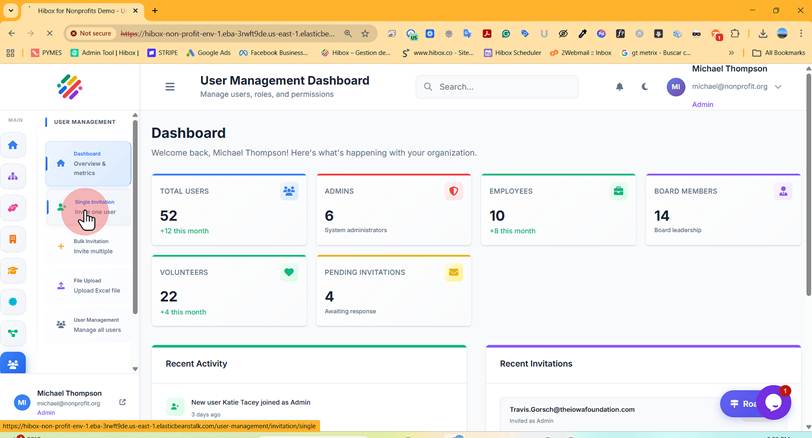
3. Click "Single Invitation"
4. Type the "Email Address" of the user you are inviting
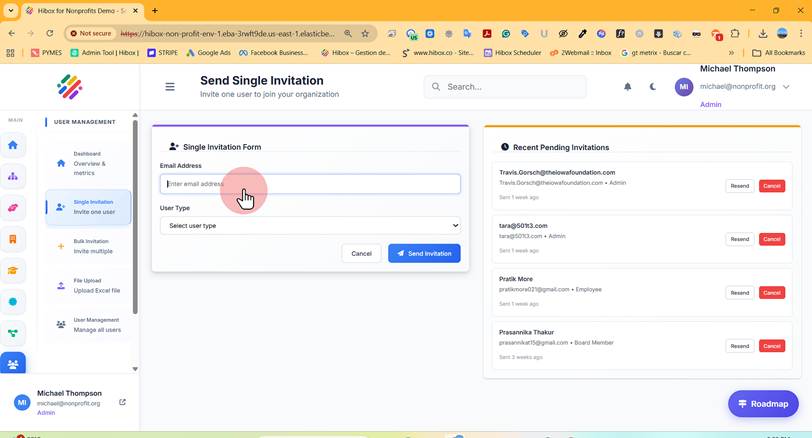
5. Select the "User Type" of the new user.
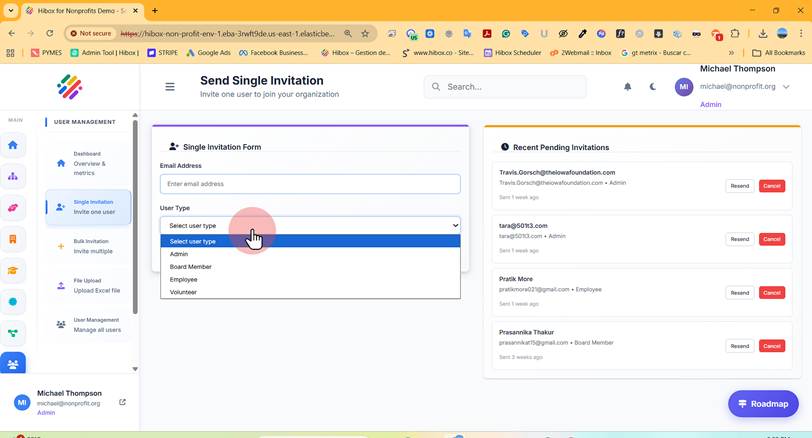
6. Click "Send Invitation" to send the invite