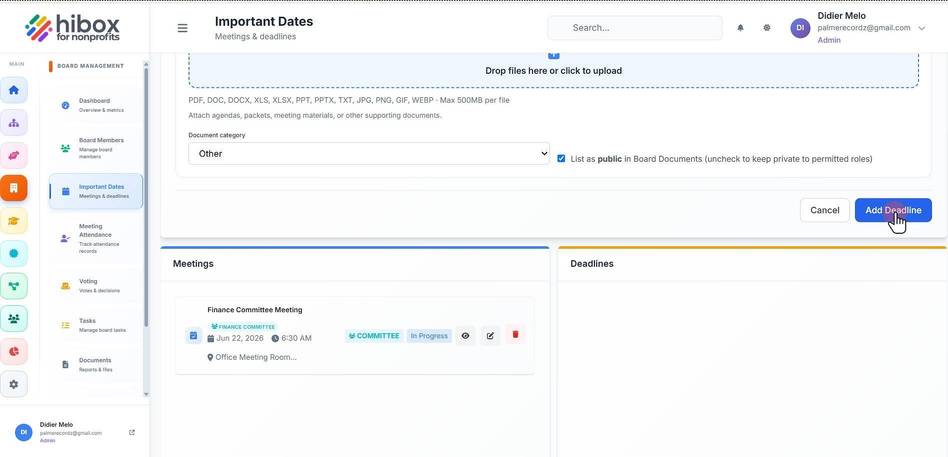
Adding a Board Deadline
Adding a Board Deadline
1. Click "Board Management" on the left-side menu
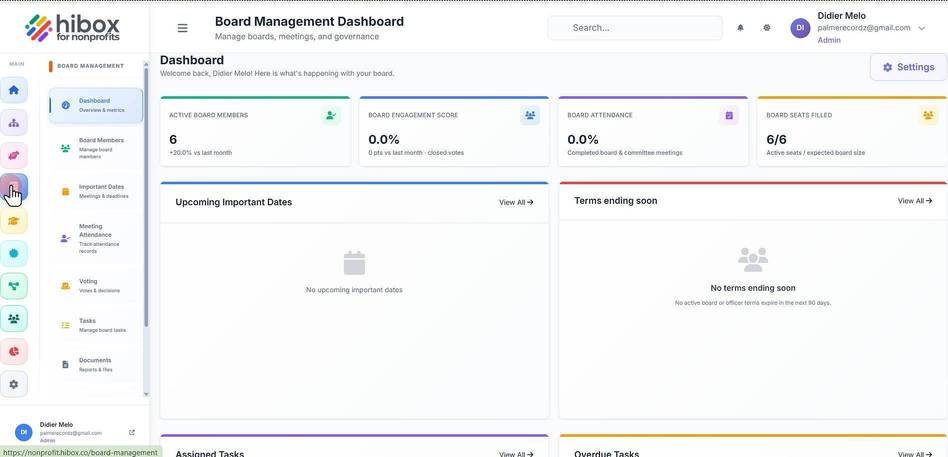
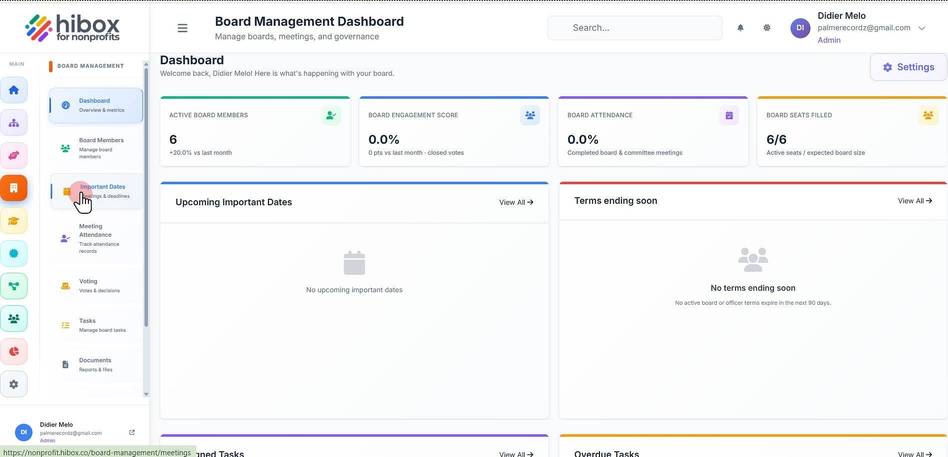
2. Click "Important Dates" on the sub-menu
3. Click the "+ Add Date" button
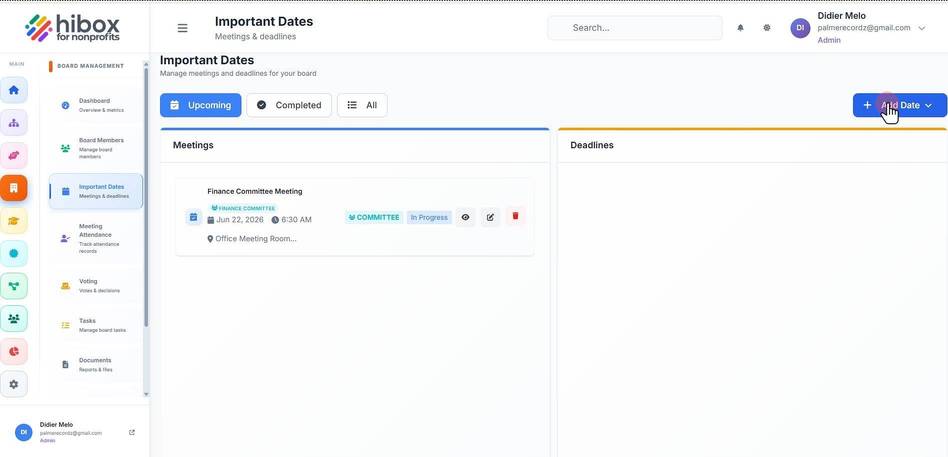
4. Select "Add Deadline"
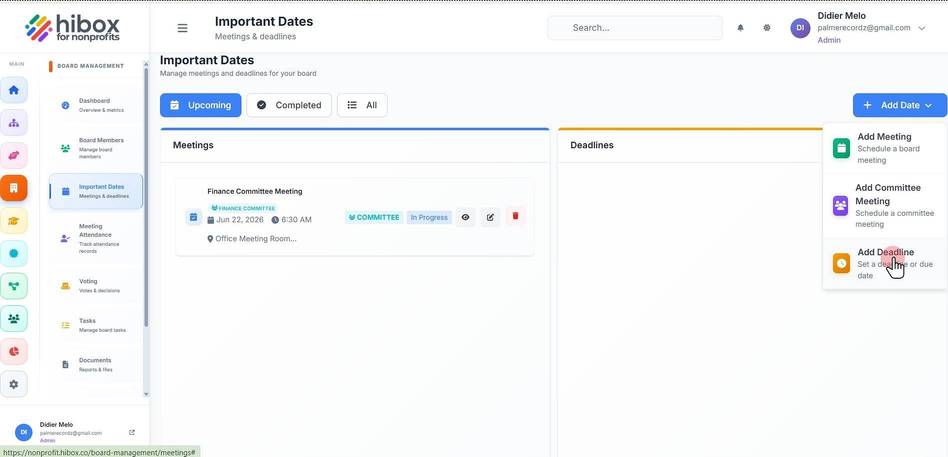
5. Enter a "Title"
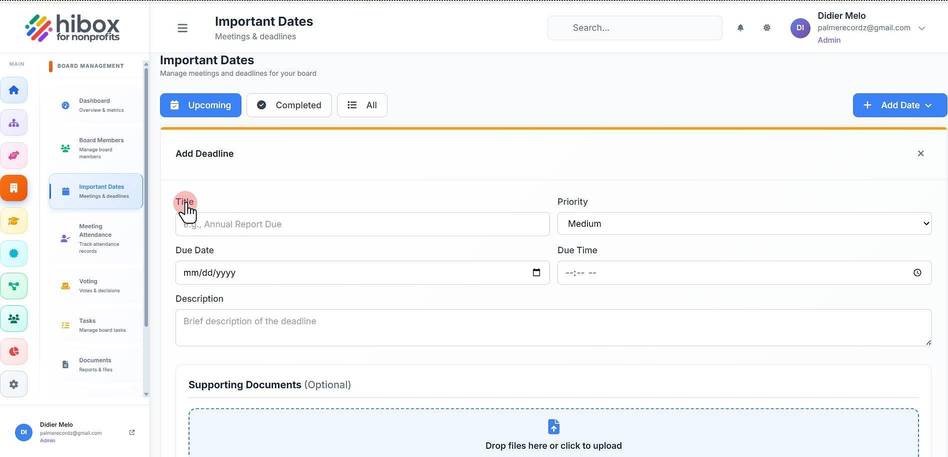
6. Set the "Priority"
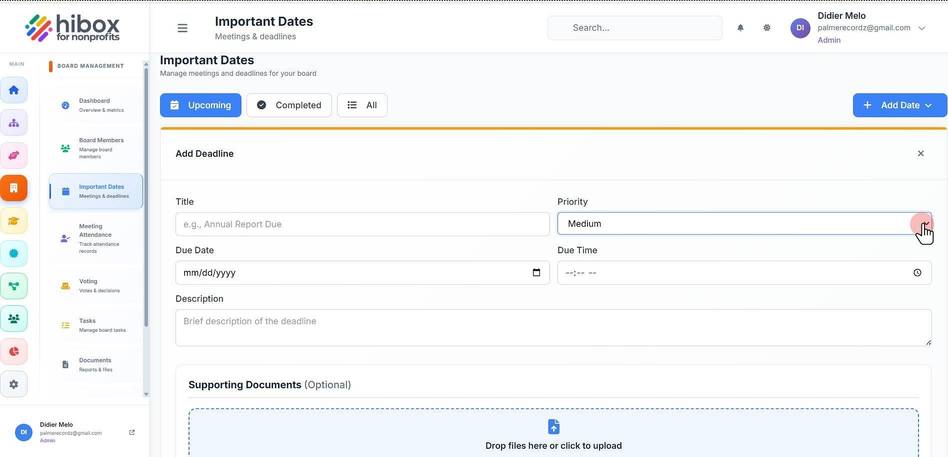
7. Set a "Due Date"
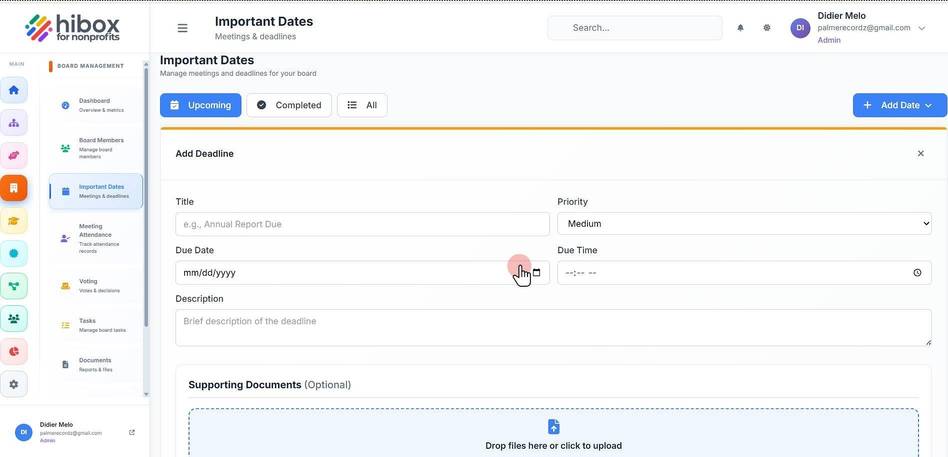
8. Set a "Due Time"
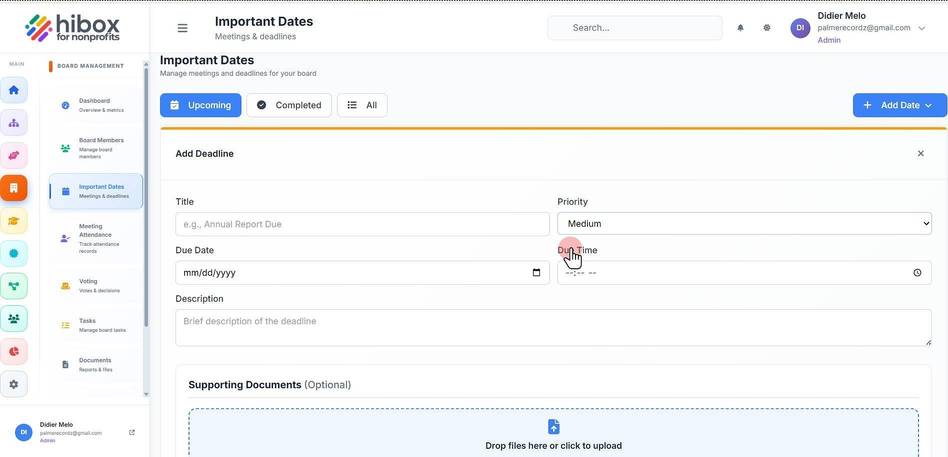
9. Enter a brief description of the deadline
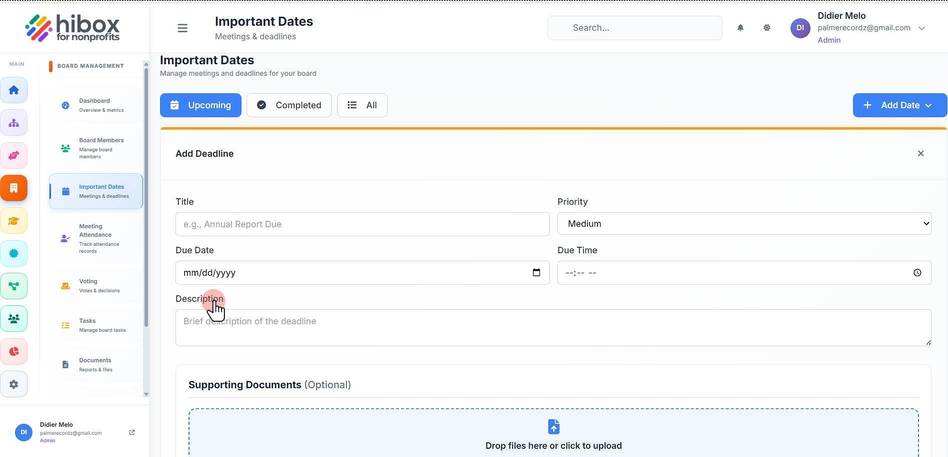
10. Scroll down and find the "Supporting Documents" section
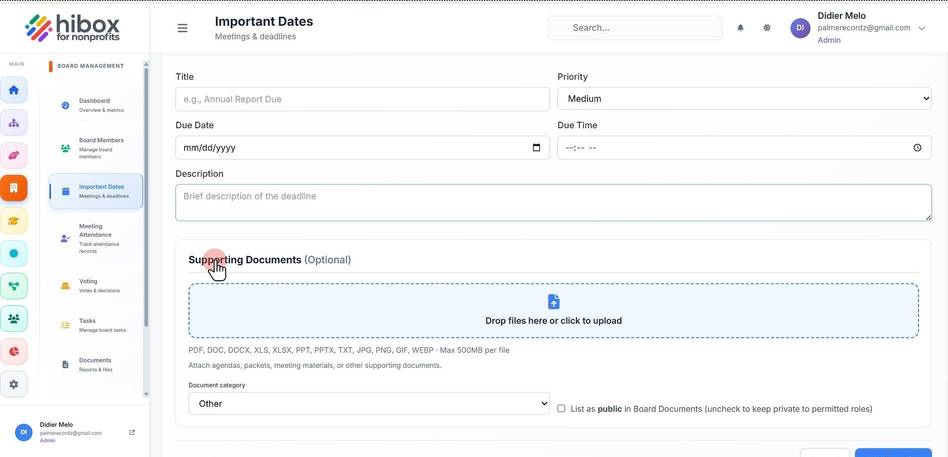
11. Click inside the box to upload documents from your devce
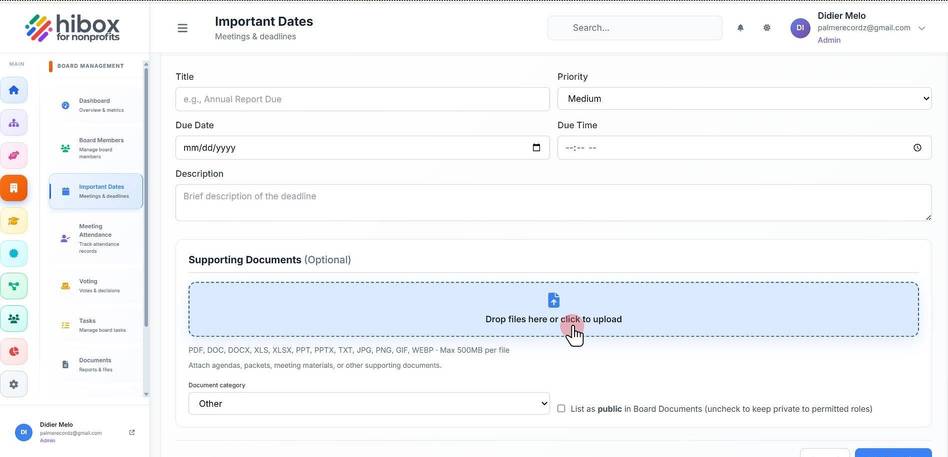
12. Set a "Document category"
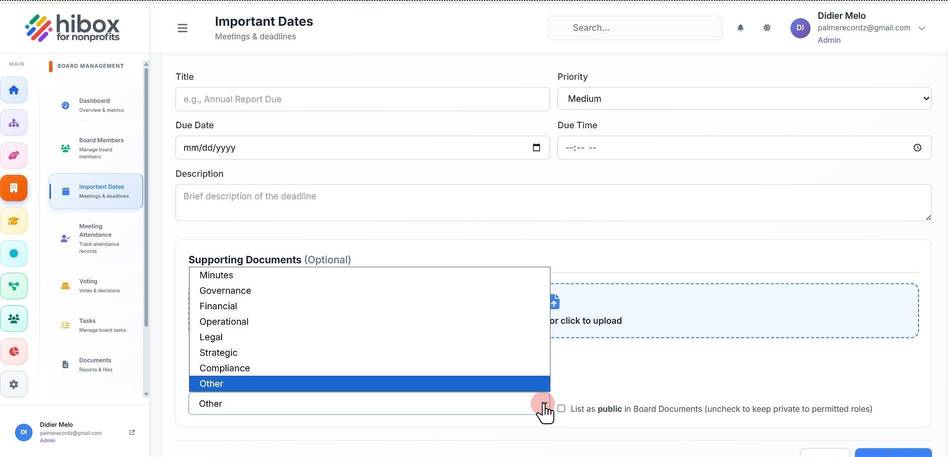
13. Use the checkbox to set the document's privacy
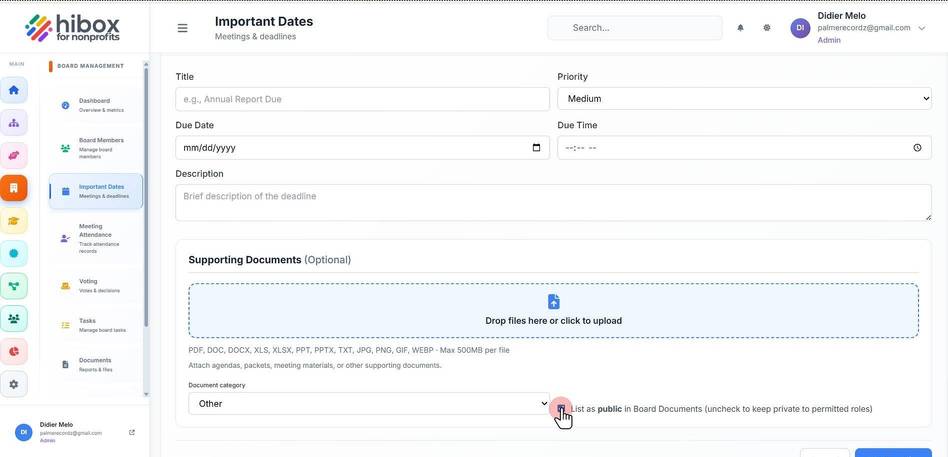
14. When done, click the "Add Deadline" to finish