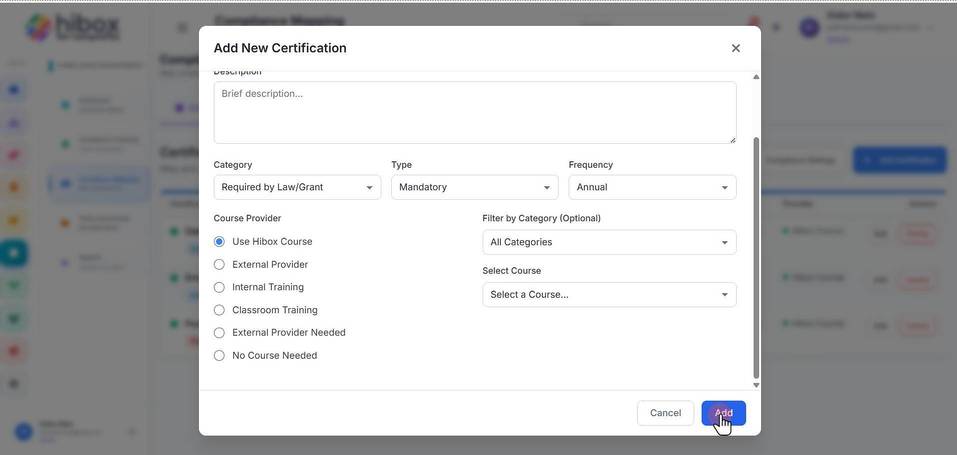
Adding a New Certification Requirement
Adding a New Certification Requirement
1. Click "Certifications" on the left-side menu
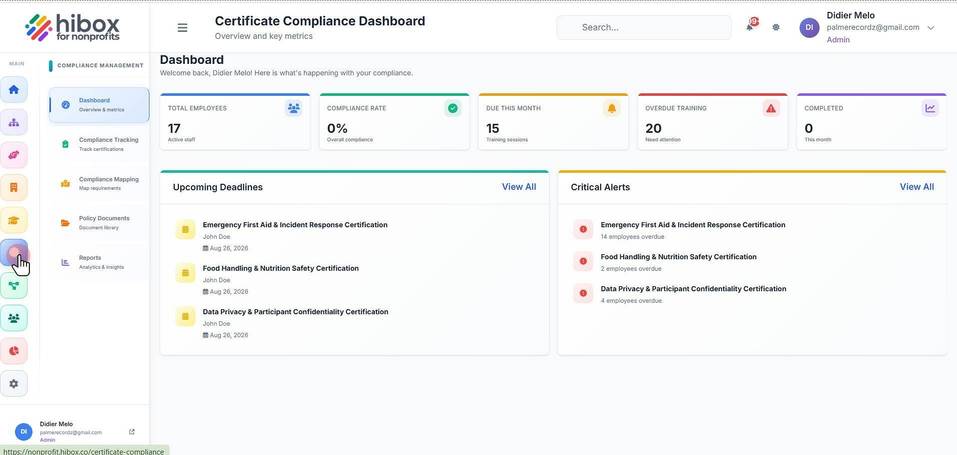
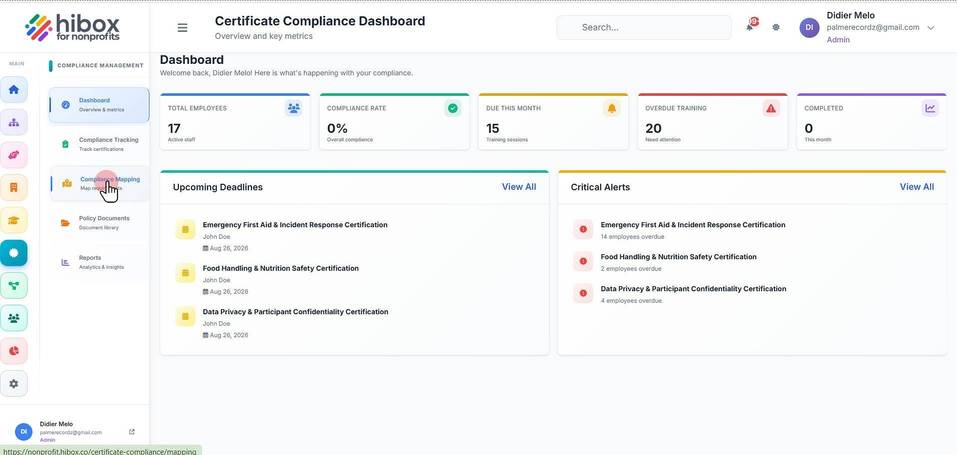
2. Click "Compliance Mapping" on the left-side menu
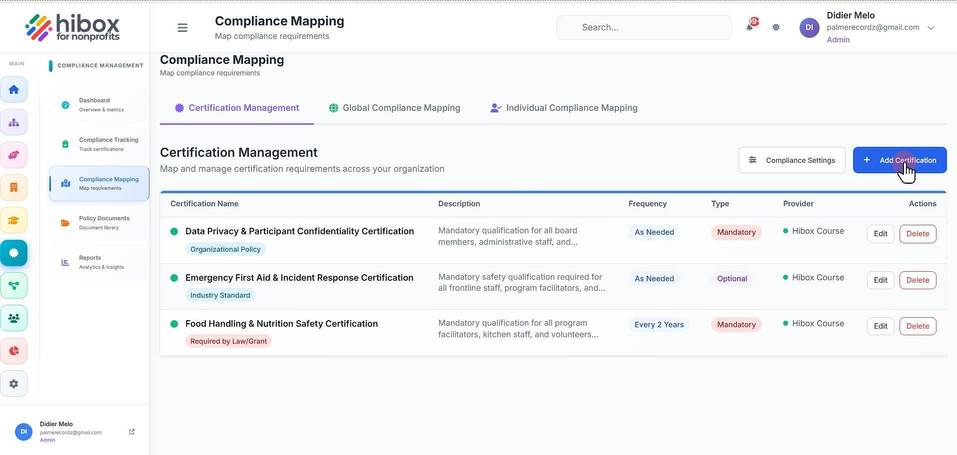
3. Click "+ Add Certification"
4. Enter a "Name"
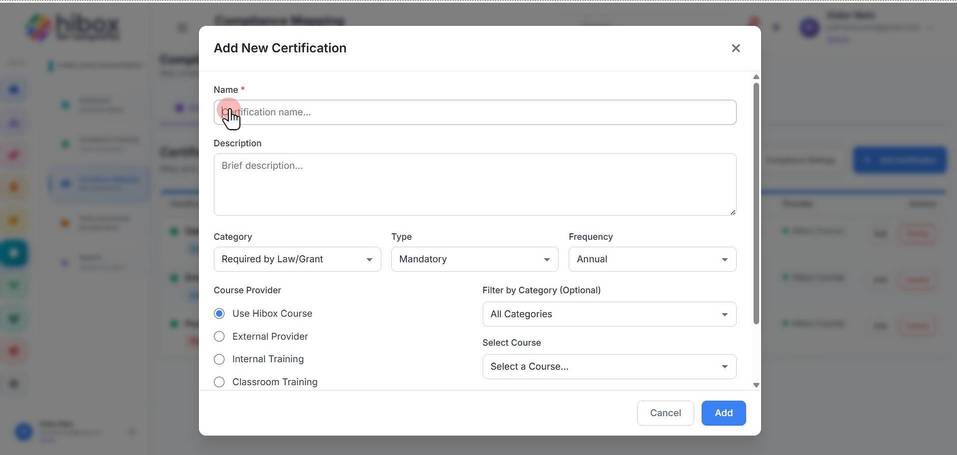
5. Enter a "Description"
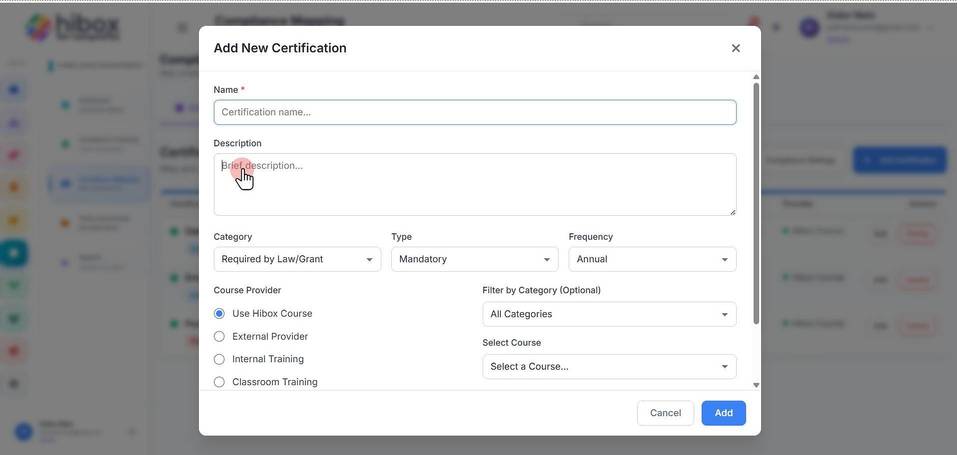
6. Set a "Category"
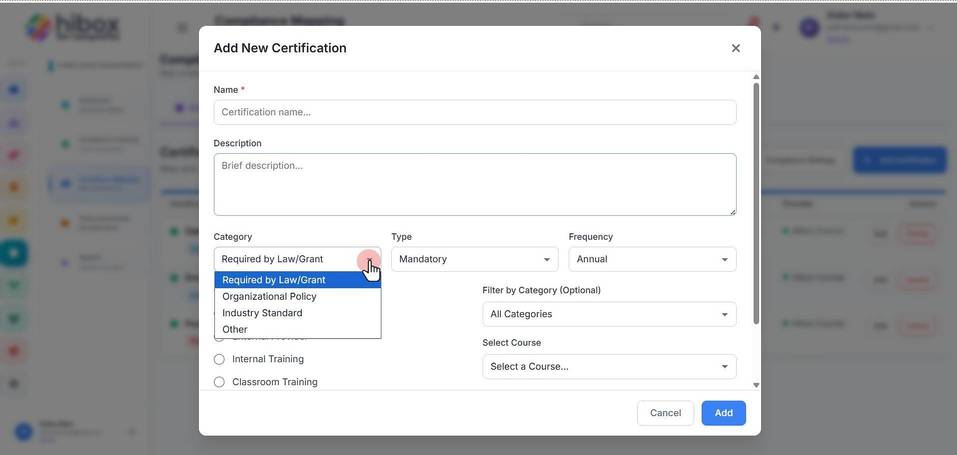
7. Select the "Type"
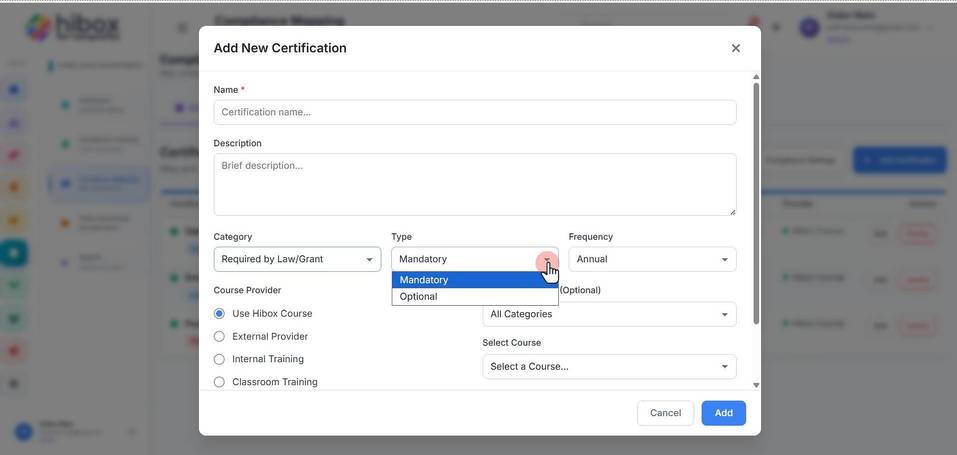
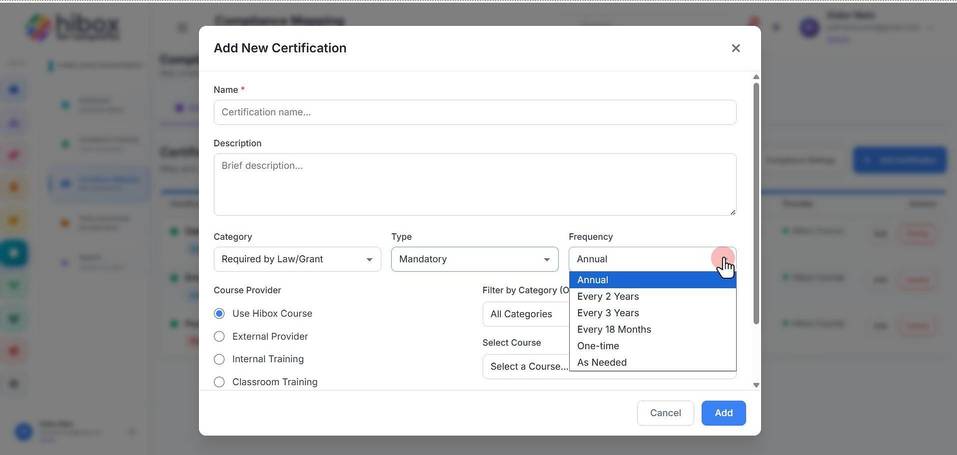
8. Set the "Frequency"
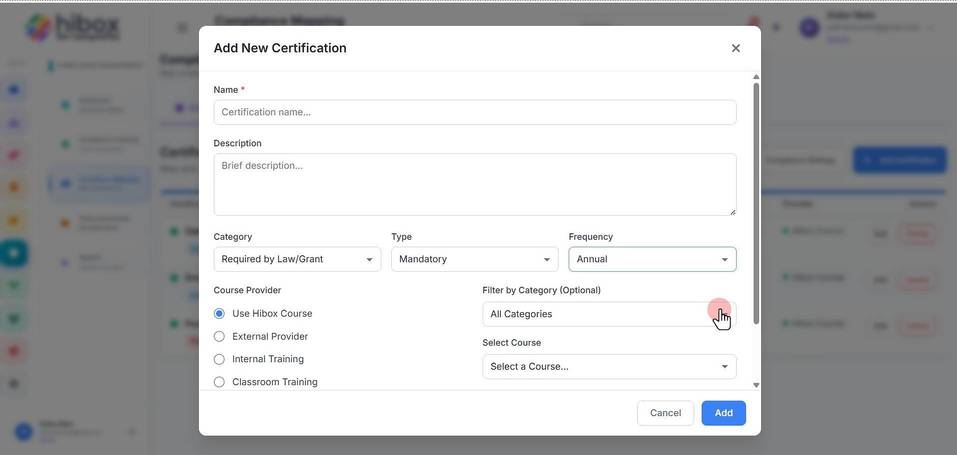
9. Filter by Category
10. Select Course
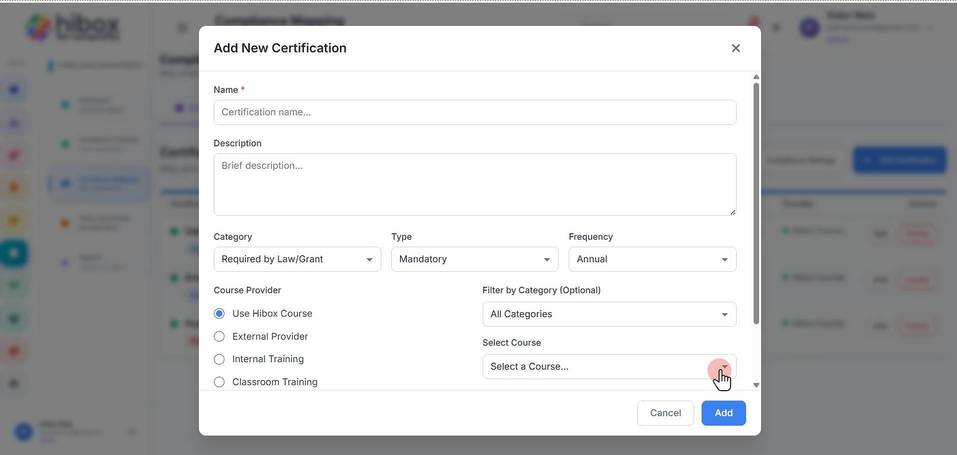
11. Click "Add" to finish