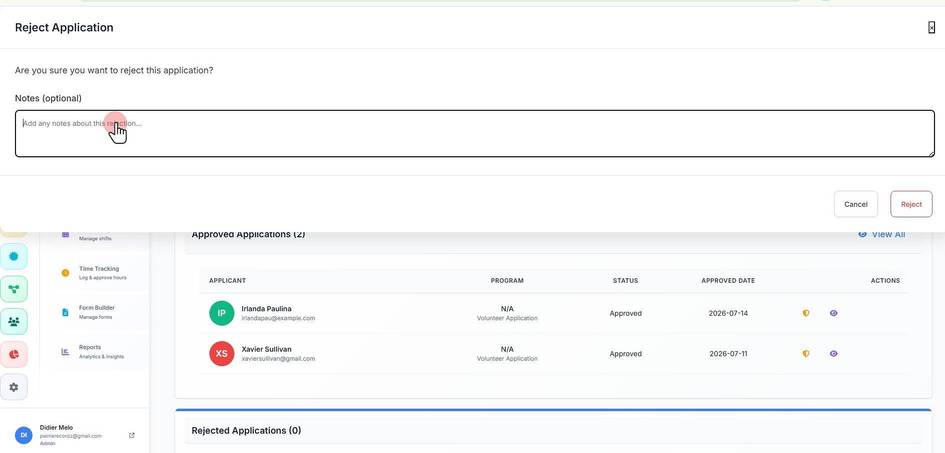
Approving or Rejecting a Volunteer's Application
Approving or Rejecting a Volunteer's Application
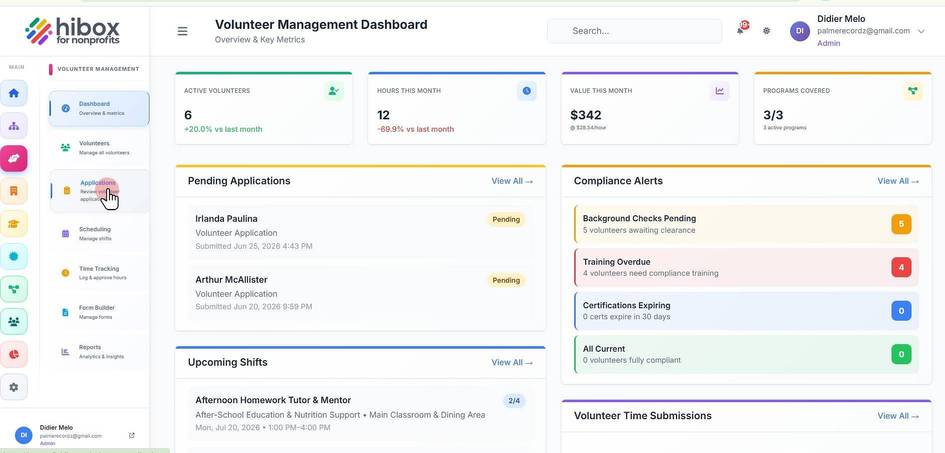
1. Click "Volunteer Management" on the left side menu
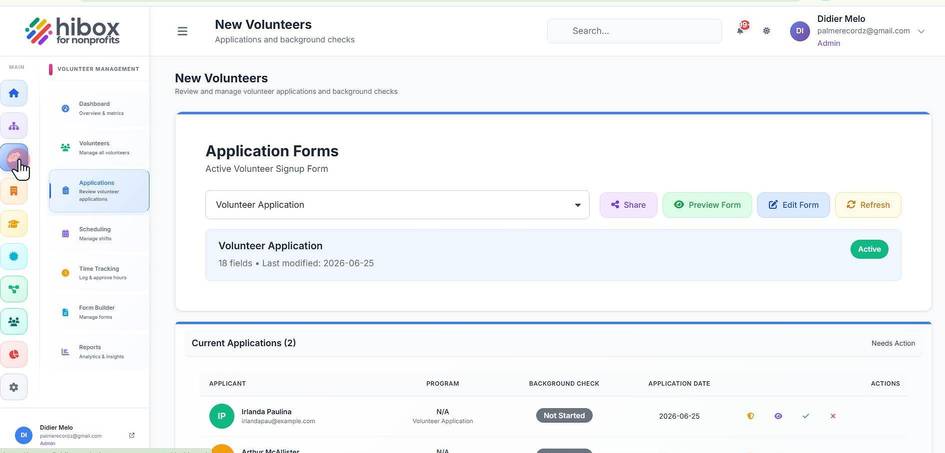
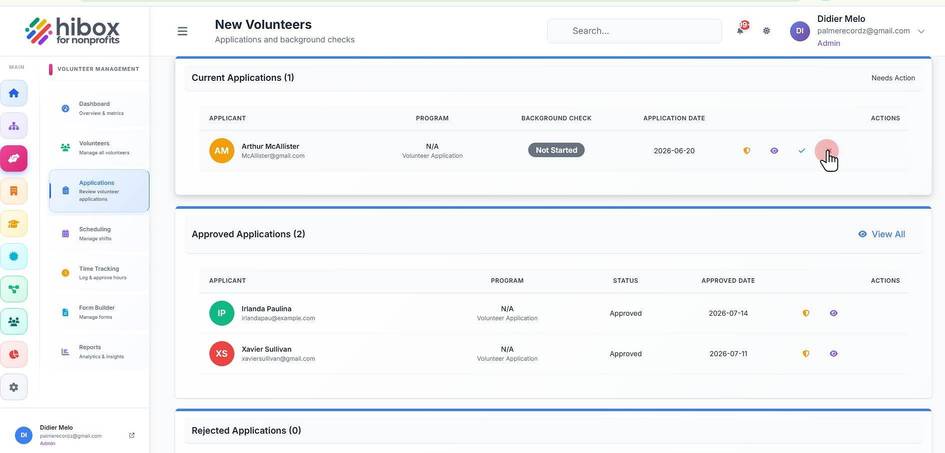
2. Click "Applications" on the sub-menu
3. You will find pending approvals inside the "Current Applications" section
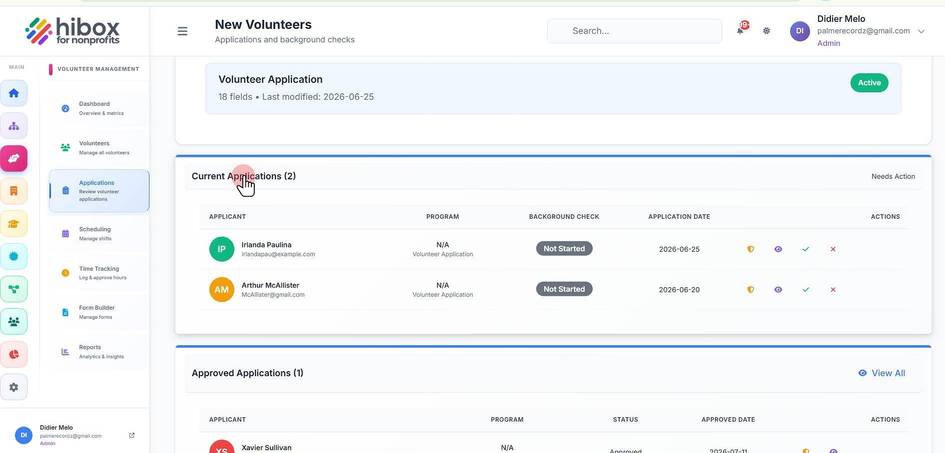
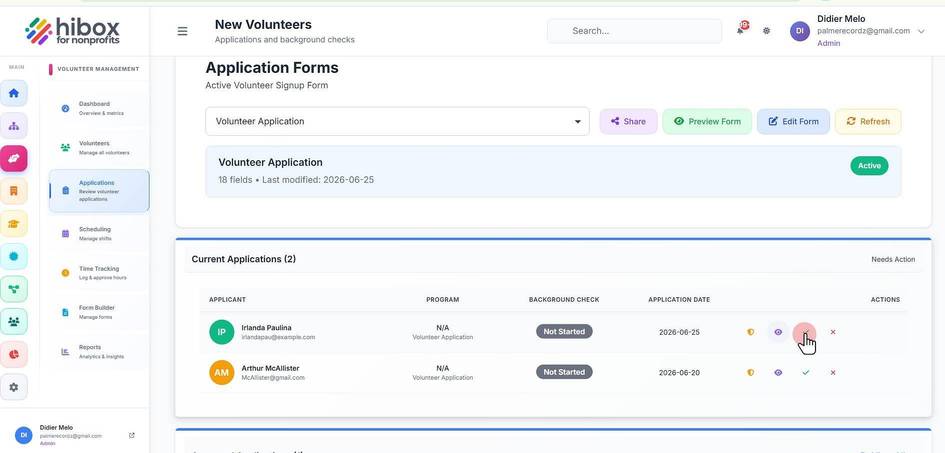
4. These are the "Applicant Details" with 4 different options.
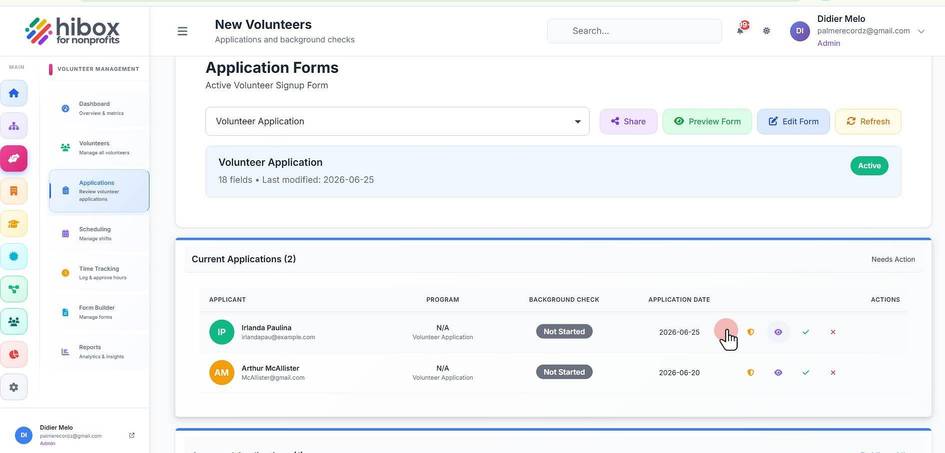
5. Click the "Approve" button to approve the candidate
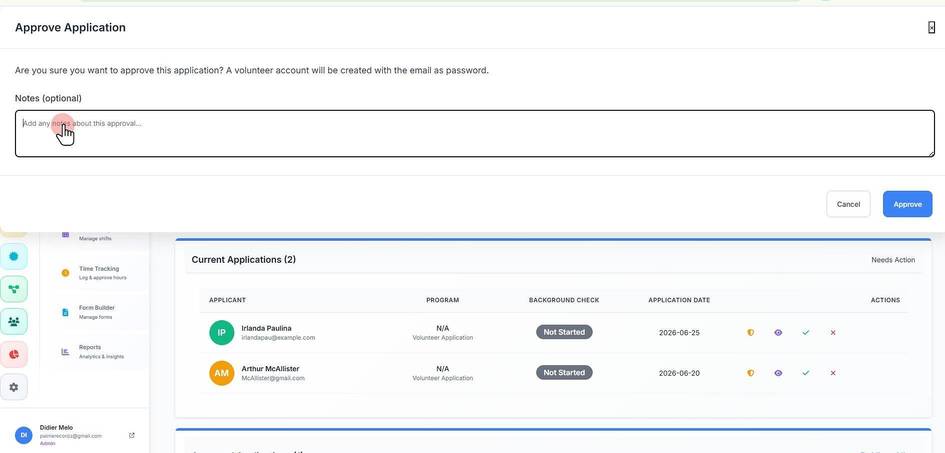
6. You can leave "Notes (optional)"
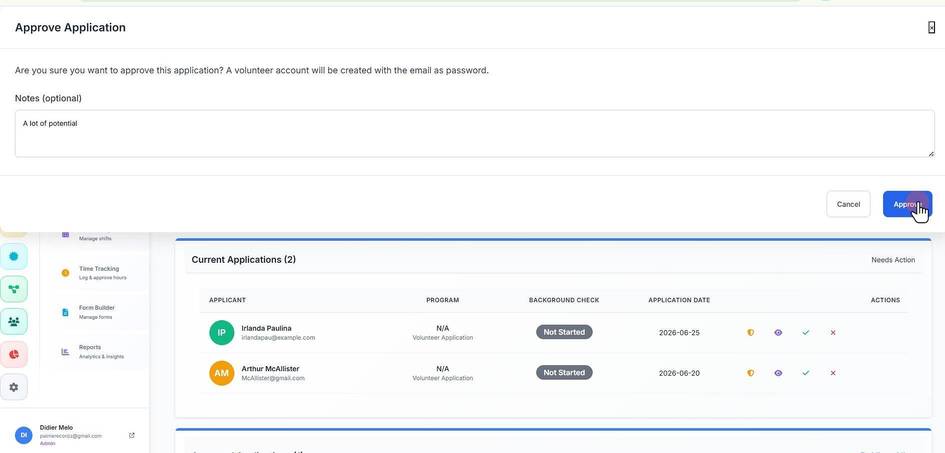
7. Click "Approve"
8. Click "Reject" to reject a candidate
9. You can leave "Notes" about the reason of the rejection