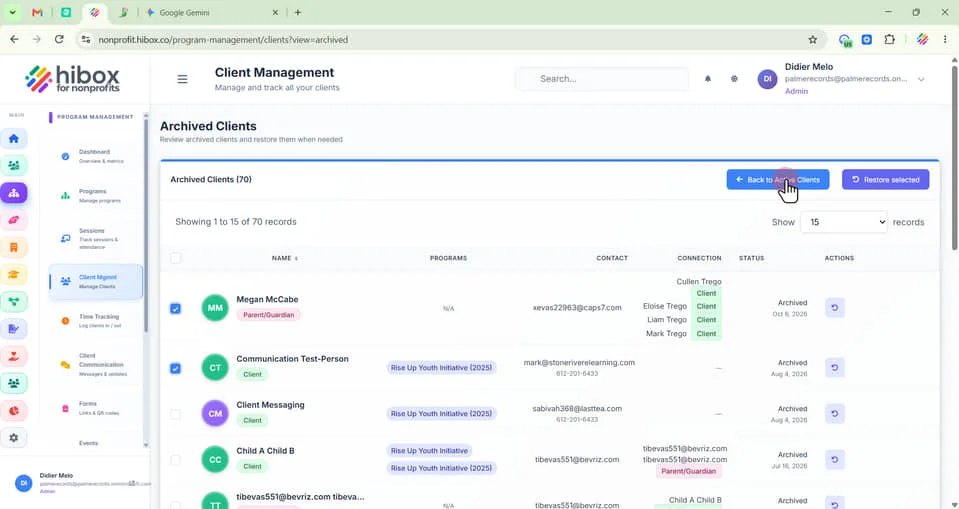
Archiving Clients
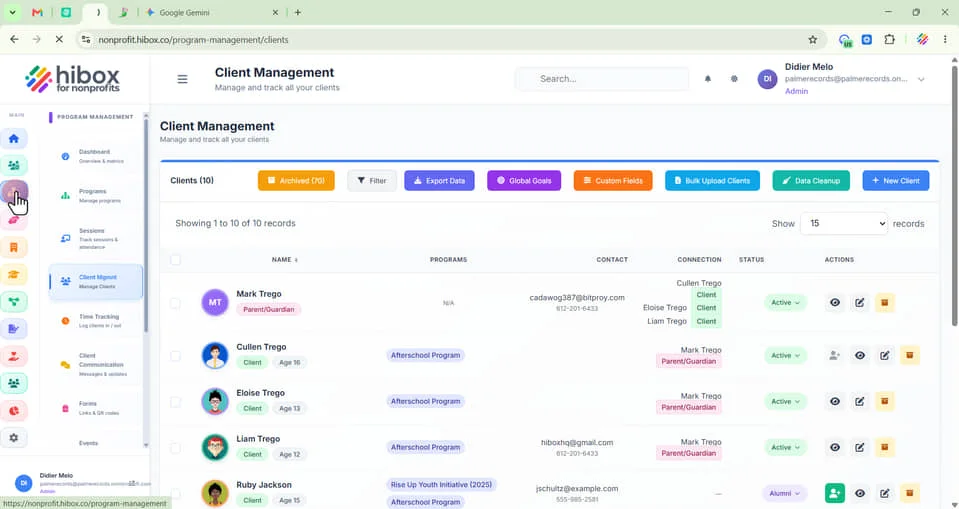
1. Click "Program Management" on the left-side menu
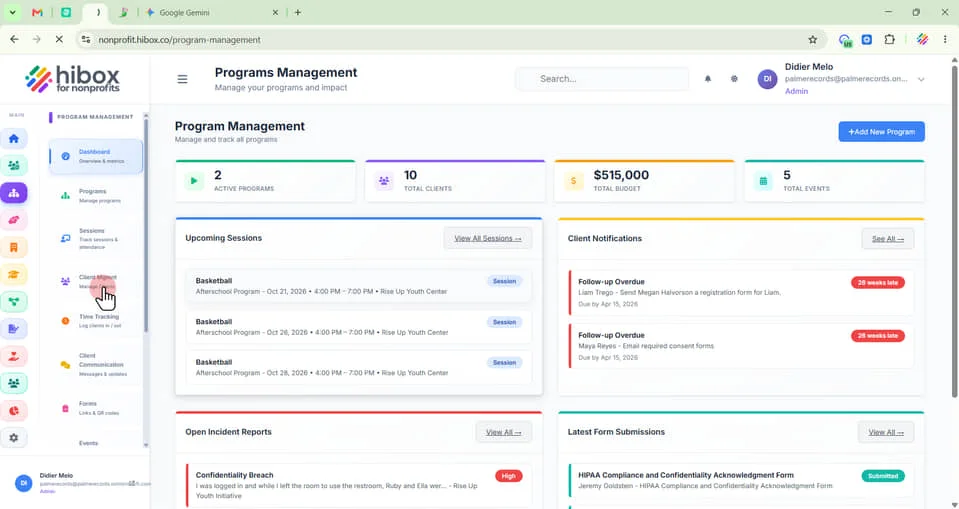
2. Click "Client Mgmnt on the sub-menu"
3. Click the checkboxes to select one or more clients
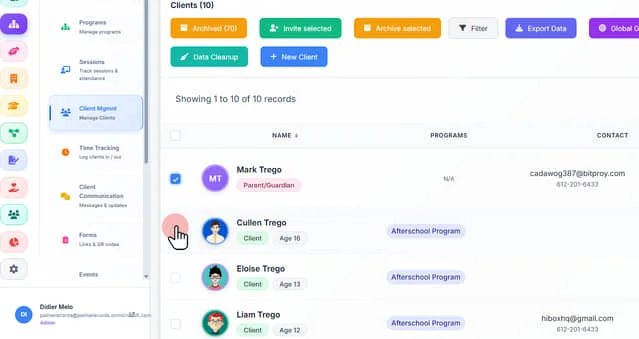
4. Click "Archived Selected" to archive the selected clients
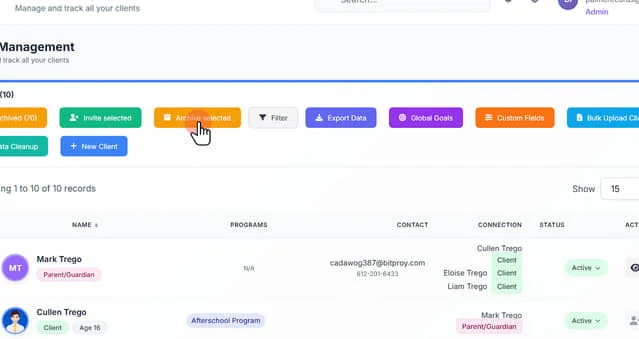
5. Visualize all archived clients by clicking on the "Archived" button
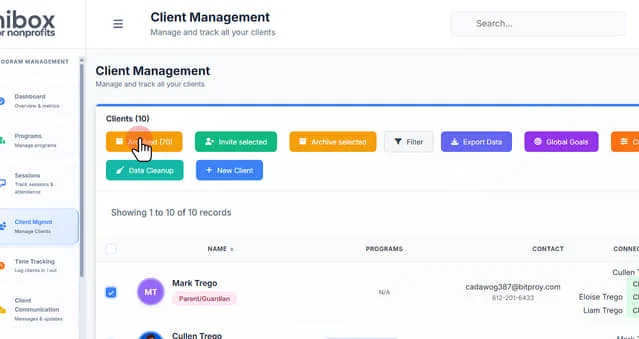
6. Click the checkboxes to select one or more clients
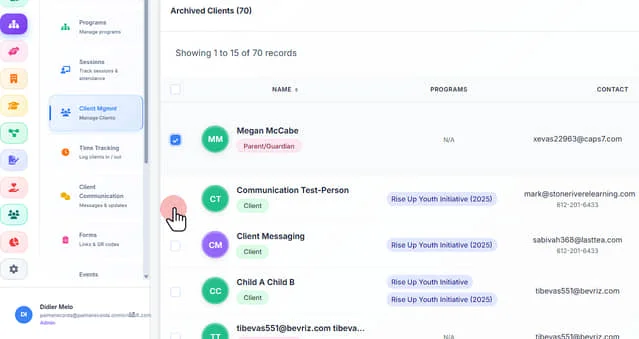
7. Click "Restore Selected" on the right top sub-menu
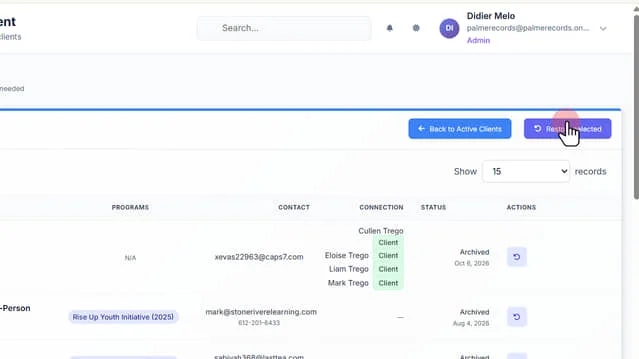
8. Click "Back to Active Clients" to go to the previous page