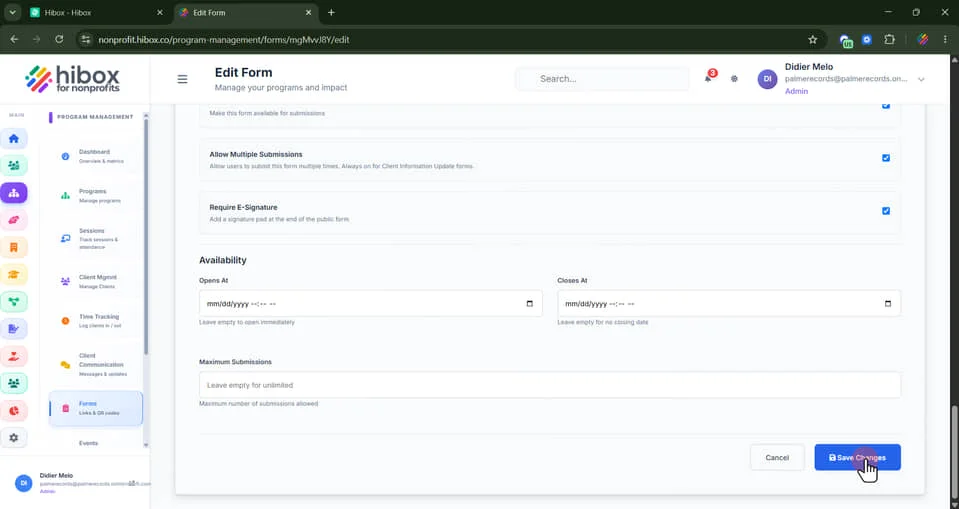
Assigning Consent Forms to a Program
1. Click "Program Management" on the left-side menu
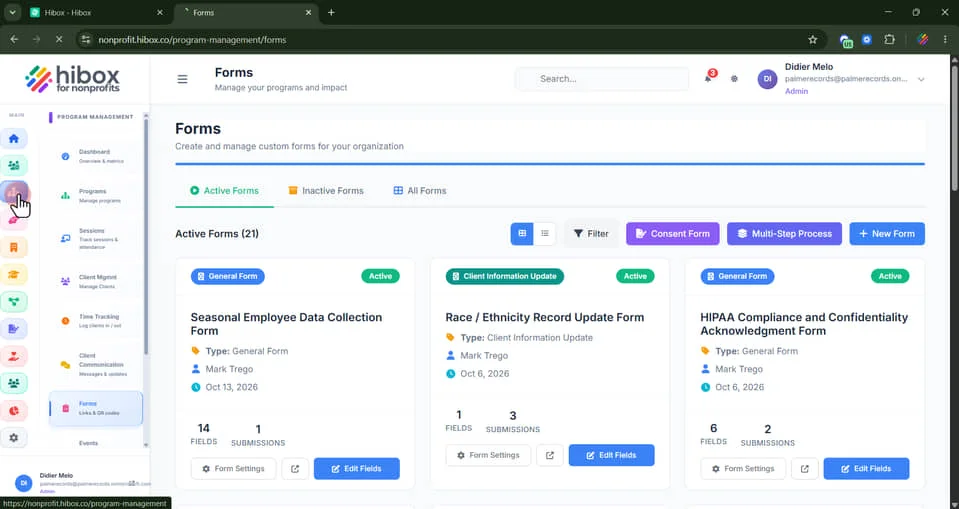
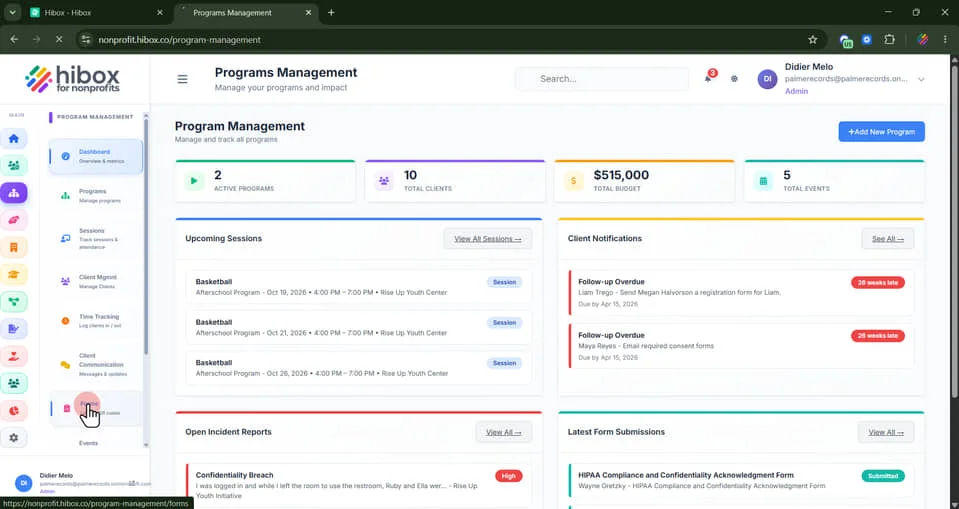
2. Click "Forms" on the sub-menu
3. Scroll down and find the form you wish to assign
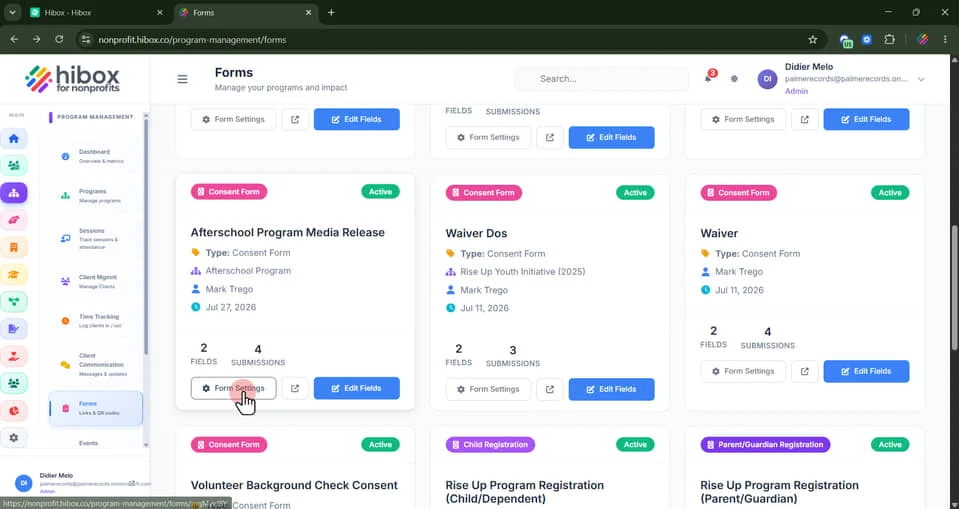
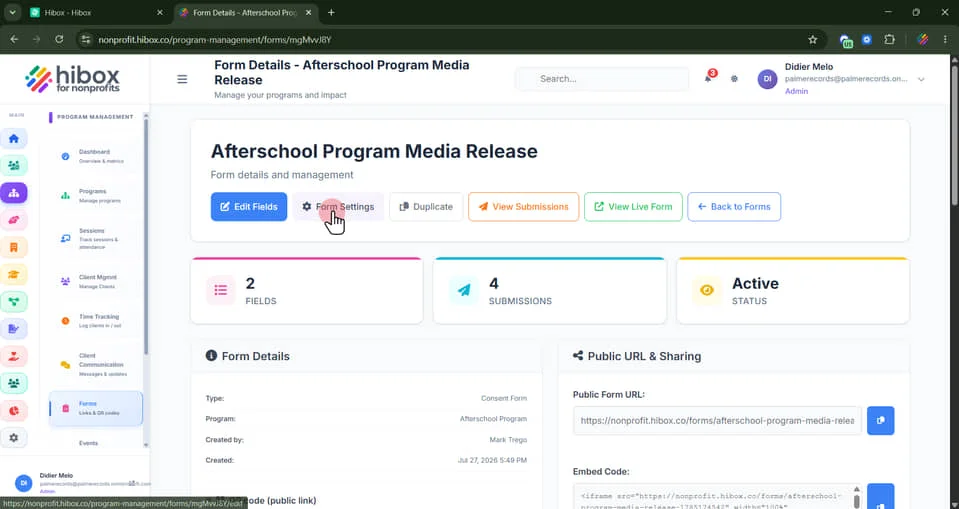
4. Click "Form Settings"
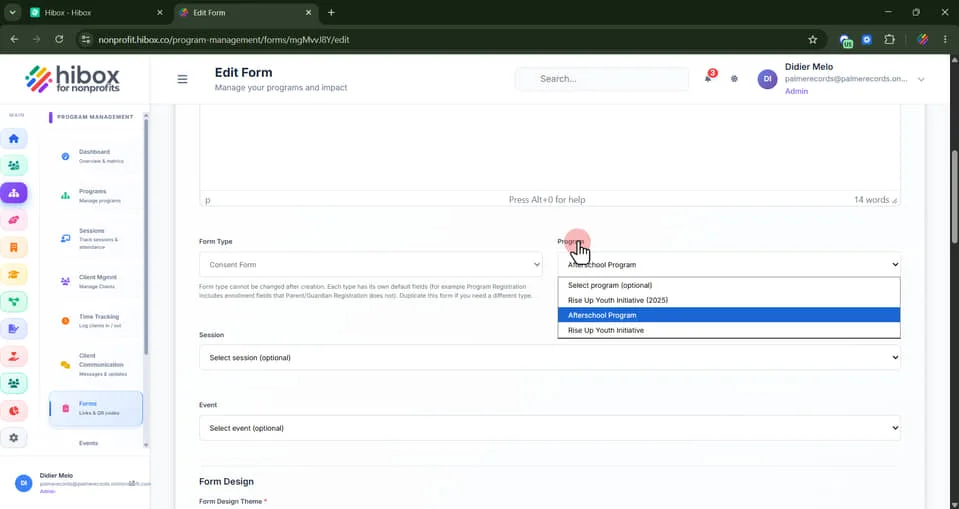
5. Click "Program" and use the dropdown menu to assign the form to a program
6. Scroll down and click "Save Changes"