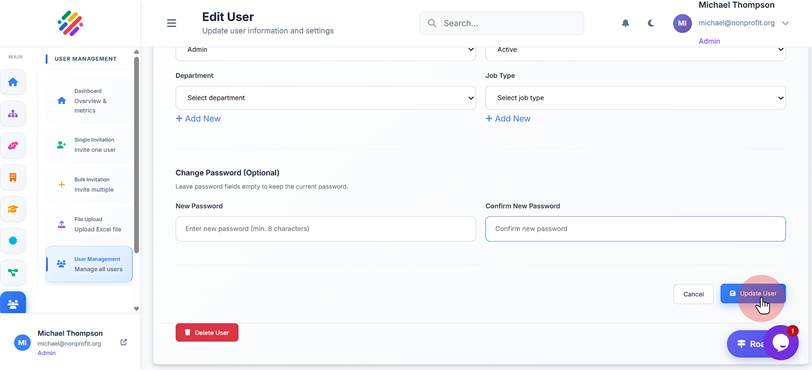
Change Another User's Password
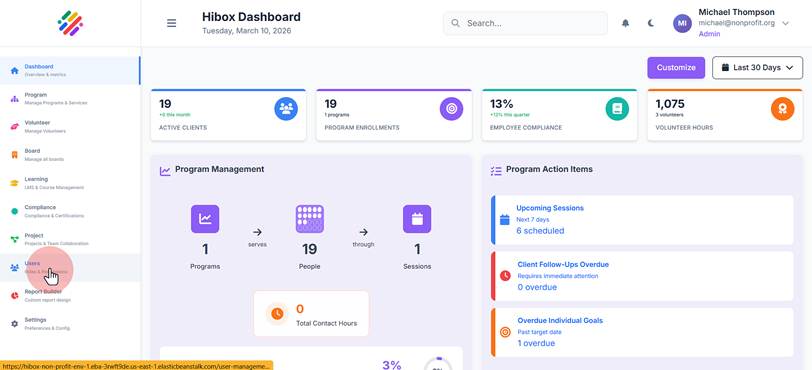
1. Navigate to the "Users" section
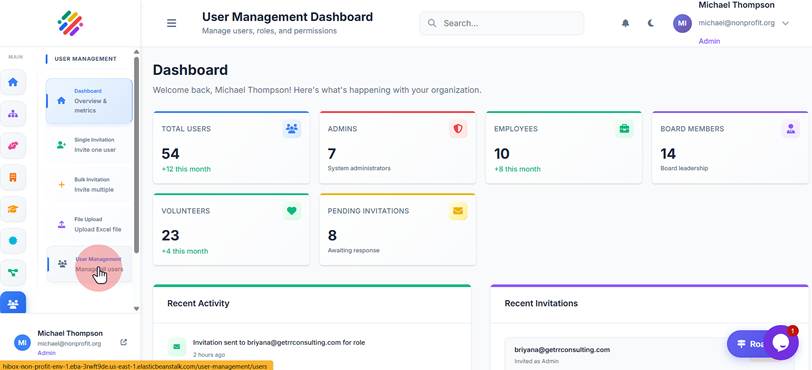
2. Click "User Management"
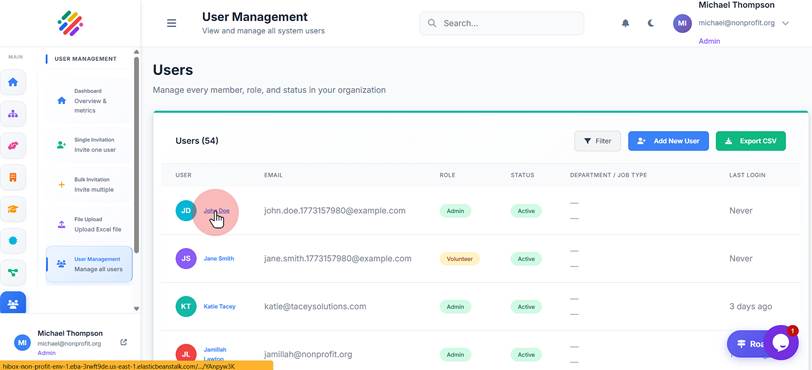
3. Select the user you wish to edit
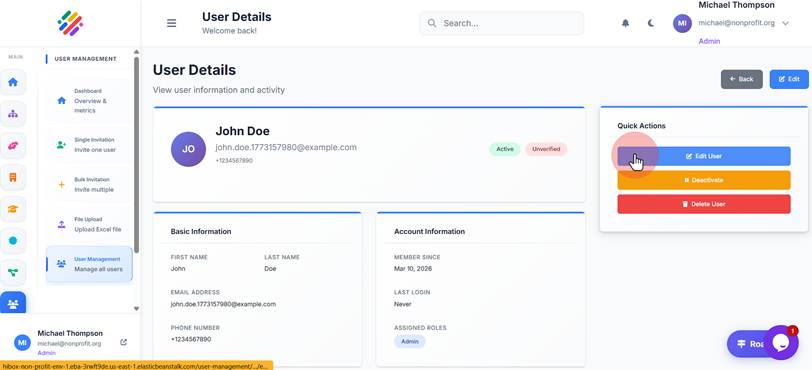
4. Click "Edit User"
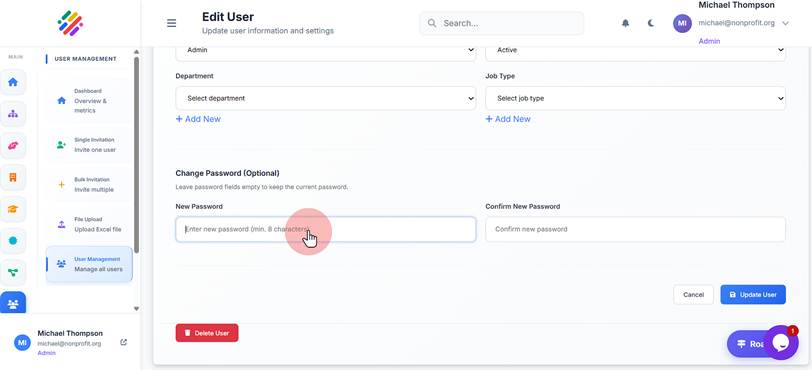
5. Scroll down, then click "New Password". Type in the new password
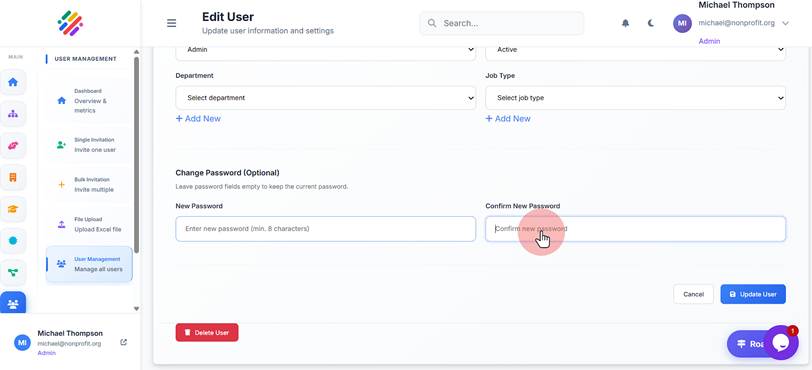
6. Click "Confirm New Password" and re-type the new password
7. Click "Update User" to save changes