Compliance Alerts
Compliance Alerts
1. Click "Certifications" on the left-side menu
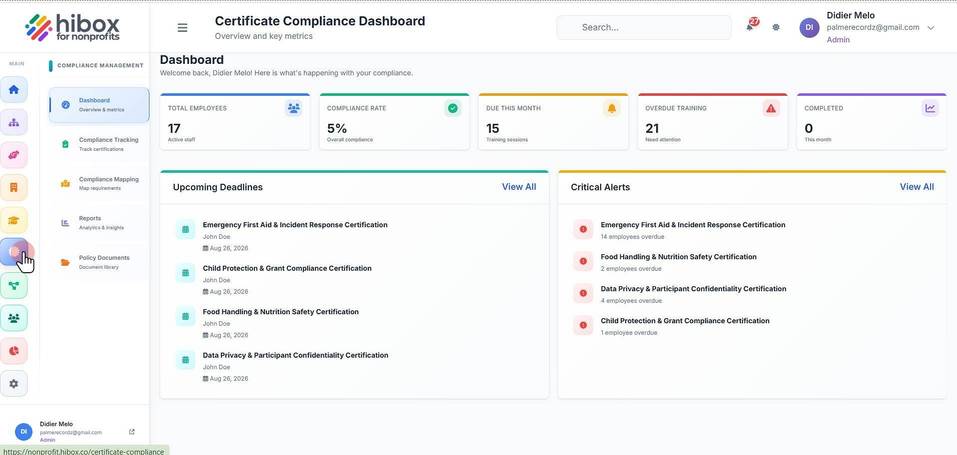
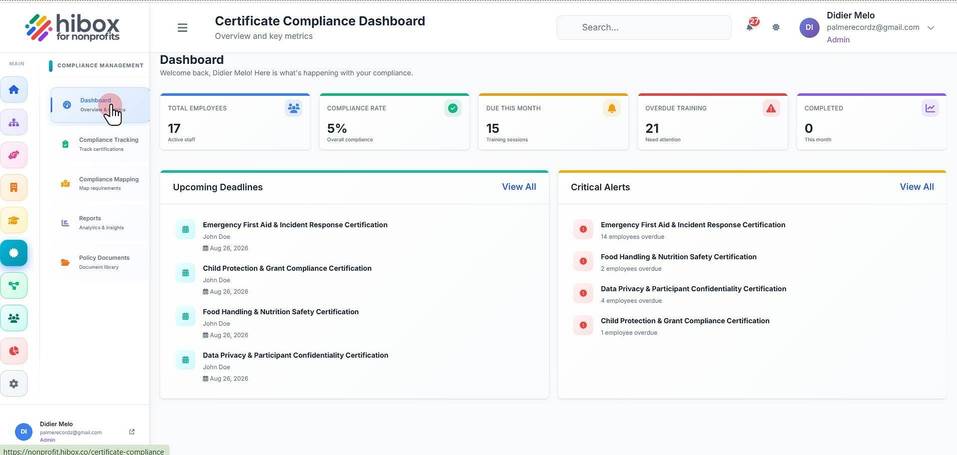
2. Click "Dashboard" on the sub-menu
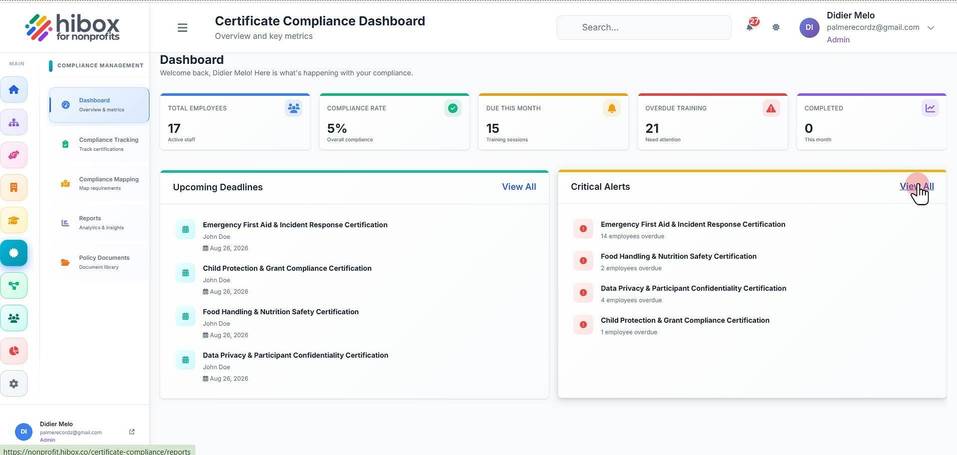
3. Click "View All"
4. Set up a "Date Range"
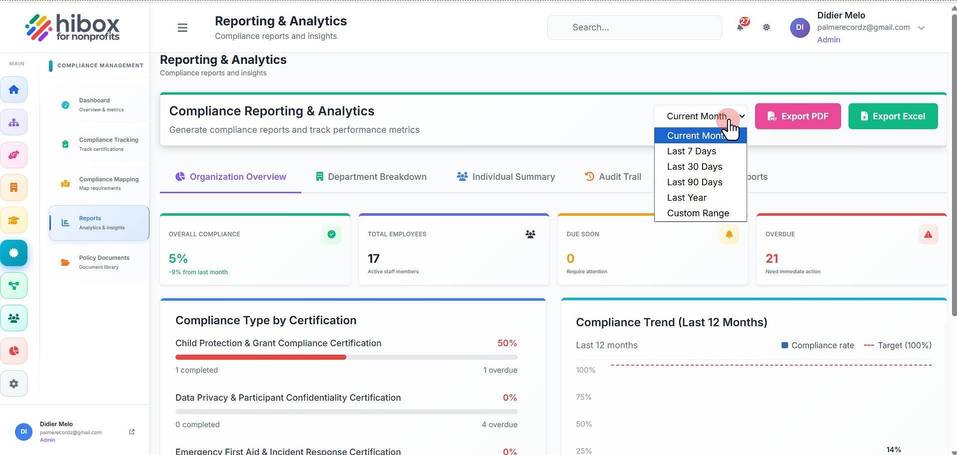
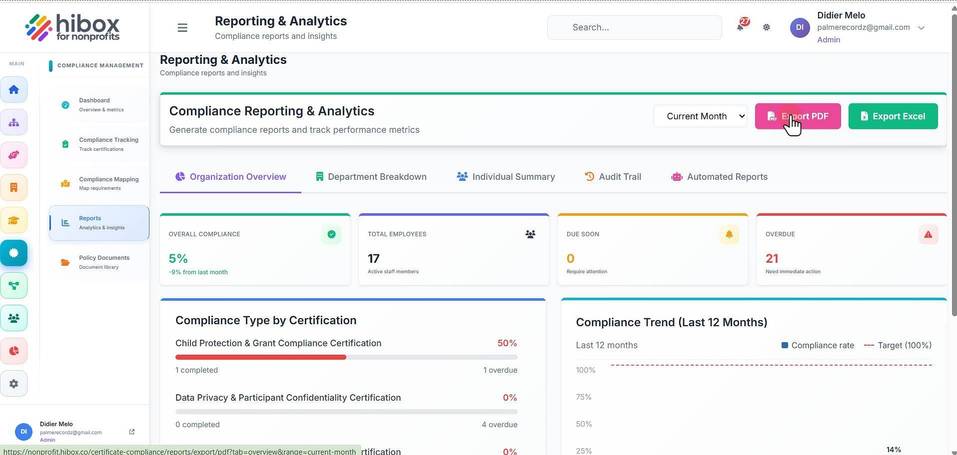
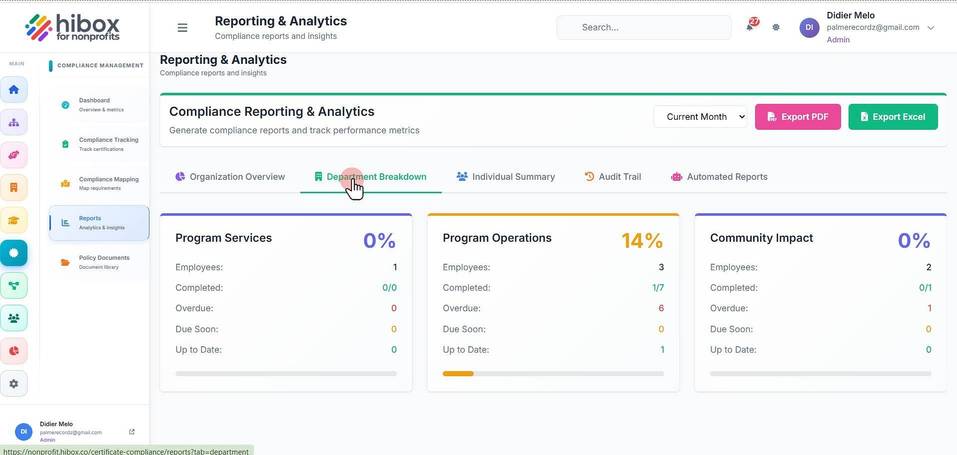
5. You will find different section such as "Department Breakdown"
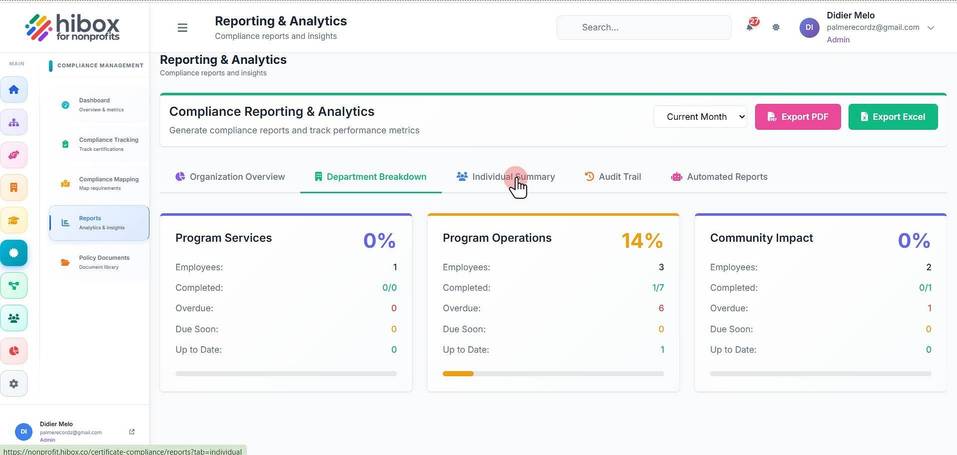
6. Individual Summary
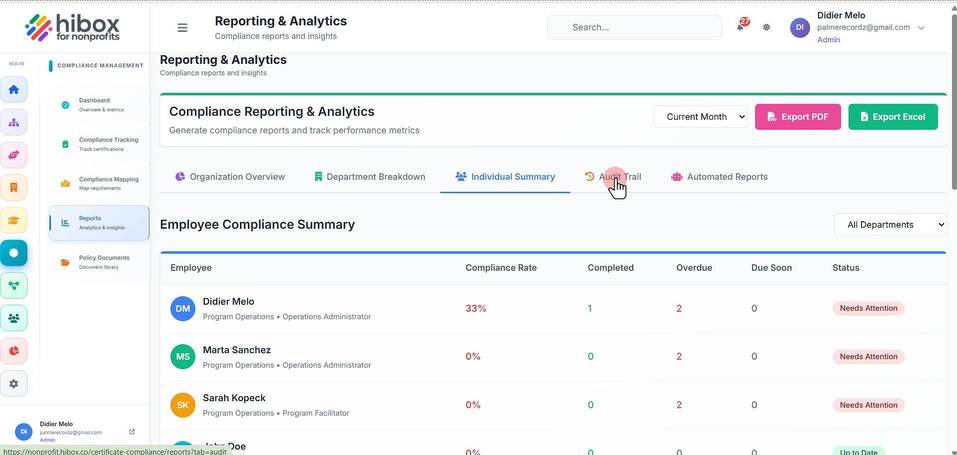
7. Audit Trail
8. Automated Reports
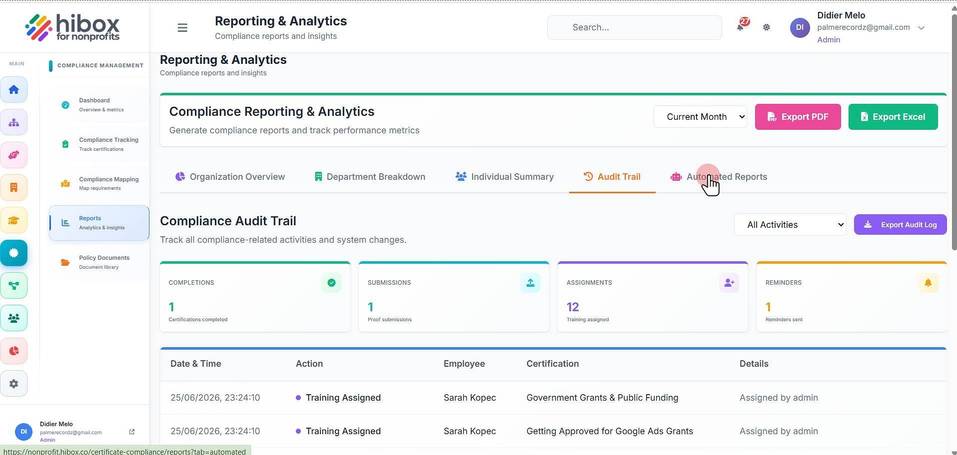
9. Click "Export Excel" to export this as an Excel file at anytime
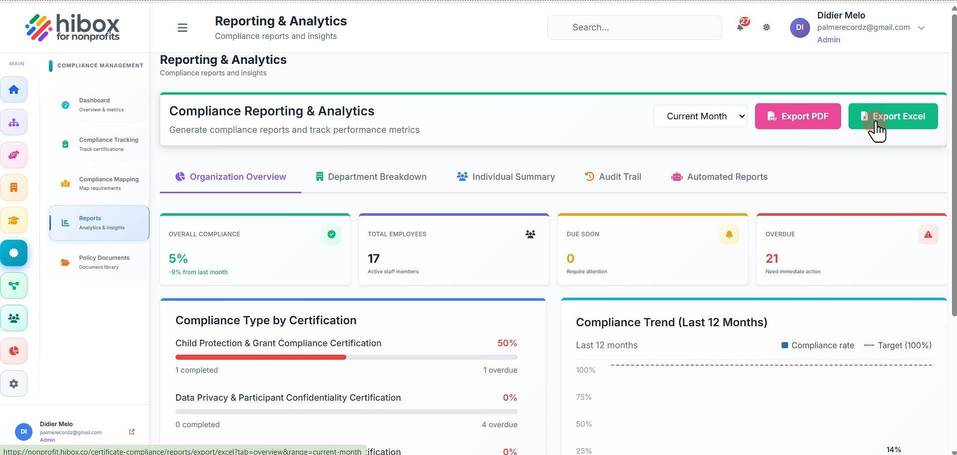
10. Click "Export PDF" to export this as a PDF at anytime