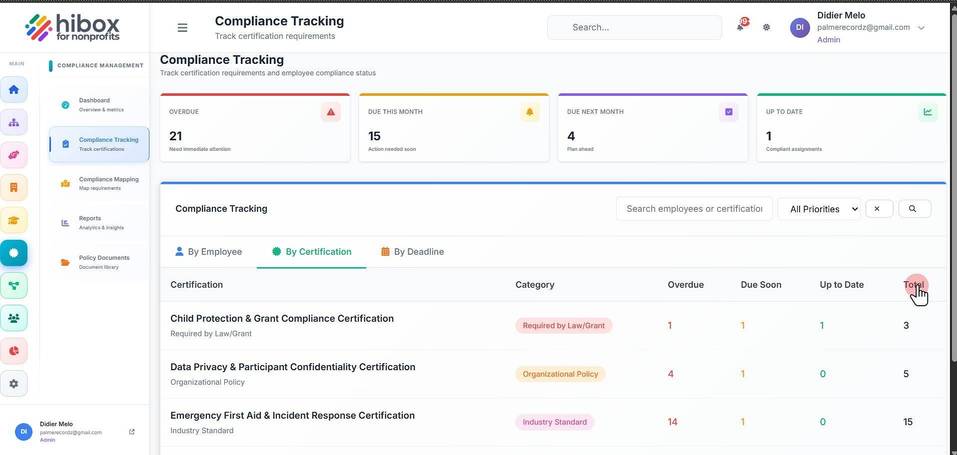
Compliance Tracking by Certification
Compliance Tracking by Certification
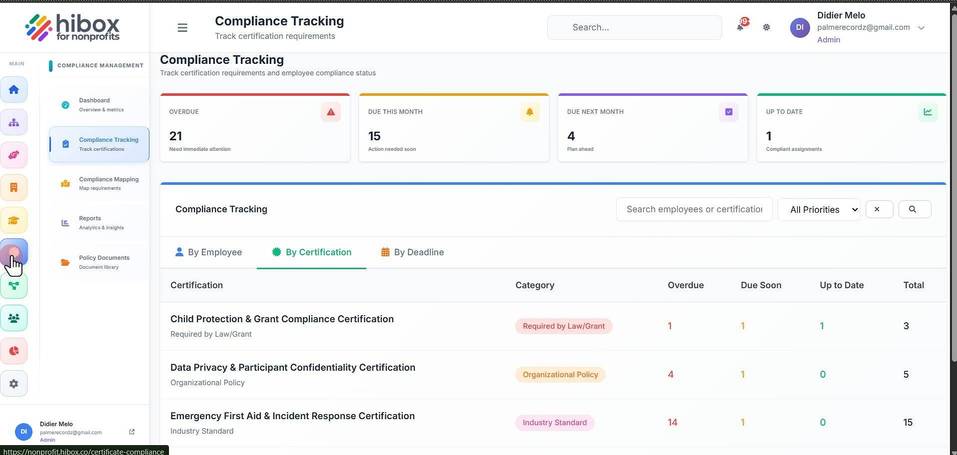
1. Click "Certifications" on the left-side menu
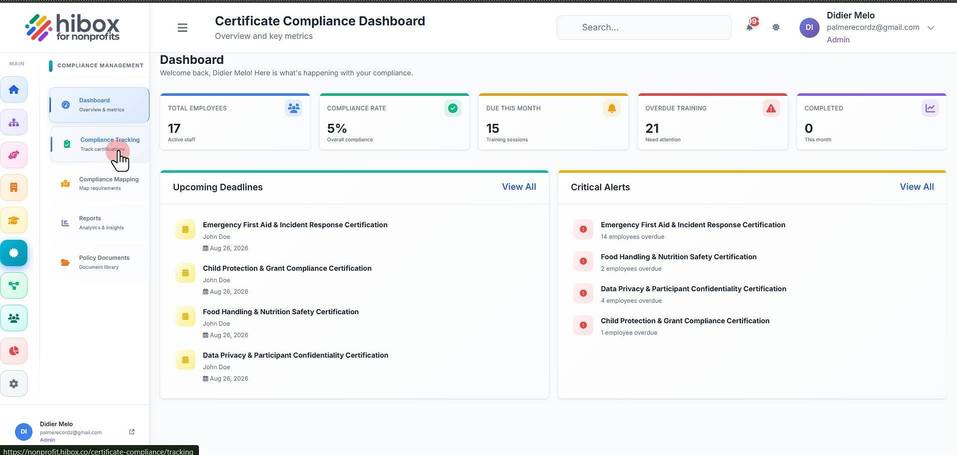
2. Click "Compliance Tracking" on the sub-menu
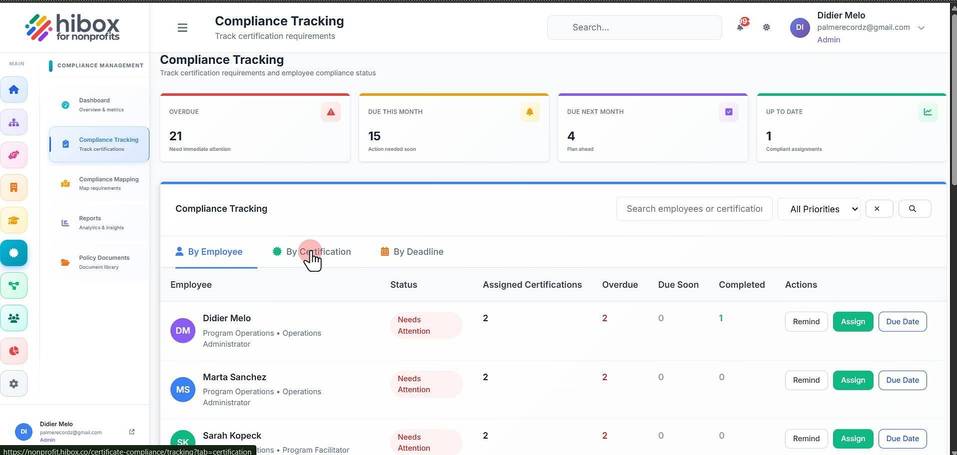
3. Click "By Certification"
4. You can see the "Category" column
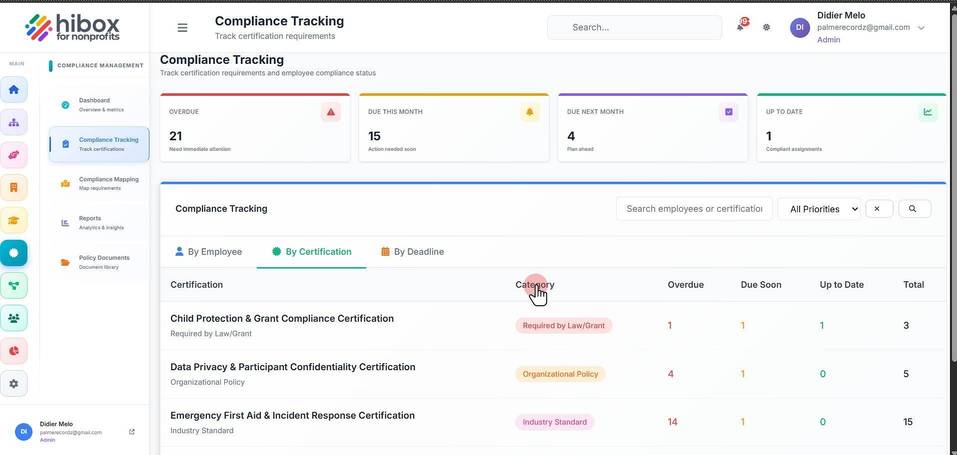
5. How many are "Overdue"
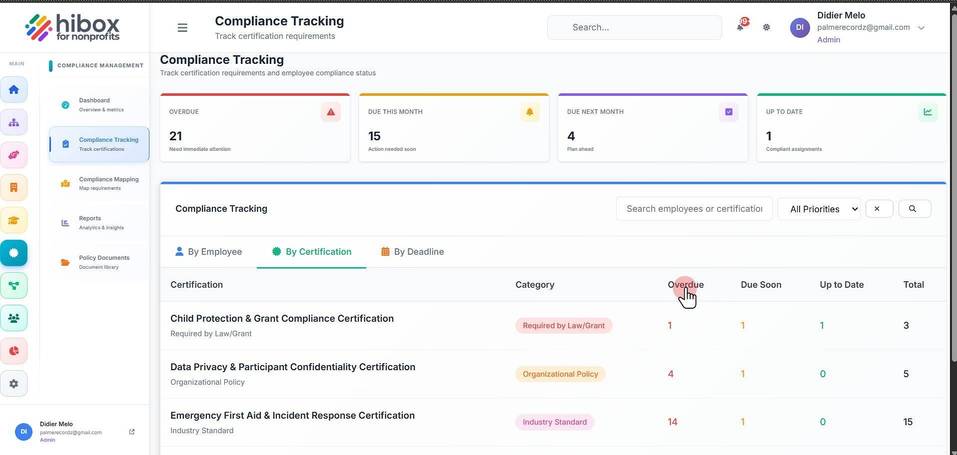
6. And how many are "Due Soon"
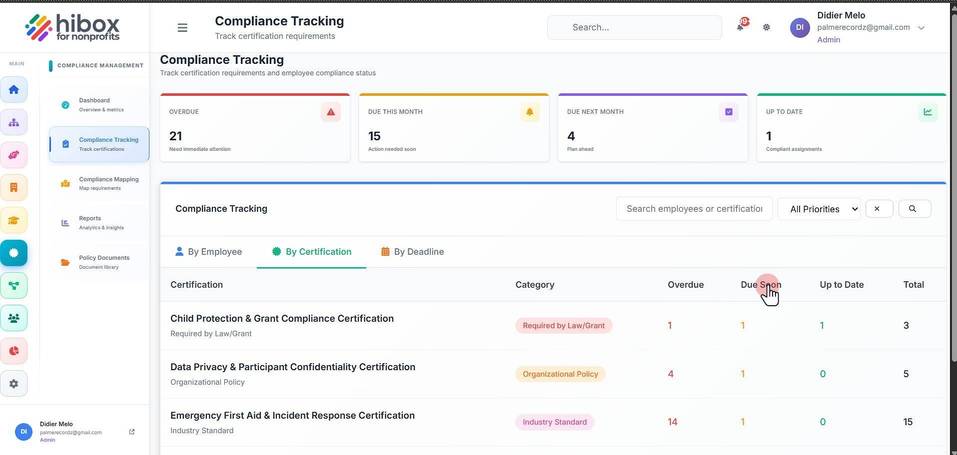
7. Visualize the "Up to Date" column
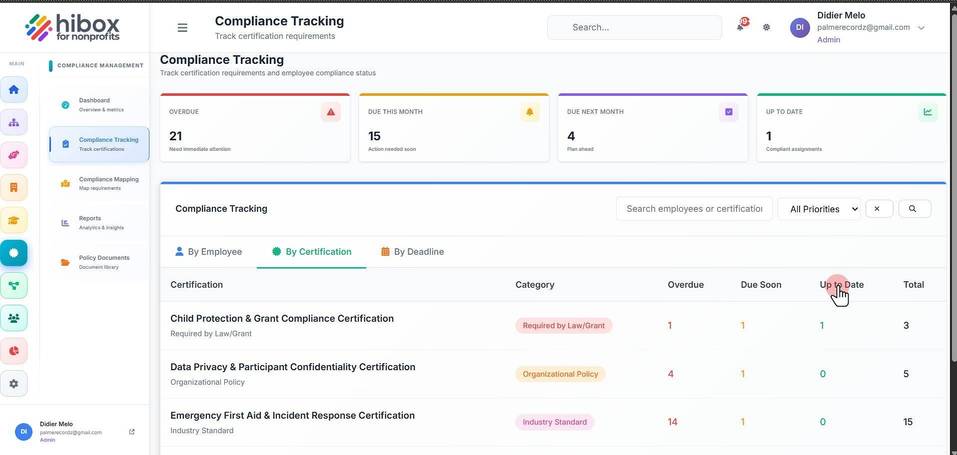
8. And the "Total"