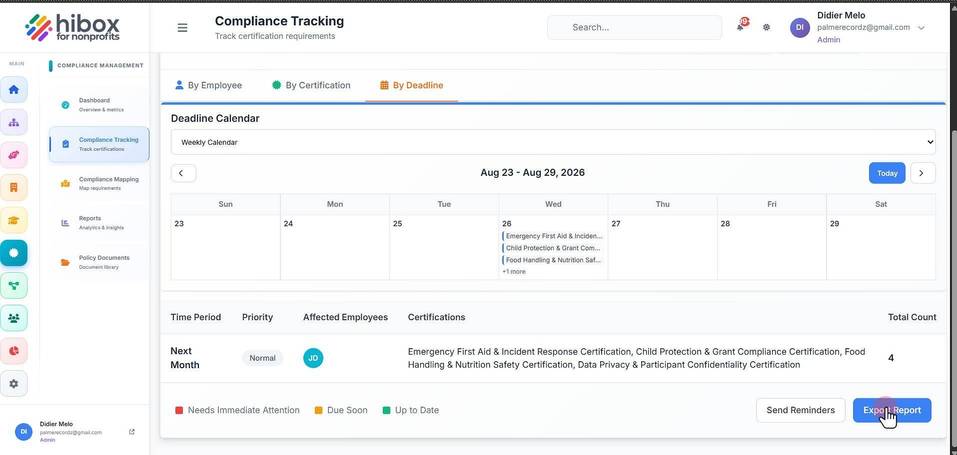
Compliance Tracking by Deadline
Compliance Tracking by Deadline
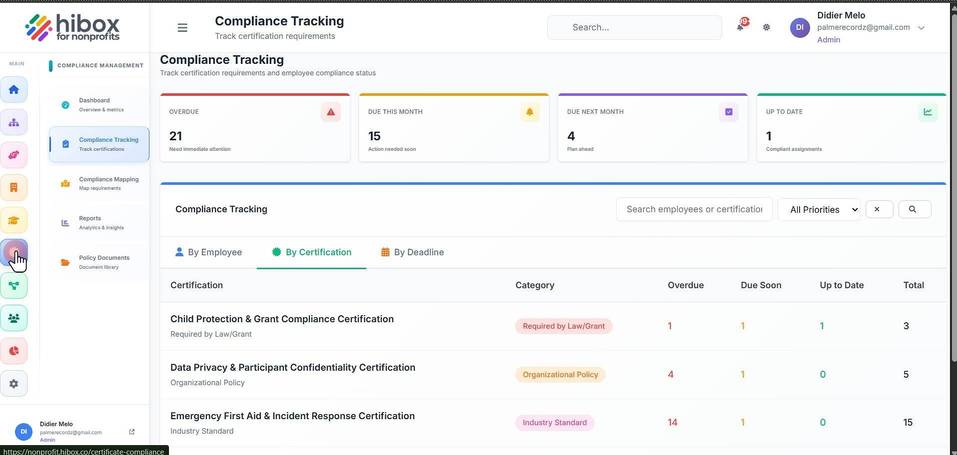
1. Click "Certifications" on the left-side menu
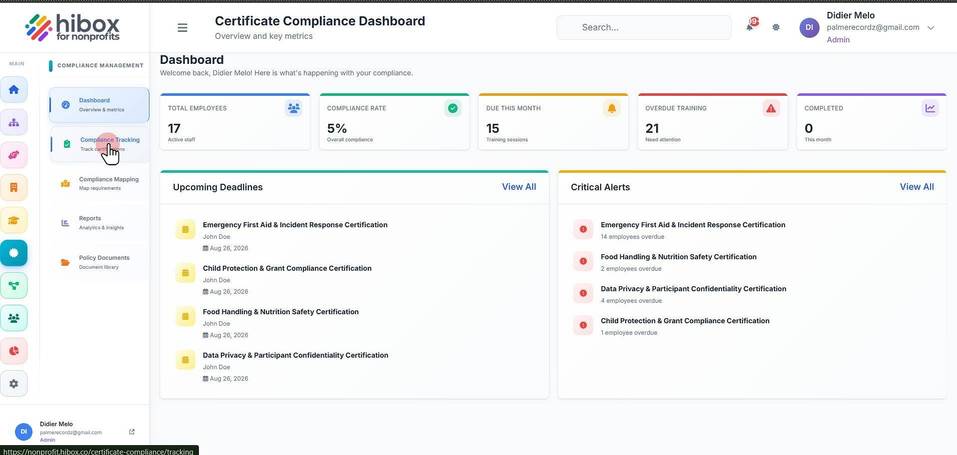
2. Click "Compliance Tracking" on the sub-menu
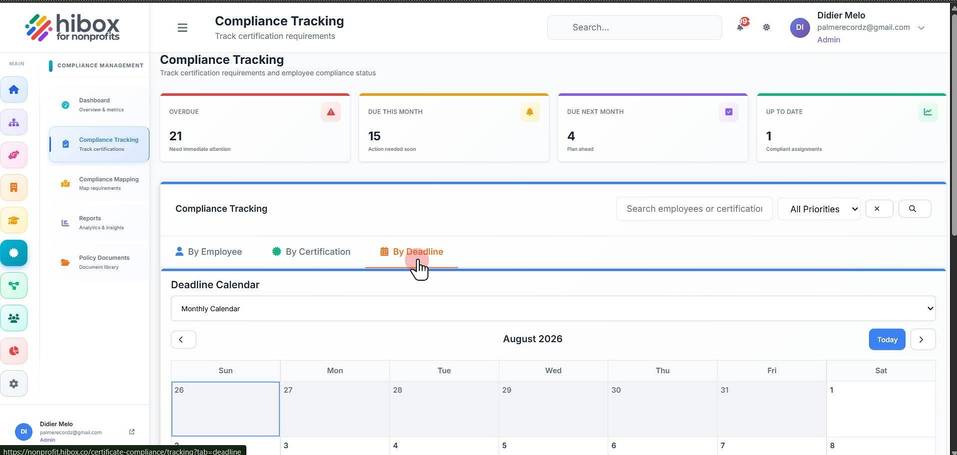
3. Click "By Deadline"
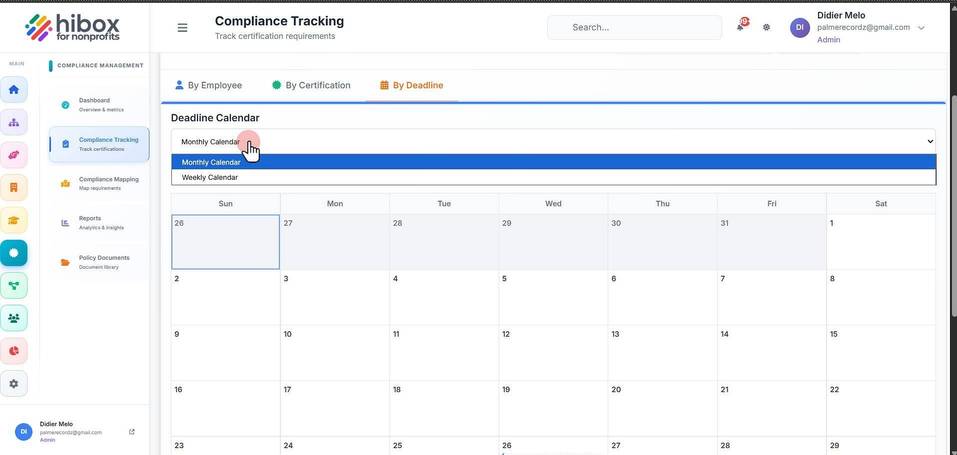
4. You can change from "Monthly Calendar" to "Weekly Calendar"
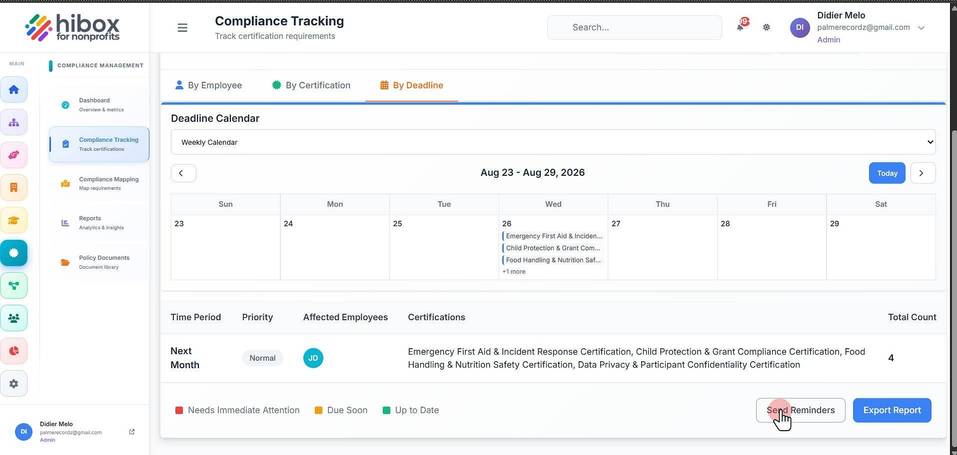
5. Click "Send Reminders" to send reminders to those employees that have pending certifications
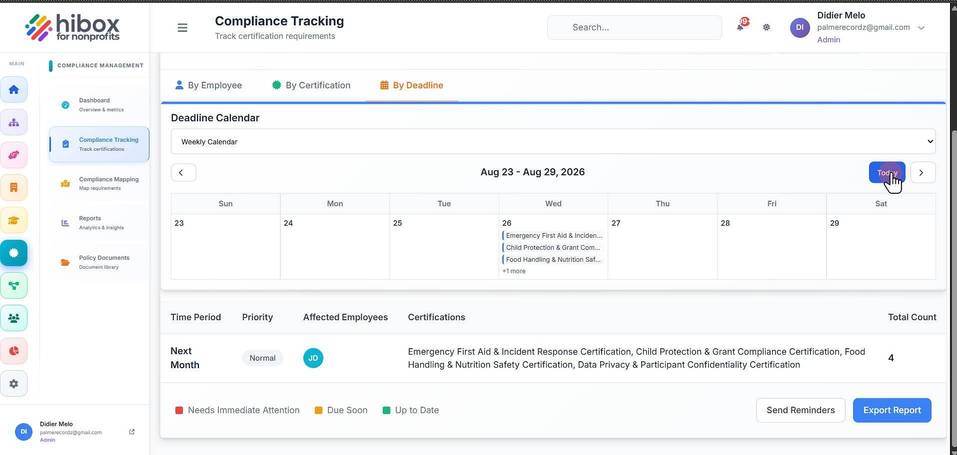
6. Click "Today" to update the timeline
7. Click "Export Report" if needed