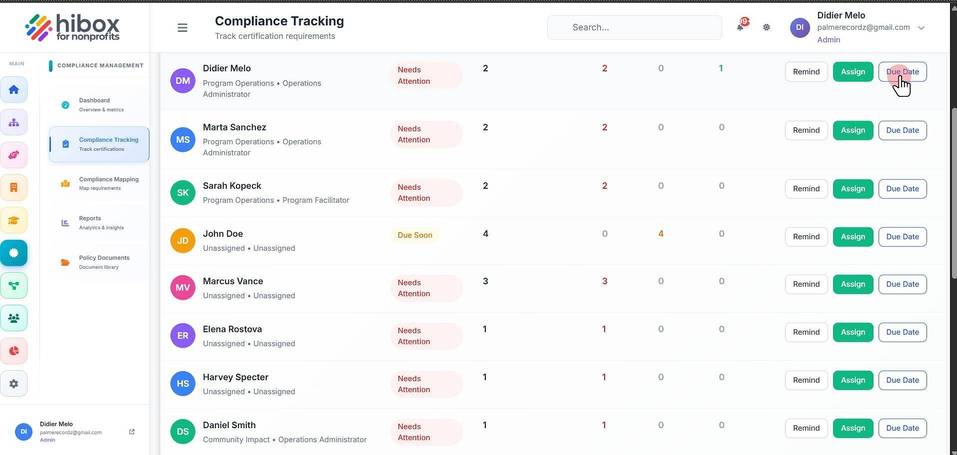
Compliance Tracking by Employee
Compliance Tracking by Employee
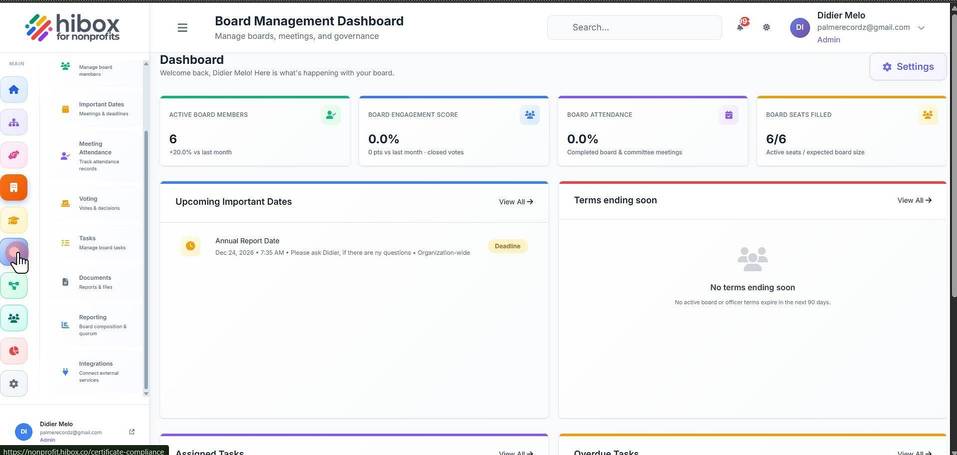
1. Click "Certifications" on the left-side menu
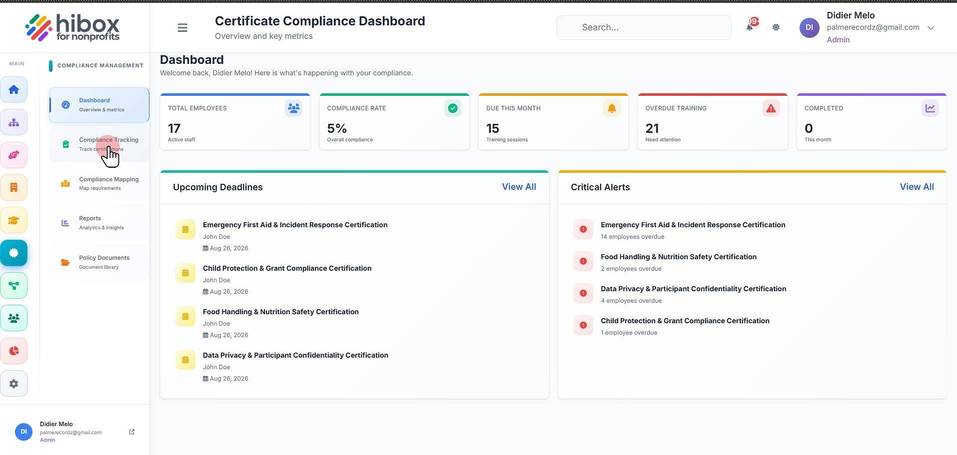
2. Click "Compliance Tracking" on the sub-menu
3. Click "By Employee"
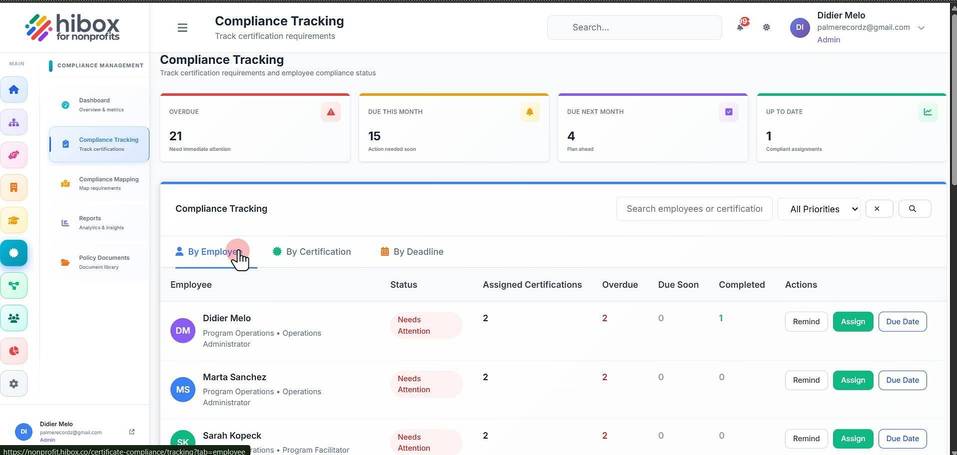
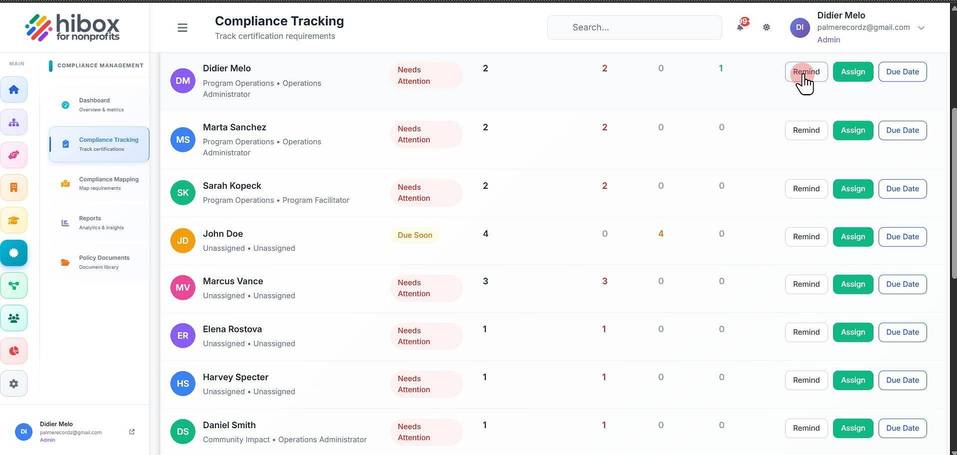
4. From here, you can click "Remind" to send a reminder about pending certifications to that employee
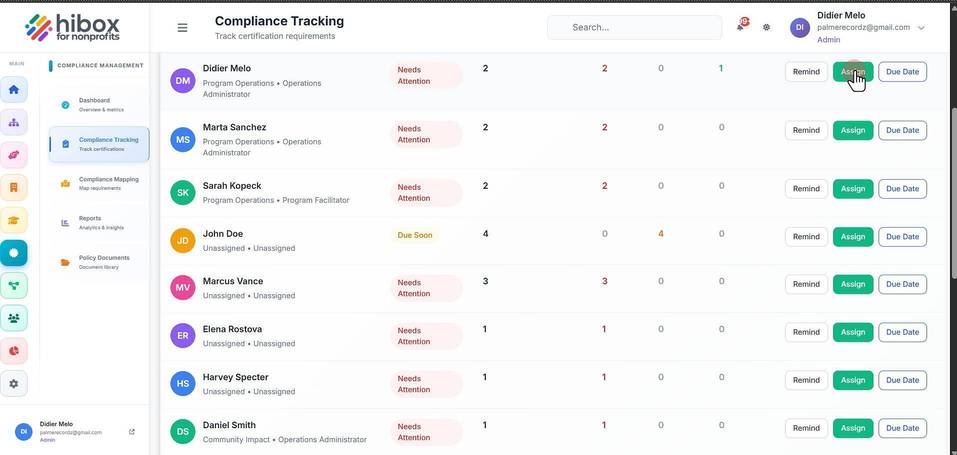
5. Click "Assign" to assign a new course to that employee
6. Click "Due Date" to modify the due date for each deadline