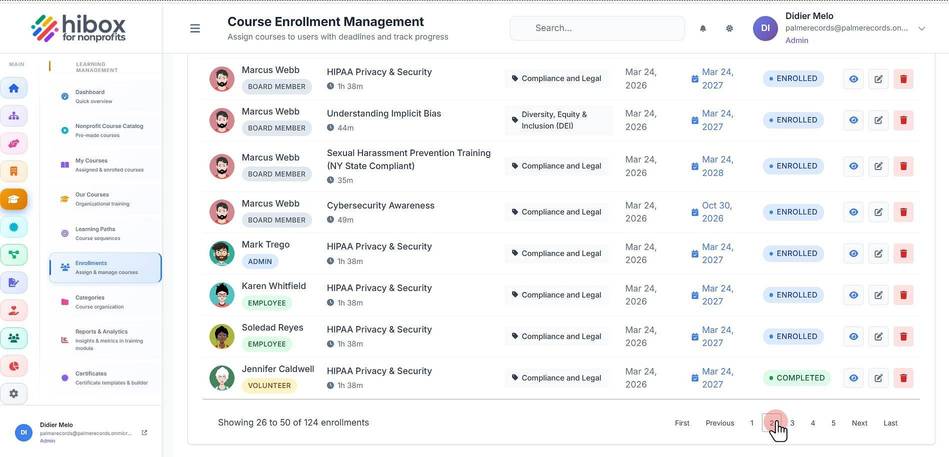
Course Enrollment Management
Course Enrollment Management
1. Click "Training & Onboarding" on the left-side menu
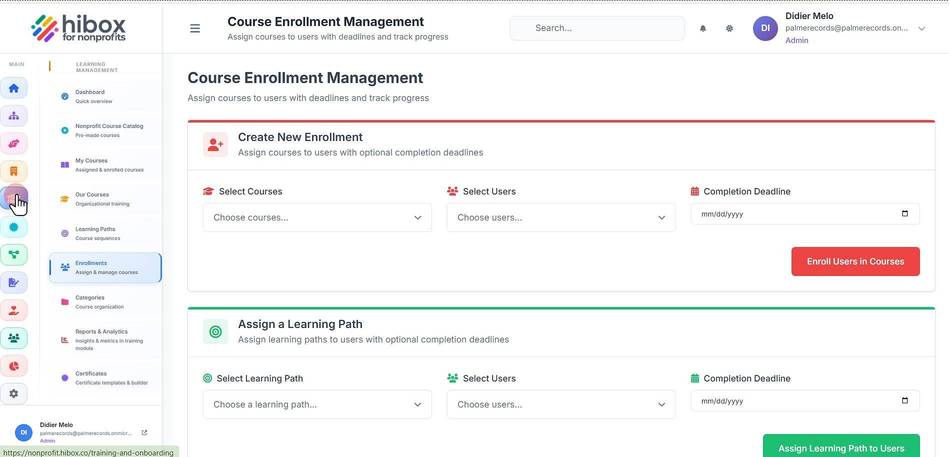
2. Click "Enrollments" on the left-side menu
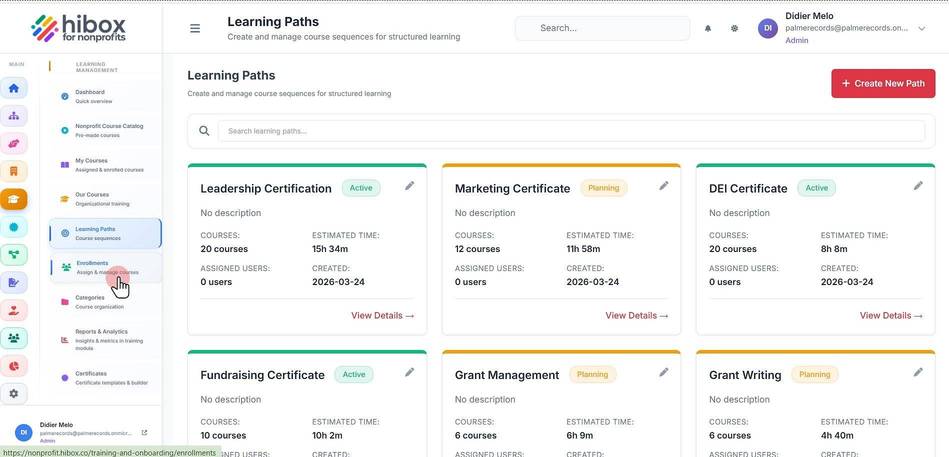
3. Enroll users to courses, and set a deadline
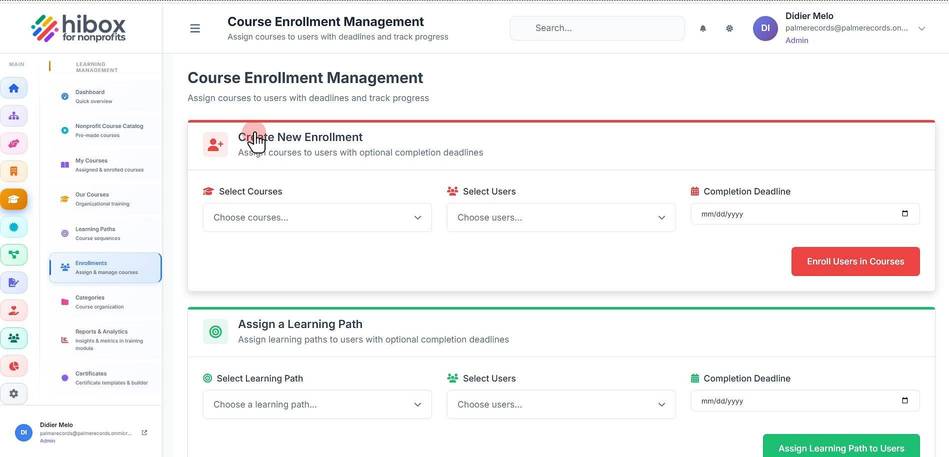
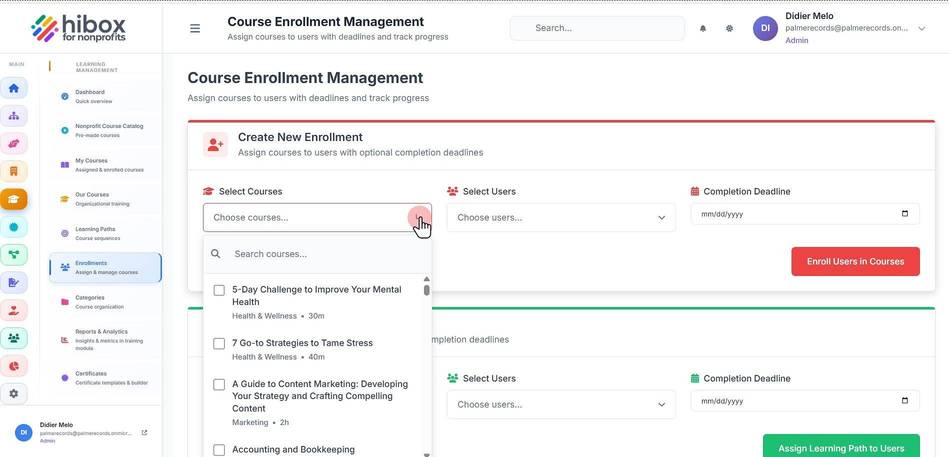
4. Select the courses
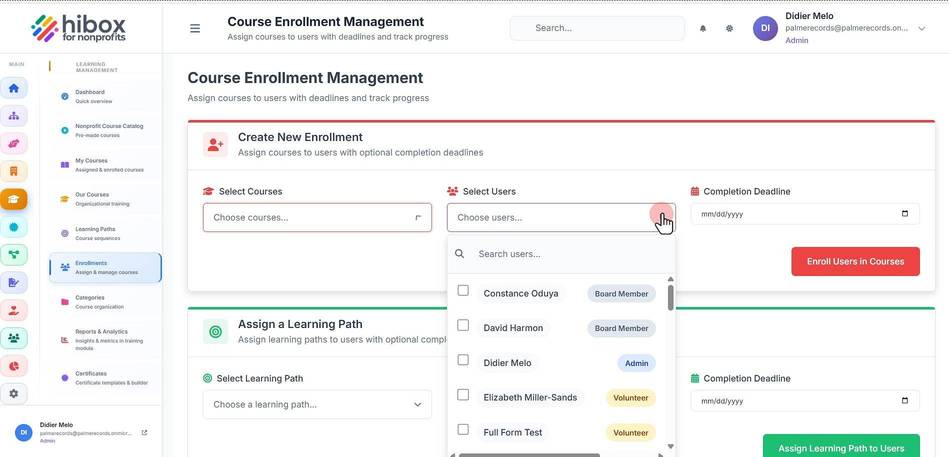
5. Select the users
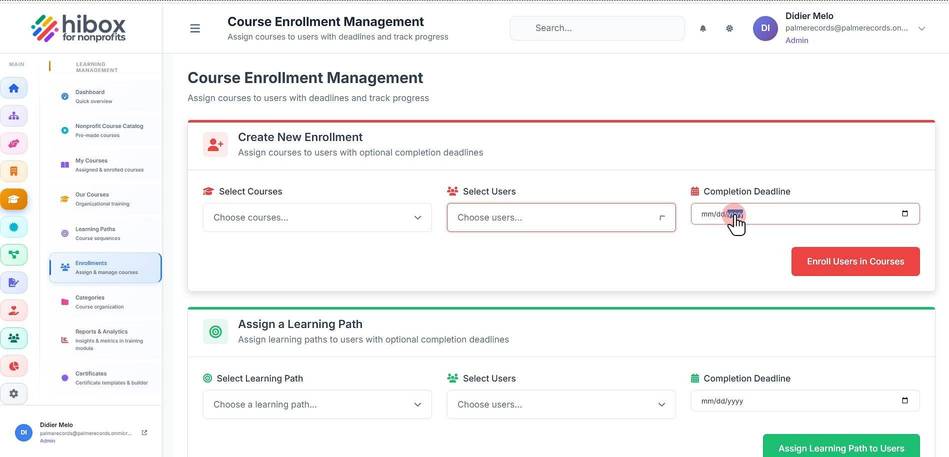
6. Set the deadline
7. or scroll down to assign existing learning paths to users. Select the learning path
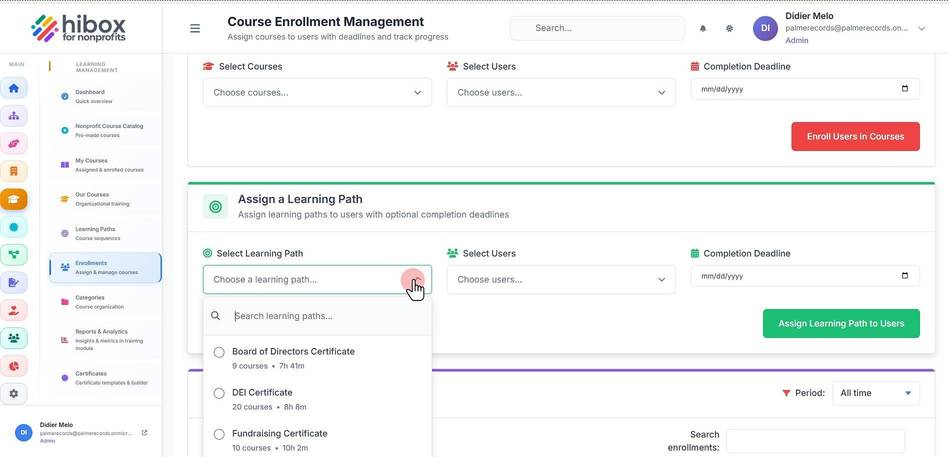
8. Select the users
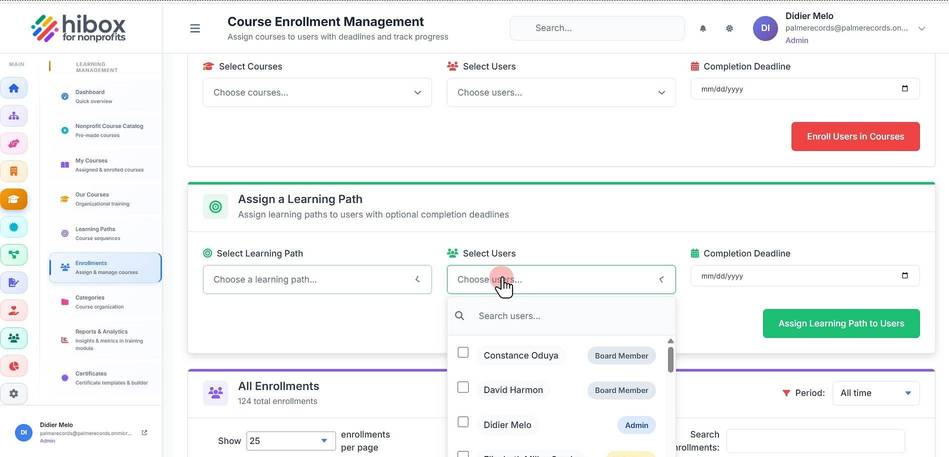
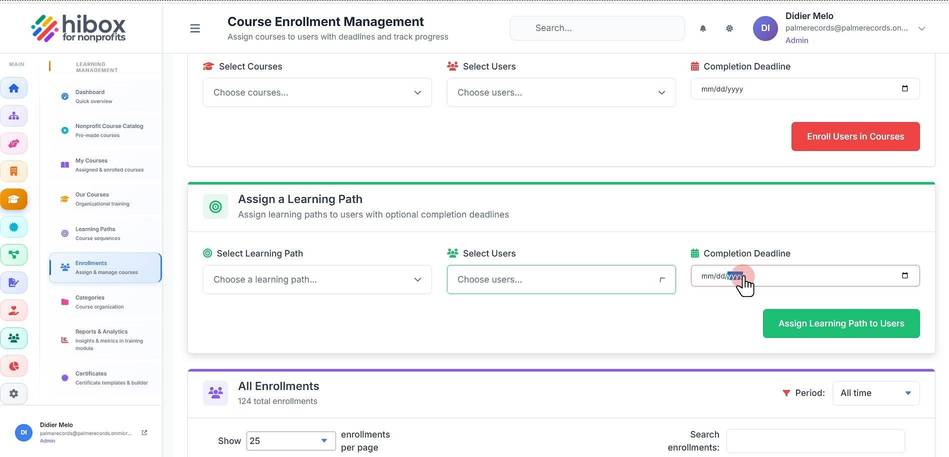
9. Set the deadline
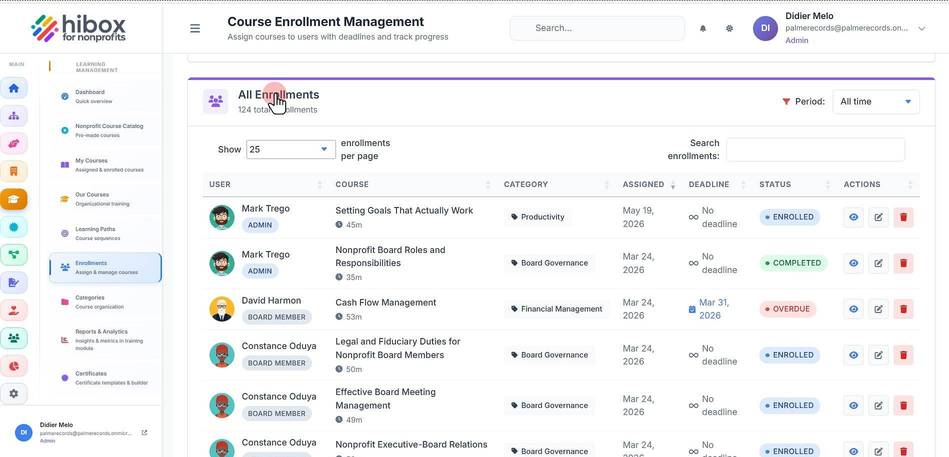
10. Scroll down to see the "All Enrollments" section
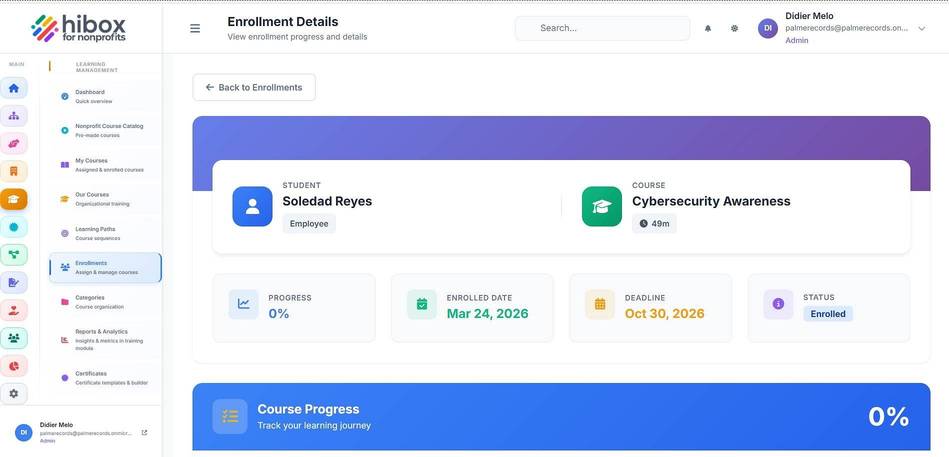
11. Click "View Progress" to see more details
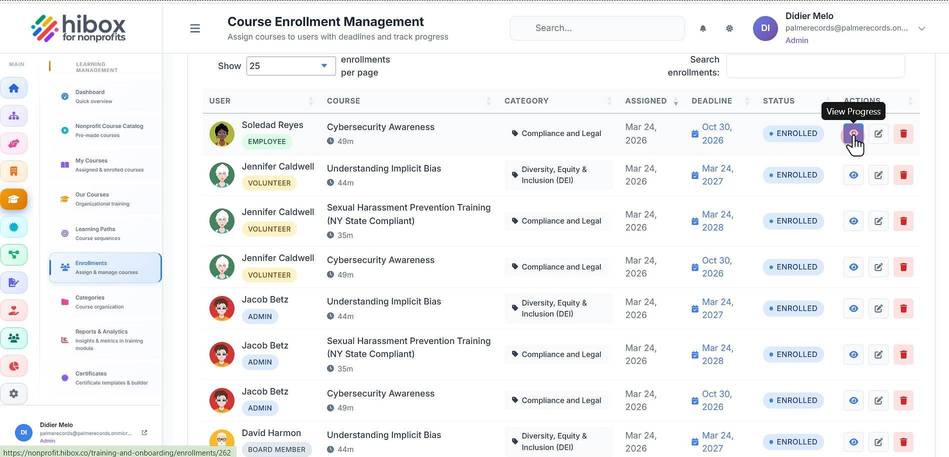
12.
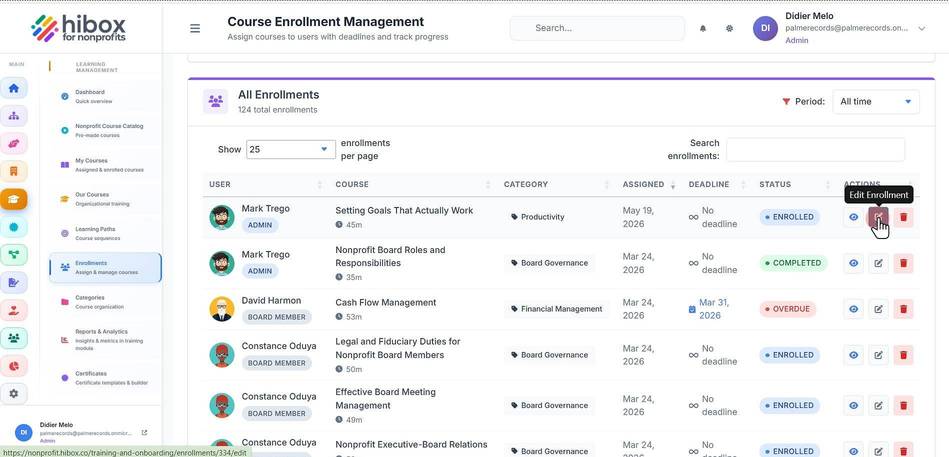
13. Click "Edit Enrollment" to edit each user enrollment
14. Scroll down to see more