Create a Message Template for Client Communication
Create a Message Template for Client Communication
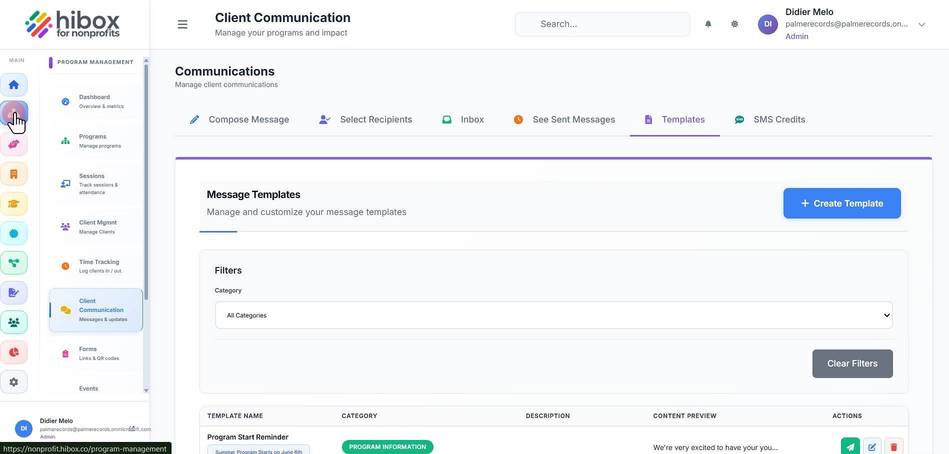
1. Click "Program Management" on the left-side menu
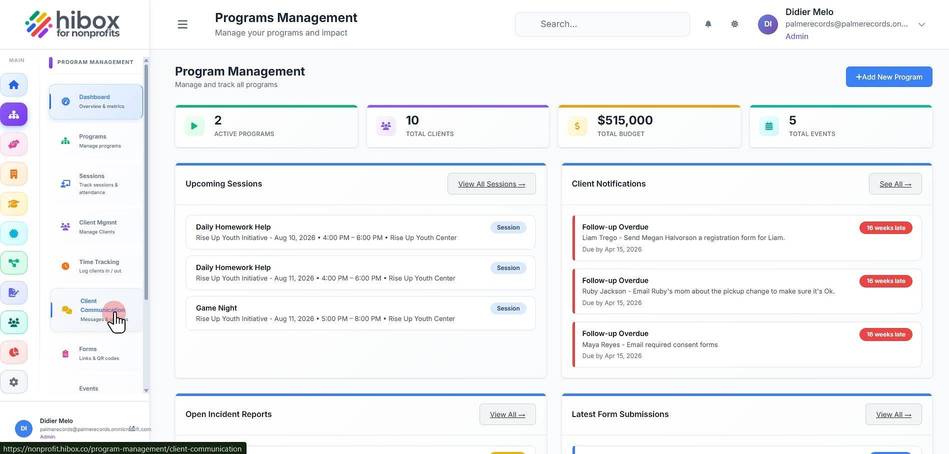
2. Click "Client Communication" on the sub-menu
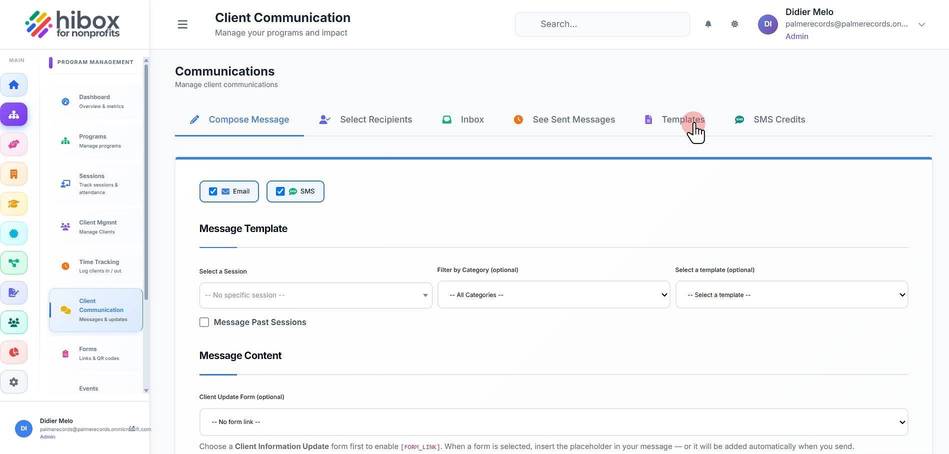
3. Navigate to the "Templates" section
4. Click "+ Create Template"
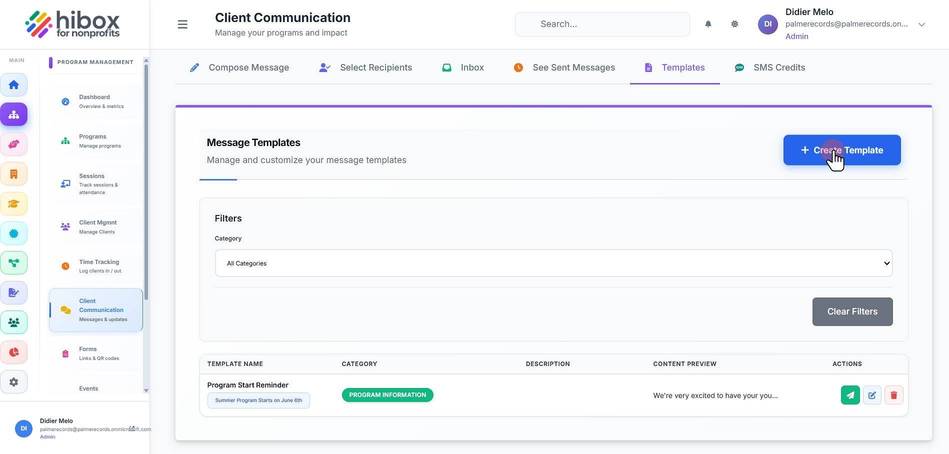
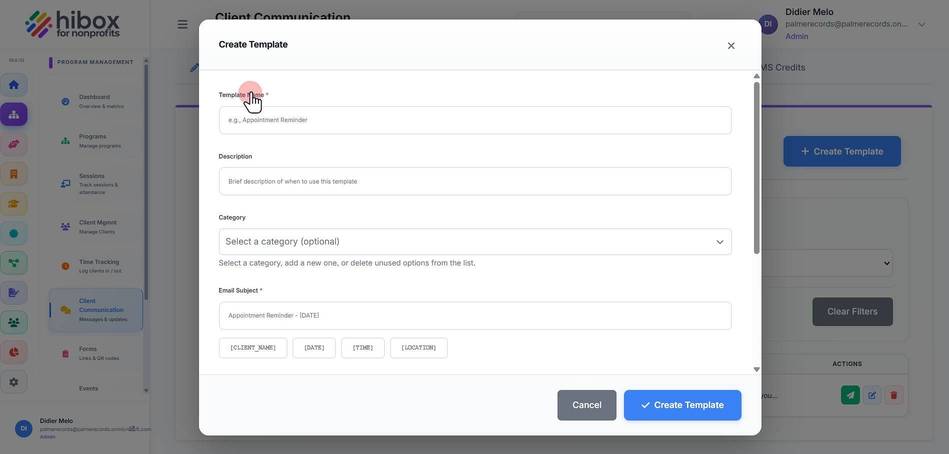
5. Enter the "Template Name"
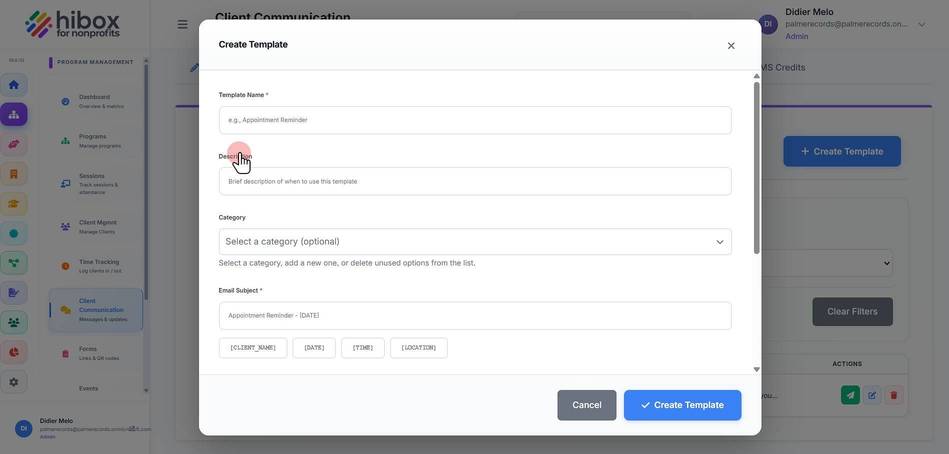
6. Enter a "Description"
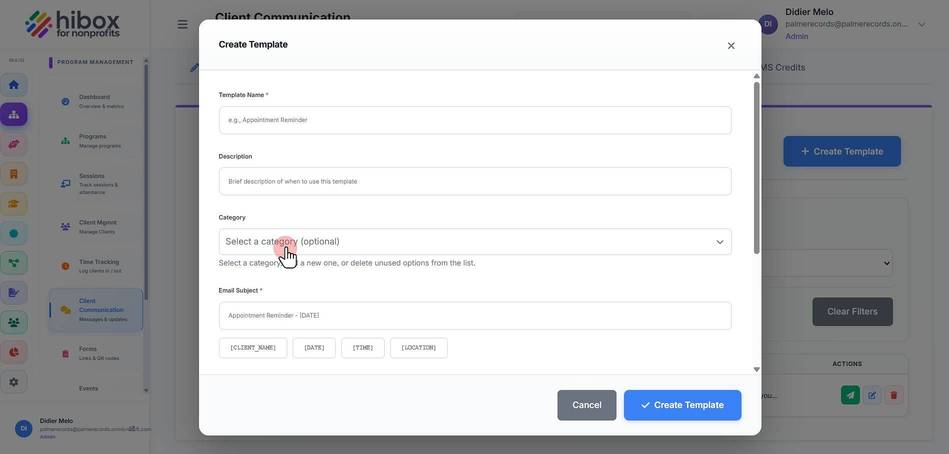
7. Set the "Category"
8. Enter the "Email Subject"
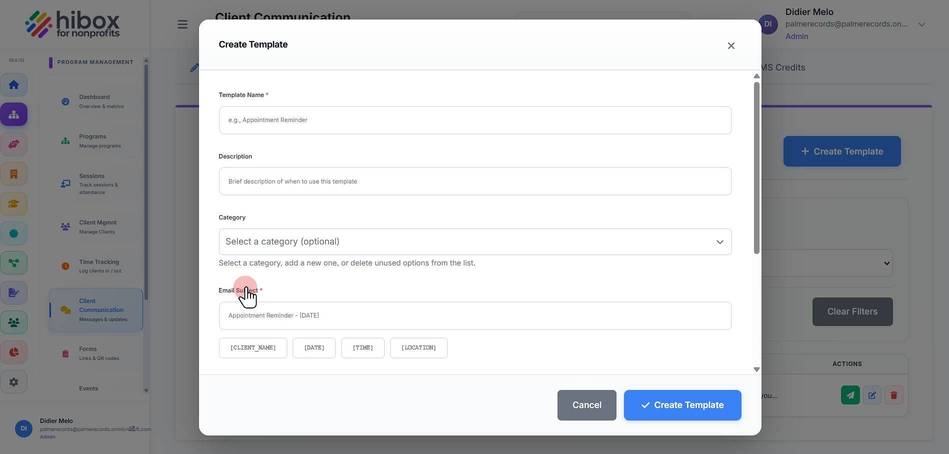
9. Use the placeholders sucha as "[CLIENT_NAME]" "[DATE]" "[TIME]" "[LOCATION]" to use them in the Email Subject
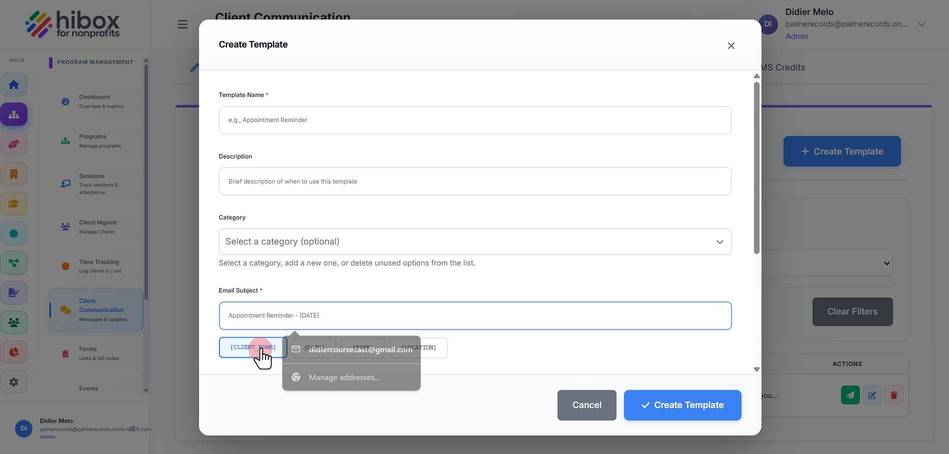
10. Enter the message content
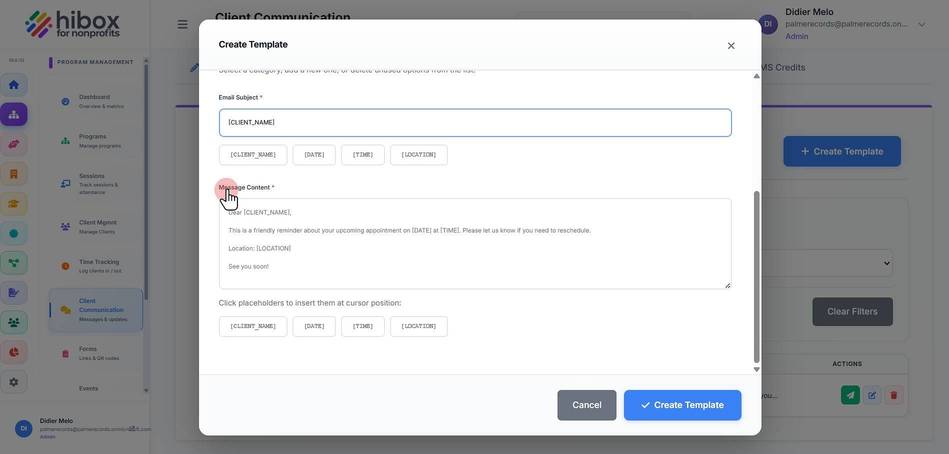
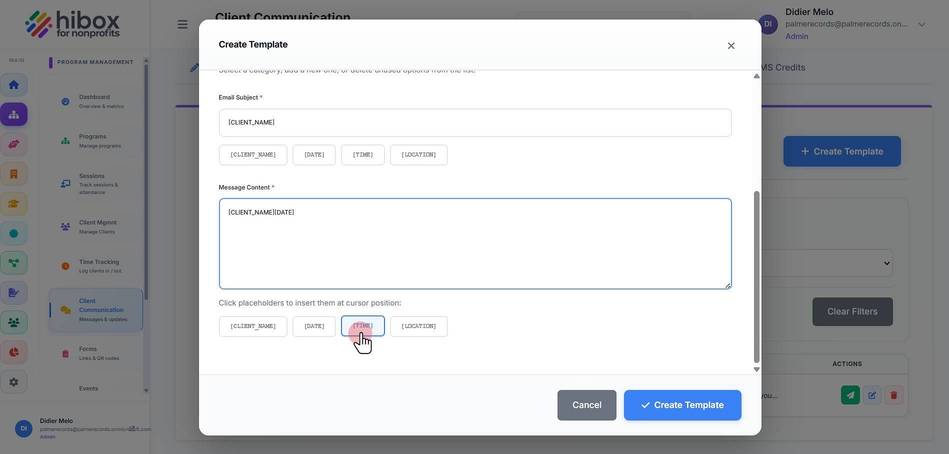
11. Click placeholders to insert them in the message
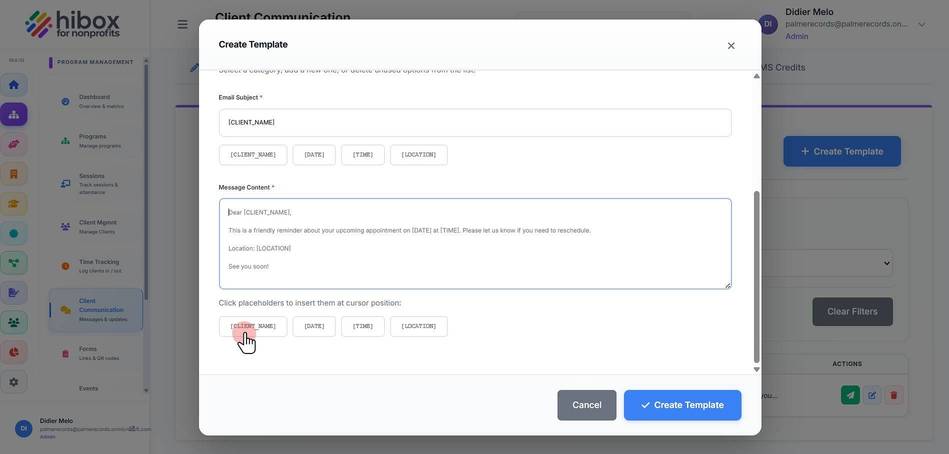
12. Click "[TIME]"
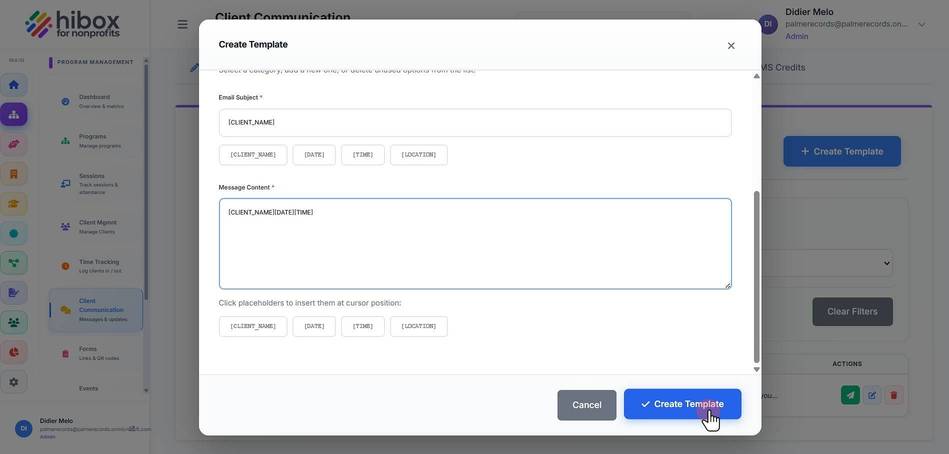
13. Click " Create Template"
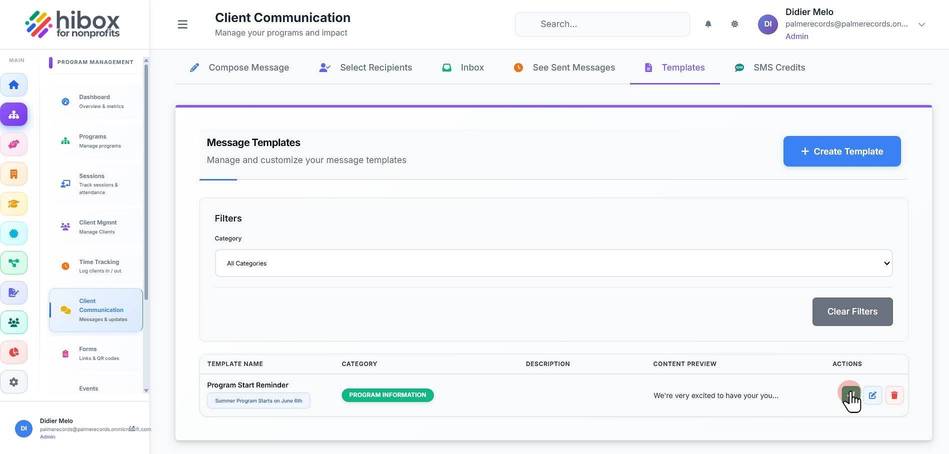
14. You will find the new template at the bottom of the screen, click "Use Template"
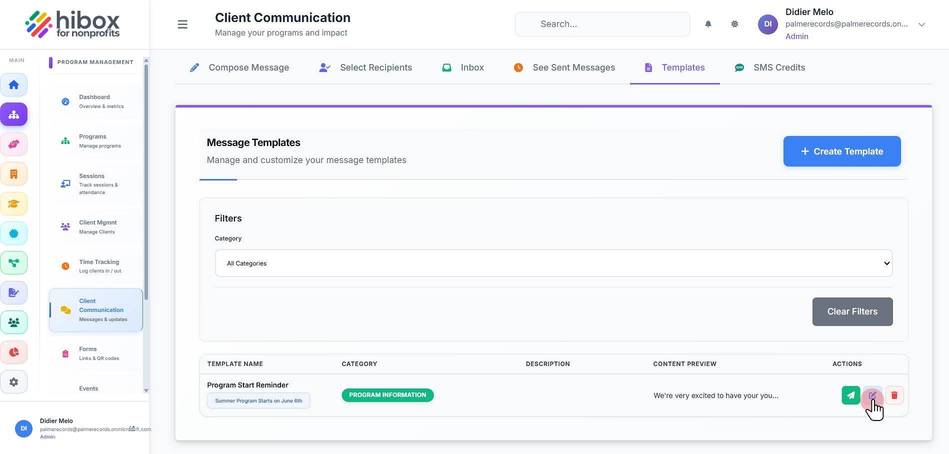
15. or click "Edit Template" to edit it
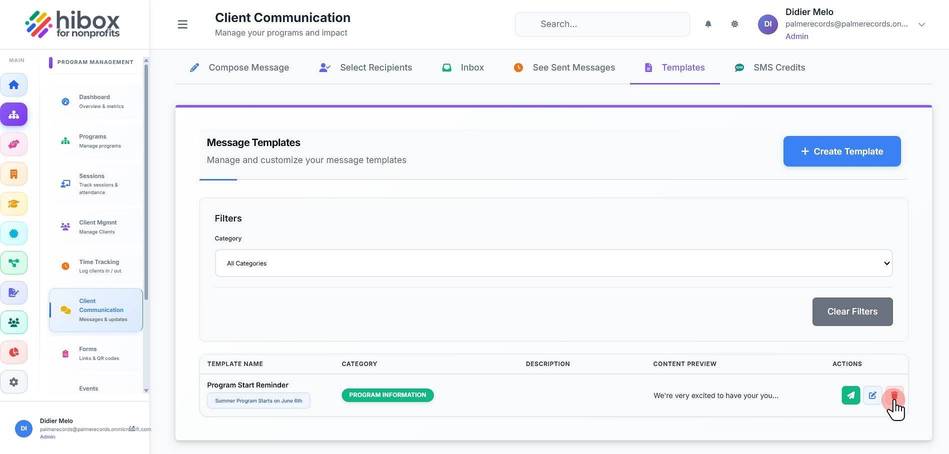
16. Click here to "Delete Template"