Create a New Task for a Project
Create a New Task for a Project
1. Click "Project Management" on the left-side menu
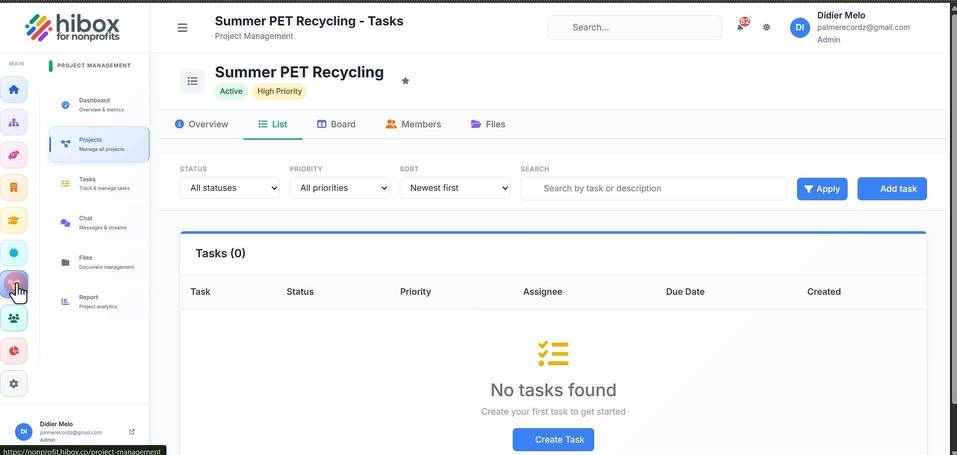
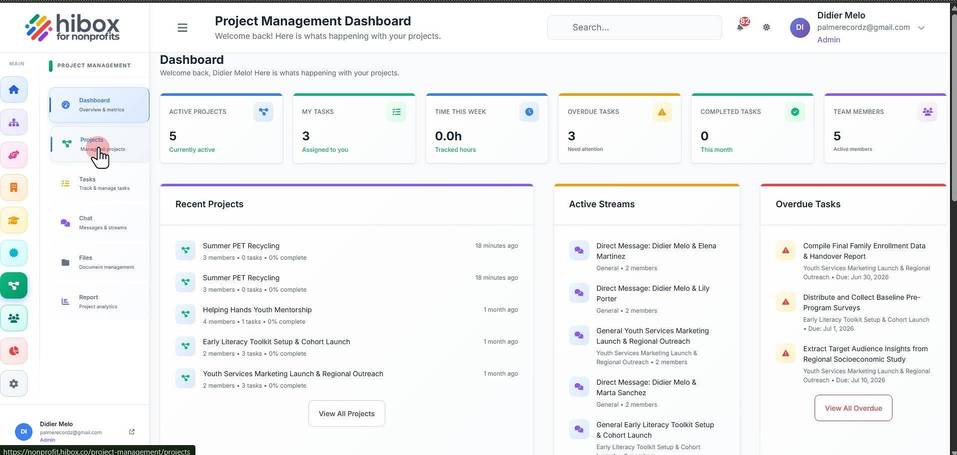
2. Click "Projects" on the sub-menu
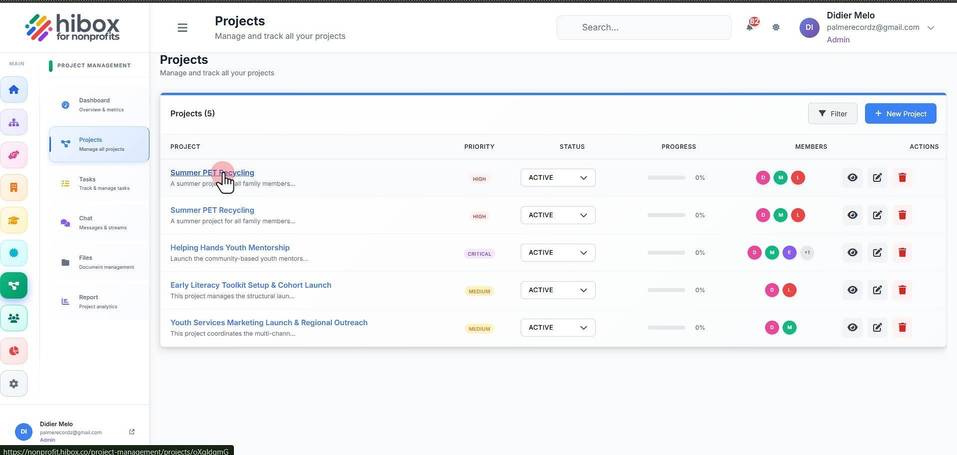
3. Find the project and click on the title
4. This is the "Board" view, click on the "+ Add Task" button to add a task on the correct column; "To Do", "Doing", "Done", or "On Hold"
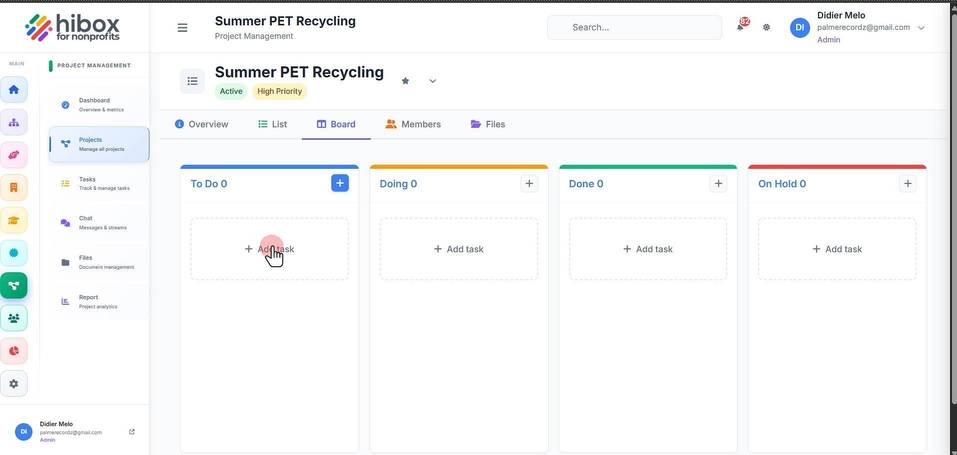
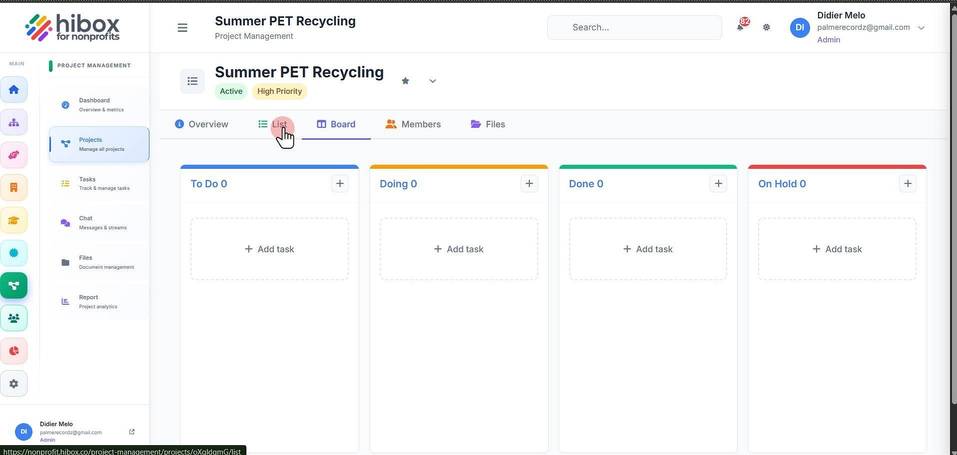
5. or click "List"
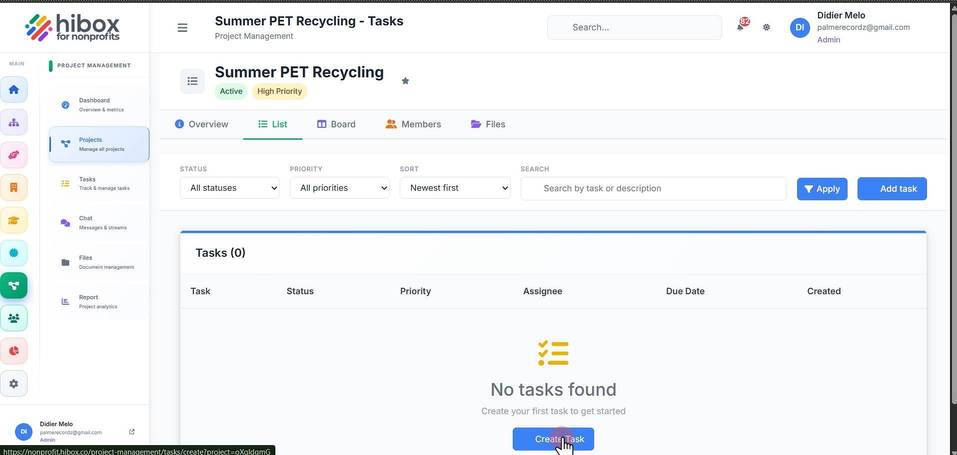
6. Click "+ Create Task" to create a new task
7. Click "Basic Information"
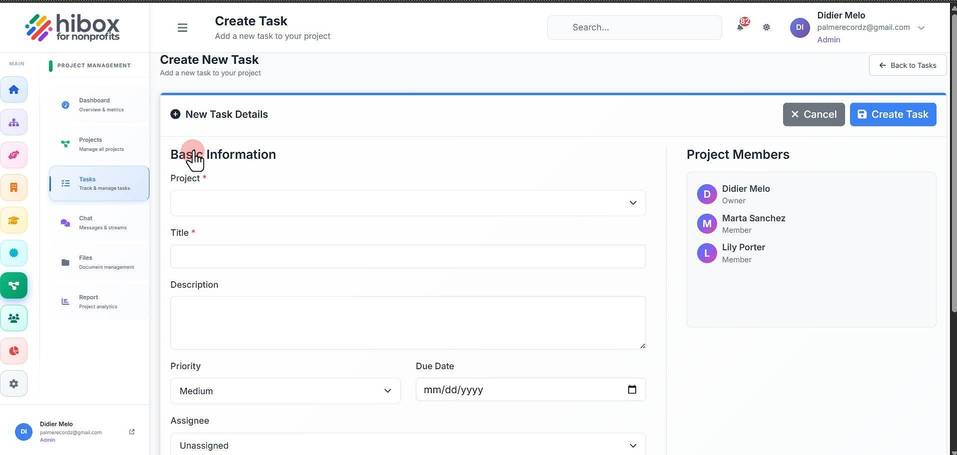
8. Enter the name of the "Project"
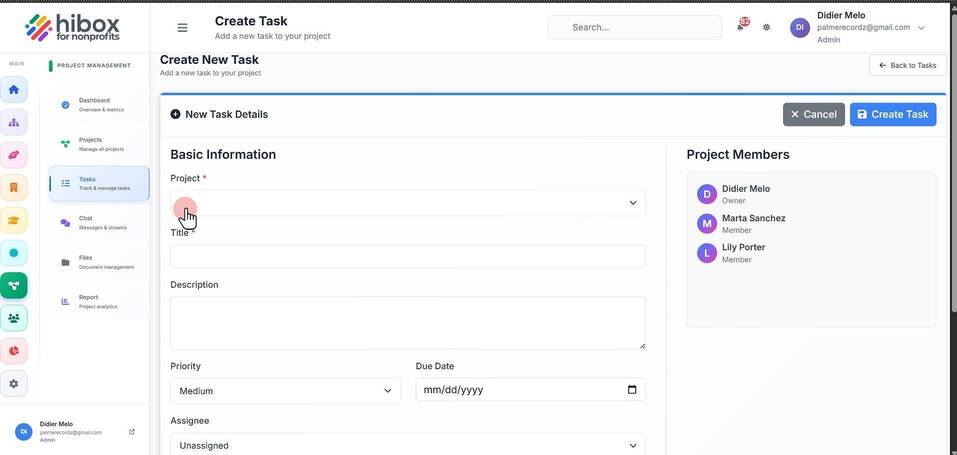
9. Enter a "Title"
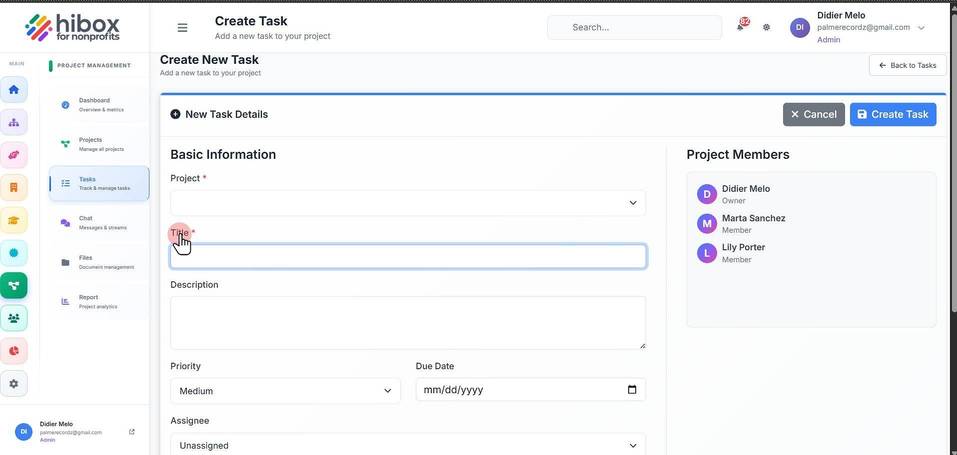
10. Enter a "Description"
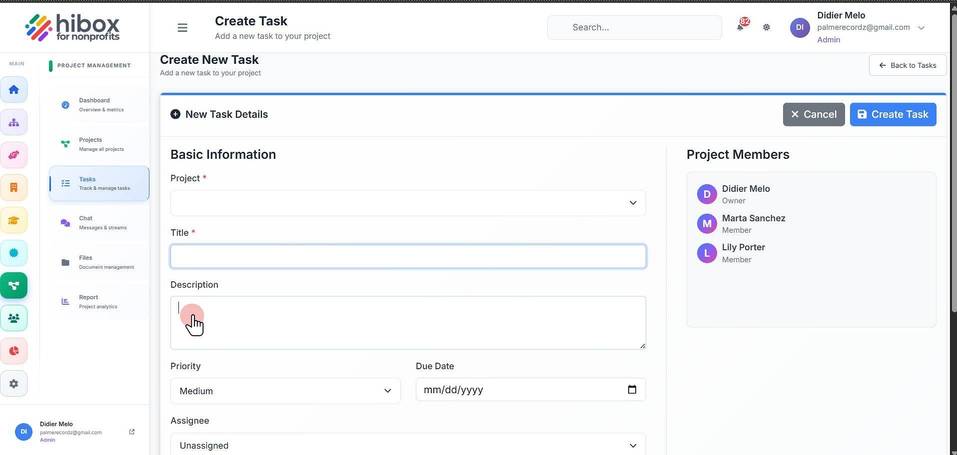
11. Set the "Priority"
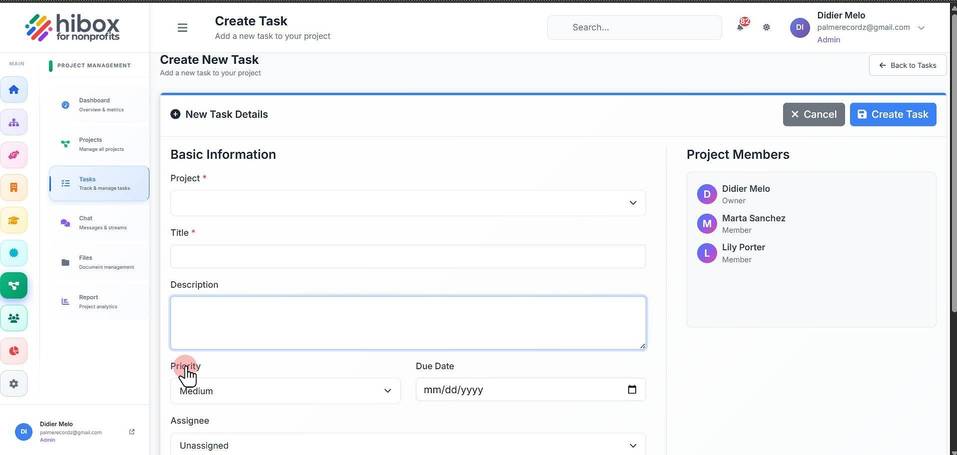
12. Set a "Due Date"
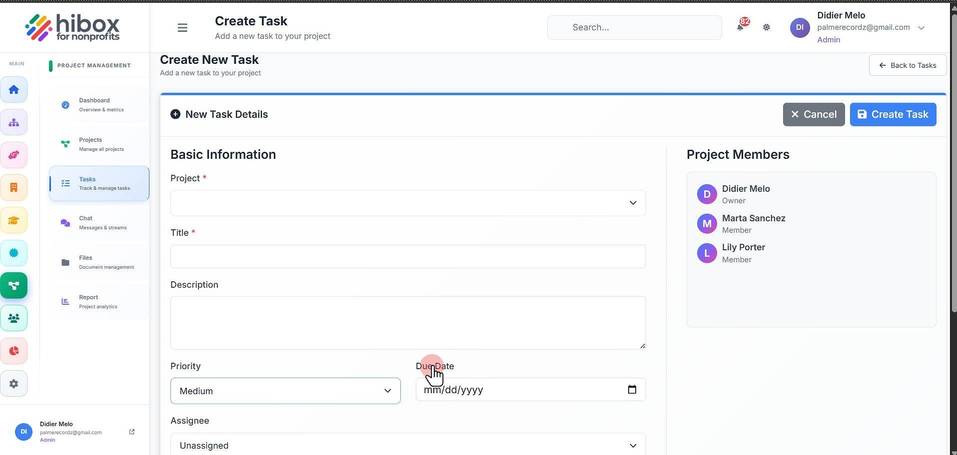
13. Choose an "Assignee"
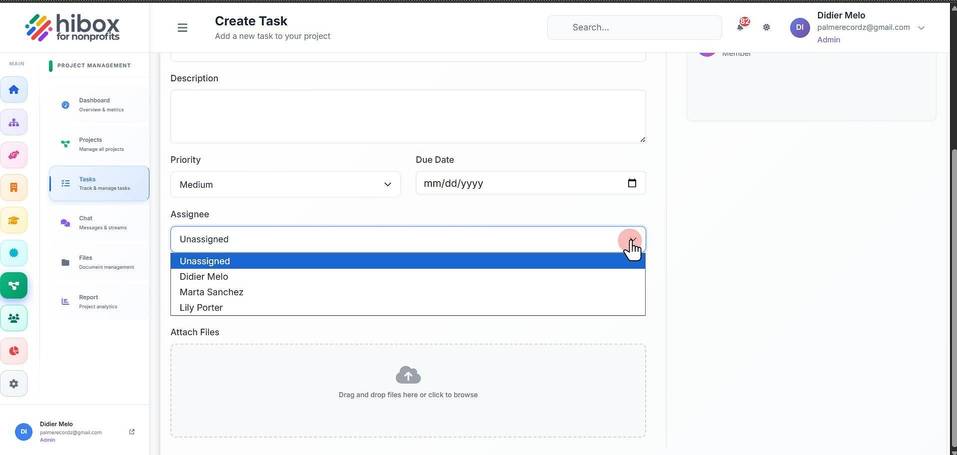
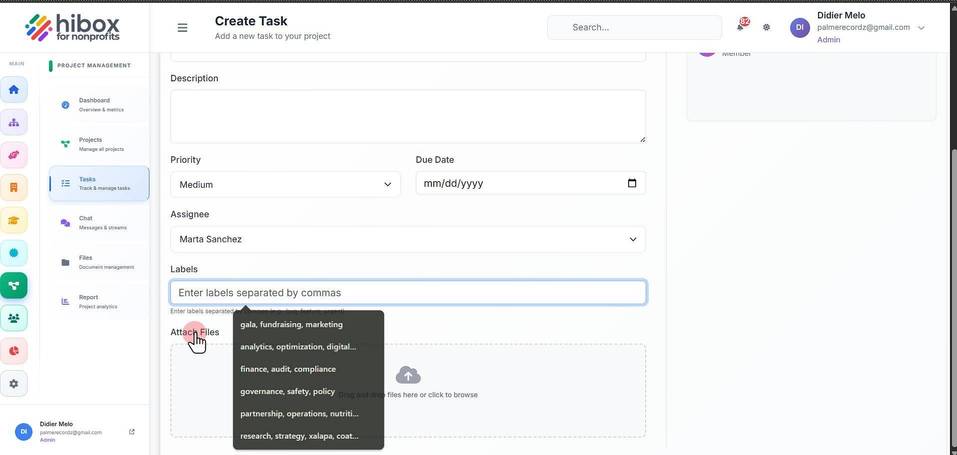
14. Enter "Labels" separated by commas
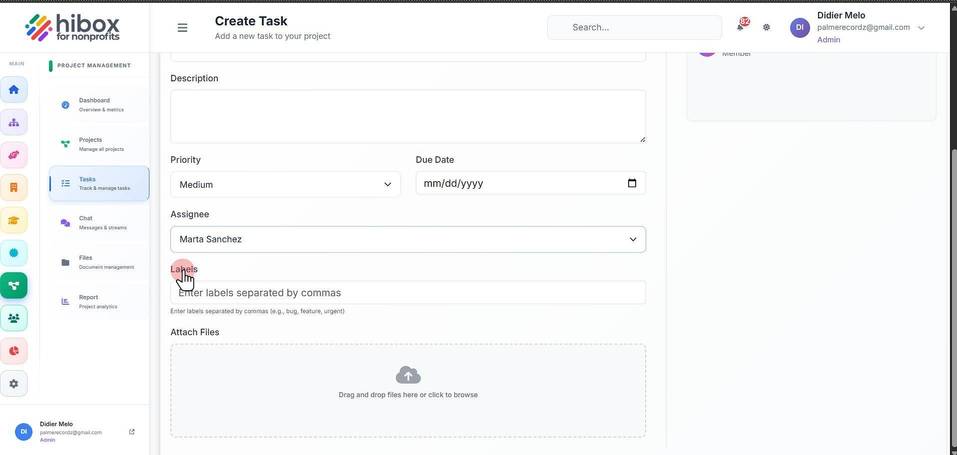
15. Click "Attach Files" to upload files
16. Click "Create Task" to finish
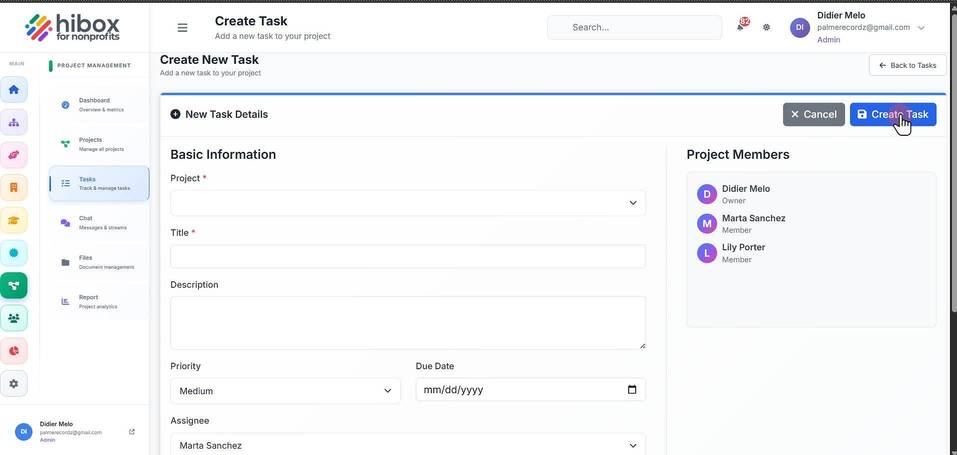
17. Your task had been created, you can click "Edit" if you wish to make more changes
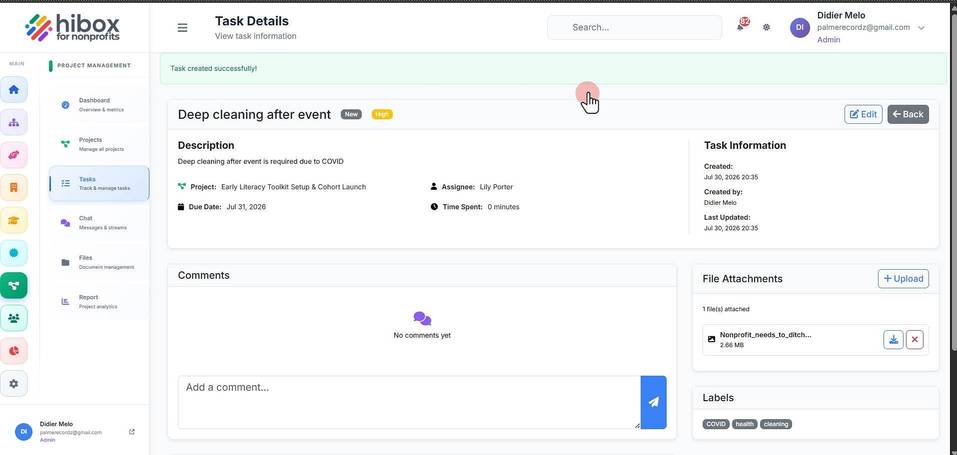
18. Scroll down to find the "Comments" section
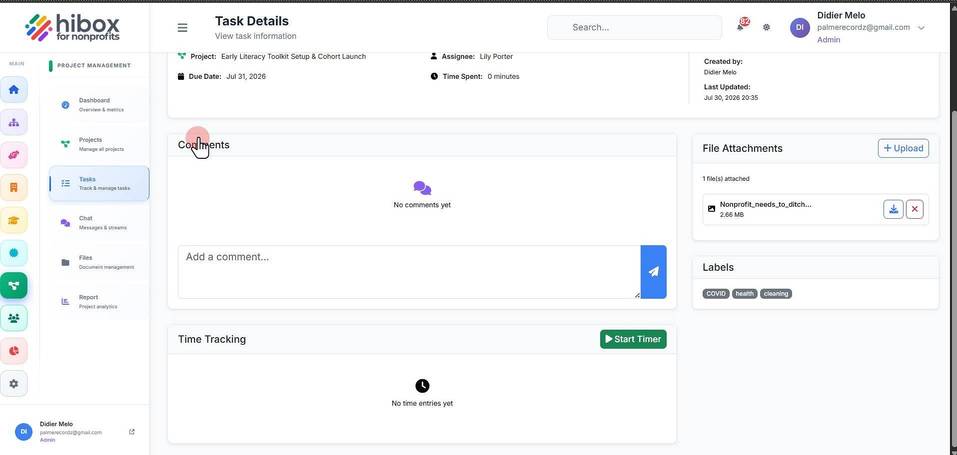
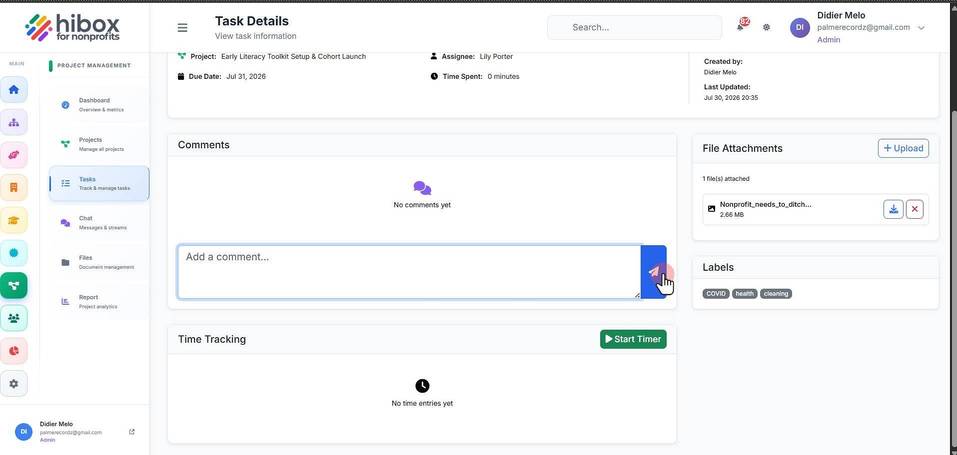
19. You can "Add a comment..."
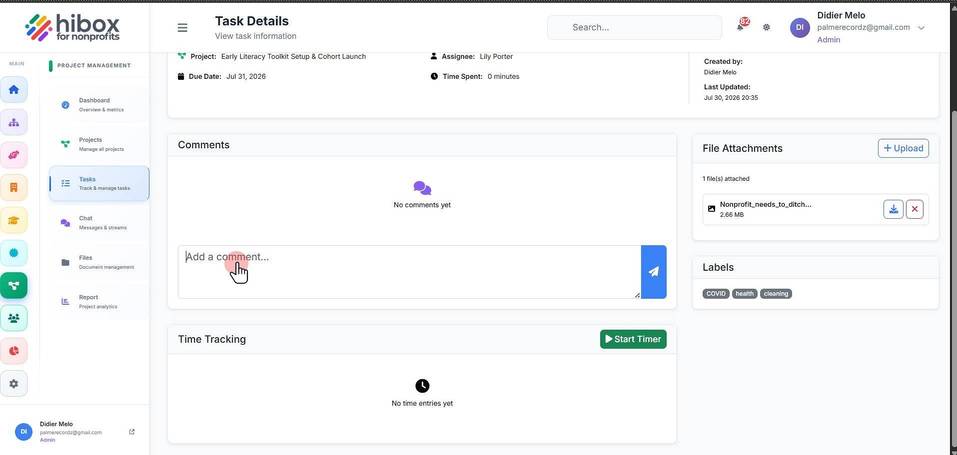
20. Click the "Send" icon to save the comment
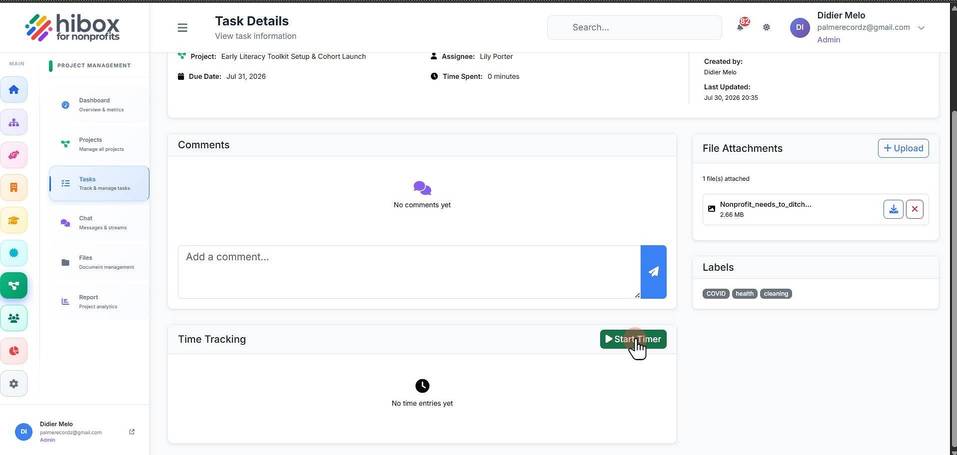
21.
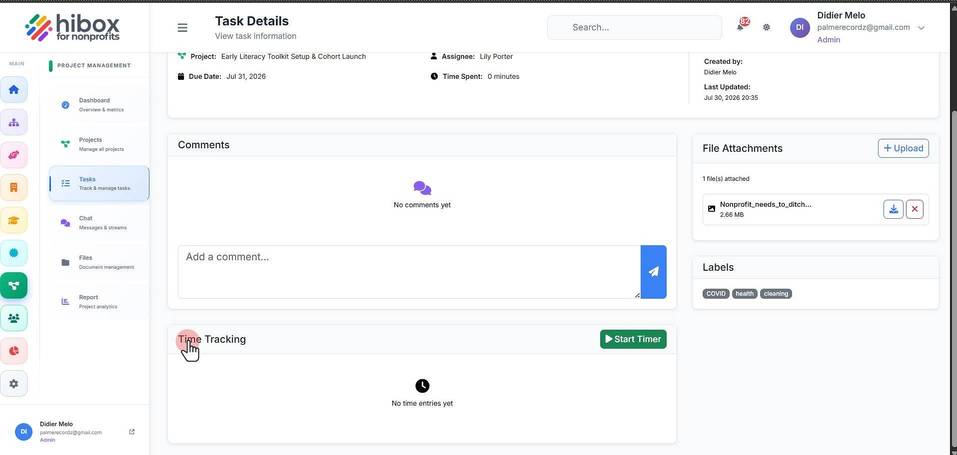
22. The "Time Tracking" section will allow you to "Start or Stop the Timer"