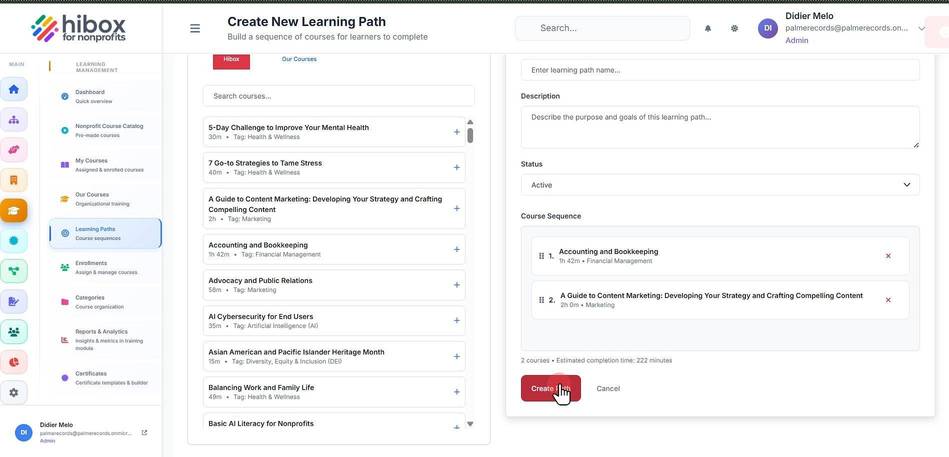
Creating a New Learning Path
Creating a New Learning Path
1. Click "Training & Onboarding" on the left-side menu
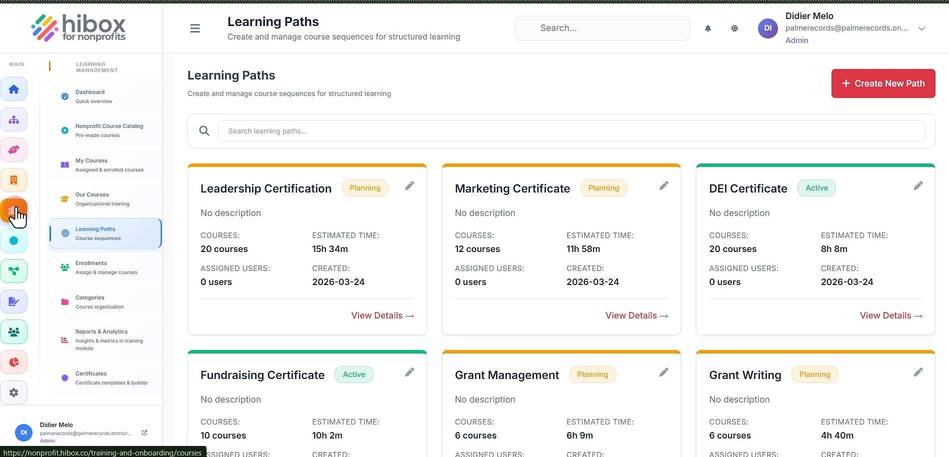
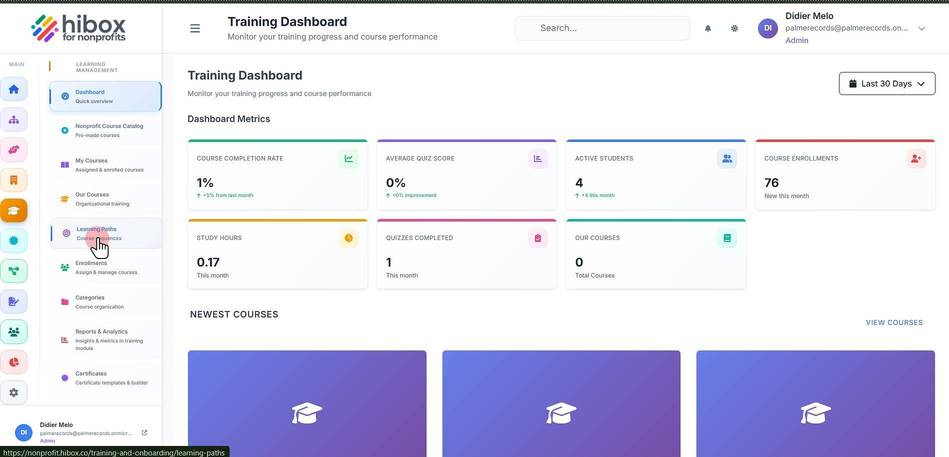
2. Click "Learning Paths" on the sub-menu
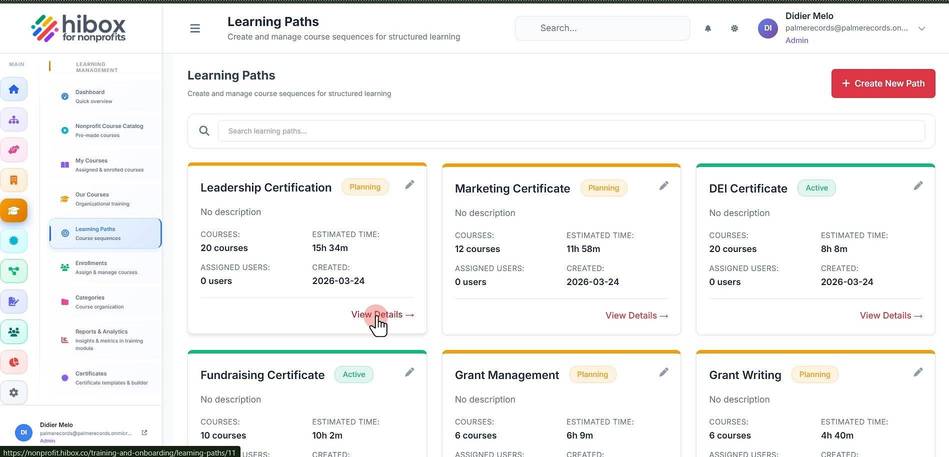
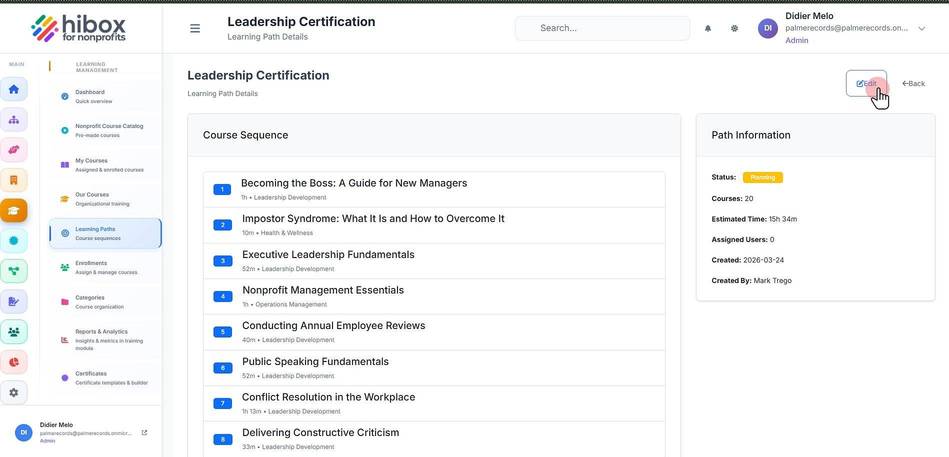
3. Click "View Details →" to see an existing learning path details
4. Click "Edit" to edit the learning path
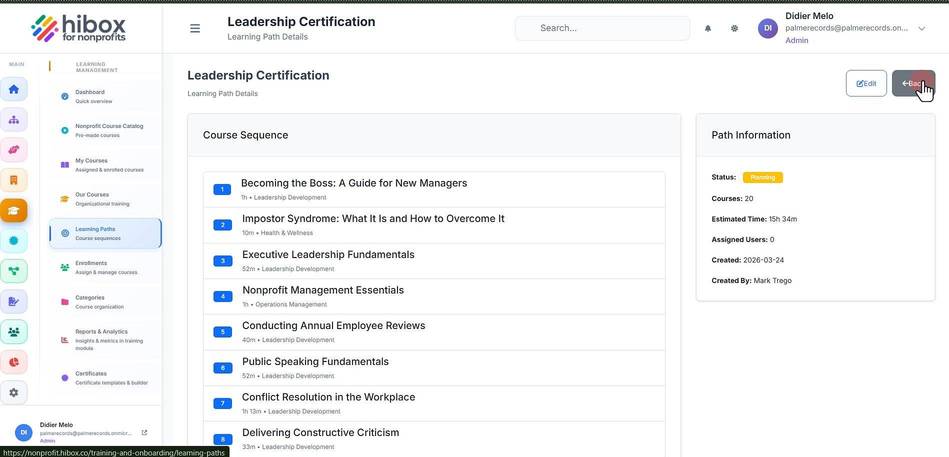
5. Click "Back" to go back
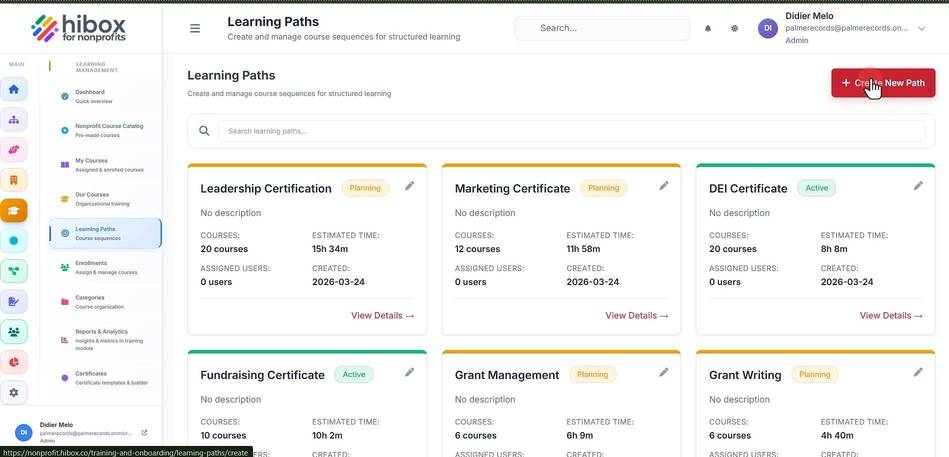
6. Click "+ Create New Path"
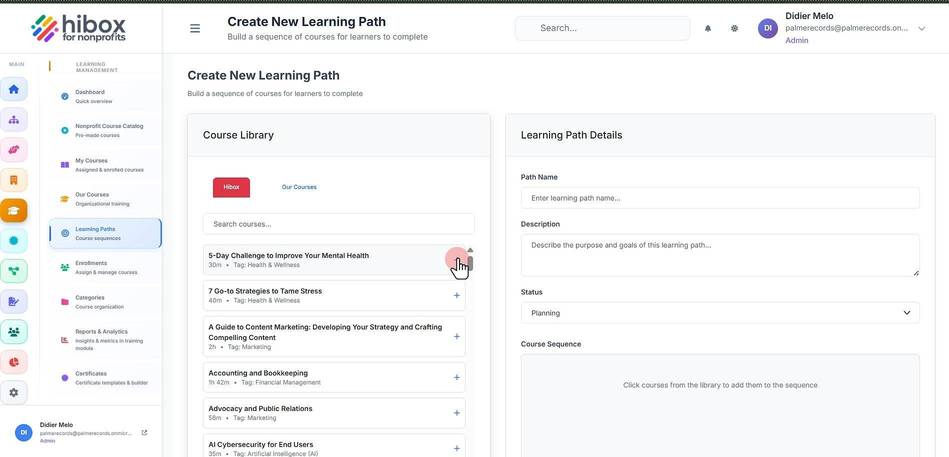
7. Select the courses you wish to add inside the "Course Library". You can search by name
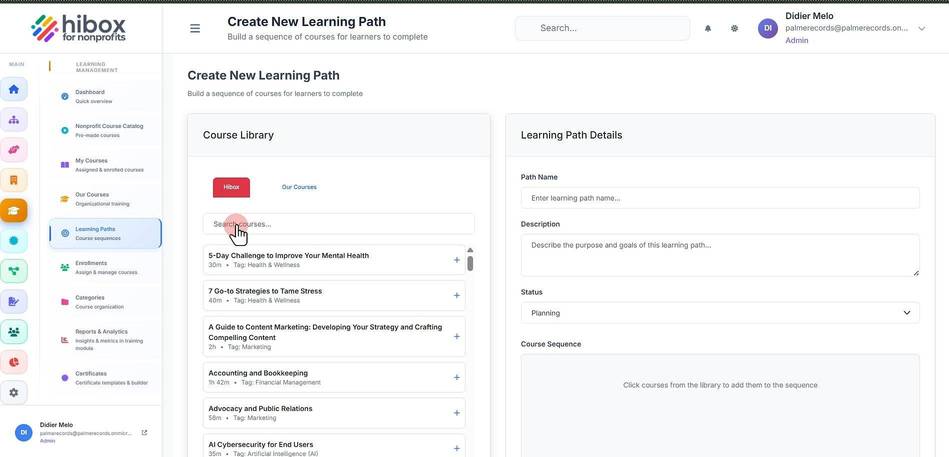
8. Click the "+" sign to add the course into the new learning path
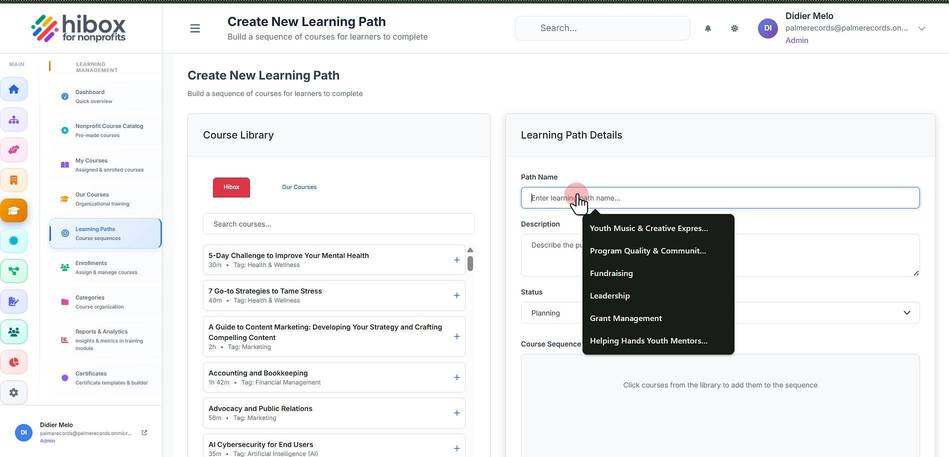
9. Enter a learning path name
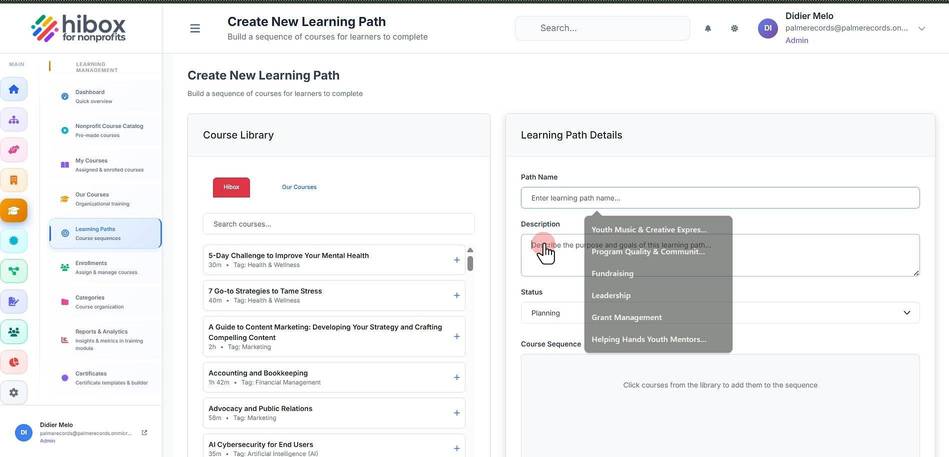
10. Describe the purpose and goals of this learning path
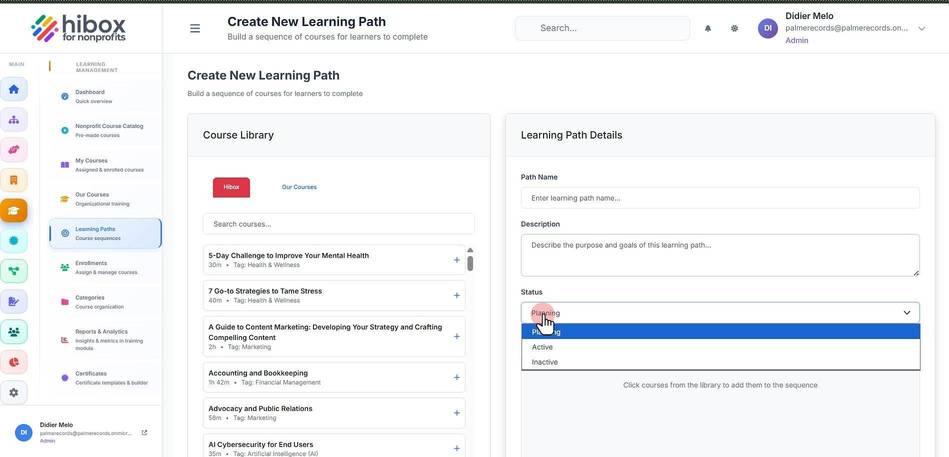
11. Set the "Status"
12. Change the order of the courses in the "Course Sequence" section

13. Click "Create Path" to save and finish