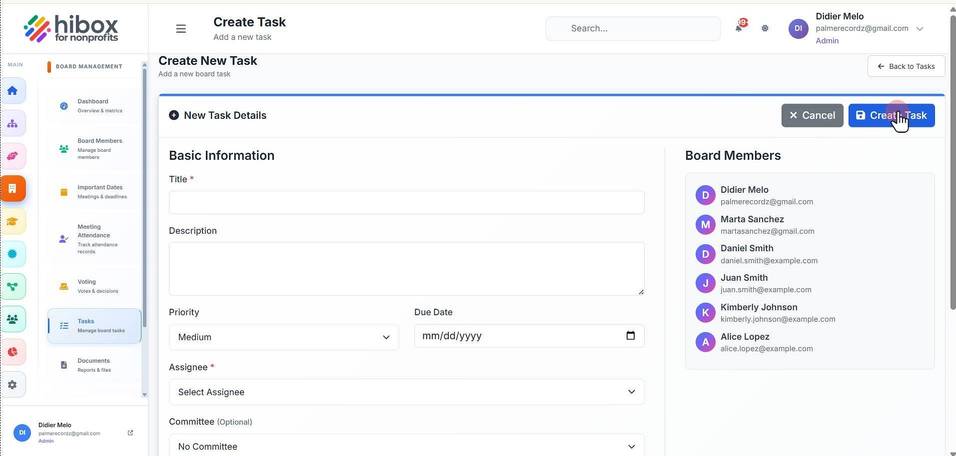
Creating a New Task
Creating a New Task
1. Click "Board Management" on the left side menu
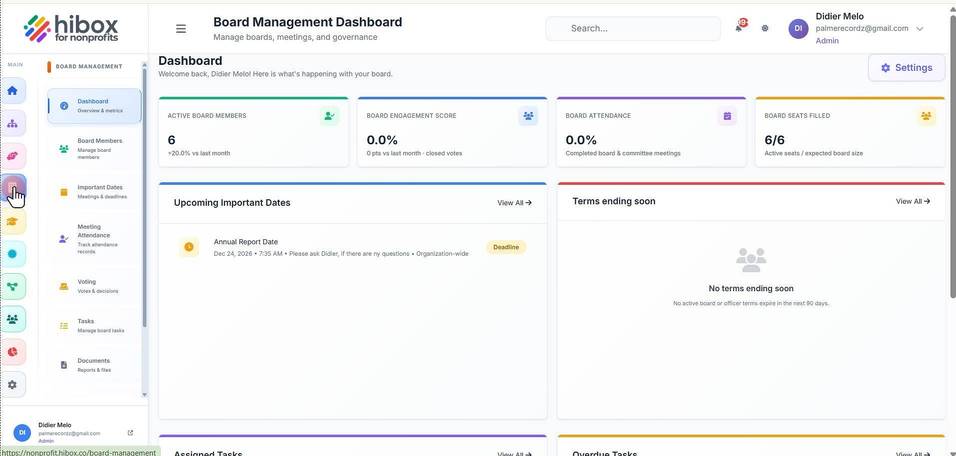
2. Click "Tasks" on the sub-menu
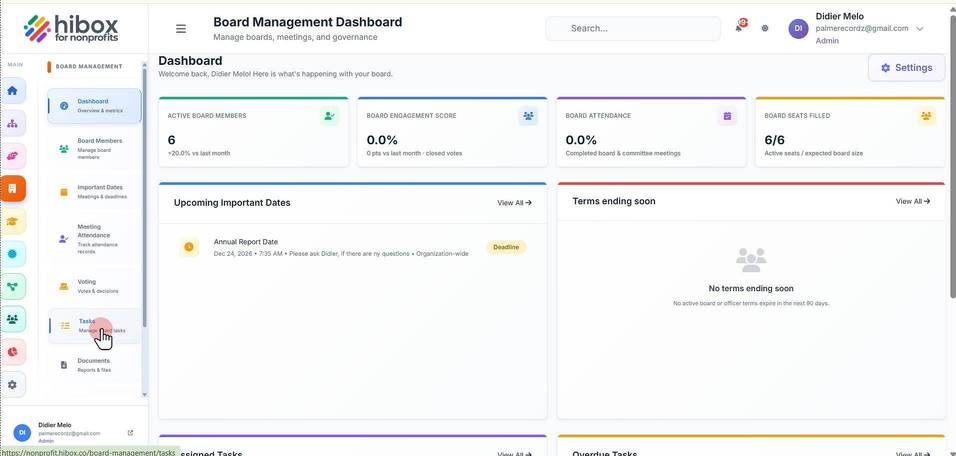
3. Click "+ New Task"
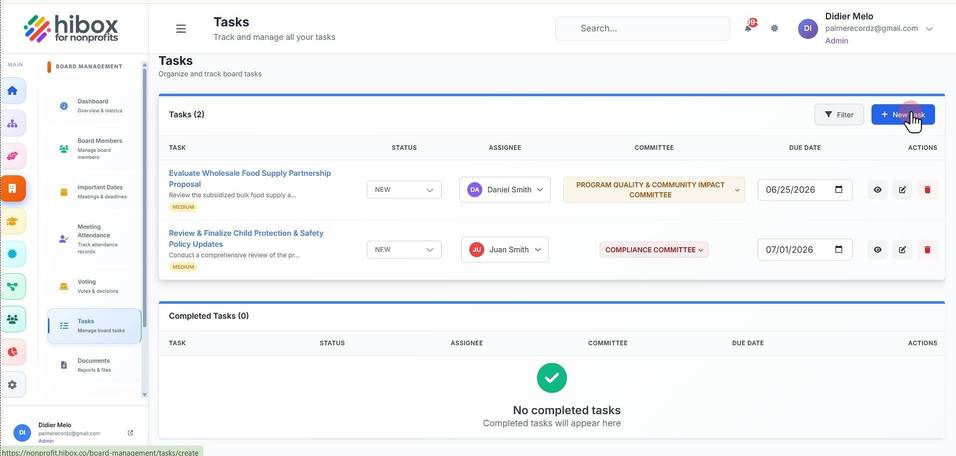
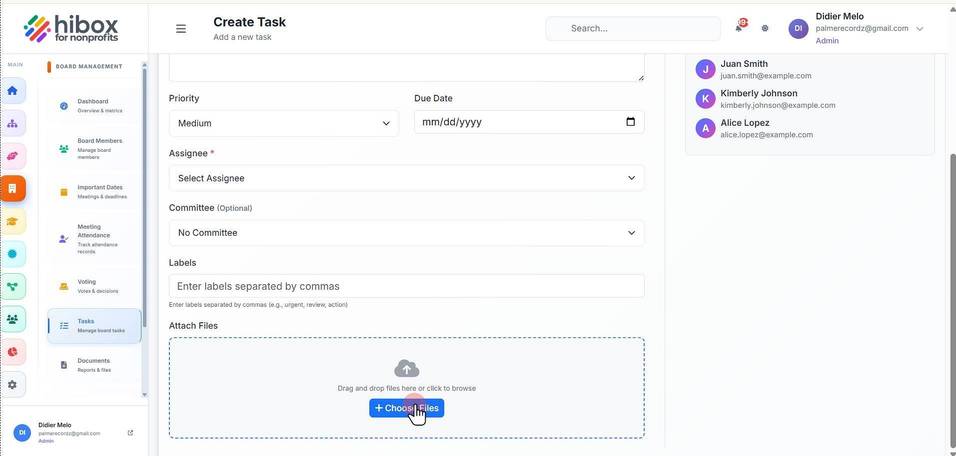
4. These are the new task details
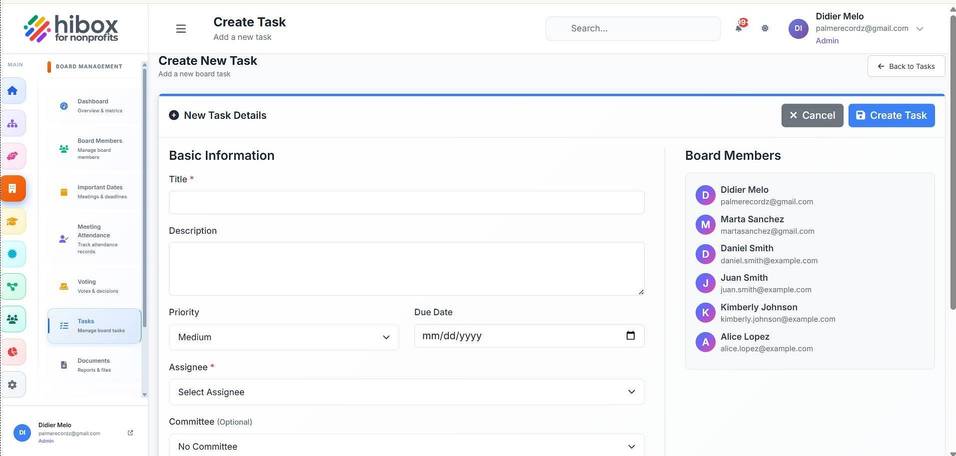
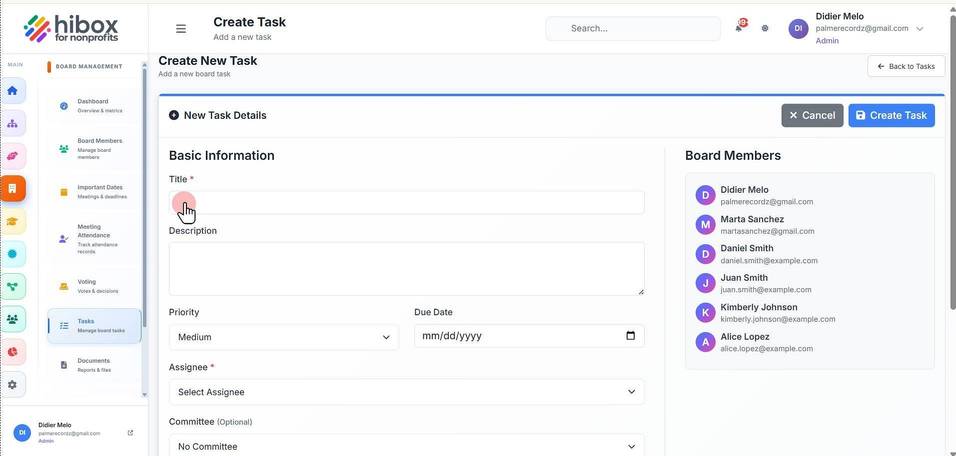
5. Fill out the Basic Information such as the task title
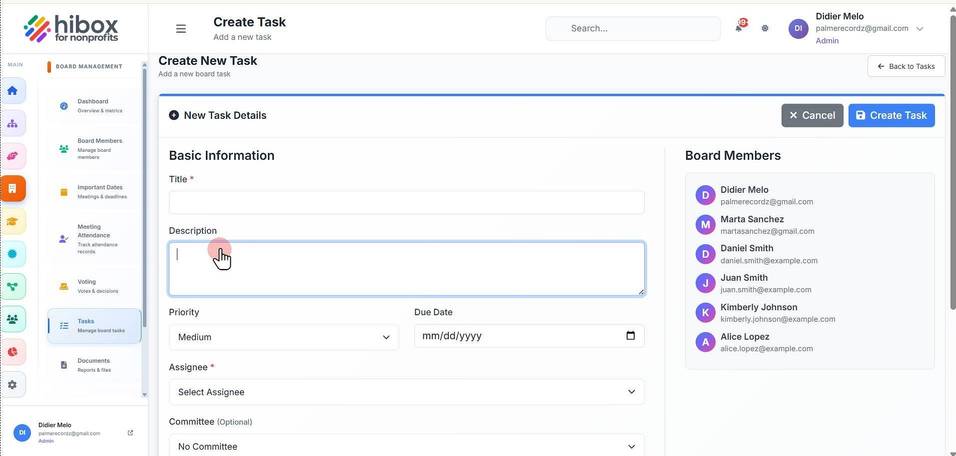
6. Enter a "Description"
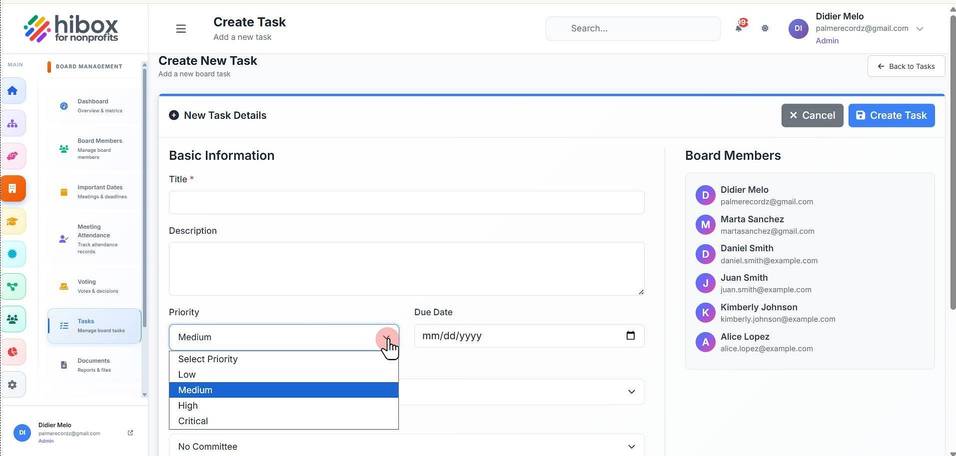
7. Set the "Priority"
8. Set the "Due Date"
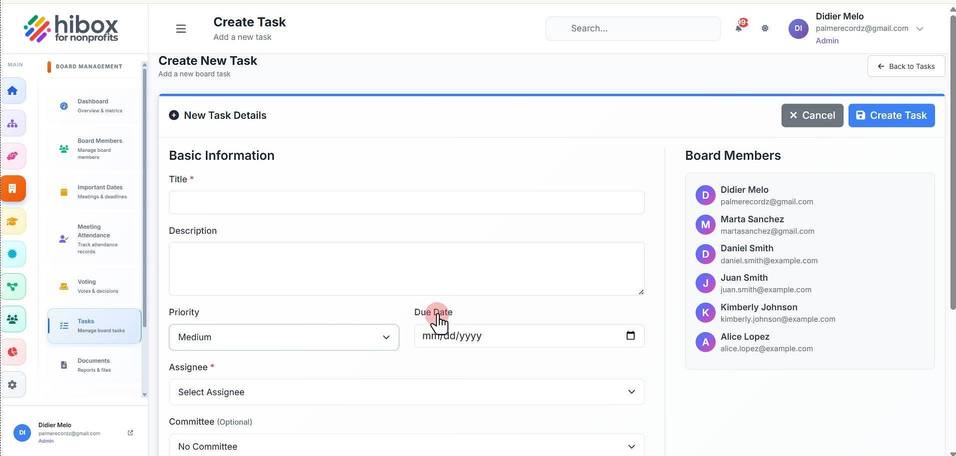
9. Select the "Assignee"
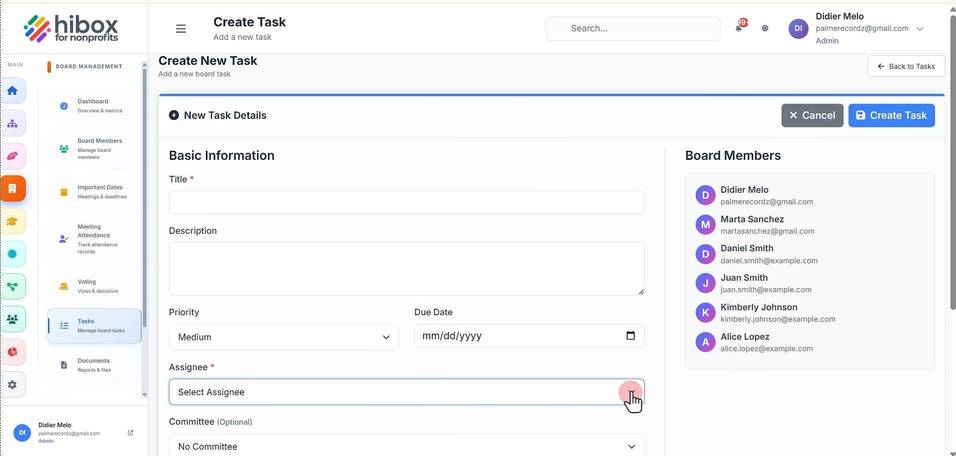
10. Choose a "Committee" (Optional)
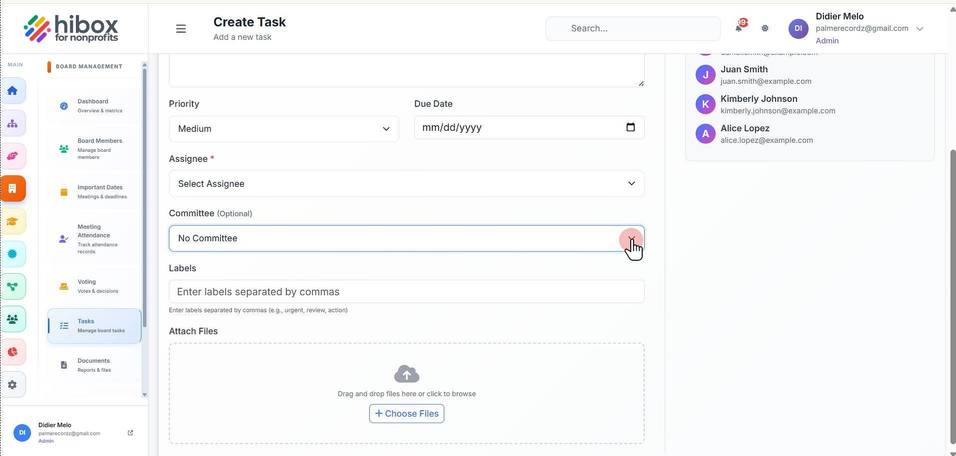
11. Enter "Labels" separated by commas
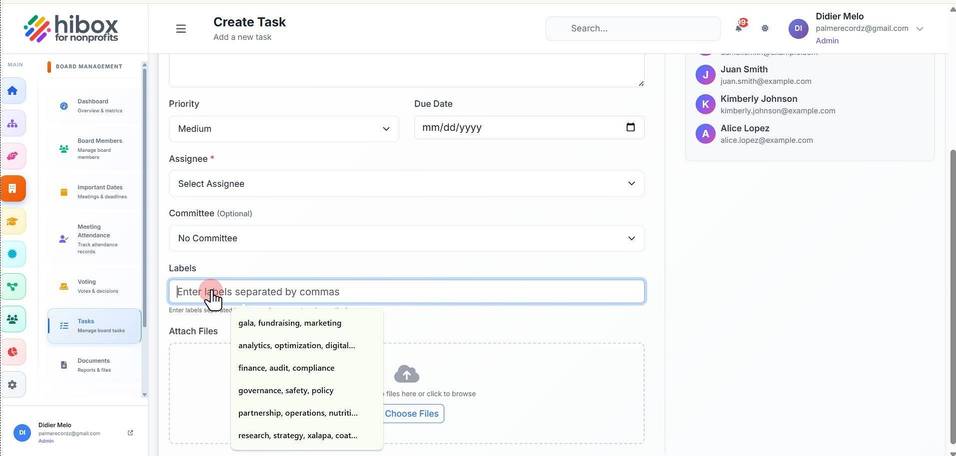
12. You can "Attach Files" related to this task here
13. Click "Create Task" to save and finish