Creating a Volunteer Shift
Creating a Volunteer Shift
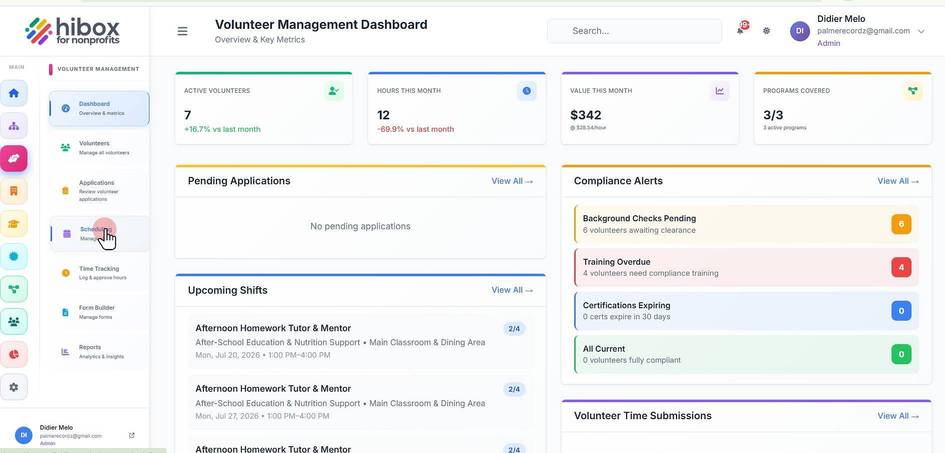
1. Click "Volunteer" on the left side menu
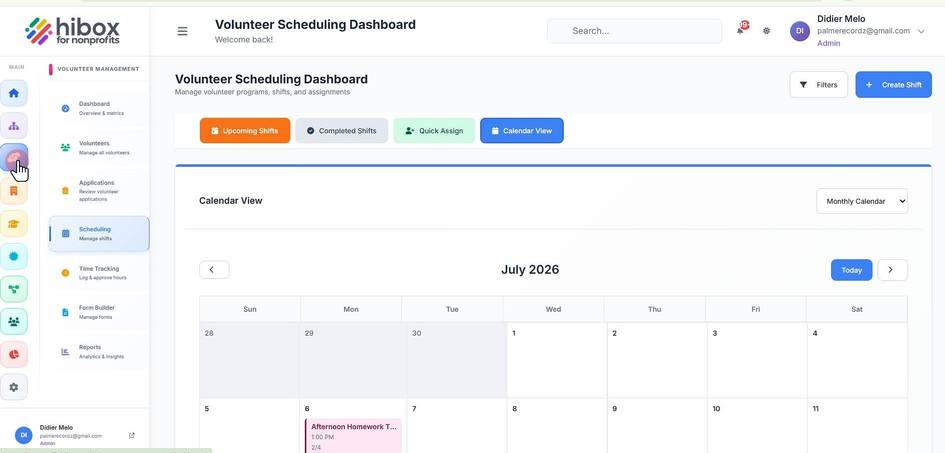
2. Click "Scheduling" on the sub-menu
3. Click "+ Create Shift"
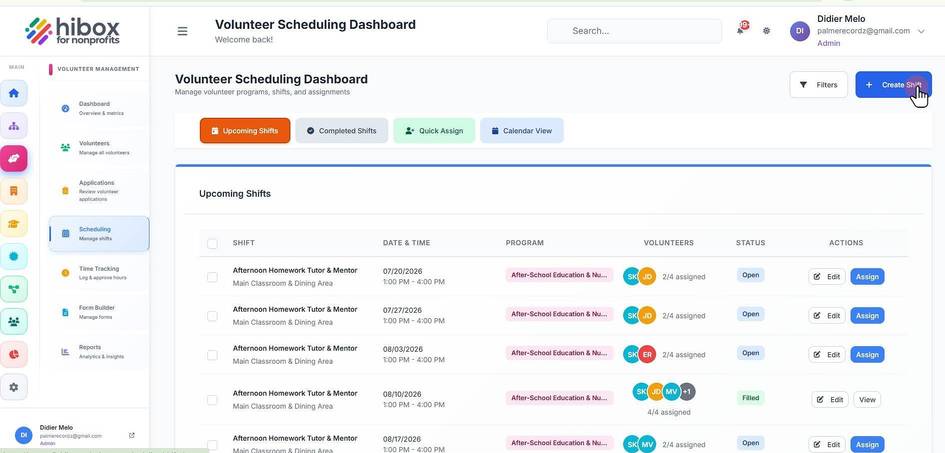
4. Type the shift information
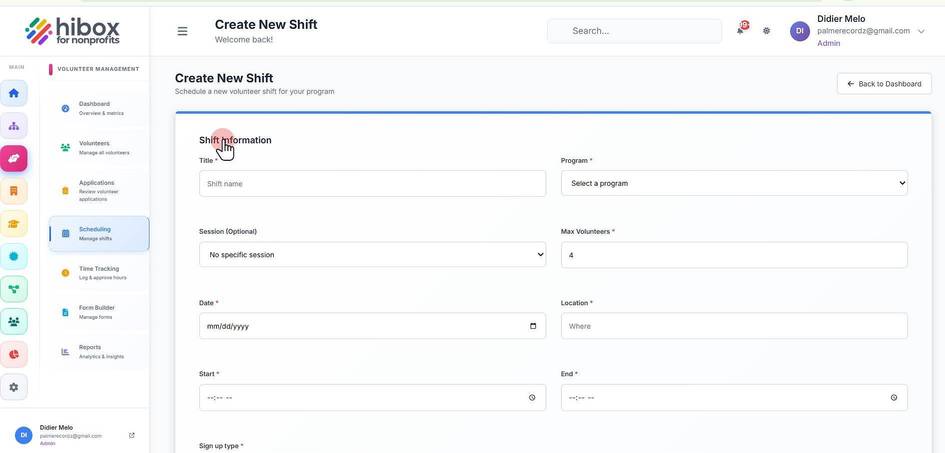
5. Type the "Shift Title"
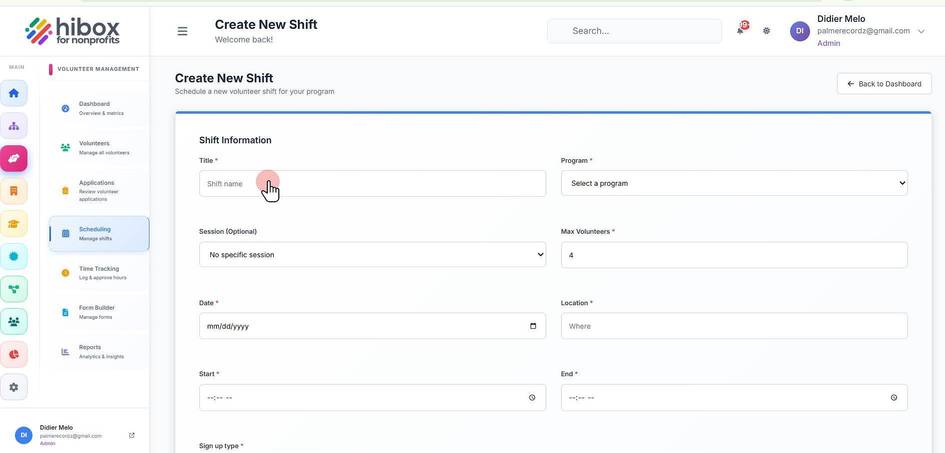
6. Select a "Program"
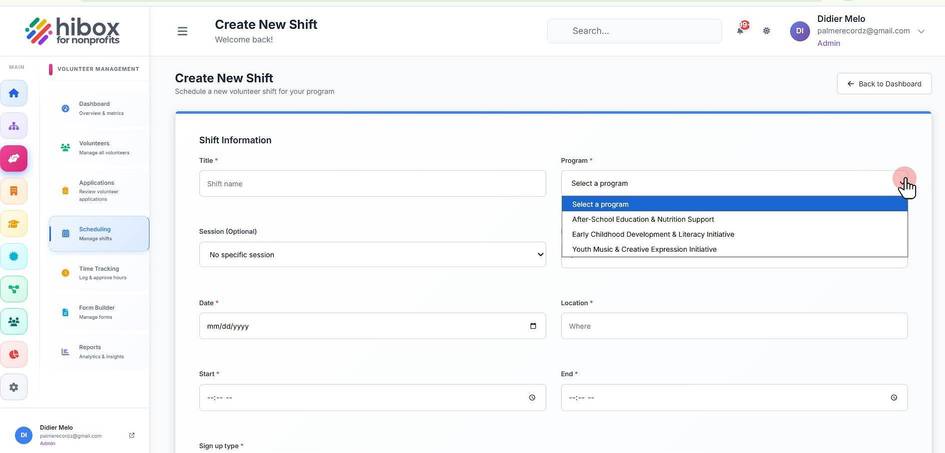
7. Set a "Session" this is optional
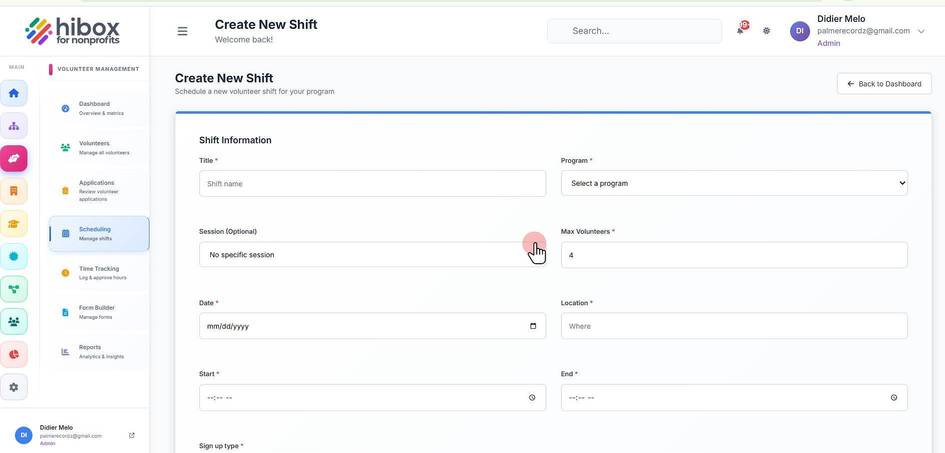
8. Set the maximun number of volunteers
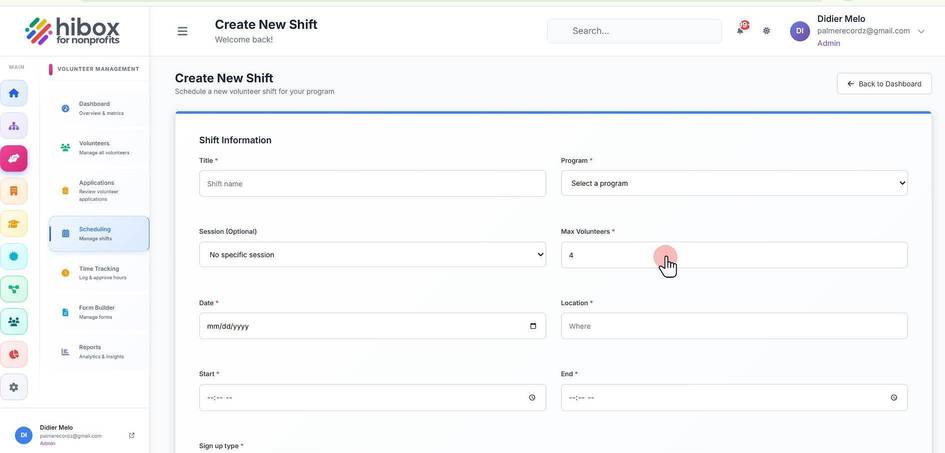
9. Set a "Date"
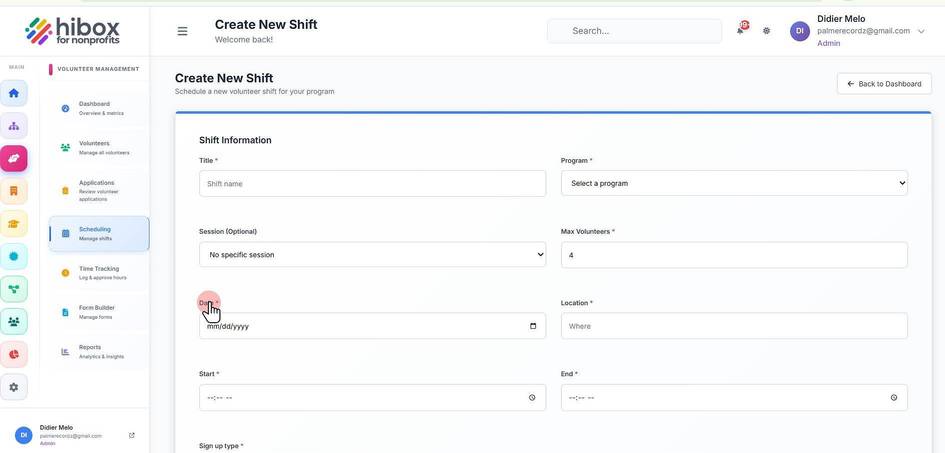
10. Choose a "Location"
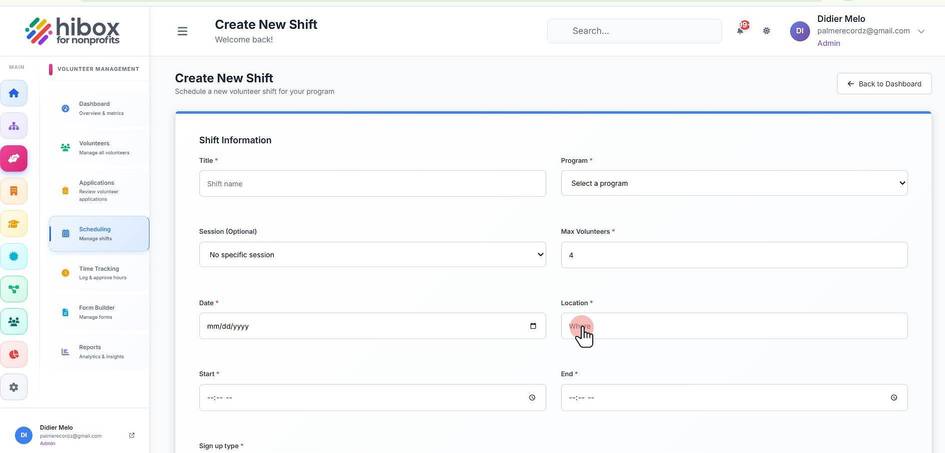
11. Set a "Start" time
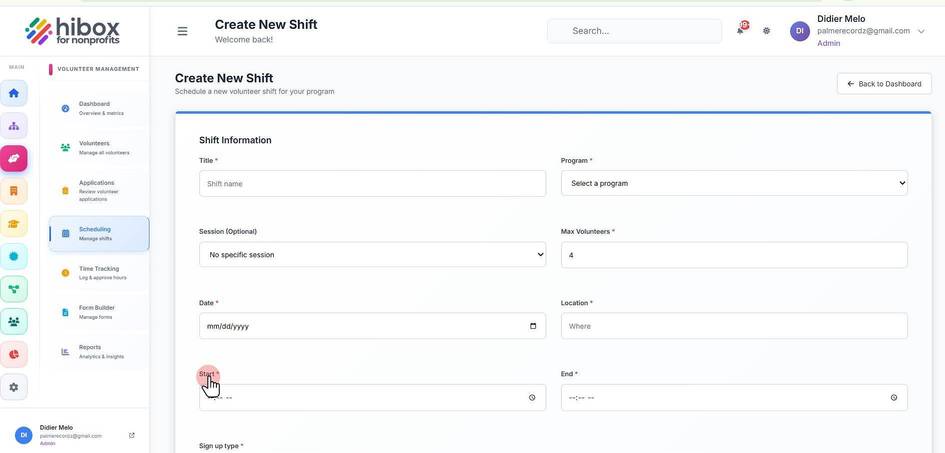
12. Set an "End" time
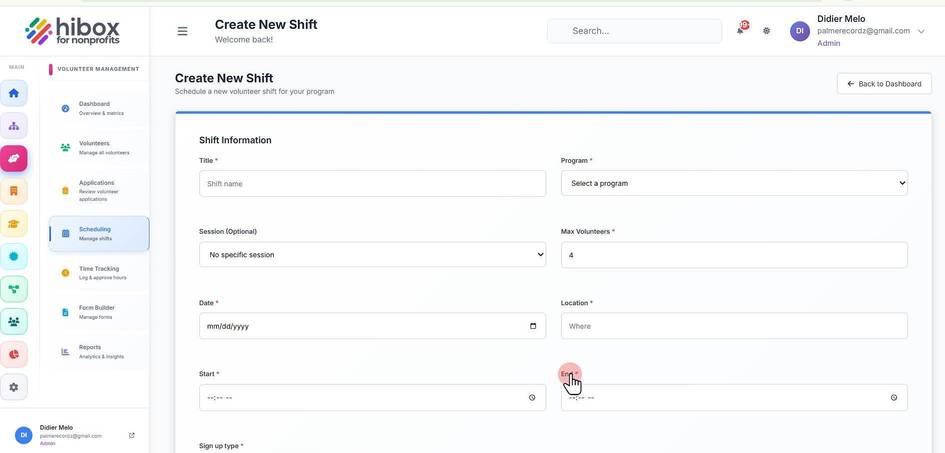
13. Choose a "Sign up type"
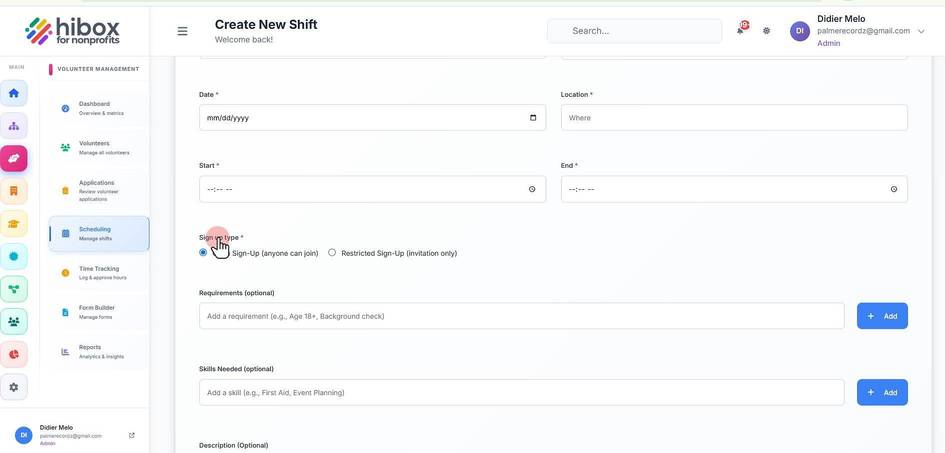
14. Type in any "Requirements" (optional)
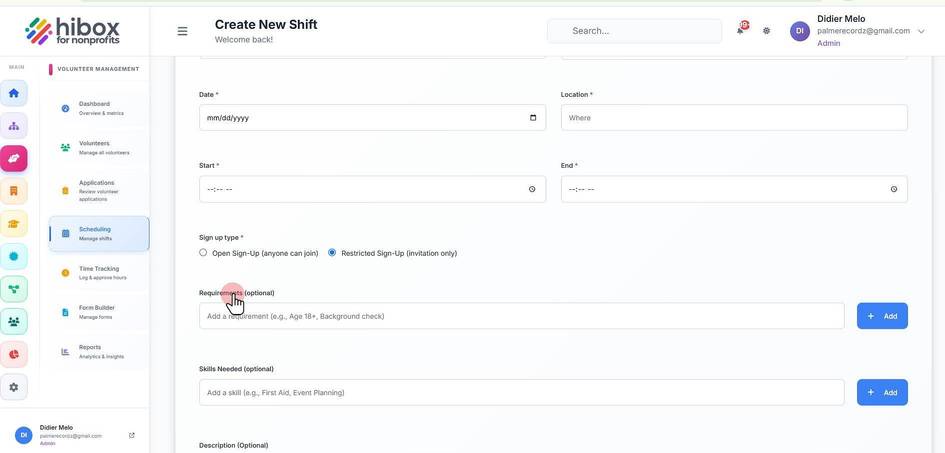
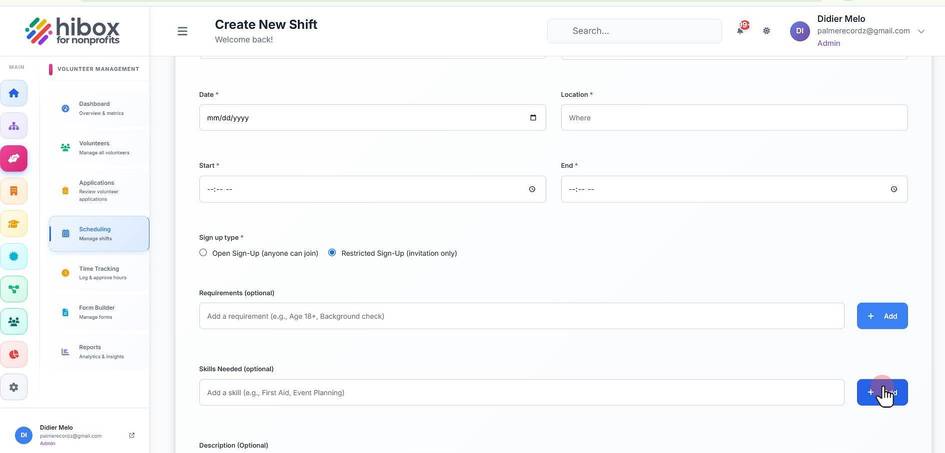
15. Click "Add" to save a requirement, you can then add more requirements by typing them.
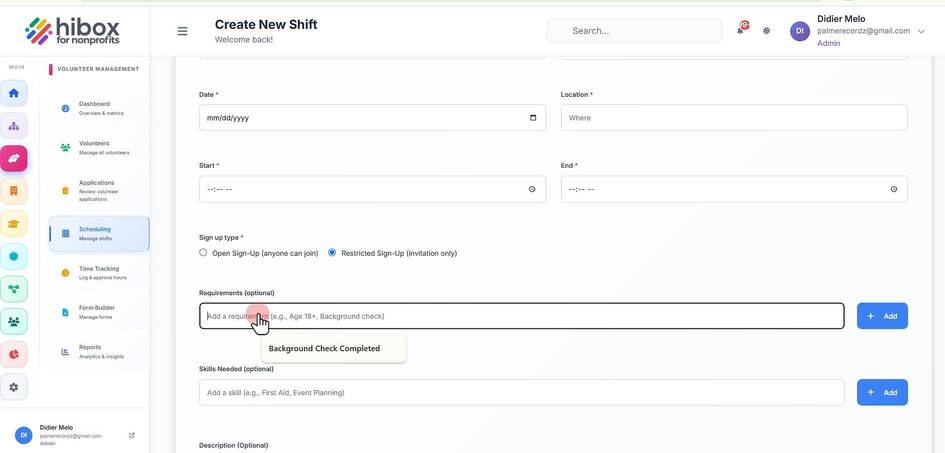
16. Type in any "Skills Needed" (optional)
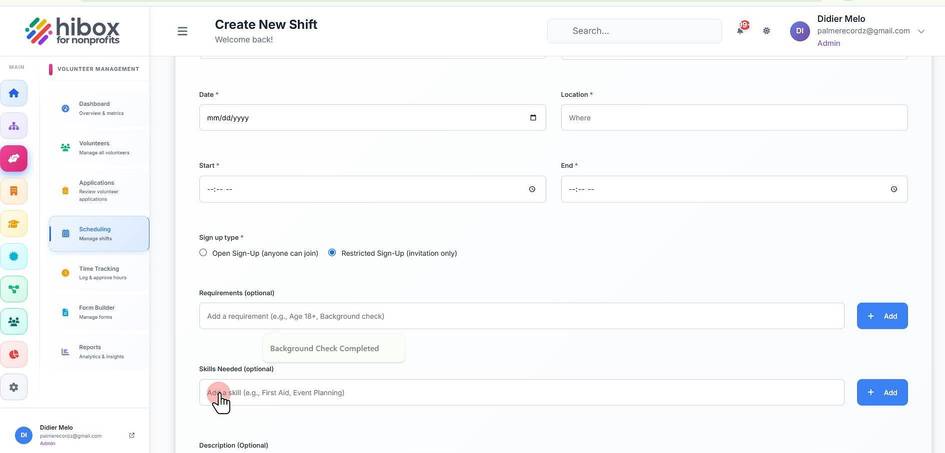
17. Click "Add" to save a skill, you can then add more skills by typing them.
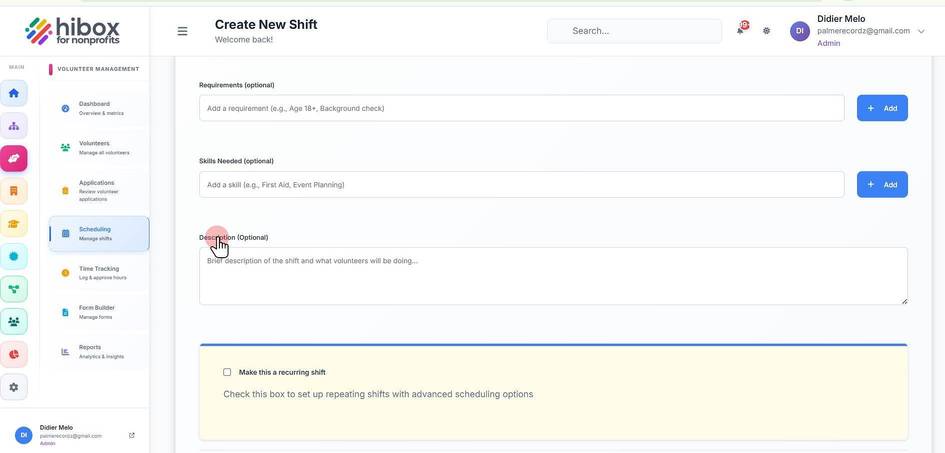
18. Type Click brief description of the shift and what volunteers will be doing
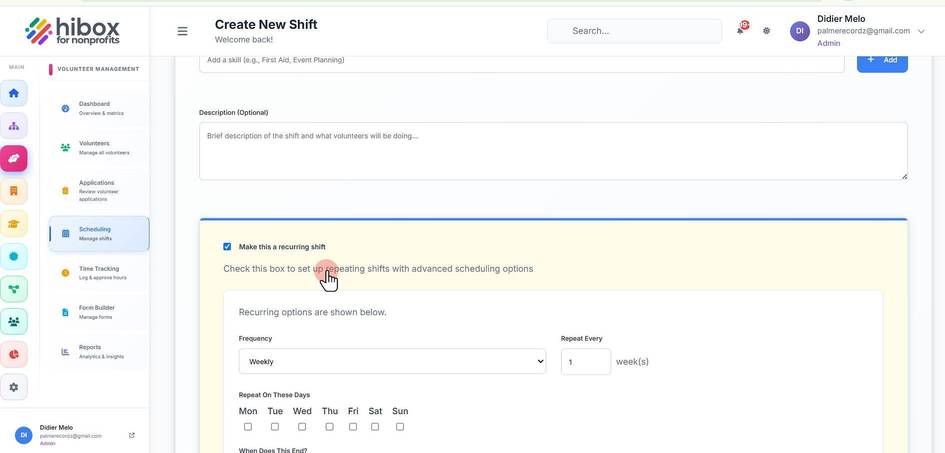
19. Check this box to make it a recurring shift
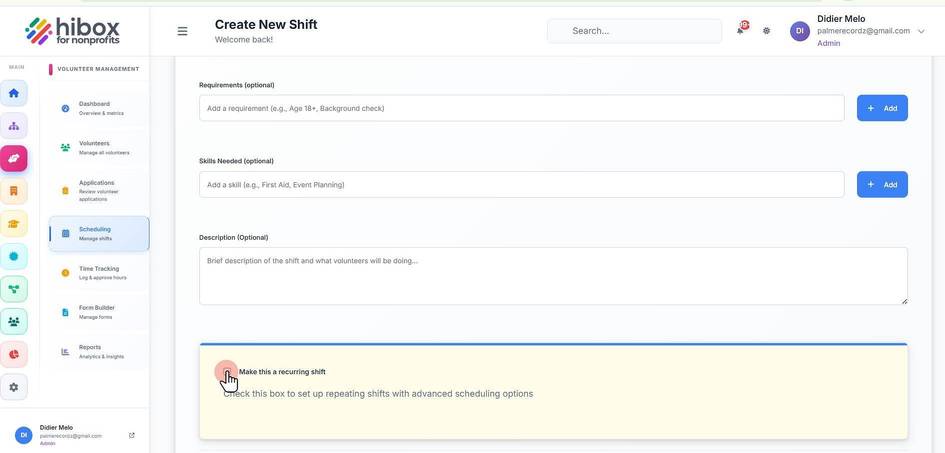
20. Check this box to set up repeating shifts with advanced scheduling options
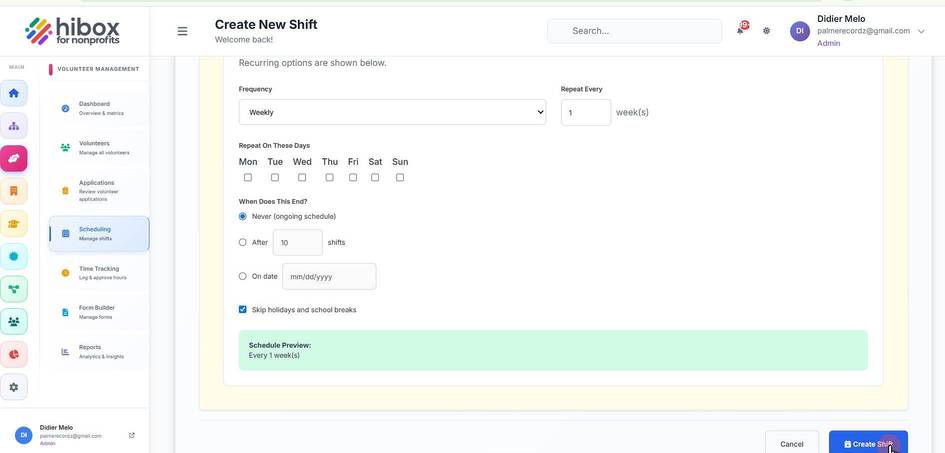
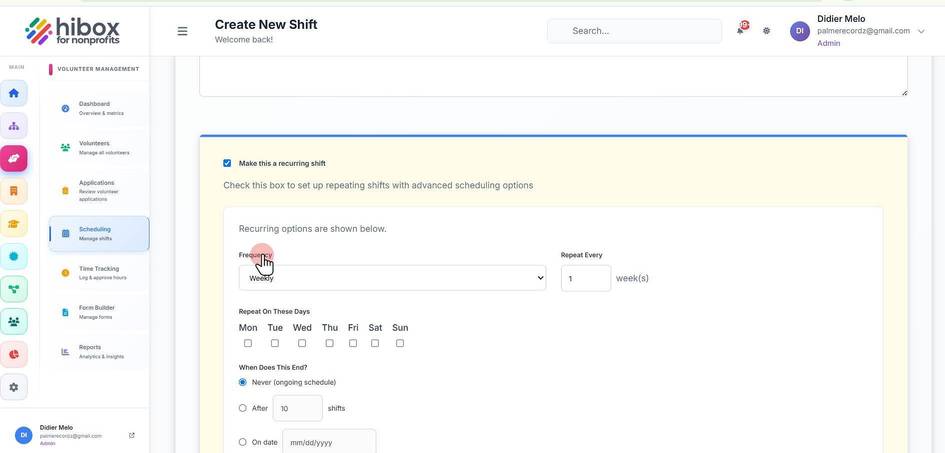
21. Set the "Frequency"
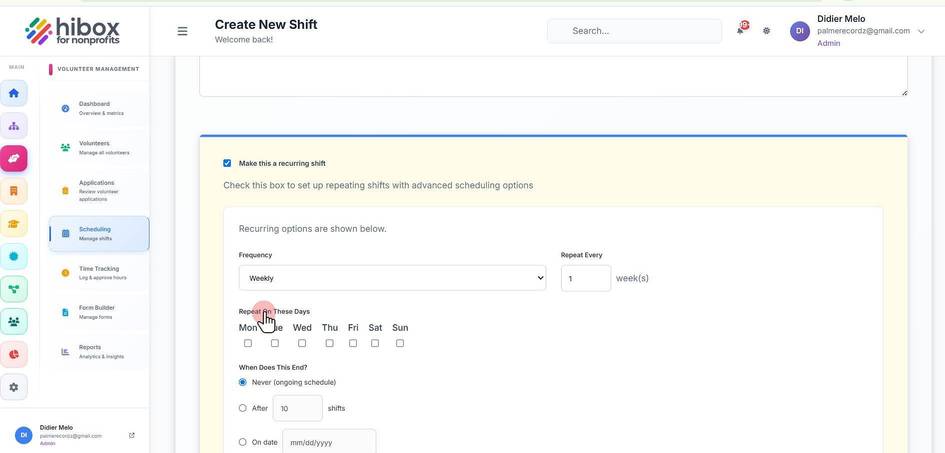
22. Set on which days this will repeat
23. Choose "When Does This End"
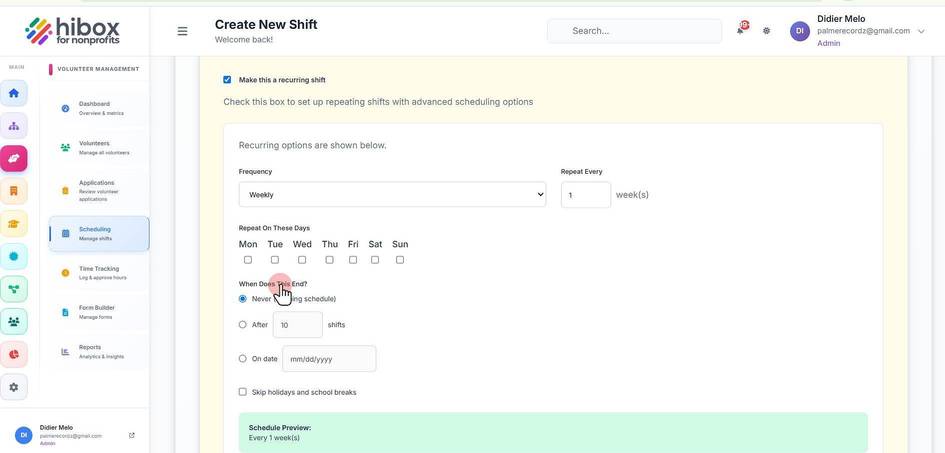
24. You can "Skip holidays and school breaks"
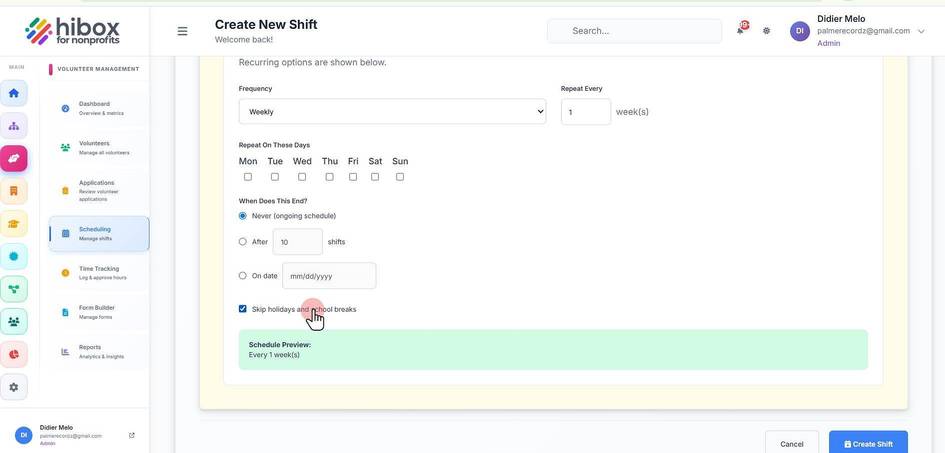
25. Click "Create Shift" to save changes and finish