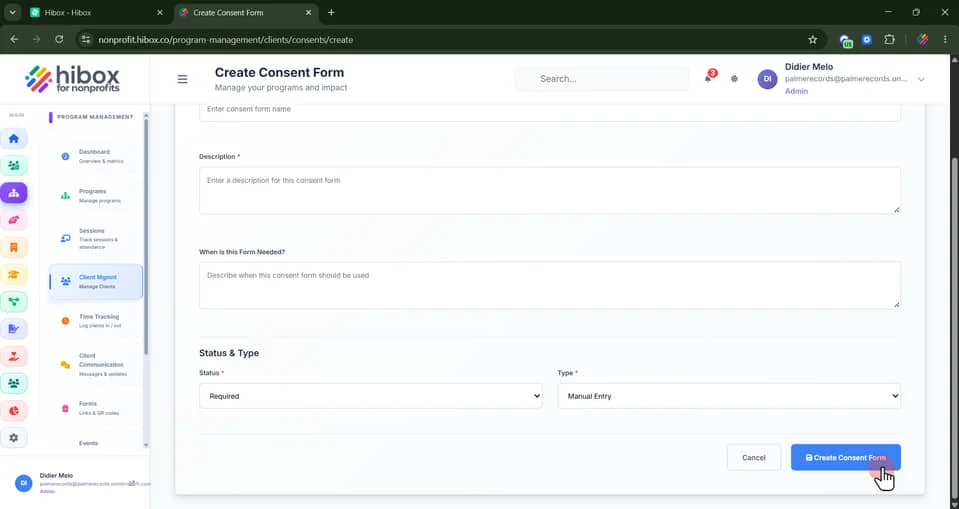
Creating Consent Forms
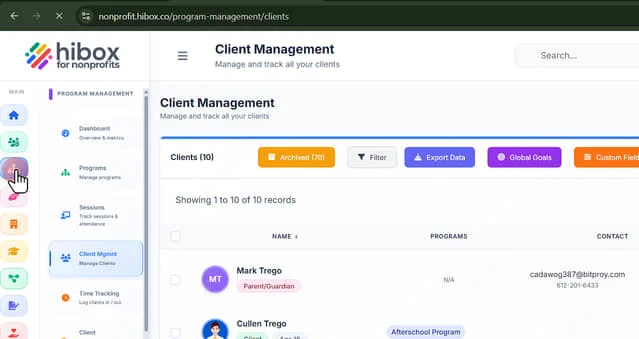
1. On the left-side menu, click "Program Management"
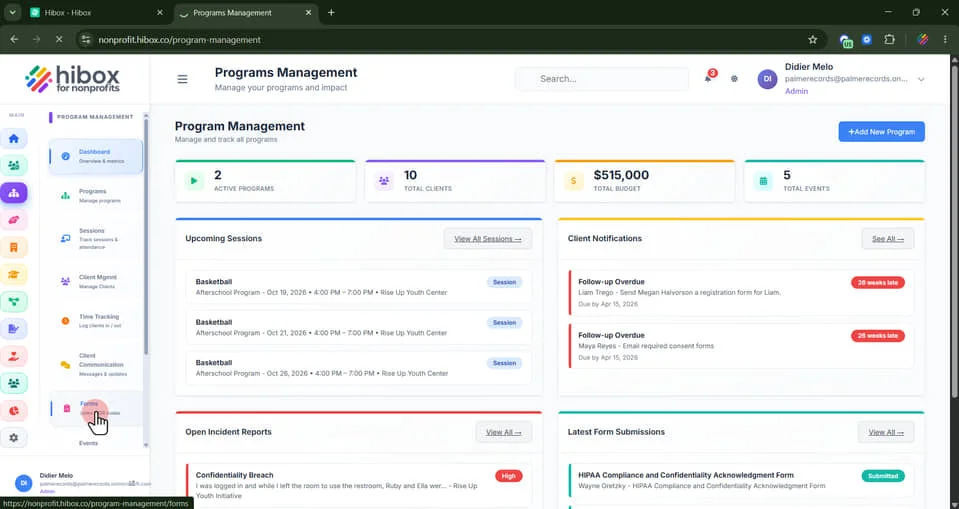
2. Click "Forms" on the sub-menu
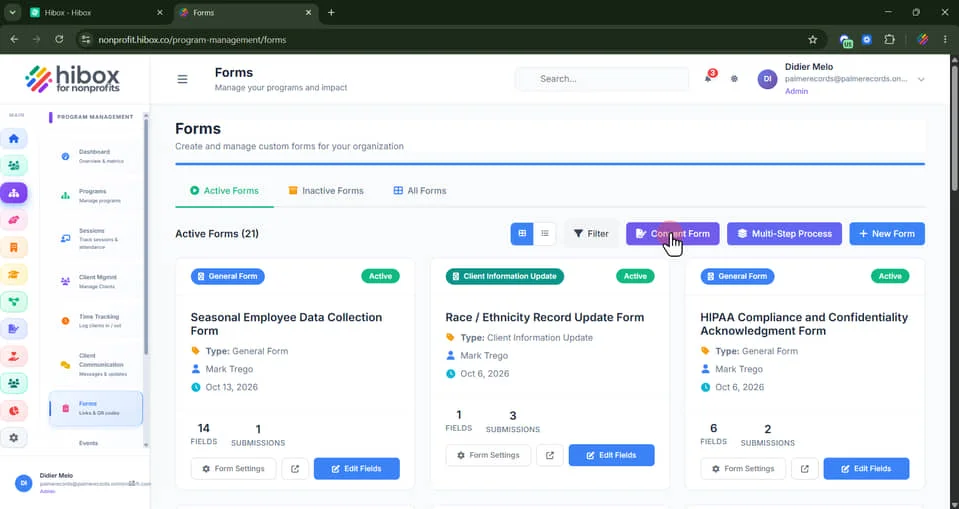
3. Click "Consent Form"
4. Click "+ Add Consent Form"
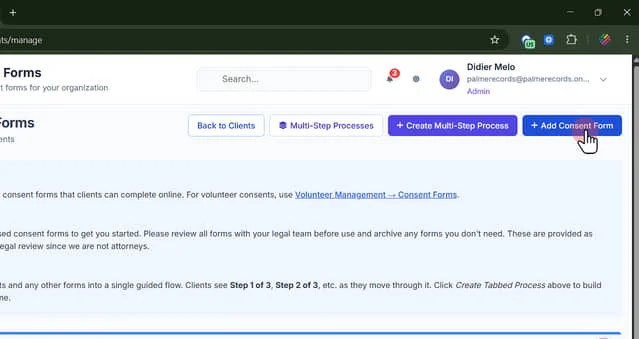
5. Click "Build a custom consent form for clients"
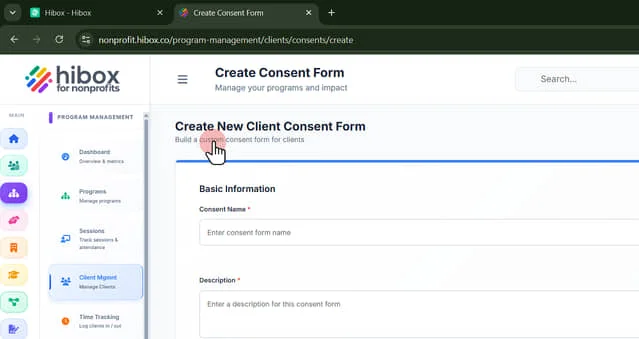
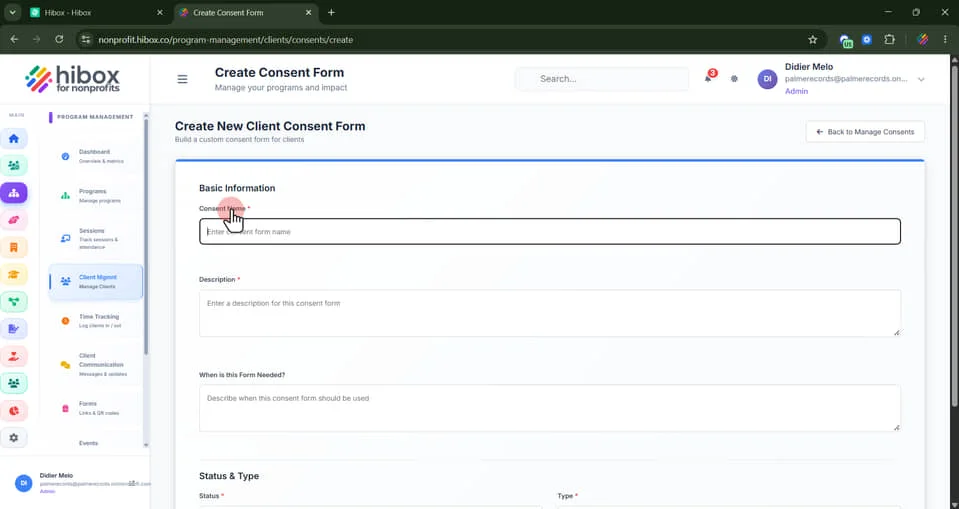
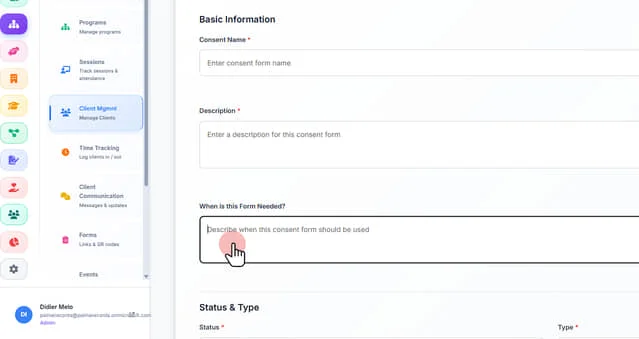
6. Enter the "Consent Name"
7. Enter a "Description" of this consent form here
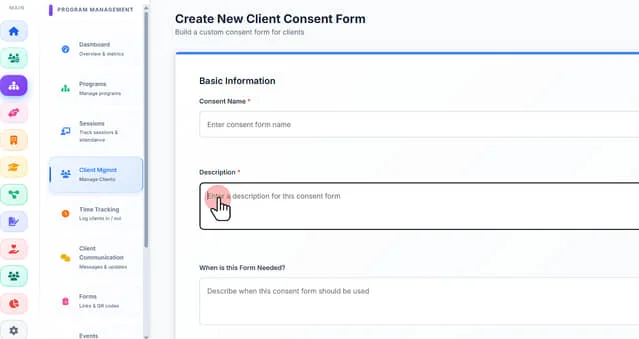
8. Describe when this consent form should be used here
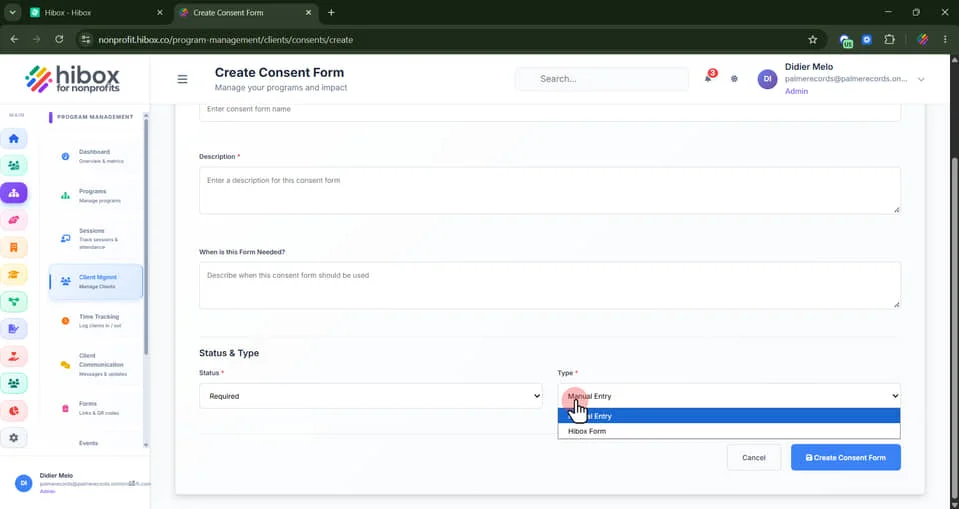
9. Select the "Type" of Form. "Hibox for Nonprofits" if you wish to use a pre-built form, or Manual Entry to create your own
10. Scroll down and select one of the Hibox forms. Select a Consent Form, Client Information Update, or General Form from the Form Builder. Linked forms can also be used in tabbed processes
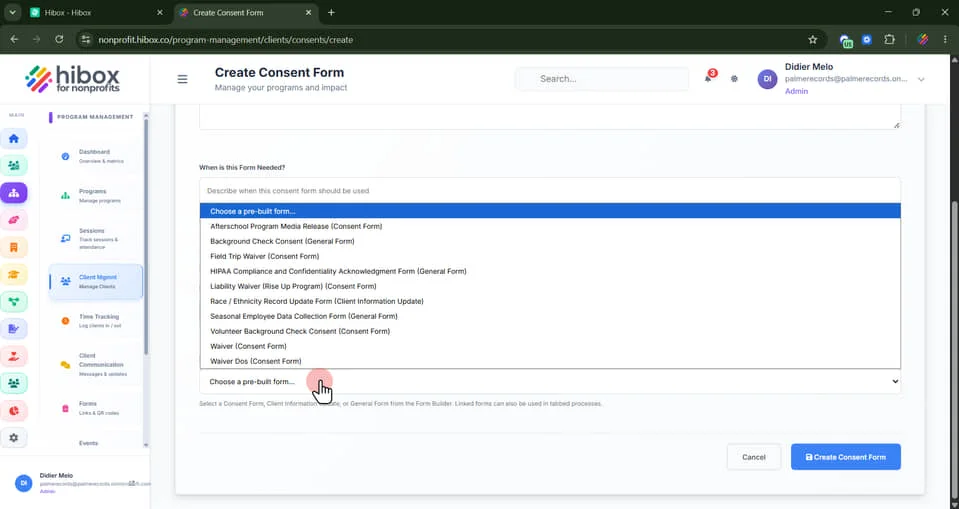
11. Scroll down and click "Create Consent Form" to finish