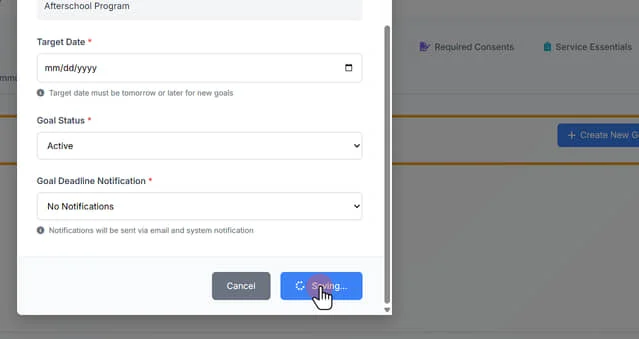
Creating Individual Client Goals
1. On the left-side menu, click "Program Management"
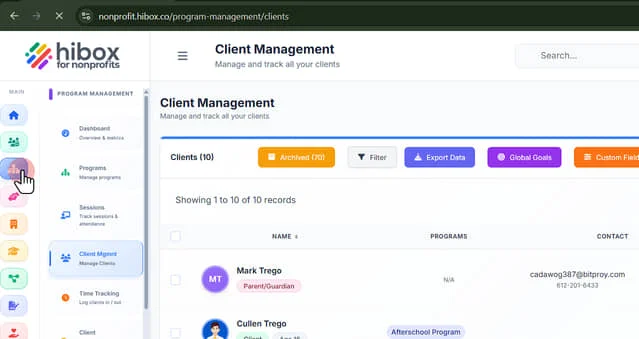
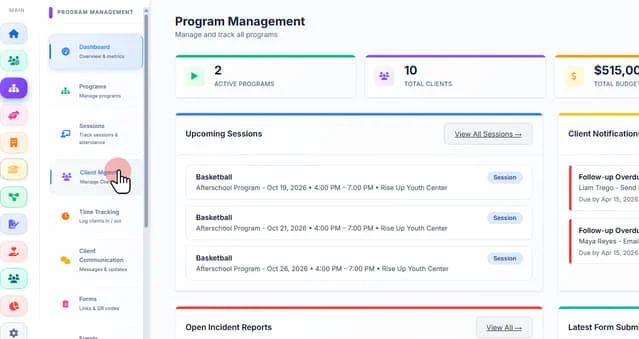
2. Click "Client Mgmnt" on the sub-menu
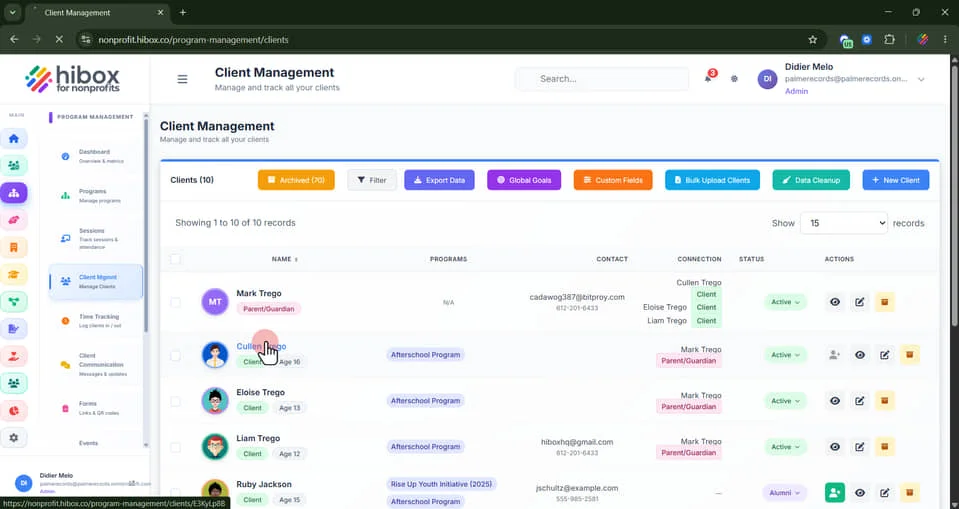
3. Find the client and click on its name
4. Click "Goals"
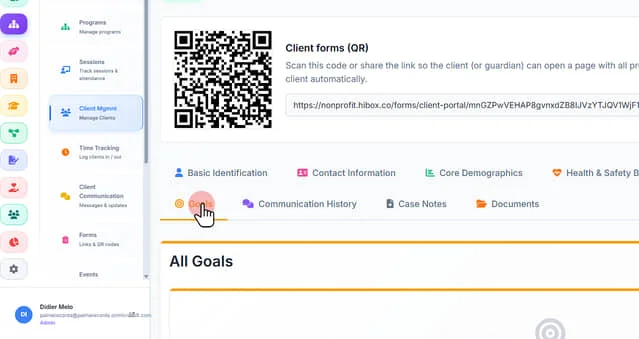
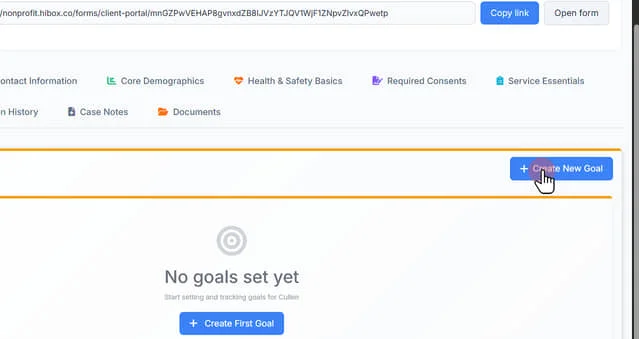
5. Click "+ Create New Goal"
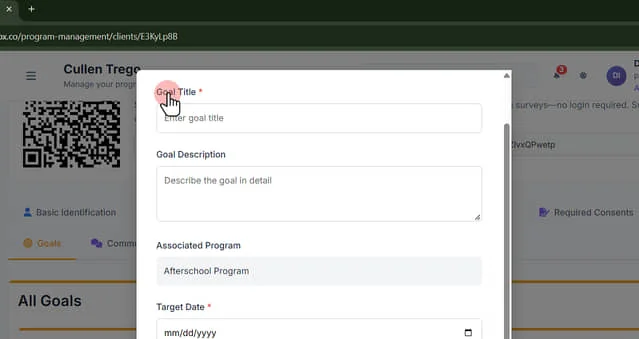
6. Enter a "Goal Title"
7. Enter a "Goal Description"
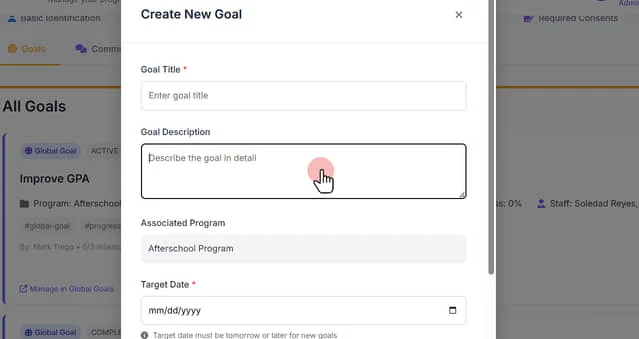
8. Confirm the "Associated Program" is correct
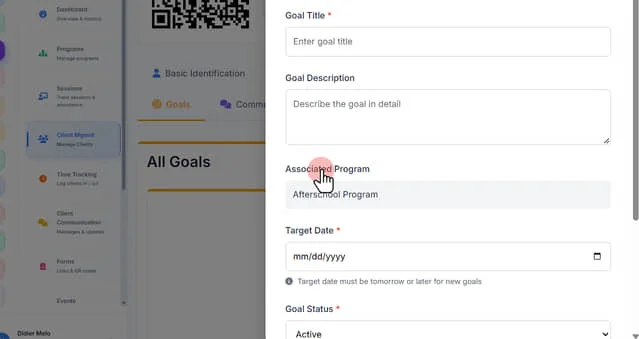
9. Enter the "Target Date" must be tomorrow or later for new goals
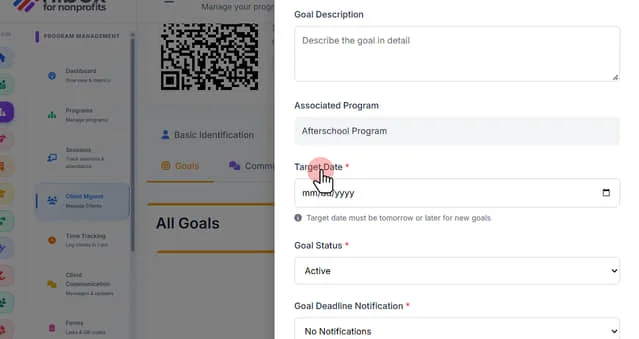
10. Set the "Goal Status" as "Active" , "Completed", "Cancelled" or "Paused"
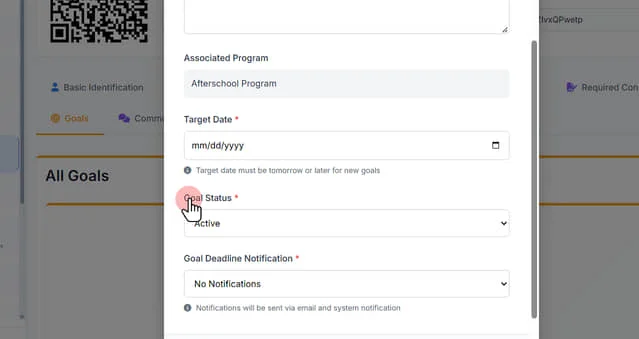
11. Set a "Goal Deadline Notification" Click "Notifications will be sent via email and system notification"
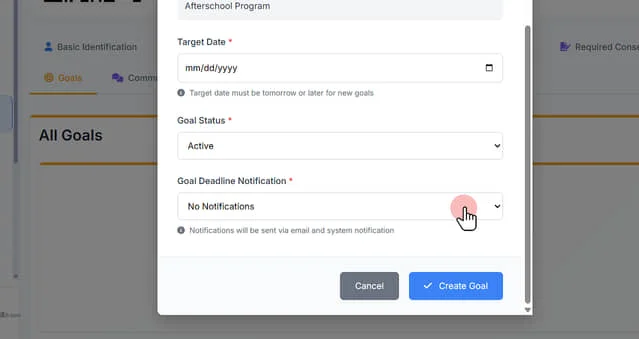
12. Click "Create Goal" to save and continue