Defining Consent Forms for a Program
1. Click "Program Management" on the left-side menu
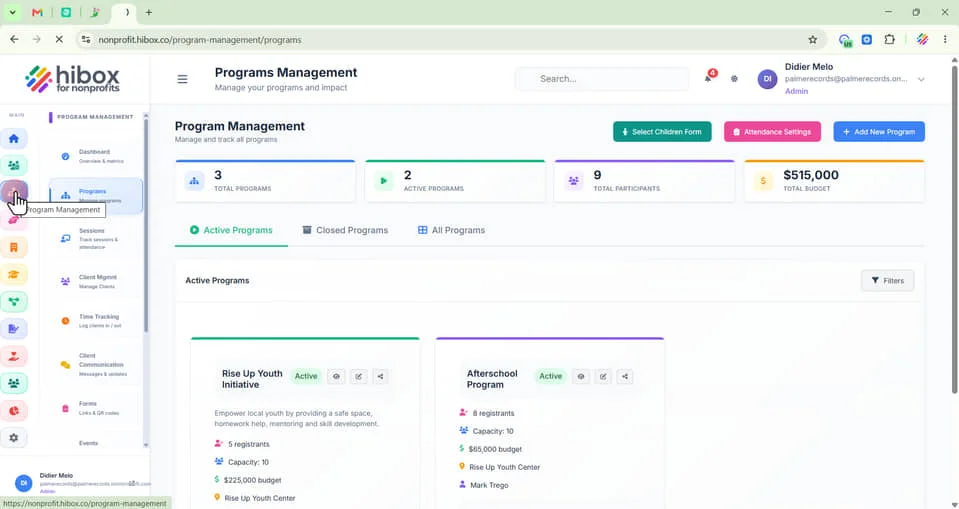
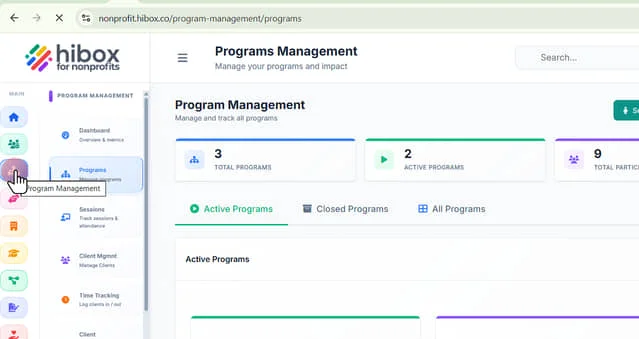
2. Click "Programs" on the sub-menu
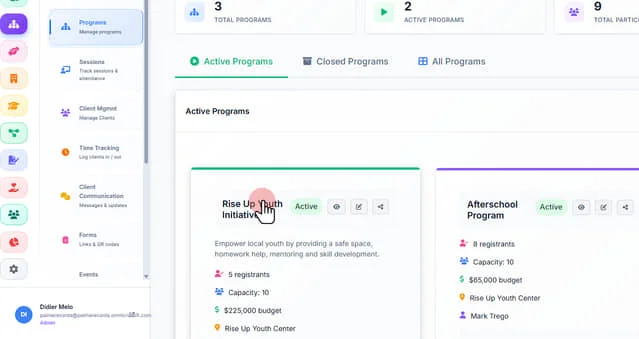
3. Click on the name of the program
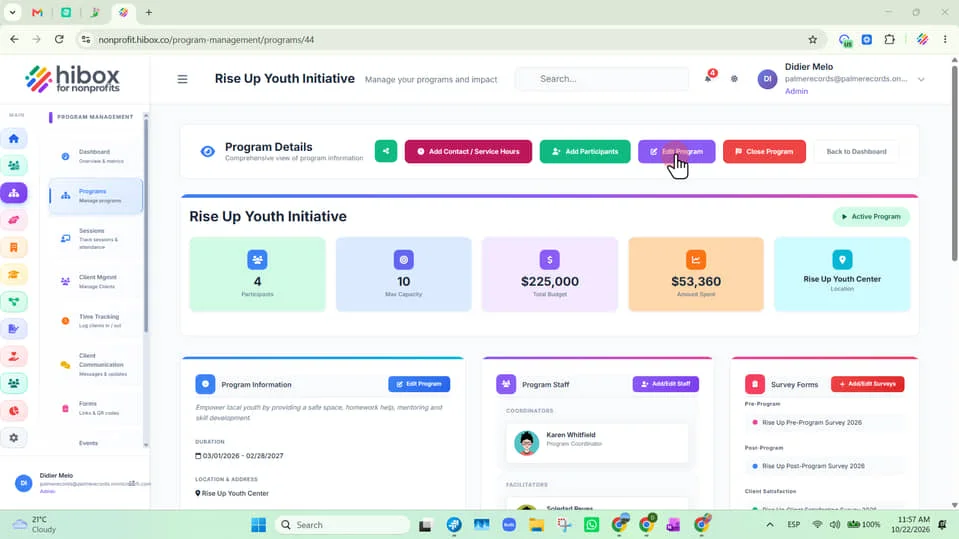
4. Click "Edit Program" on the top-menu
5. Click on the "Consent Forms" tab
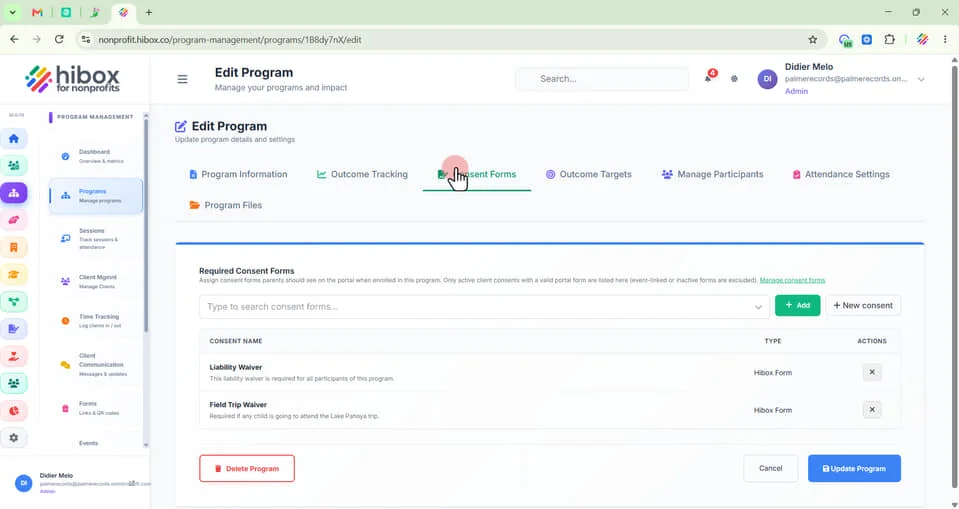
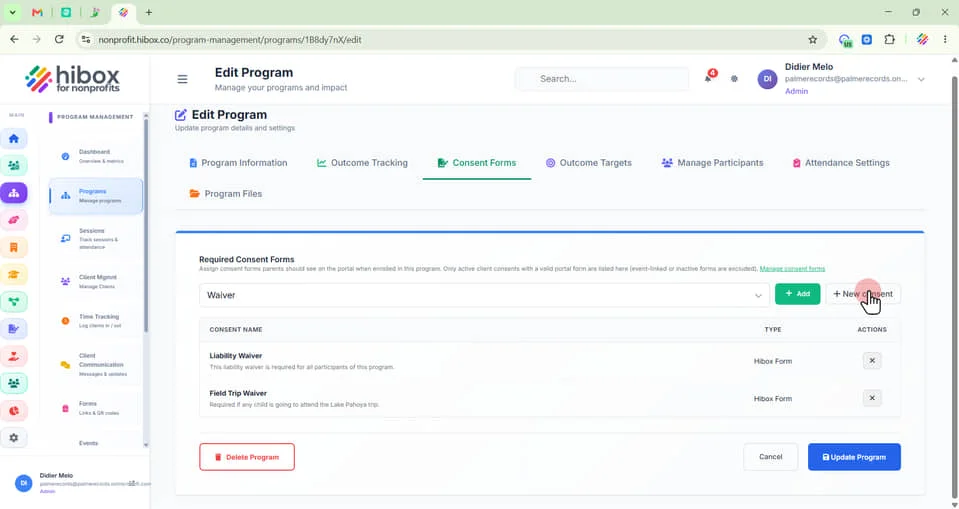
6. Assign consent forms parents should see on the portal when enrolled in this program. Only active client consents with a valid portal form are listed here (event-linked or inactive forms are excluded). Manage consent forms
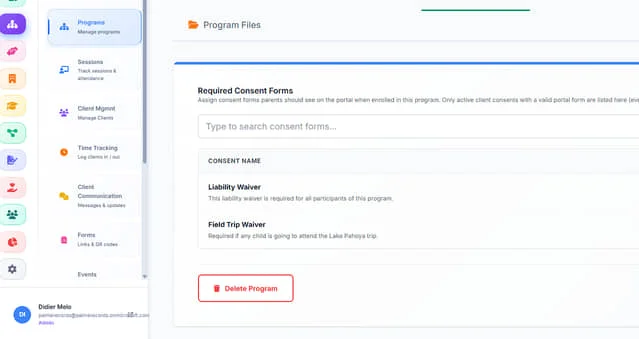
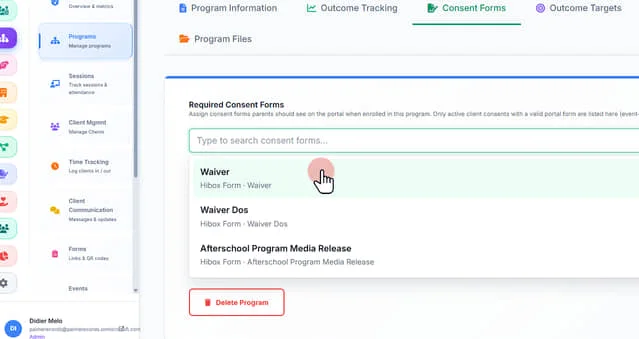
7. Click on the dropdown menu to select a consent form
8. Once selected, click "+ Add"
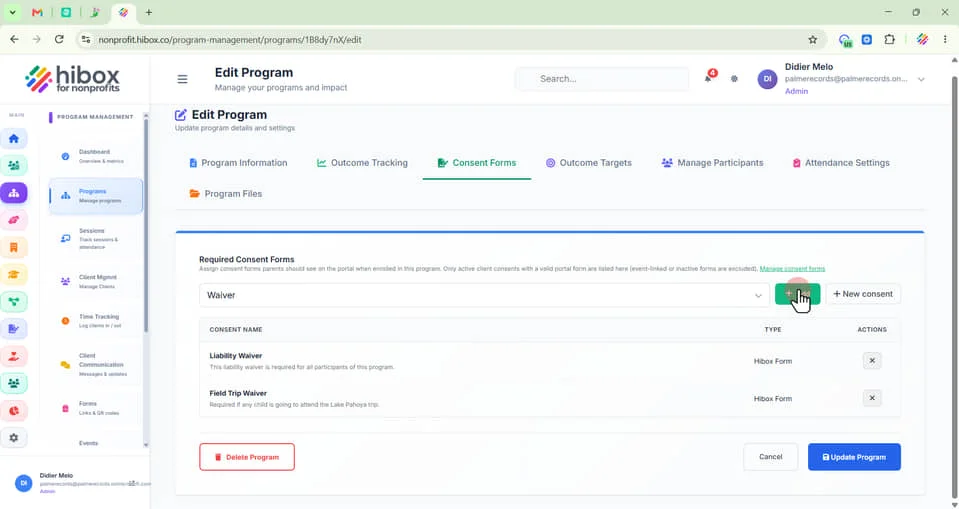
9. Click "+ New consent" to add more forms
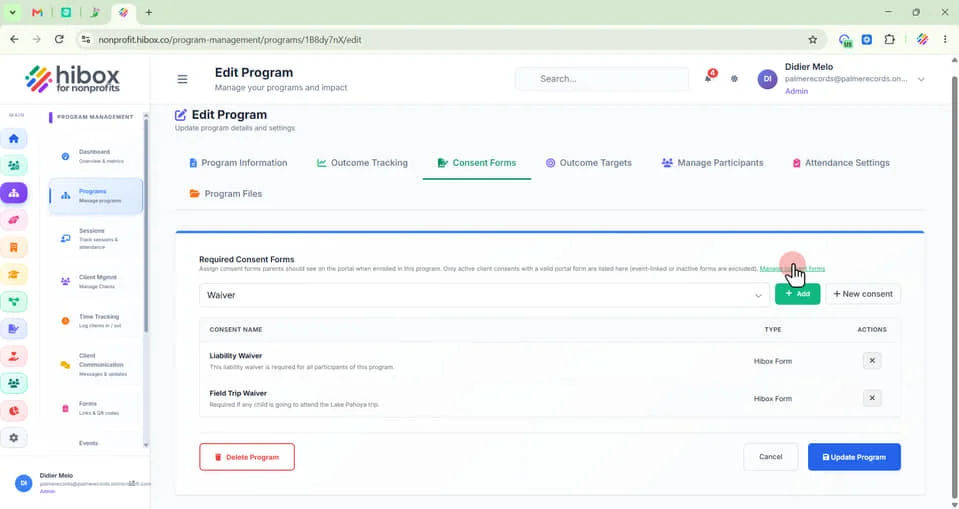
10. Click "Manage Consent Form" for more details on all consent forms
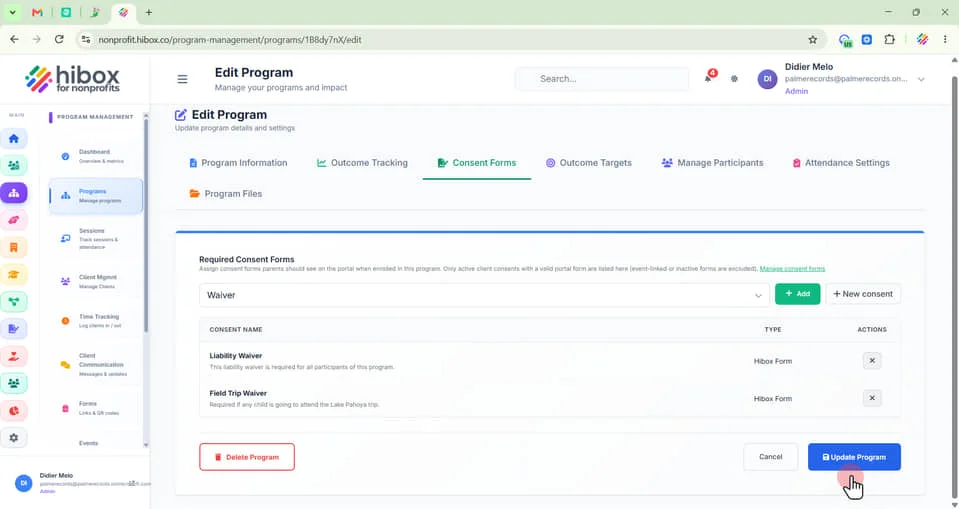
11. Click "Update Program" to finish
 Powered by ProductLift