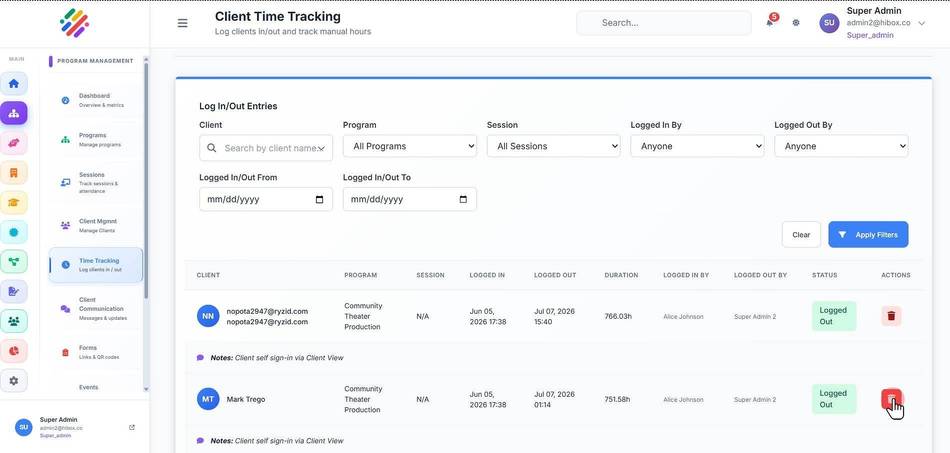
Deleting a Logged Shift
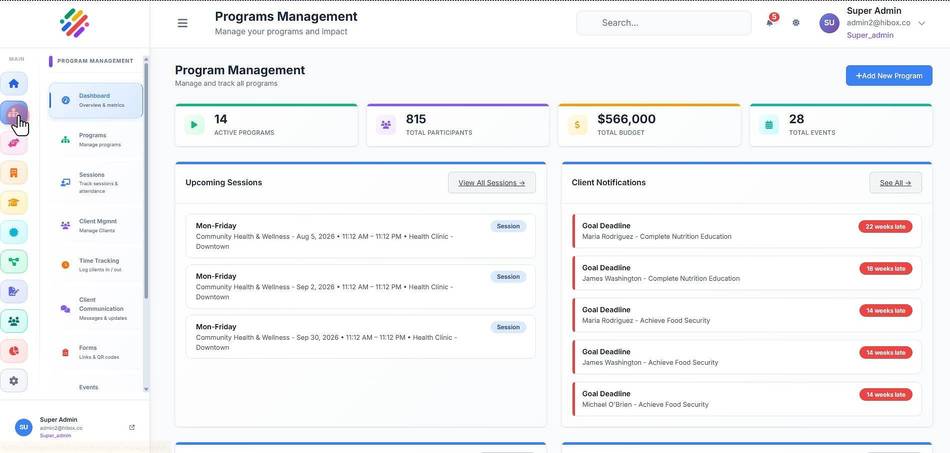
1. Click "Program Management" on the left side menu
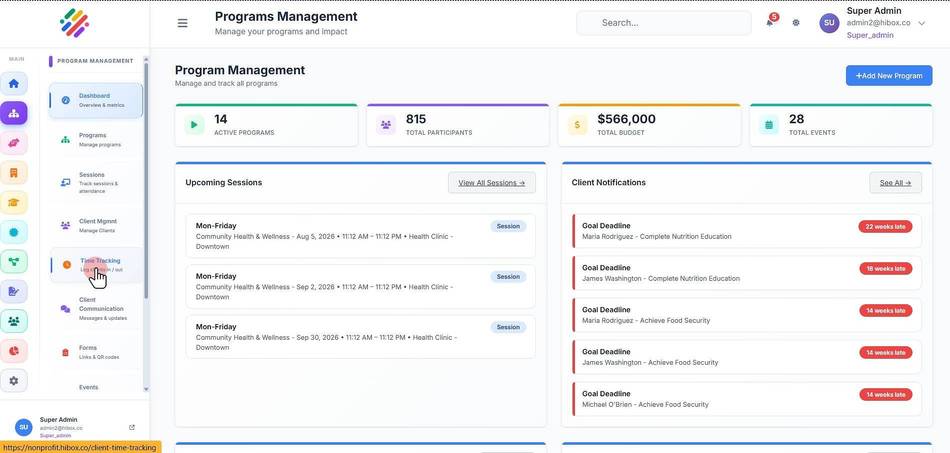
2. Click "Time Tracking" on the sub-menu
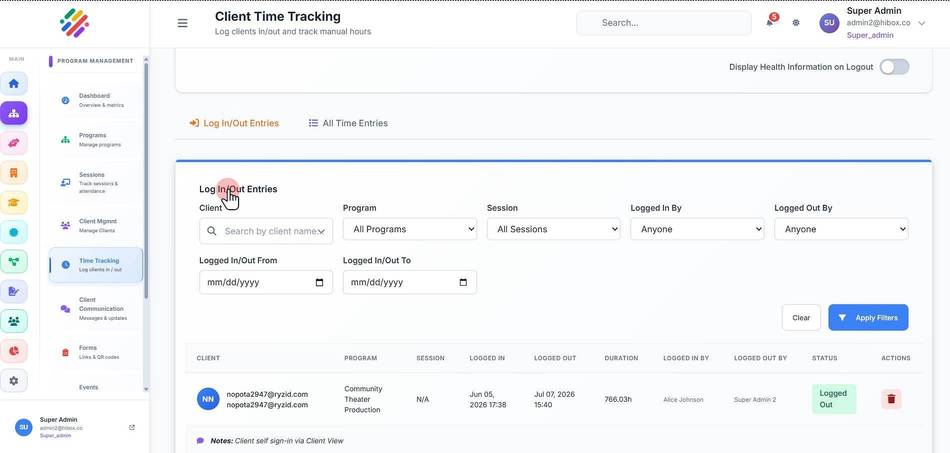
3. Scroll down to find the "Log In/Out Entries" section
4. Locate the shift you wish to delete and click on the "Delete" button on the right