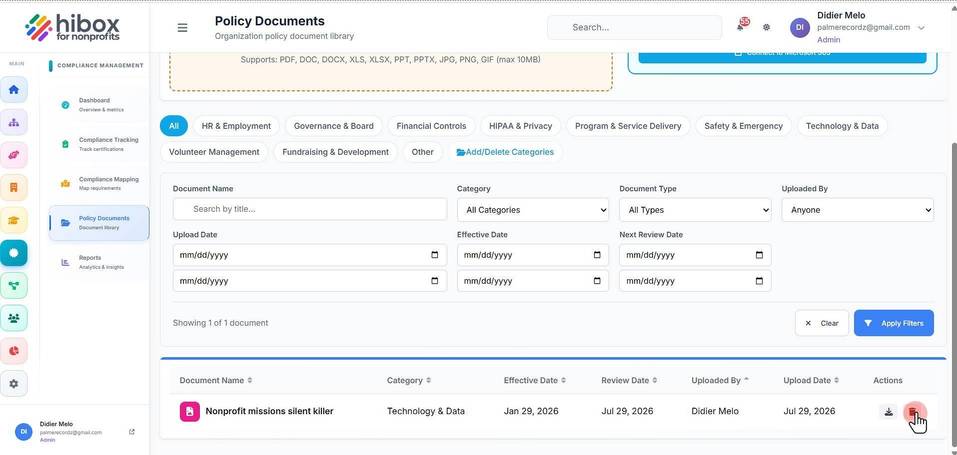
Deleting a Policy Document
Deleting a Policy Document
1. Use the filters to find documents per category
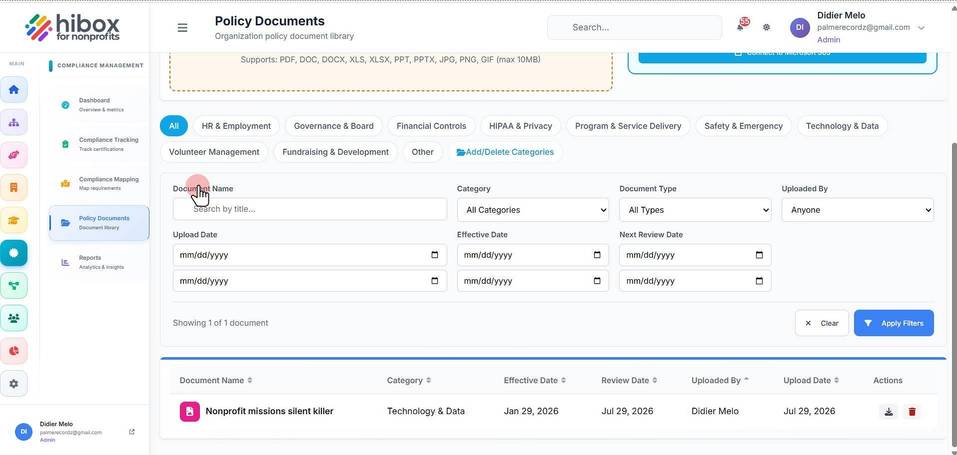
2. Click "Policy Documents" on the sub-menu
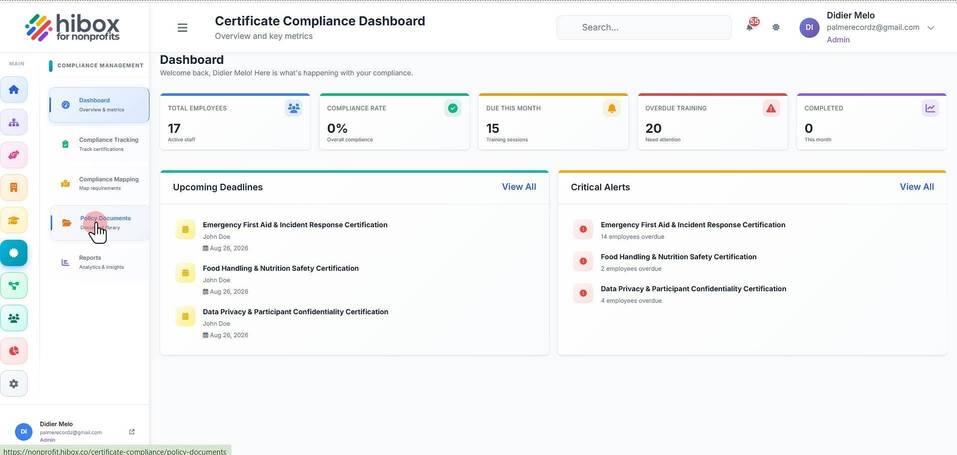
3. Click "Certifications" on the left-side menu
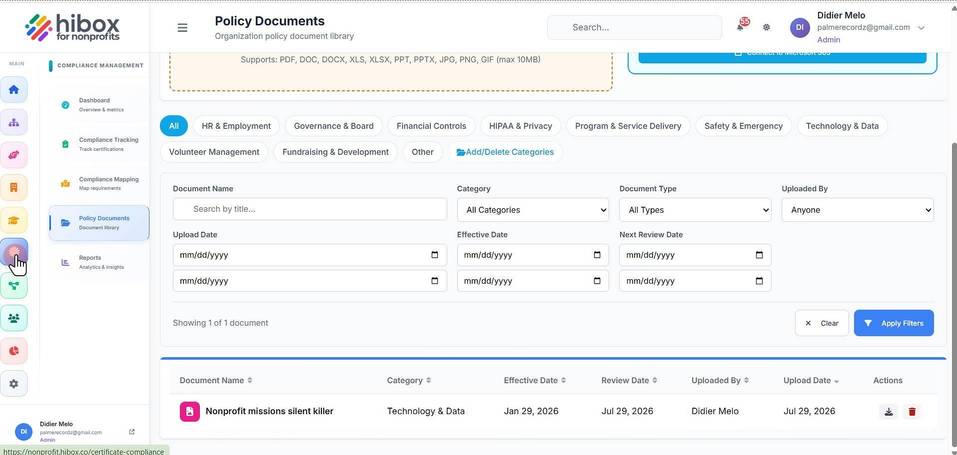
4. Scroll down to see all uploaded privacy documents
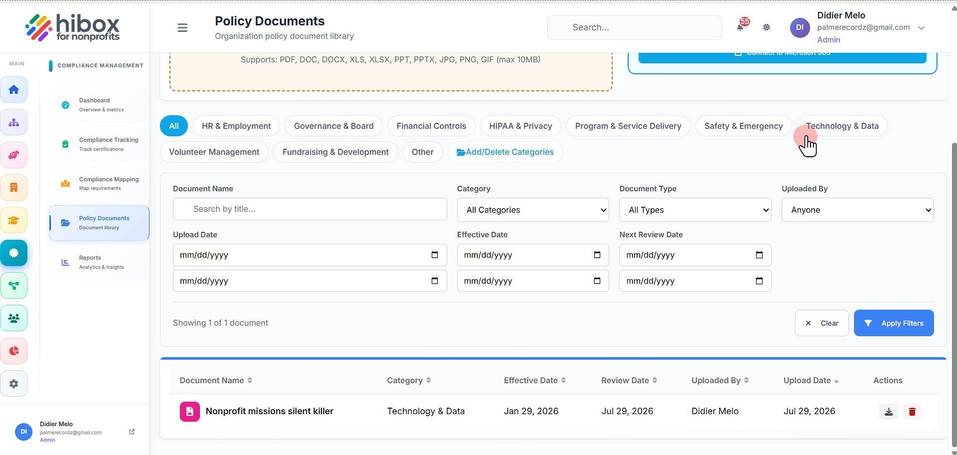
5. Use the filters by clicking on the columns
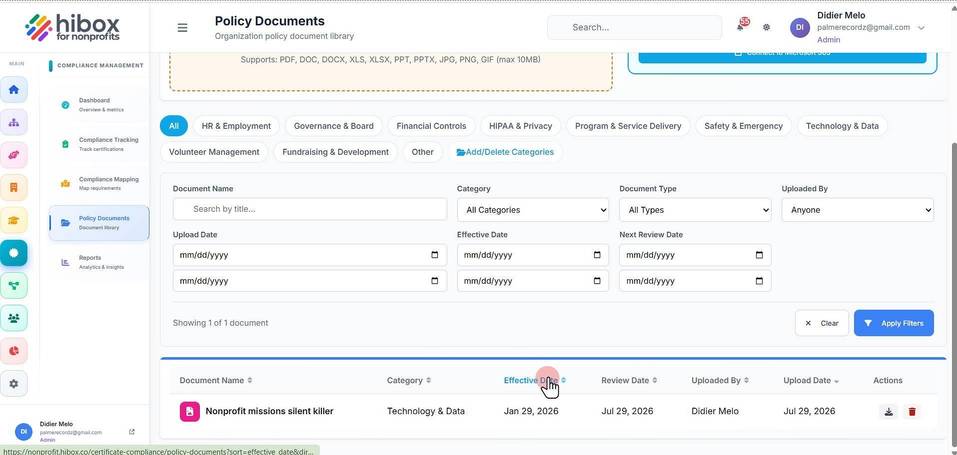
6. Click "Delete" to delete the document permanently