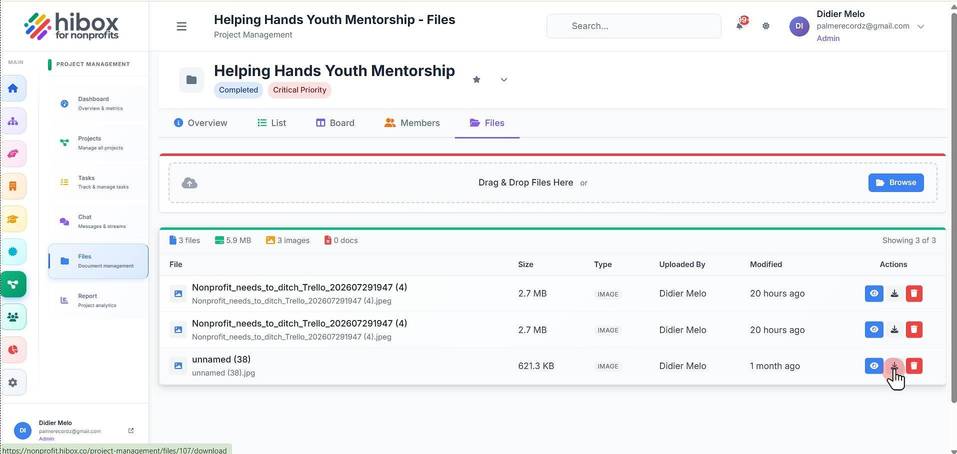
Download Files from a Project Task
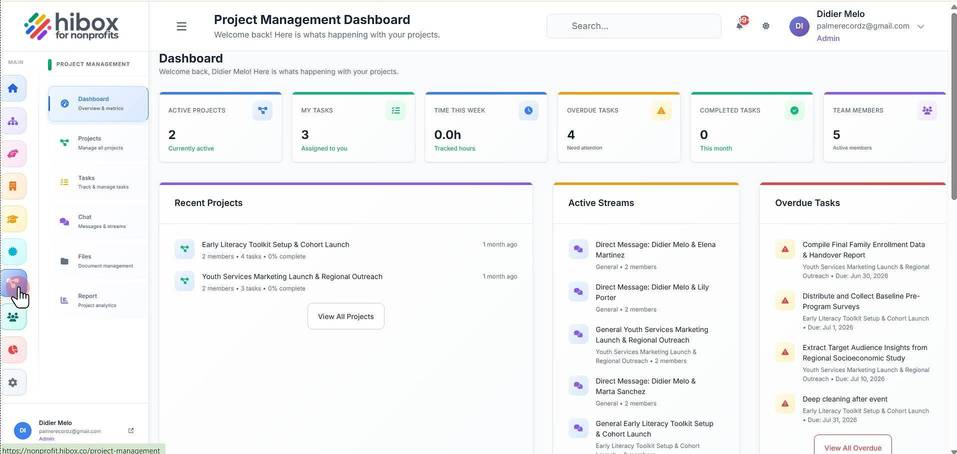
1. Click "Project Management" on the left-side menu
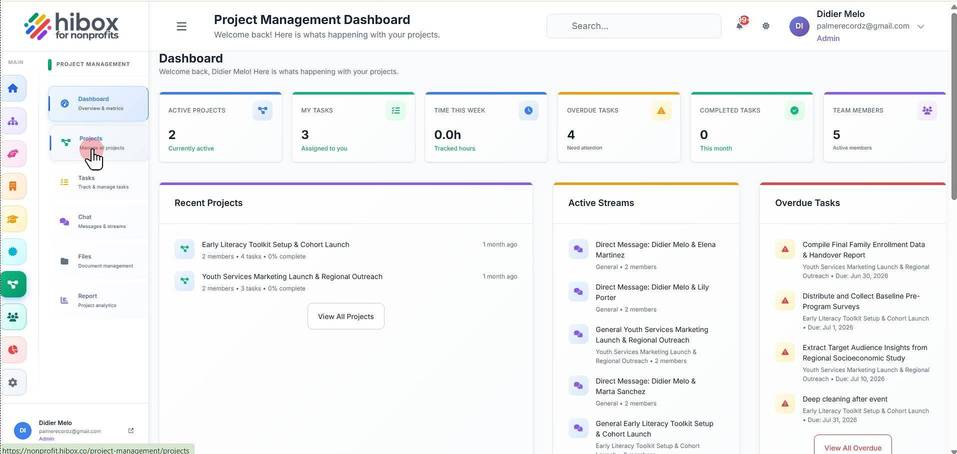
2. Click "Projects" on the sub-menu
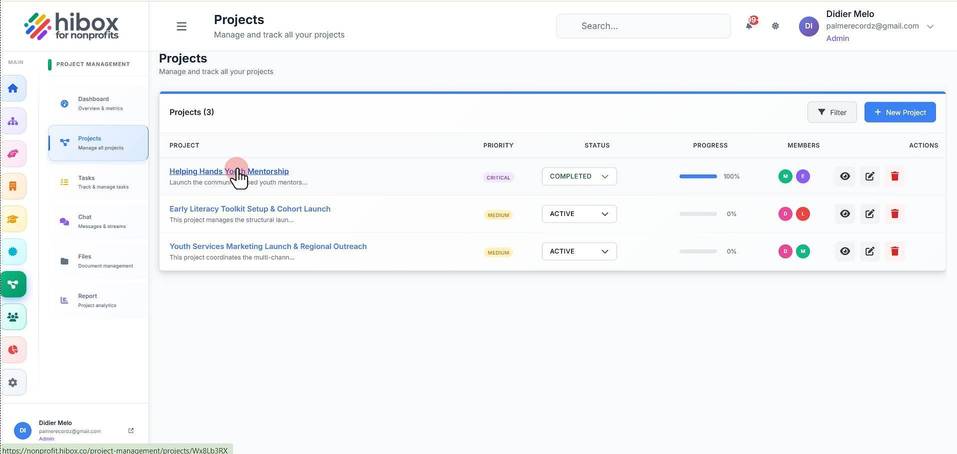
3. Click on the project name
4. Navigate to the "Files" section
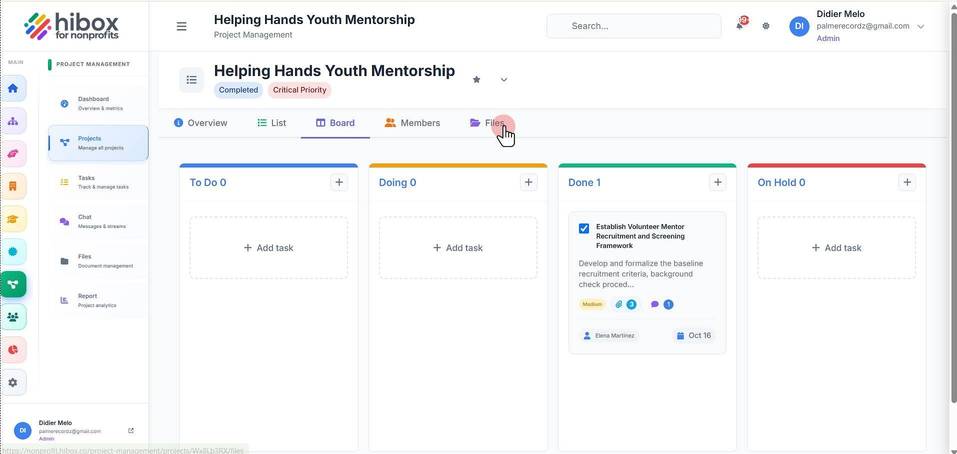
5. Click the "Download" icon next to the document you want to download