Duplicating Sessions
1. Click "Program Management" on the left-side menu
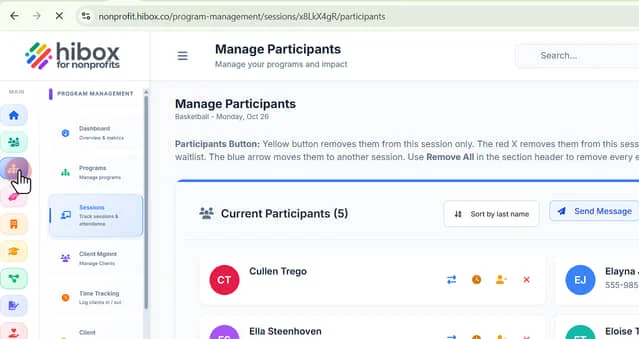
2. Click "Sessions" on the sub-menu
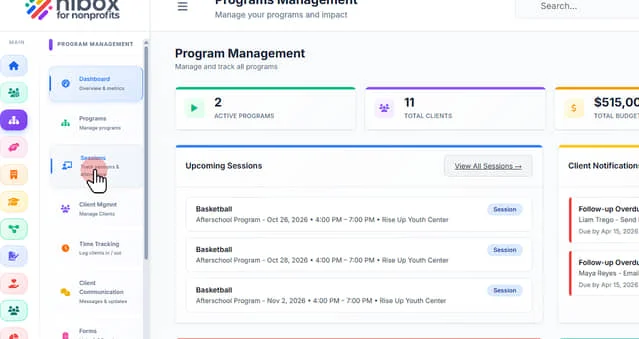
3. Click "Upcoming Sessions"
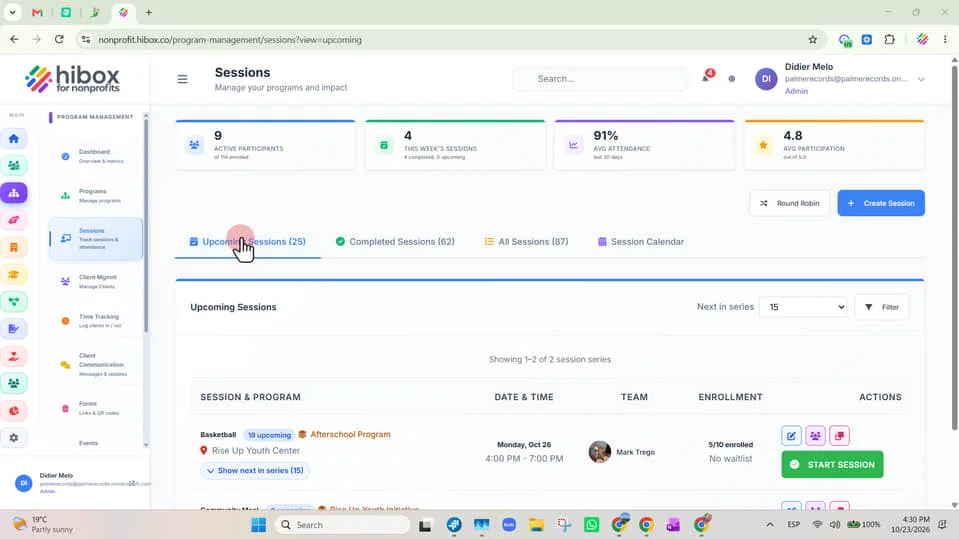
4. Click here
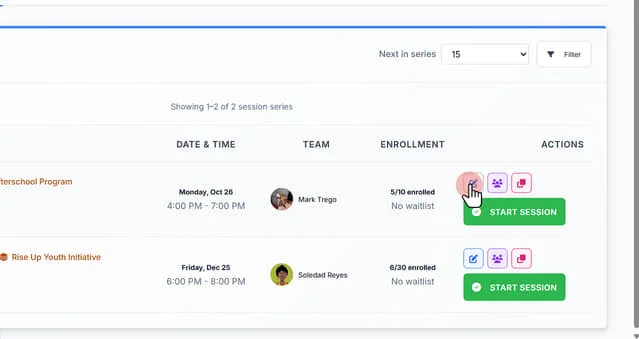
5. Check this box to set up repeating sessions with advanced scheduling options"
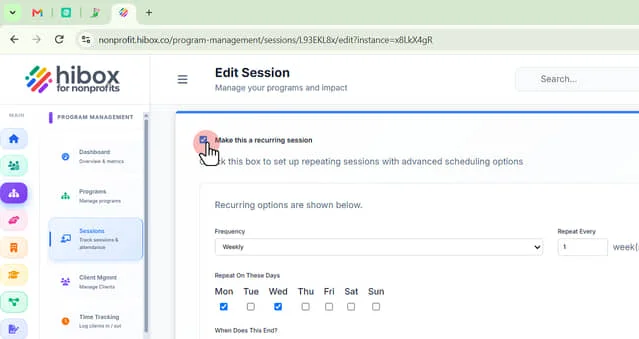
6. Click "Additional details about this session..."
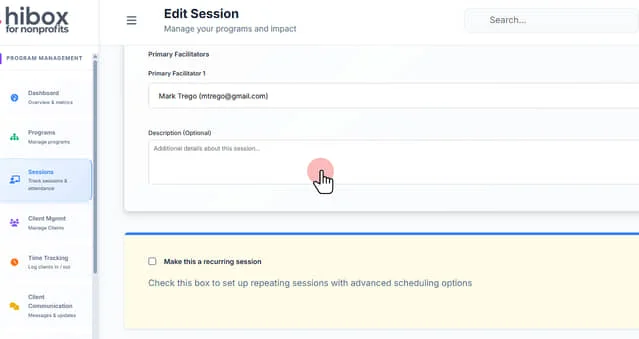
7. Click here
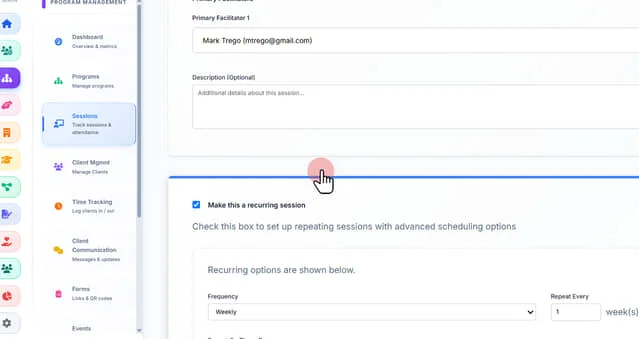
8. Check this box to set up repeating sessions with advanced scheduling options"
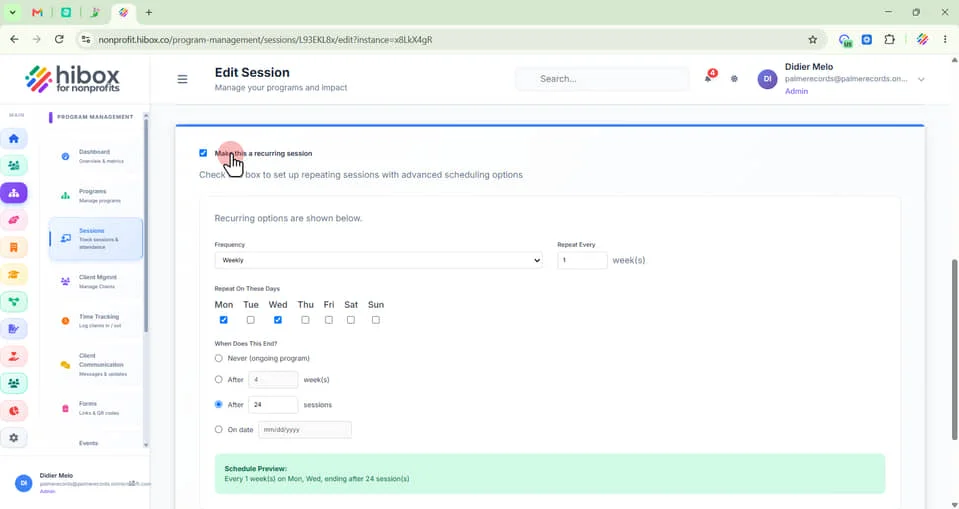
9. Recurring options are shown below
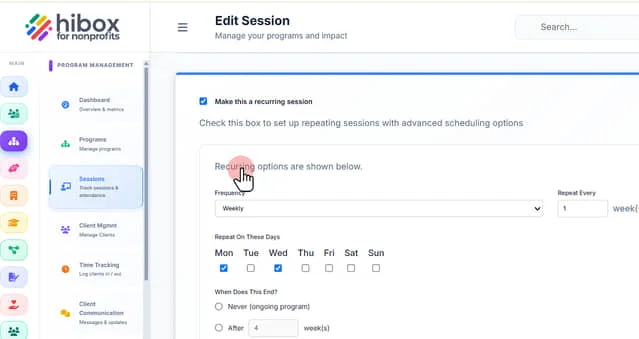
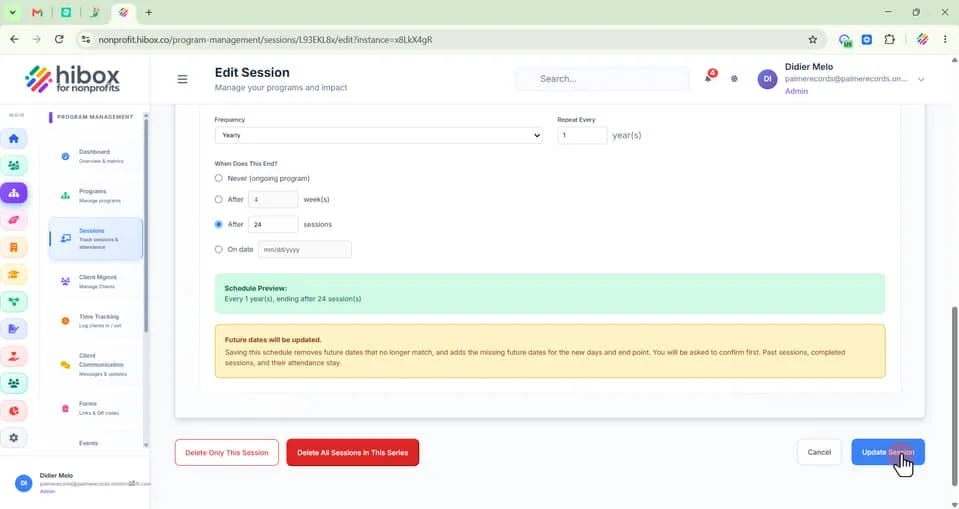
10. Set the Frequency as "Daily, Weekly, Monthly or Yearly" using the dropdown menu
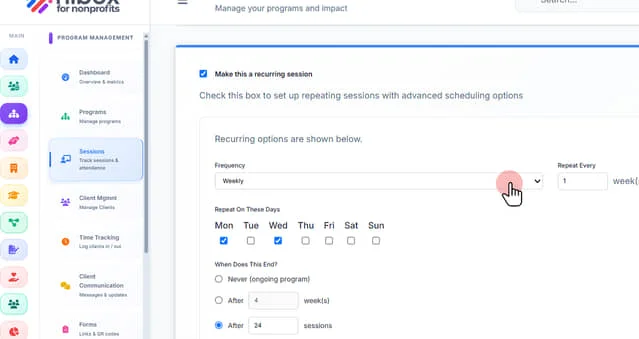
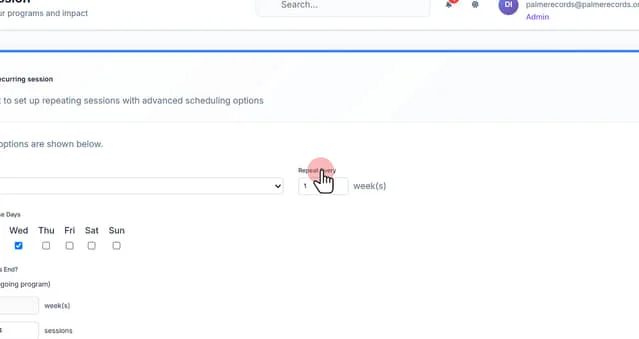
11. Set the "Repetition"
12. Set when does this repetetion end. Select "Never" for an ongoing program
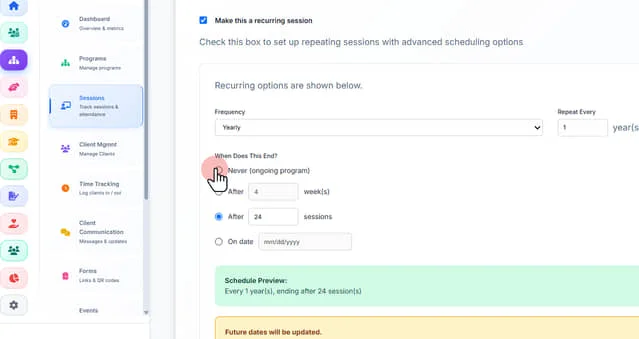
13. End the repetition after certain amount of weeks
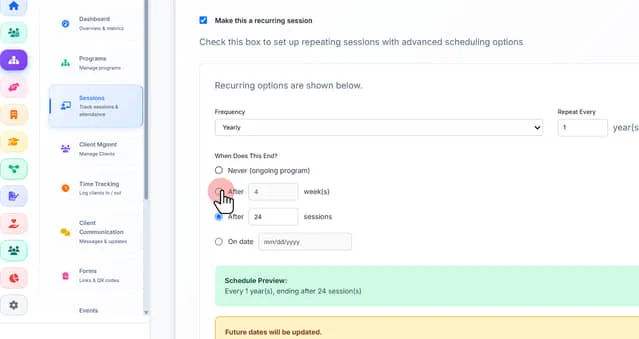
14. After certain amount of sessions
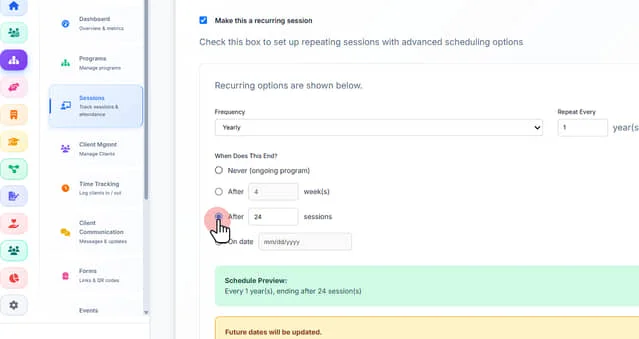
15. Or end the repetition at a specific date on the calendar
aq
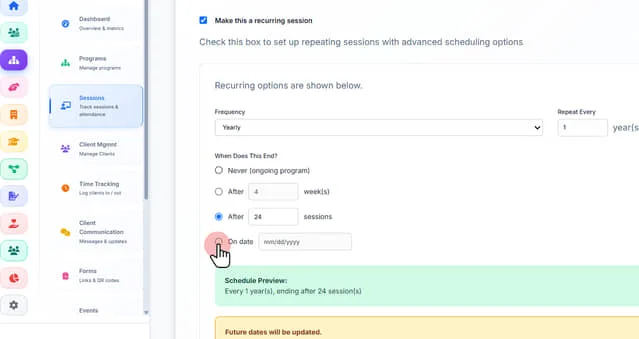
16. Saving this schedule removes future dates that no longer match, and adds the missing future dates for the new days and end point. You will be asked to confirm first. Past sessions, completed sessions, and their attendance stay.
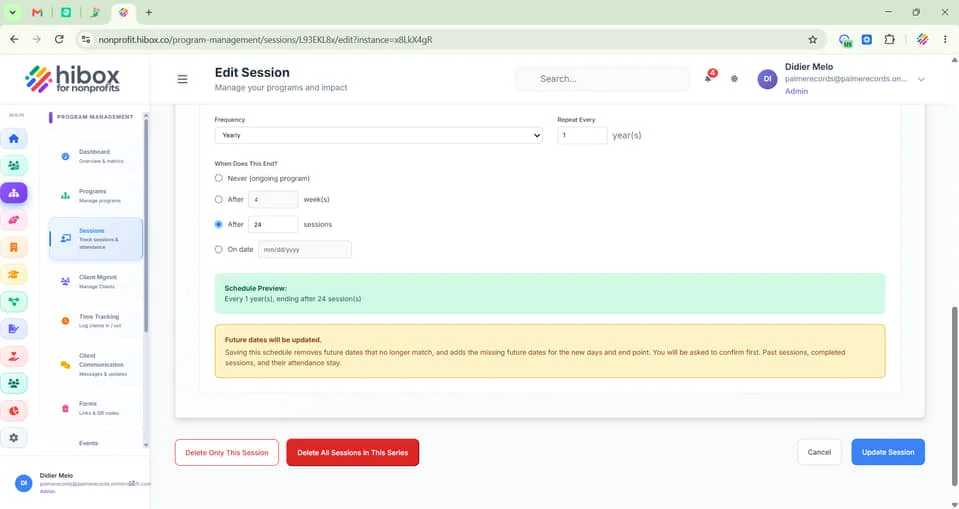
17. Click "Update Session" to save and finish
 Powered by ProductLift