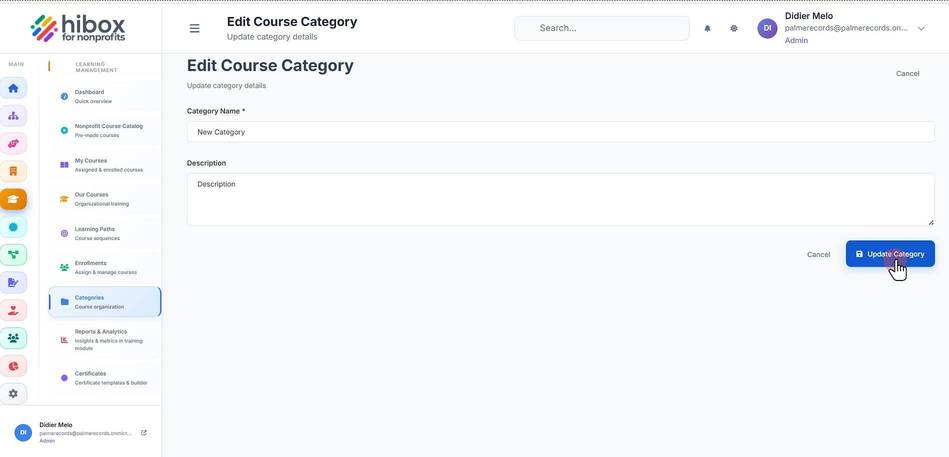
Edit a Course Category
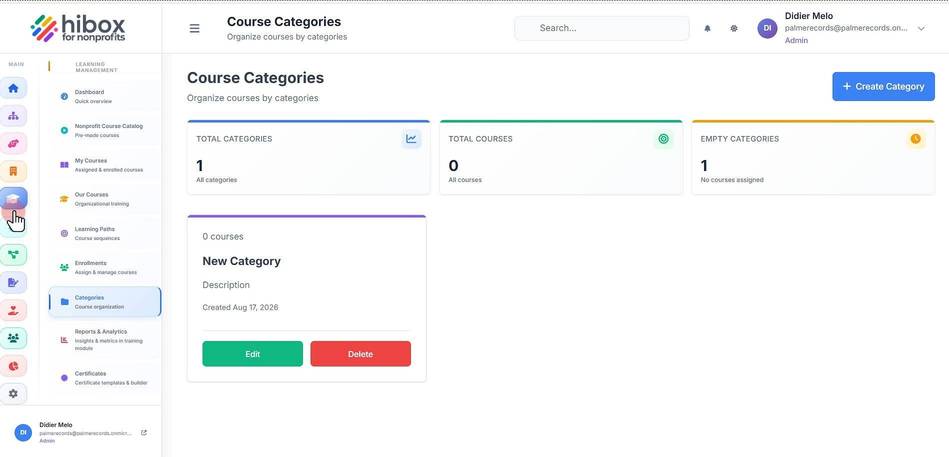
1. Click "Learning & Onboarding" on the left-side menu
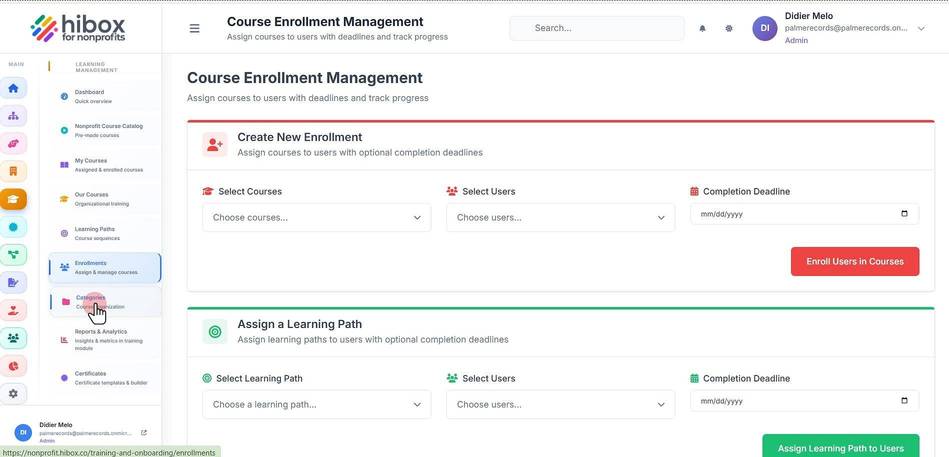
2. Click "Categories Course" on the left-side menu
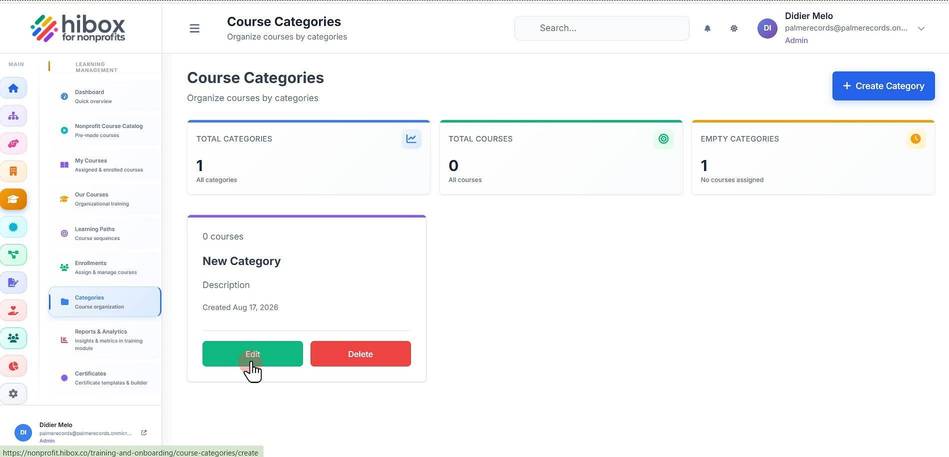
3. Locate the category and click "Edit"
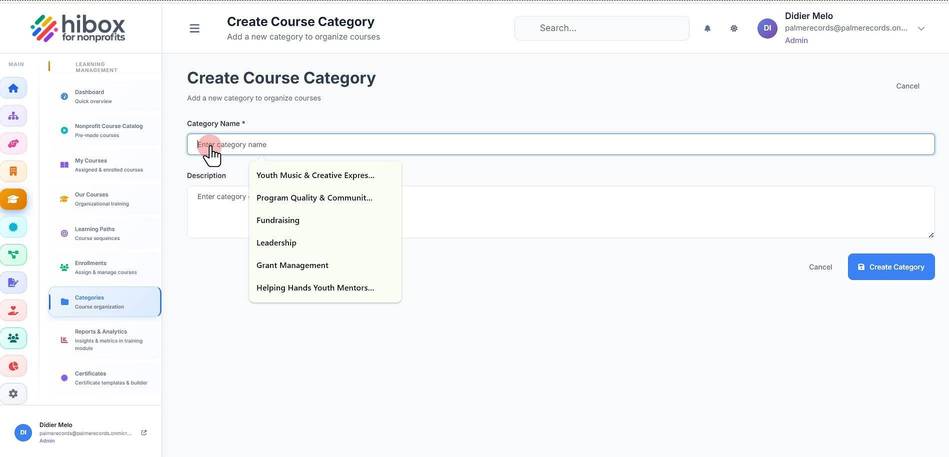
4. Edit the new "Category Name"
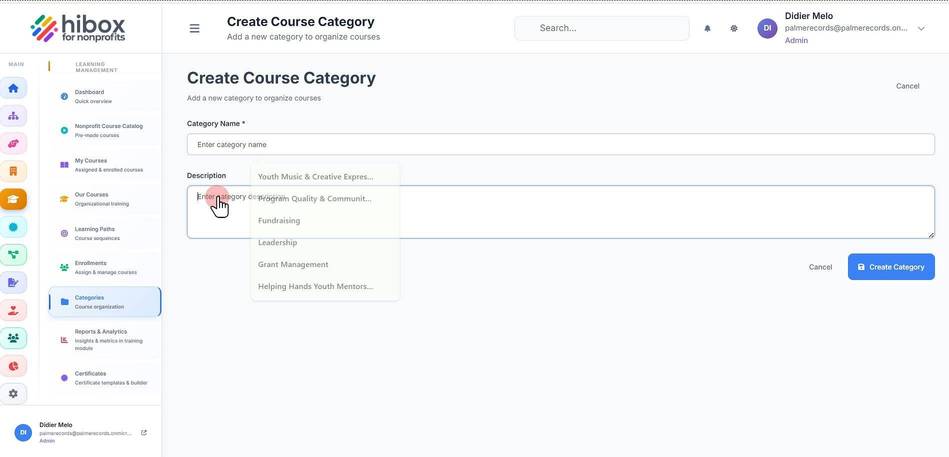
5. Edit the "Description"
6. Click "Update Category" to save changes and finish