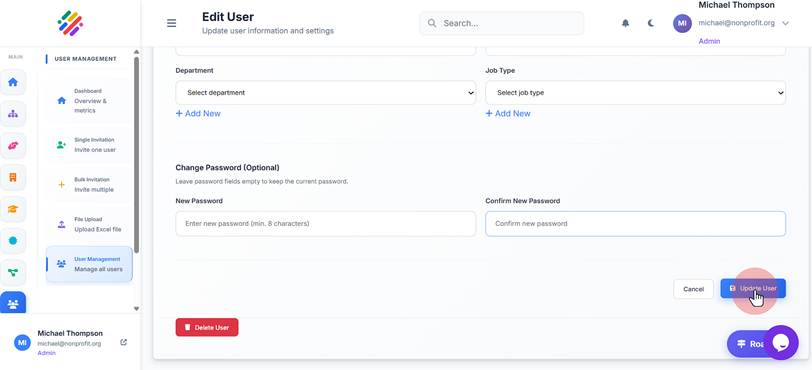
Edit User Information
Edit User Information
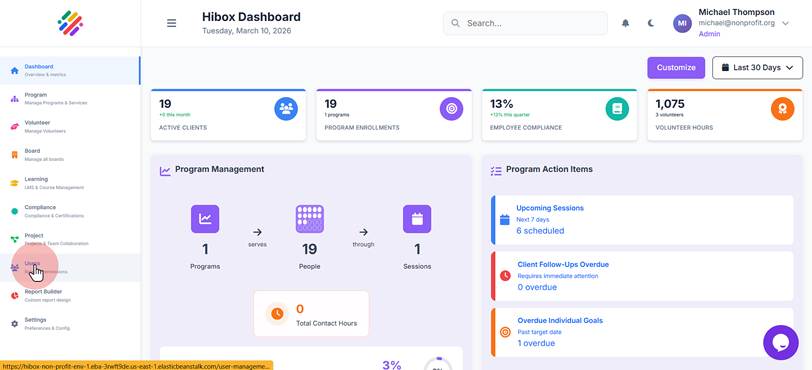
1. Click "Users Roles & Permissions"
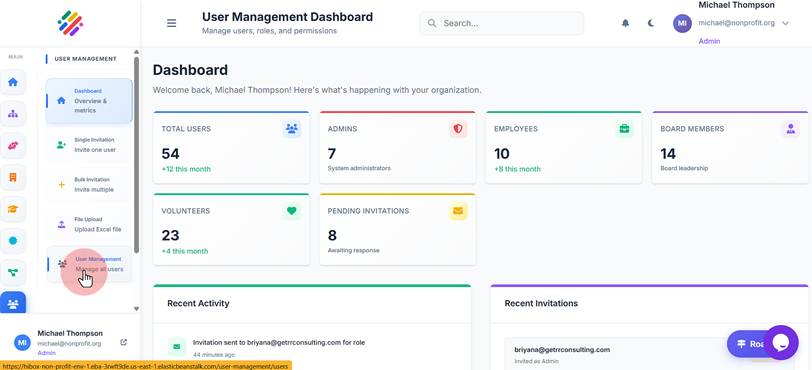
2. Click "User Management Manage all users"
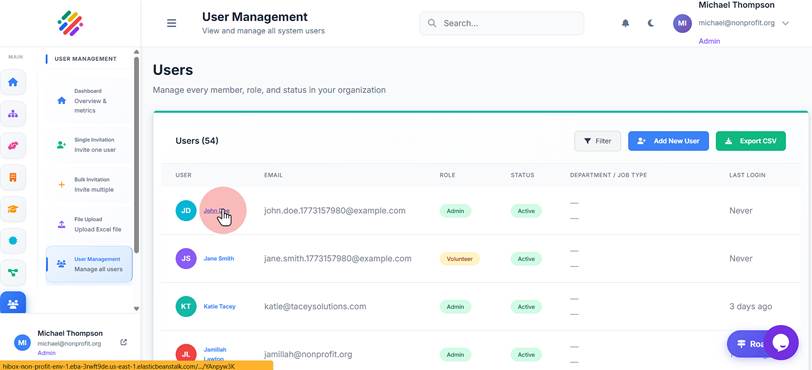
3. Click on the name of the user you wish to edit.
4. Click "Edit User"
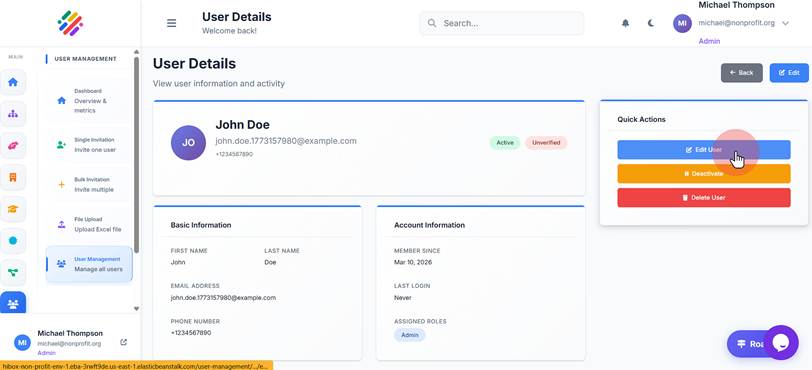
5. You can edit the "First Name"
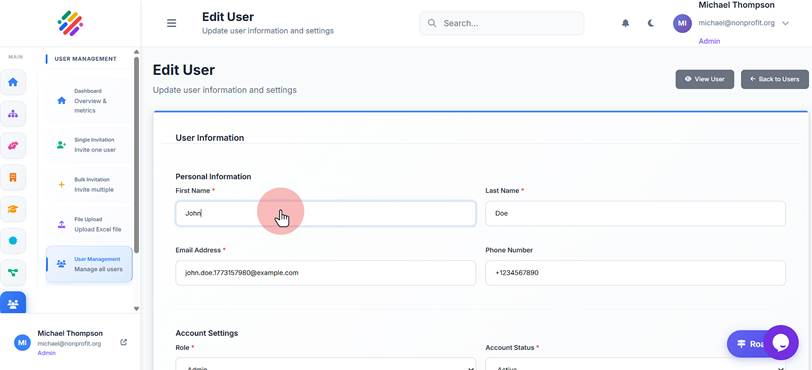
6. Click "Last Name *"
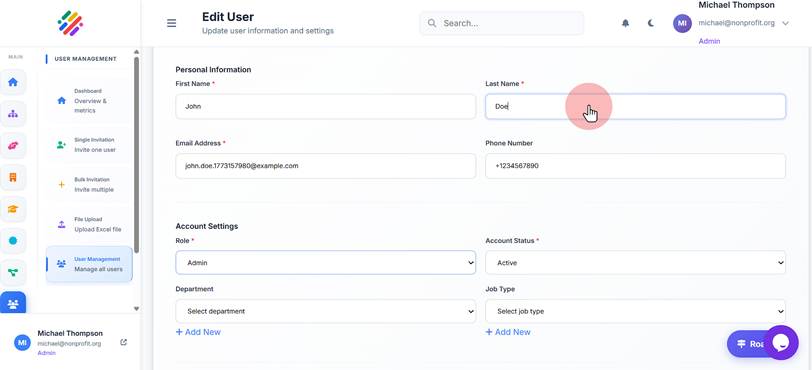
7. Click "Email Address *"
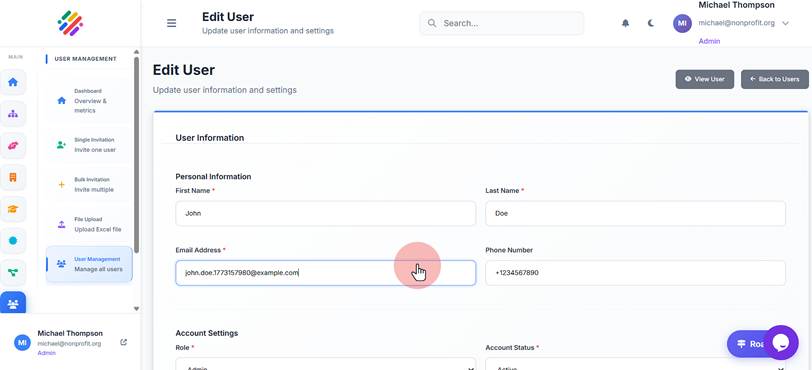
8. Click "Phone Number"
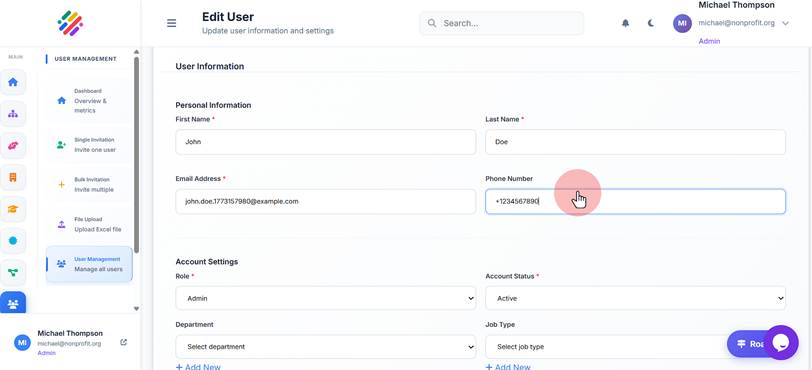
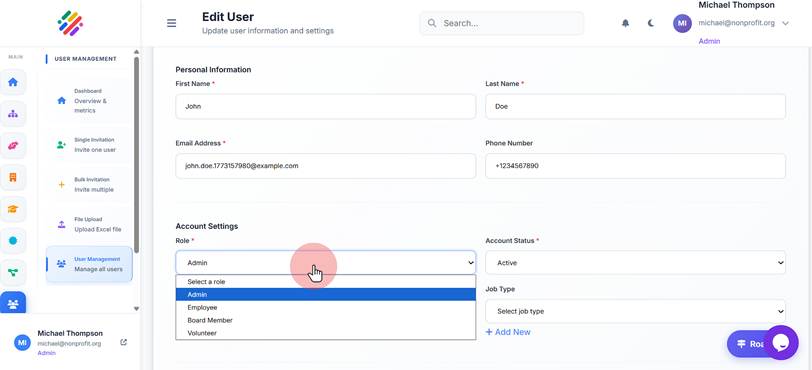
9. Click "Role" to change to a different role
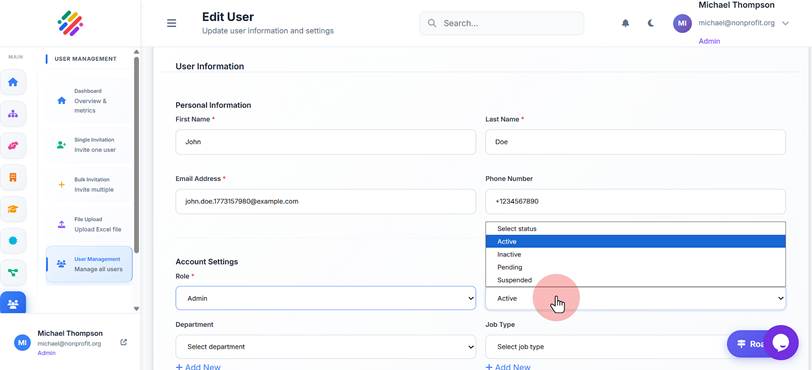
10. Click "Account Status" to change the user status
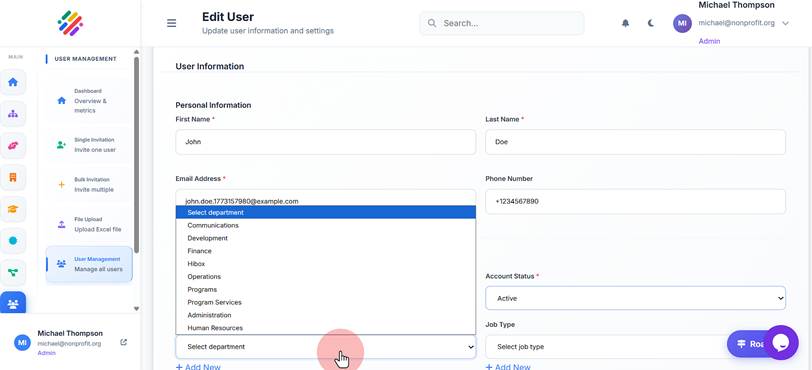
11. Re*assign to a "Department"
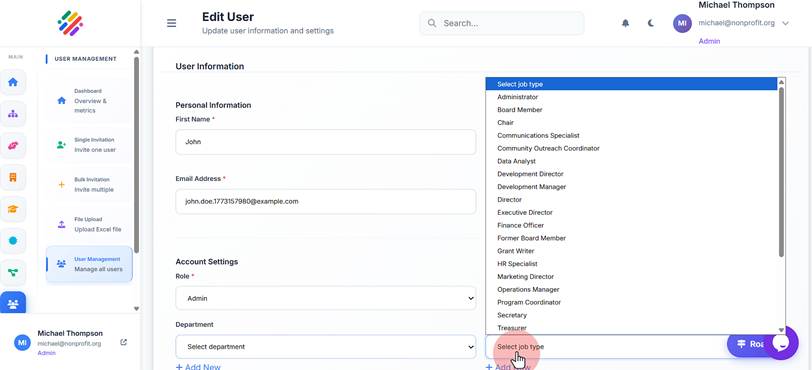
12. Click "Job Type" to change it
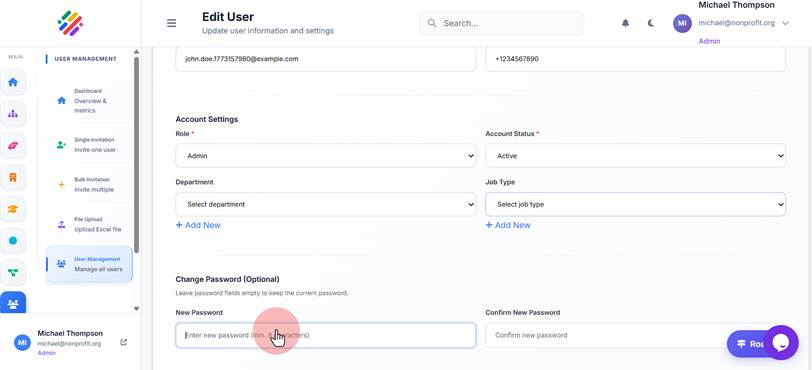
13. Click "New Password" if you wish to set a new password for this user
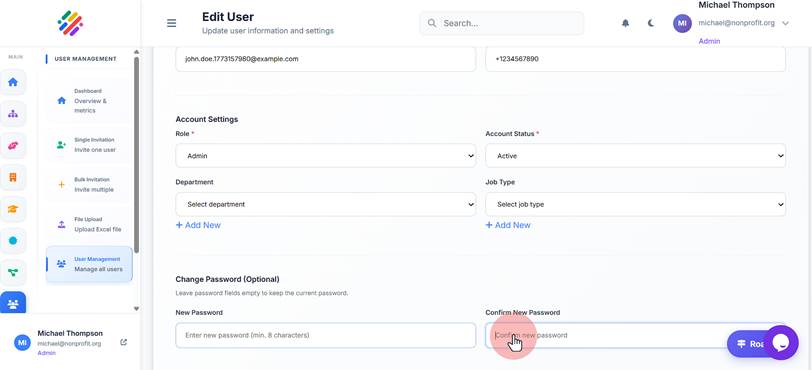
14. Confirm the new password
15. Click "Update User" to save changes