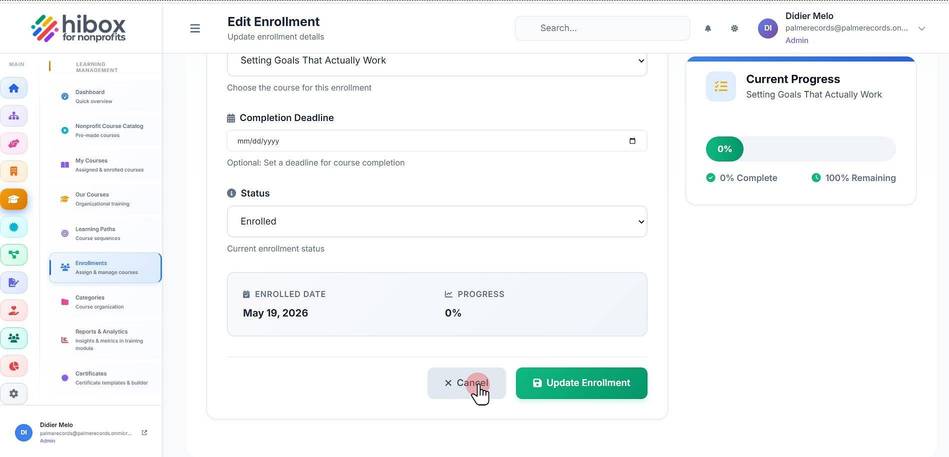
Edit User's Enrollments
Edit User's Enrollments
1. Click "Training & Onboarding" on the left-side menu
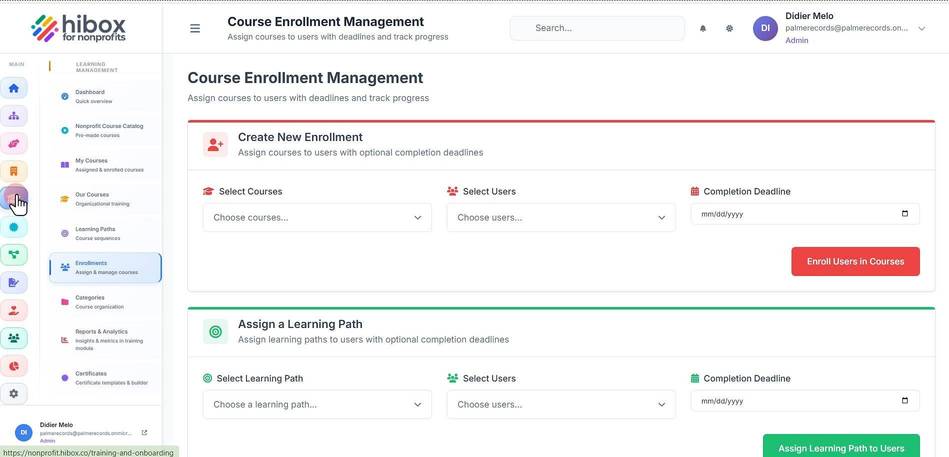
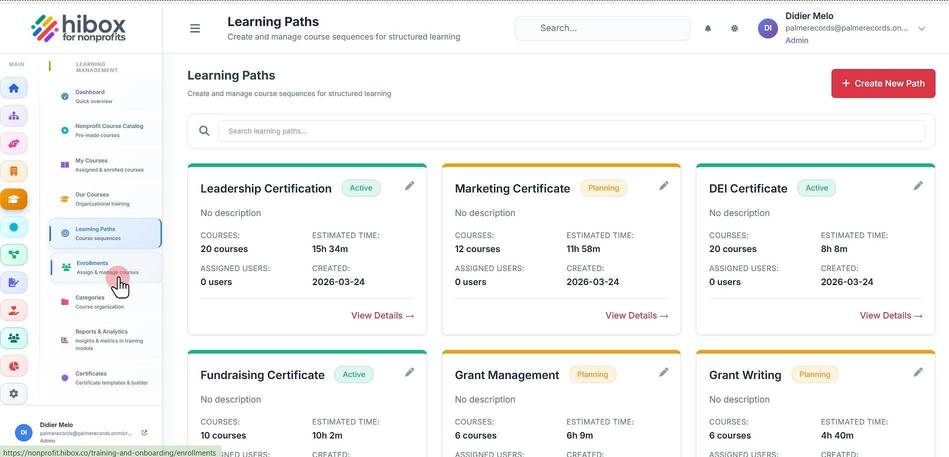
2. Click "Enrollments" on the left-side menu
3. Scroll down to see the "All Enrollments" section
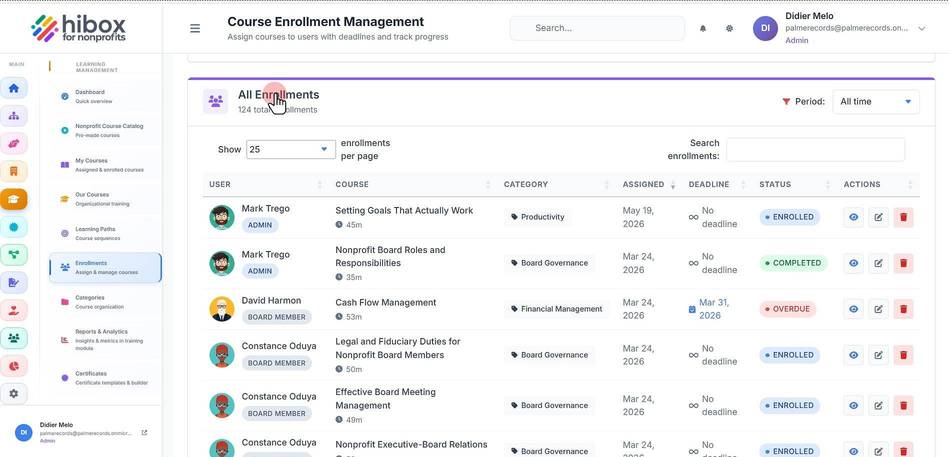
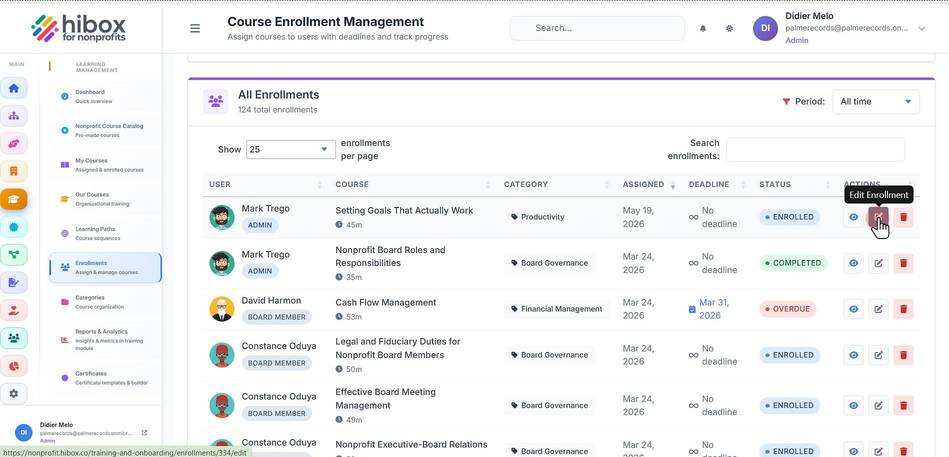
4. Click "Edit Enrollment" to edit each user enrollment
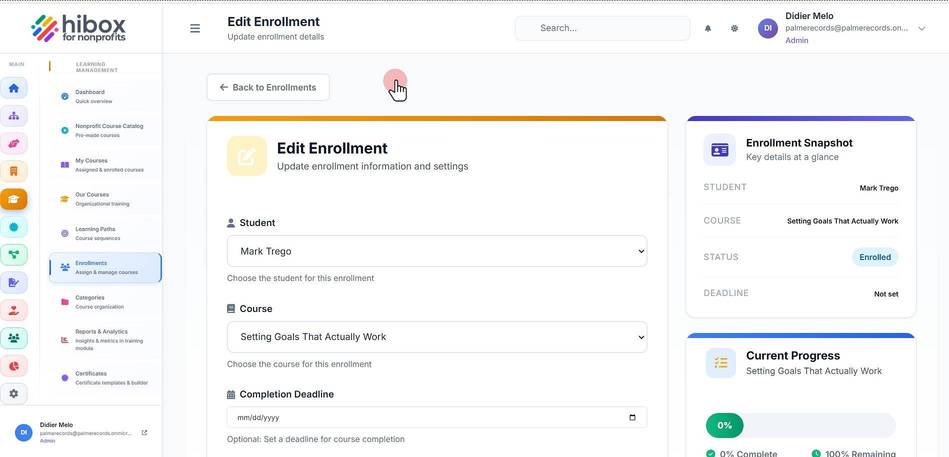
5. Click " Back to Enrollments"
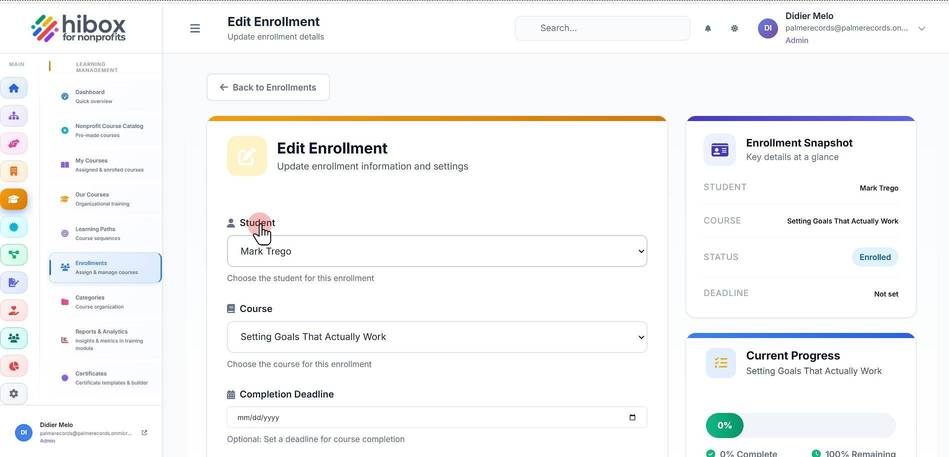
6. Click "Student"
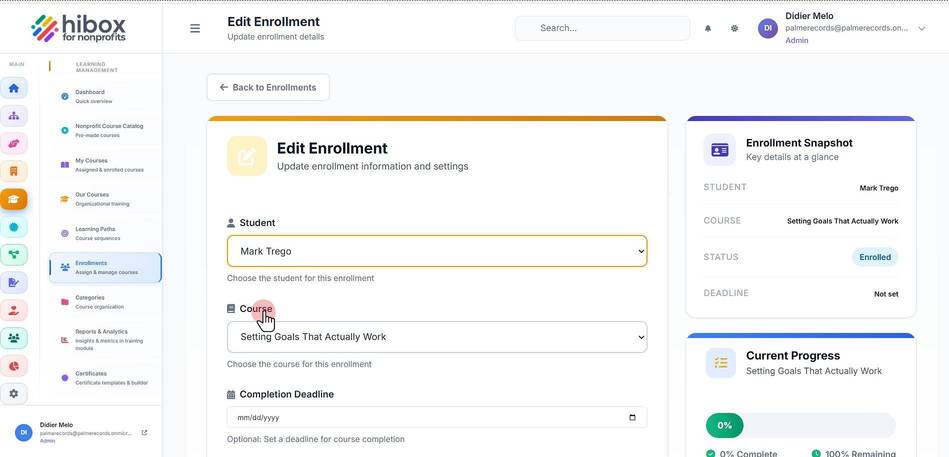
7. Click "Course"
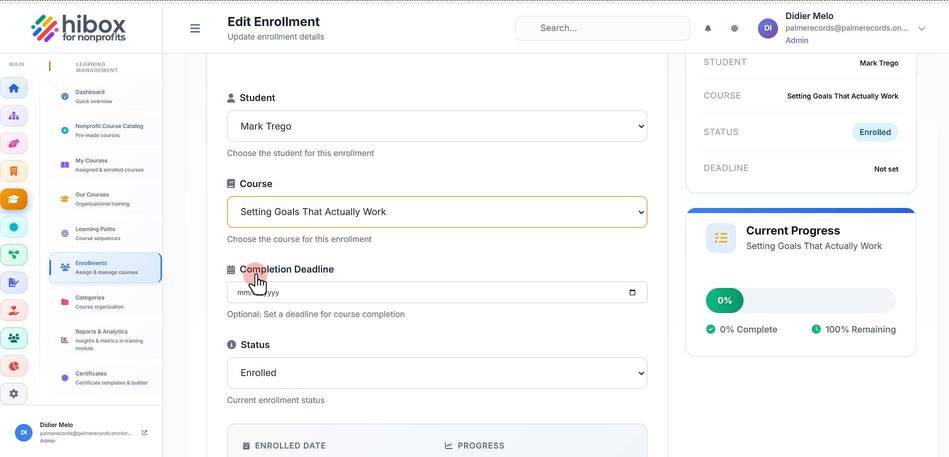
8. Click "Completion Deadline"
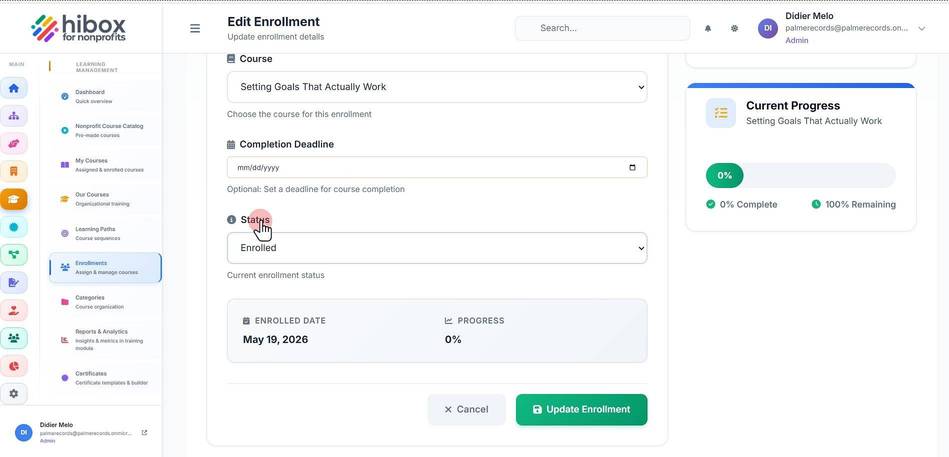
9. Click "Status"
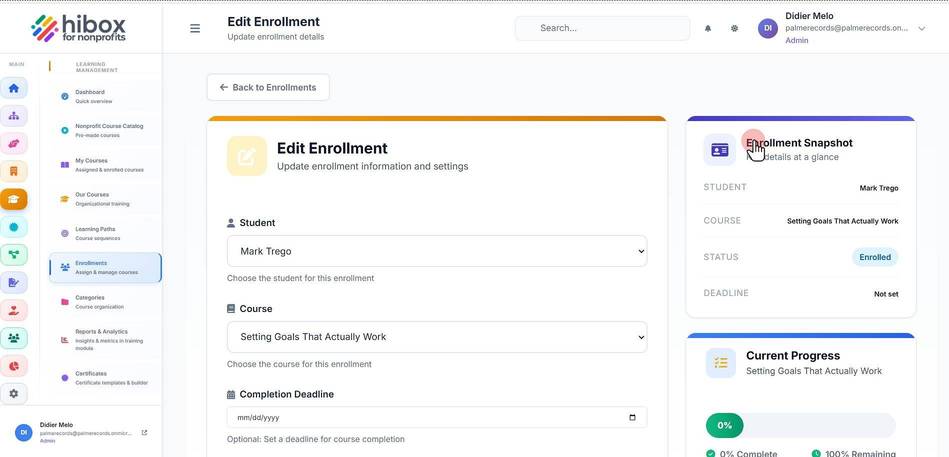
10. Click "Enrollment Snapshot"
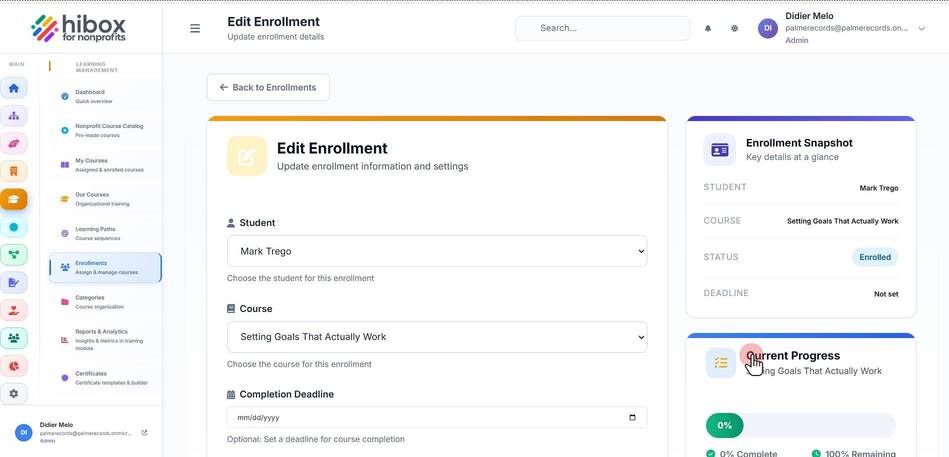
11. Click "Current Progress"
12. Click " Update Enrollment"
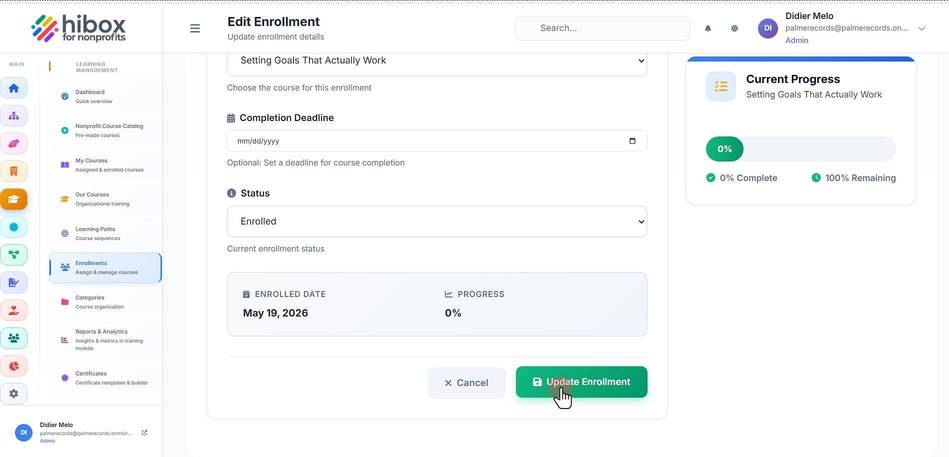
13. Click " Cancel"