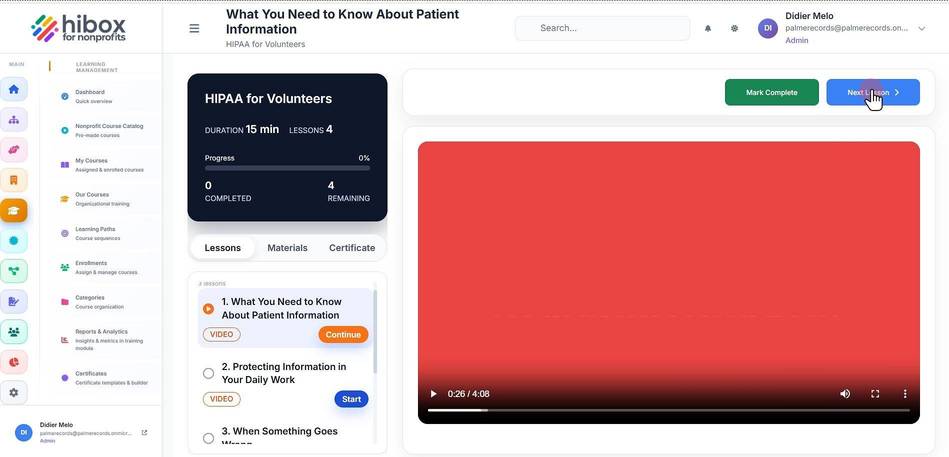
Enroll in a Course
Enroll in a Course
1. Click "Training & Onboarding" on the left-side menu
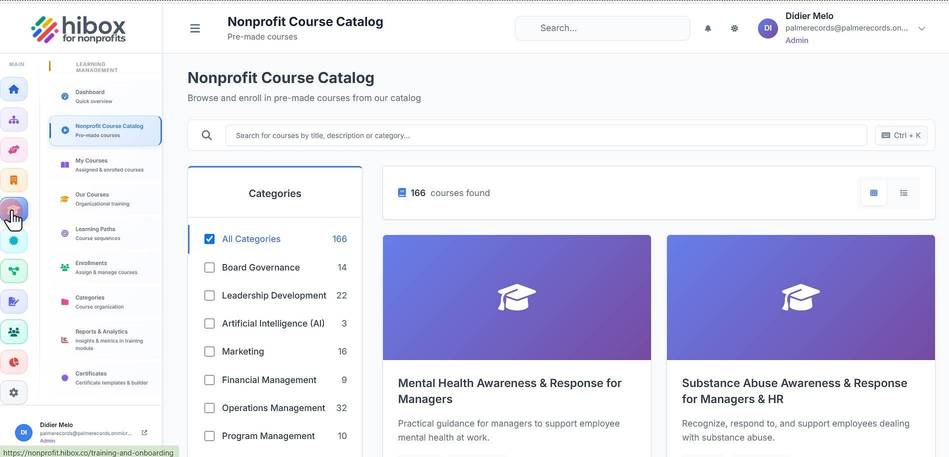
2. Click "Nonprofit Course Catalog" on the sub-menu
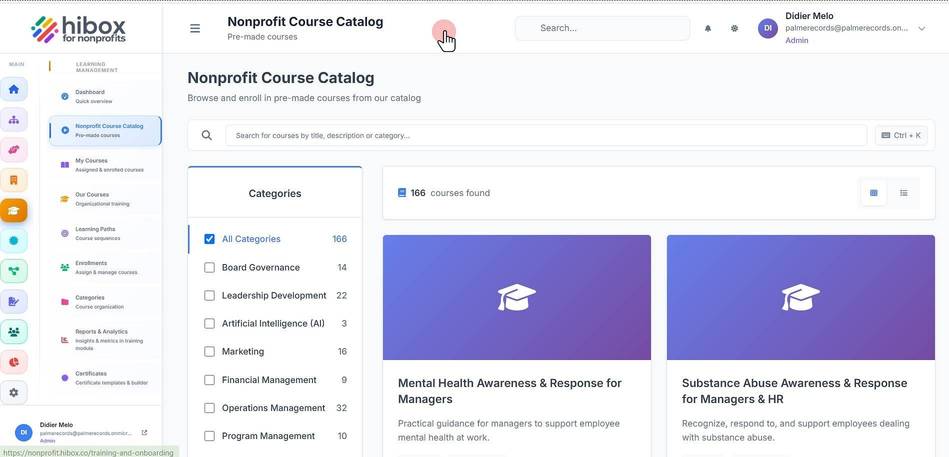
2.1. Search for courses by title, description
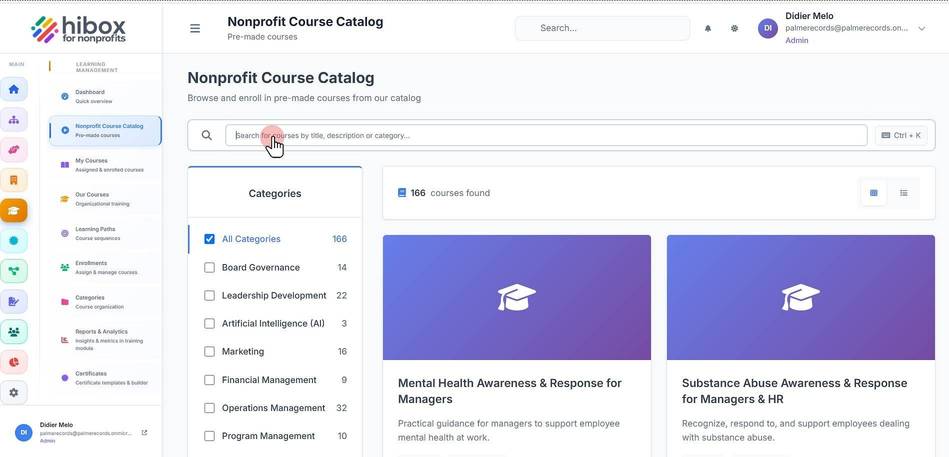
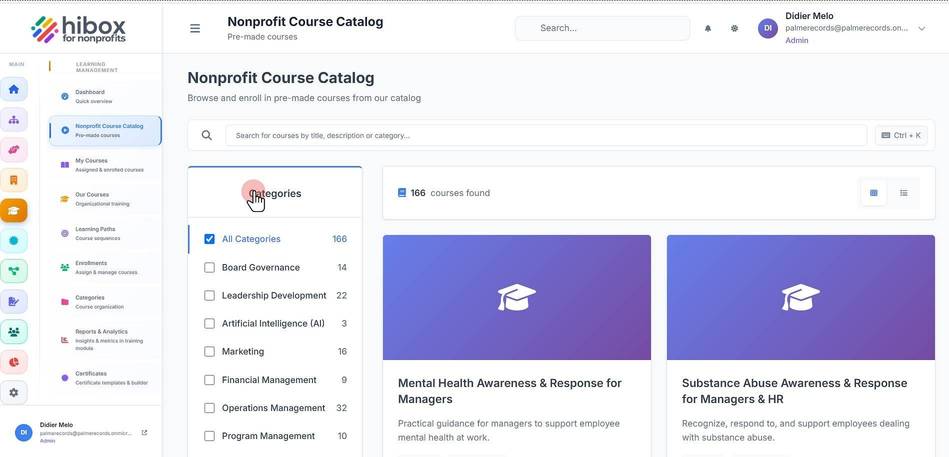
3. Search by "Categories"
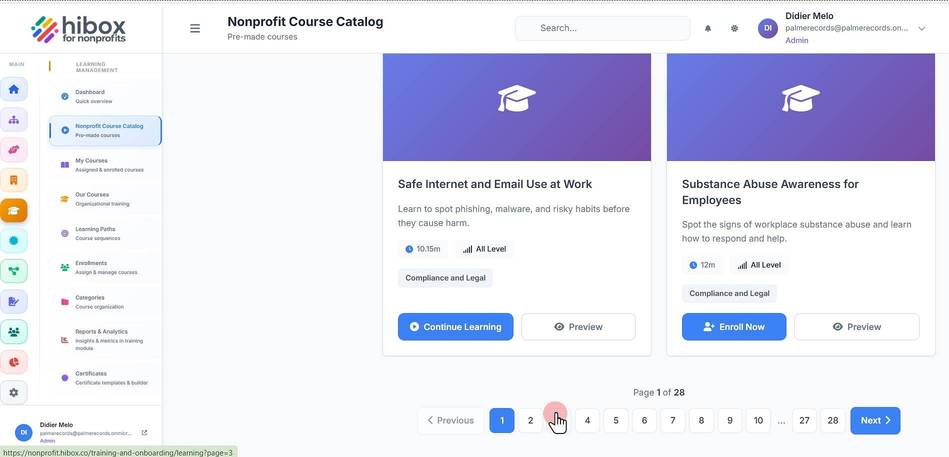
4. Scroll down to see more
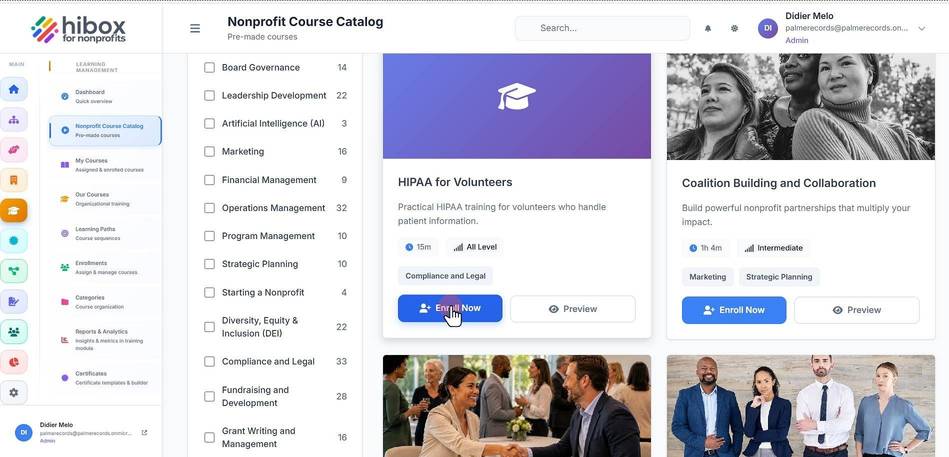
5. Click "Enroll Now"
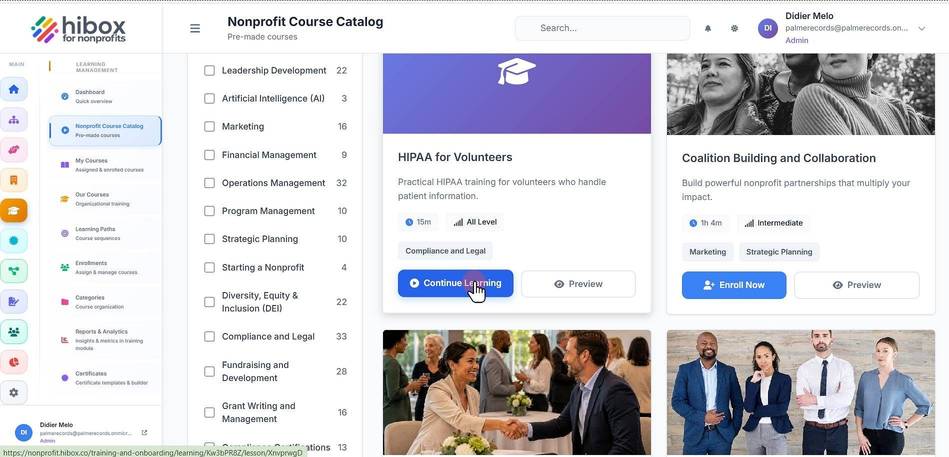
6. Click "Continue Learning" to get started
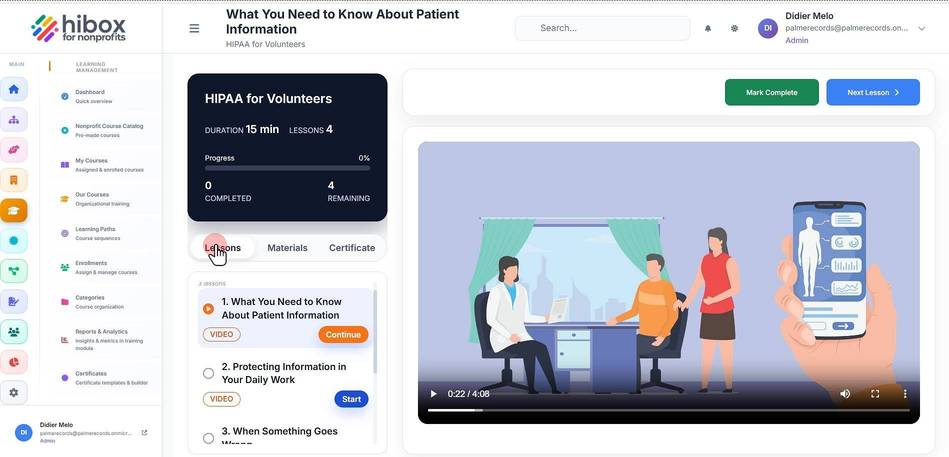
7. Find the Lessons, Materials, and Certificate sections here
8. Click on the "Play" button or on the video to start the video
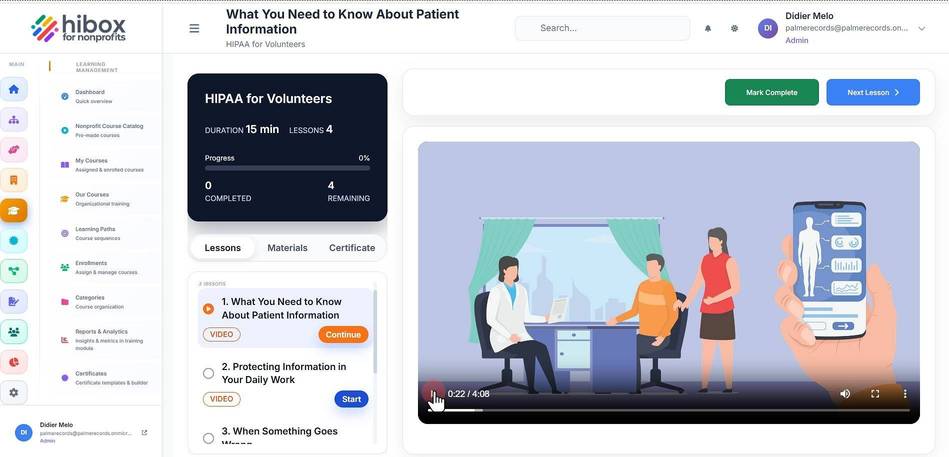
9. When the video has finished, click "Next Lesson" to continue