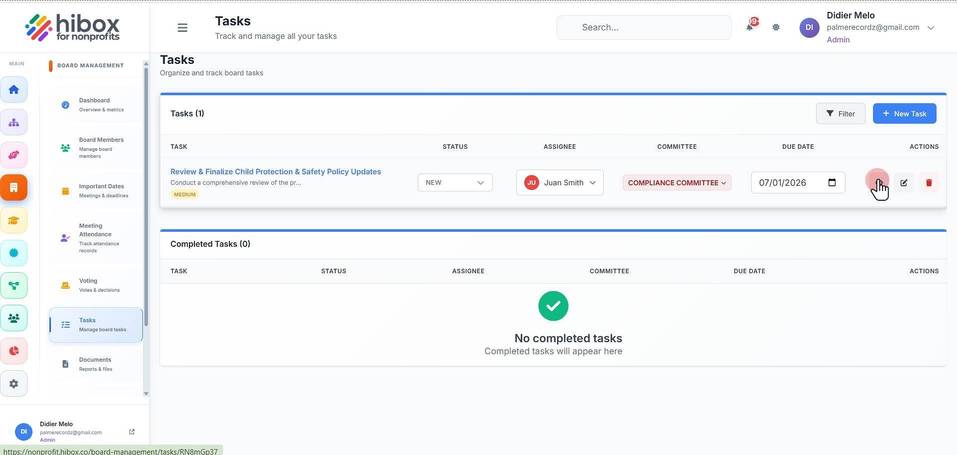
Finding a Task
Finding a Task
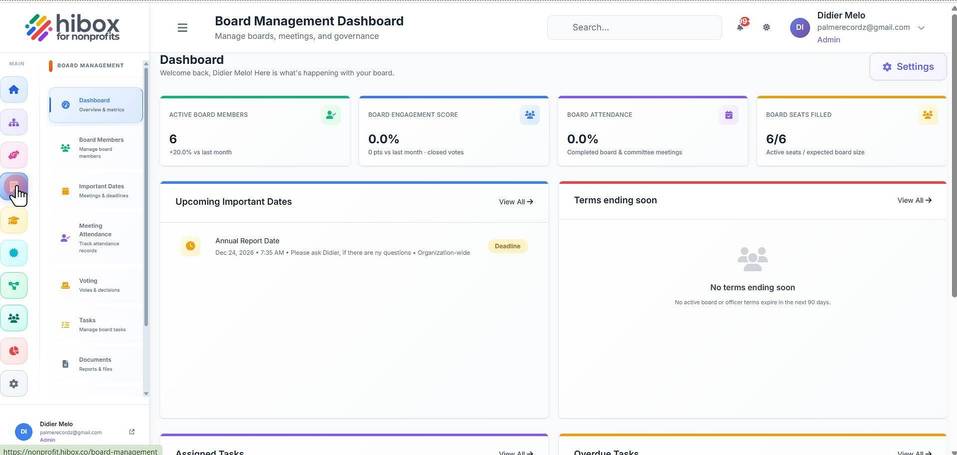
1. Click "Board Management" on the left side menu
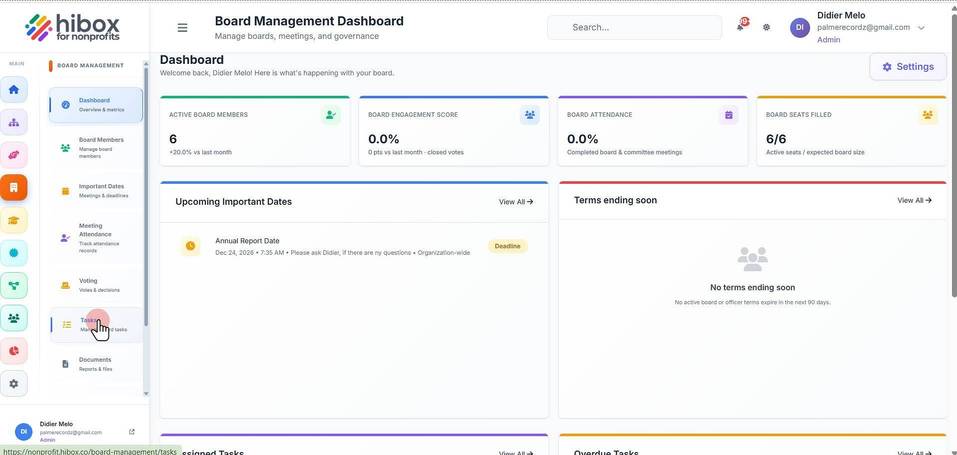
2. Click "Tasks" on the sub-menu
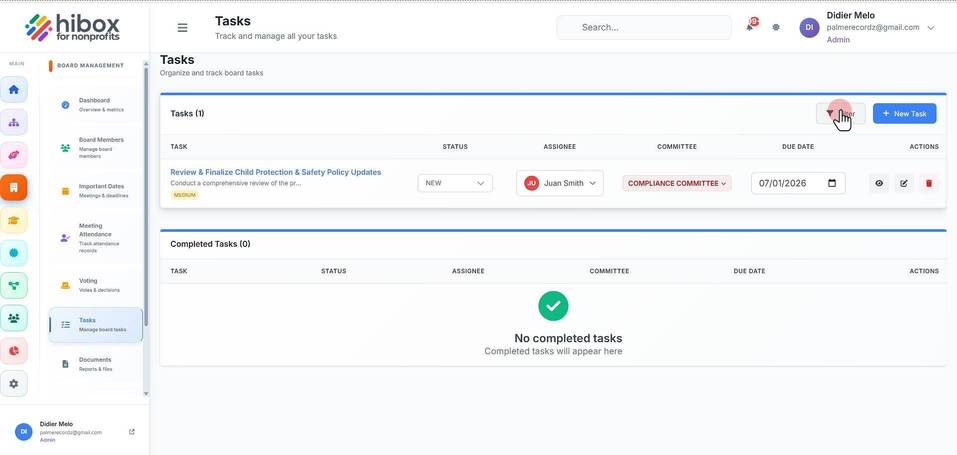
3. Click "Filter"
4. Search tasks by name
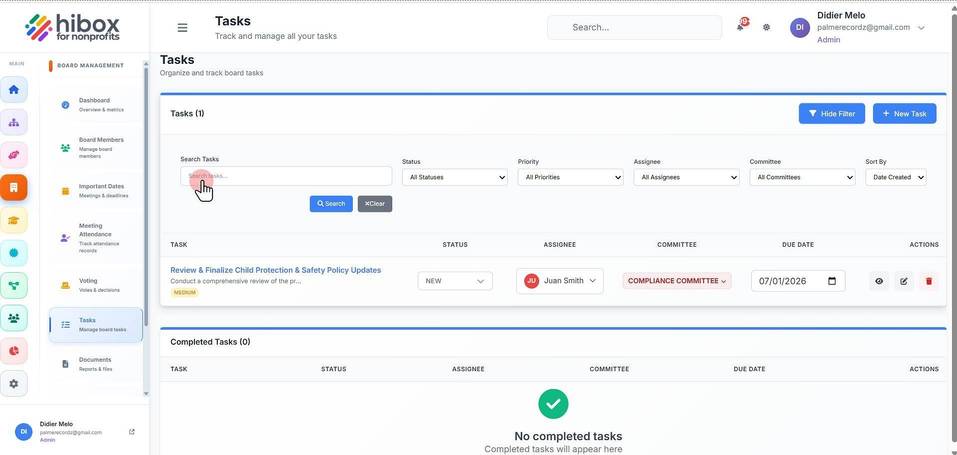
5. Filter by "Status"
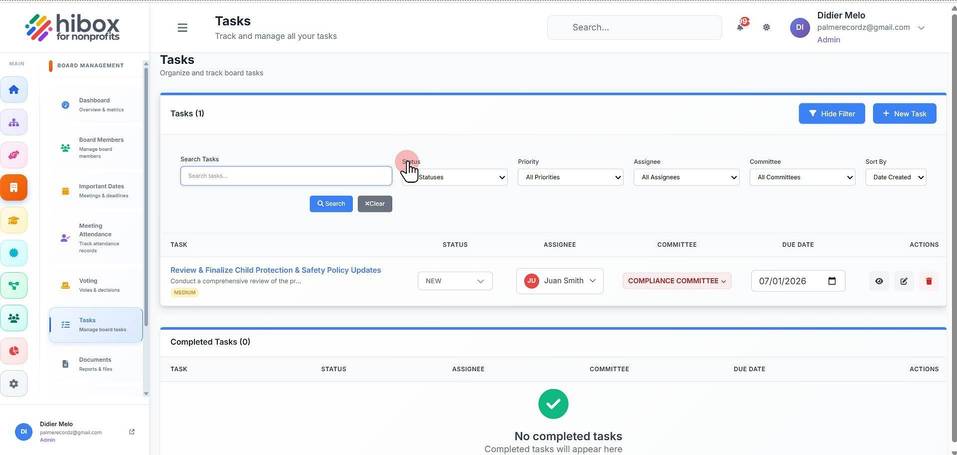
6. Filter by "Priority"
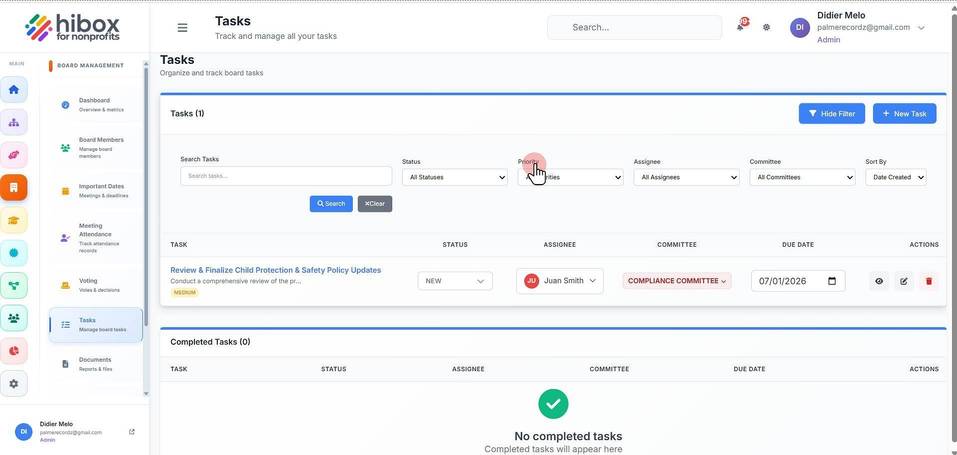
7. Filter by "Assignee"
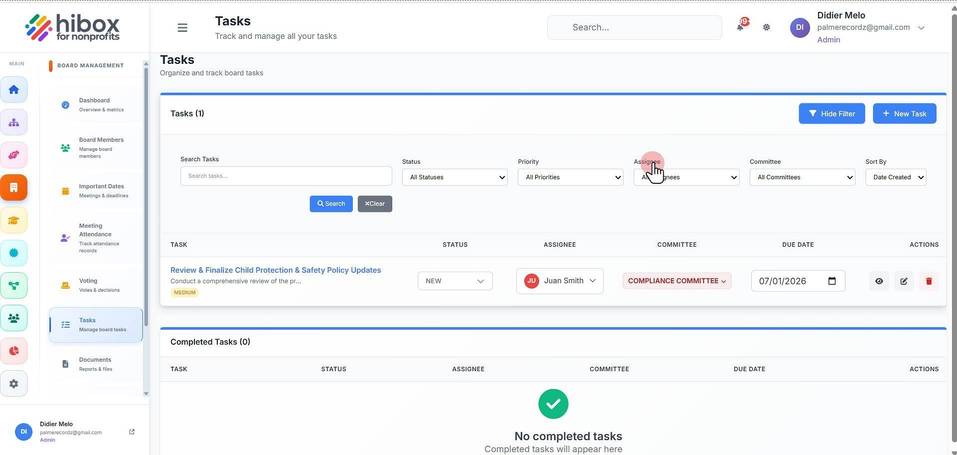
8. Filter by "Committee"
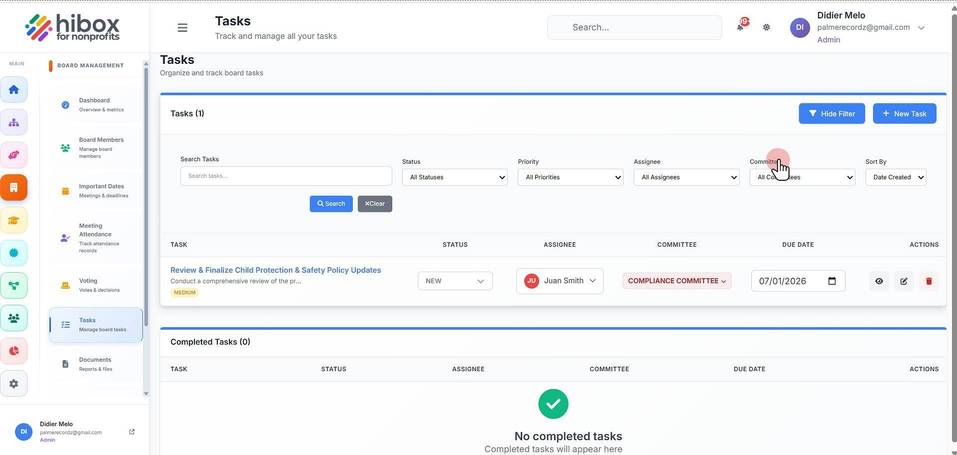
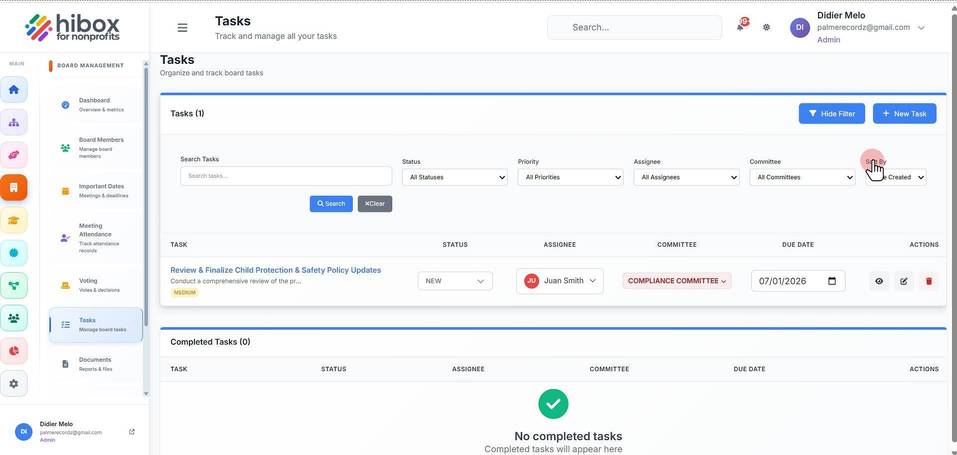
9. Filter by "Sort By"
10. Click "Search" to start the search
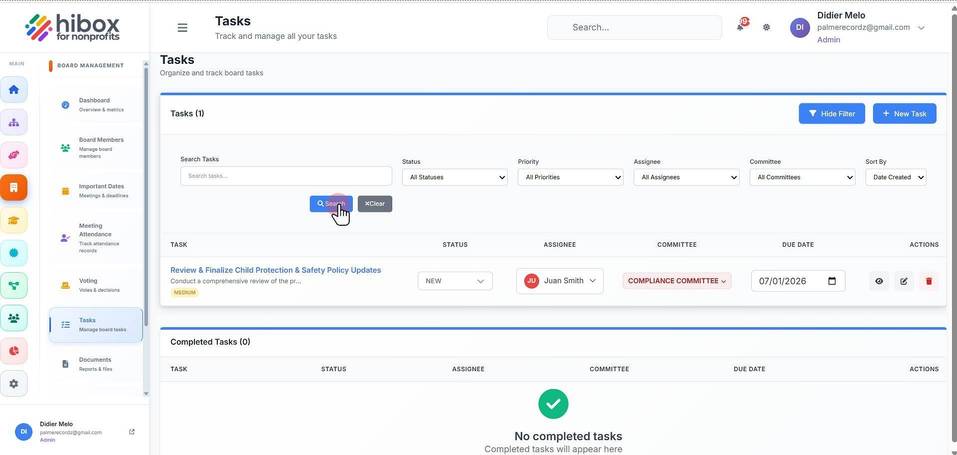
11. Click the view button to see all task details