How to Log In
How to Log In
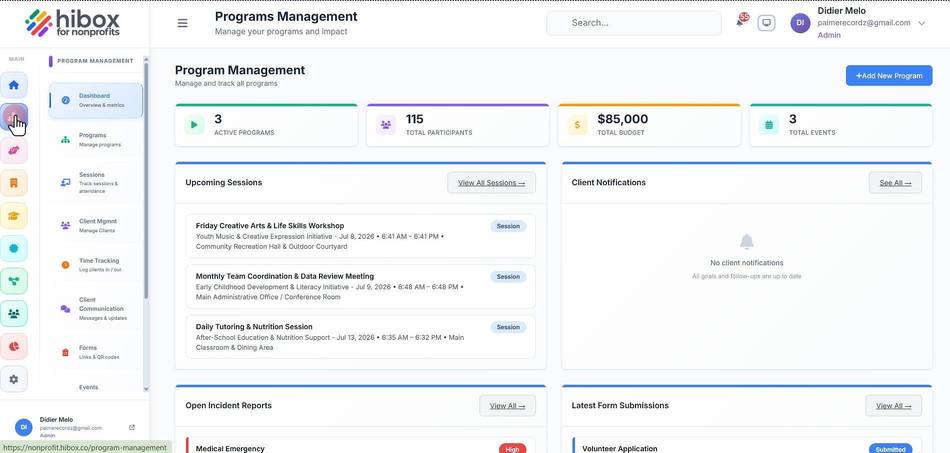
1. Click "Program" on the left-side menu
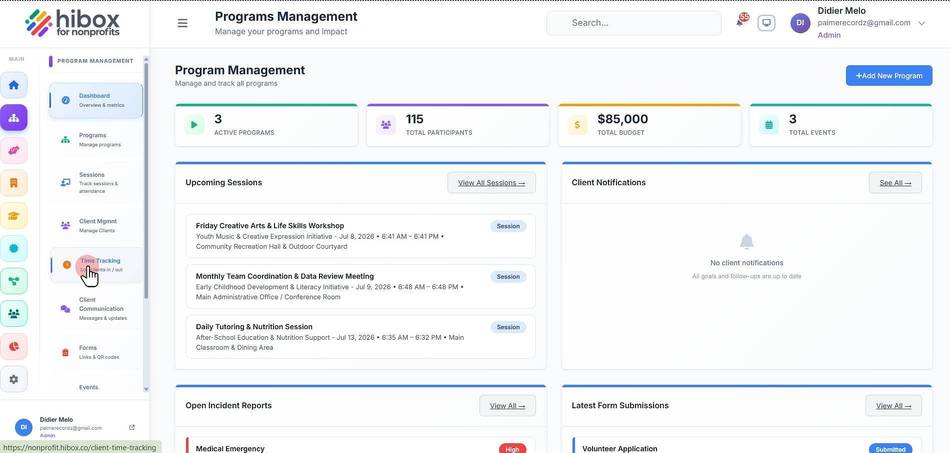
2. Click "Time Tracking" on the sub-menu
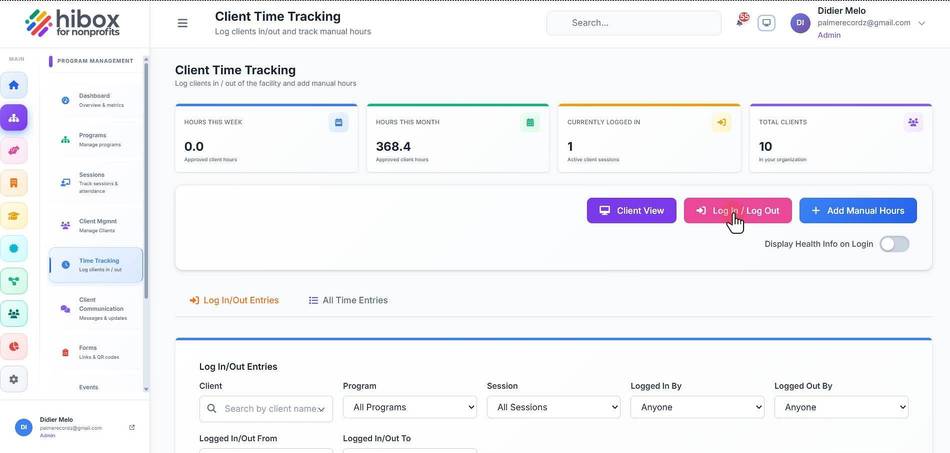
3. Select the "Log In / Log Out" button
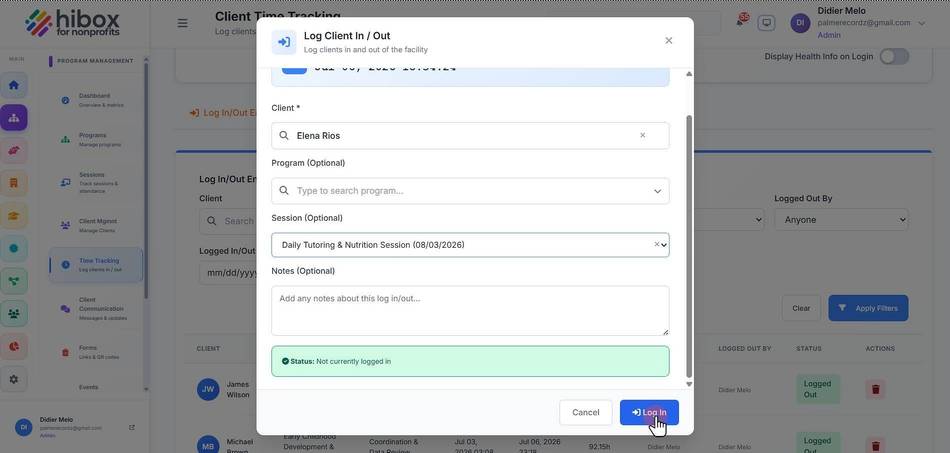
4. Select the "Client" on the dropdown or search by typing
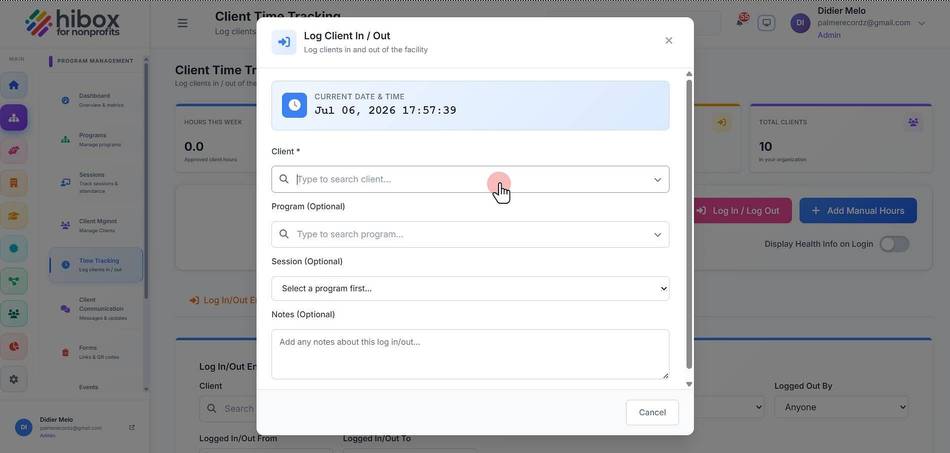
5. Select the "Program" on the dropdown menu
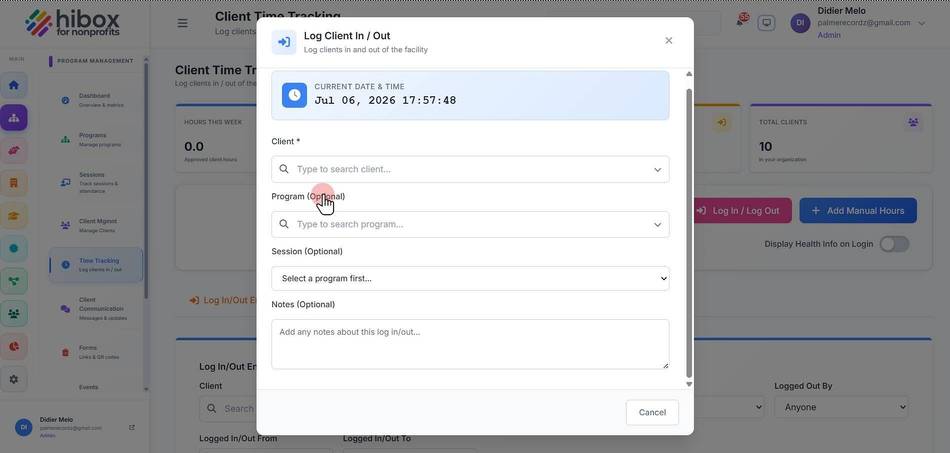
6. Click "Session" to log into a specific session
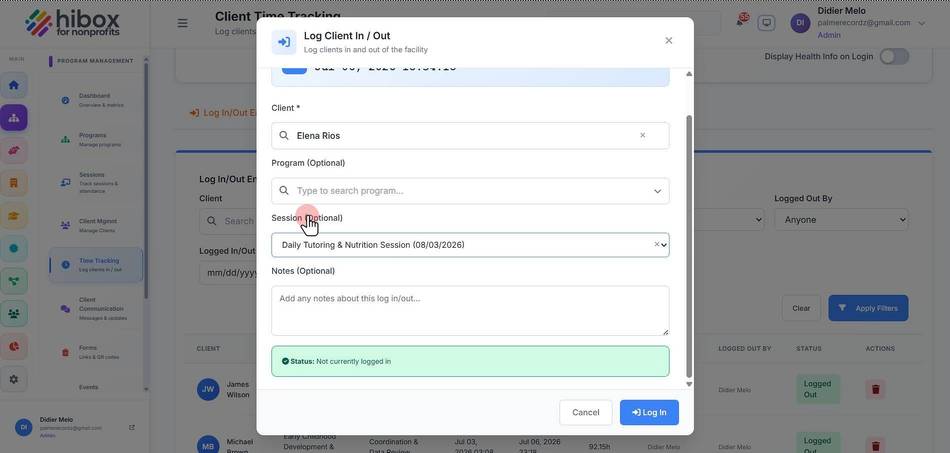
7. Click "Log In" to log in