Import Policy Documents from OneDrive or SharePoint
Import Policy Documents from OneDrive or SharePoint
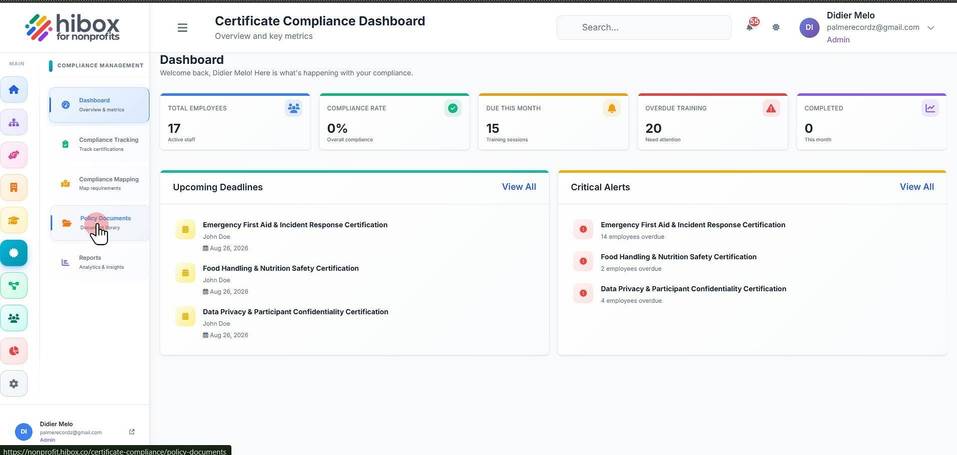
1. Click "Certifications" on the left-side menu
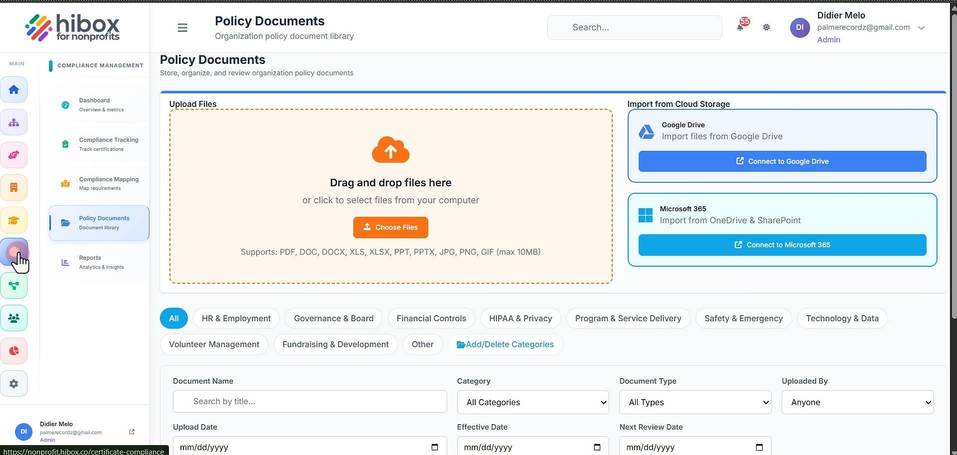
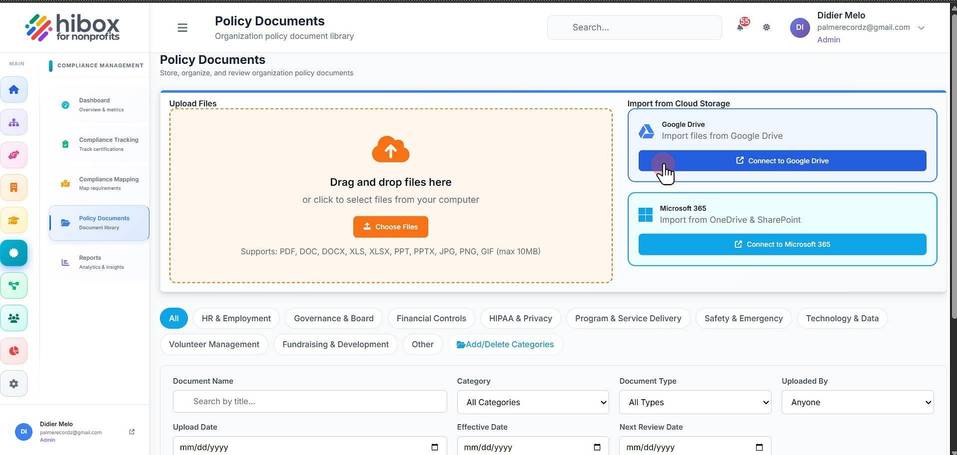
2. Click "Policy Documents" on the sub-menu
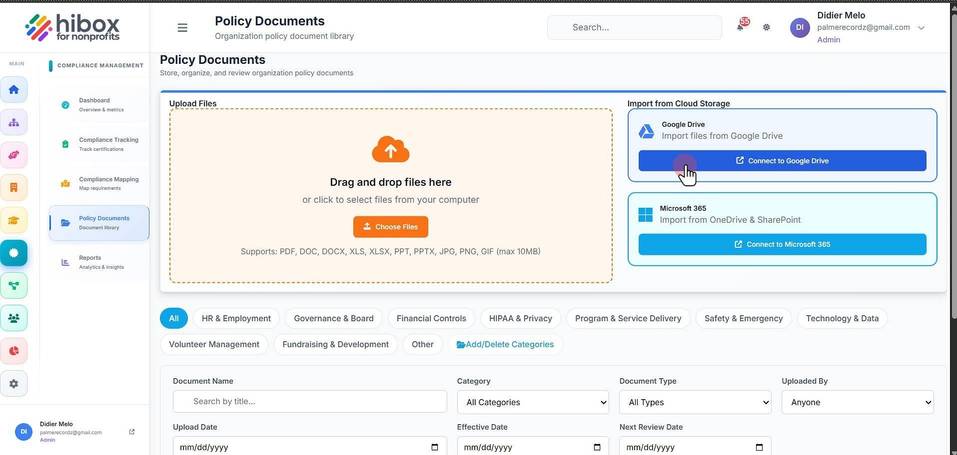
3. Click "Connect to Google Drive"
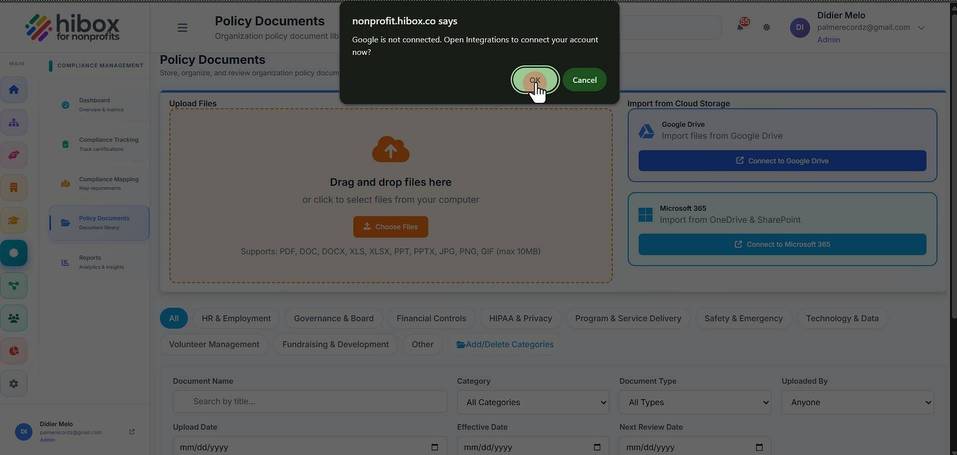
4. Click "OK"
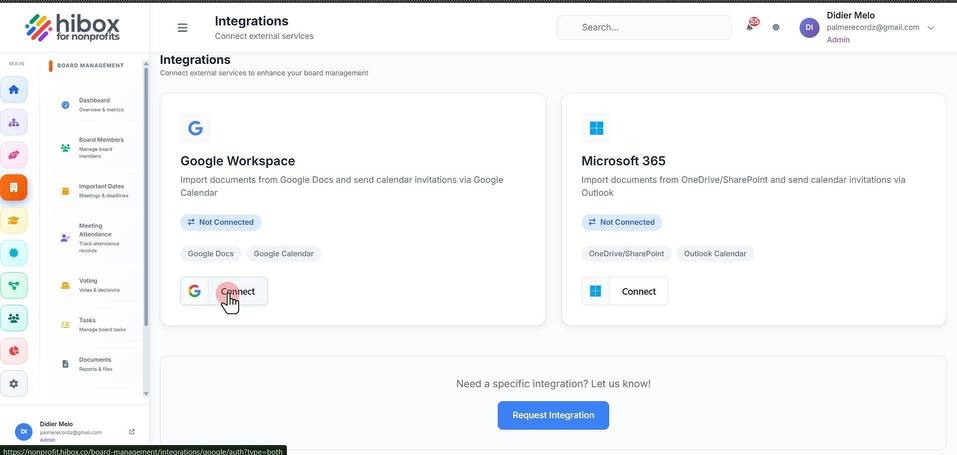
5. Click "Connect"
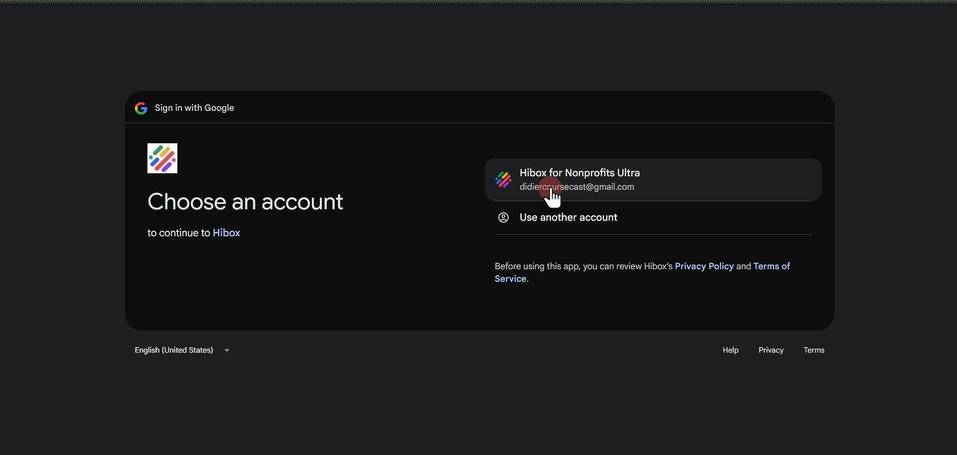
6. Select your Google account
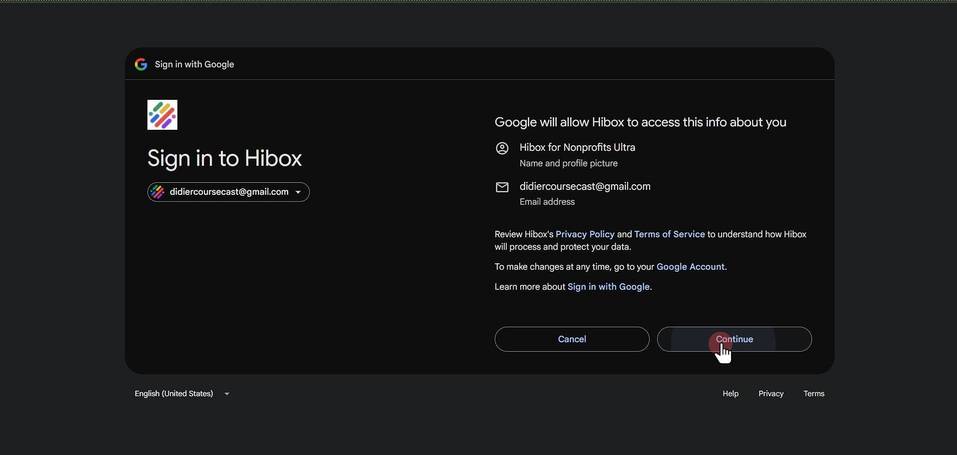
7. Click "Continue"
8. Click "Select all"
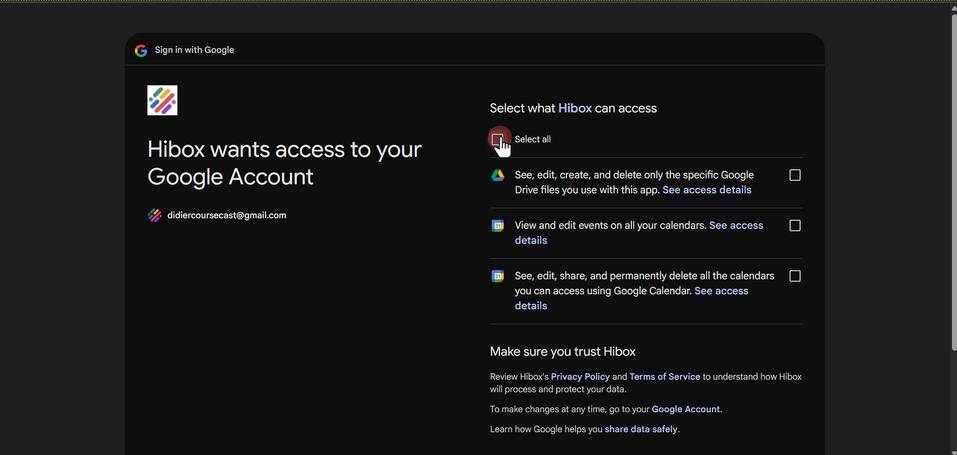
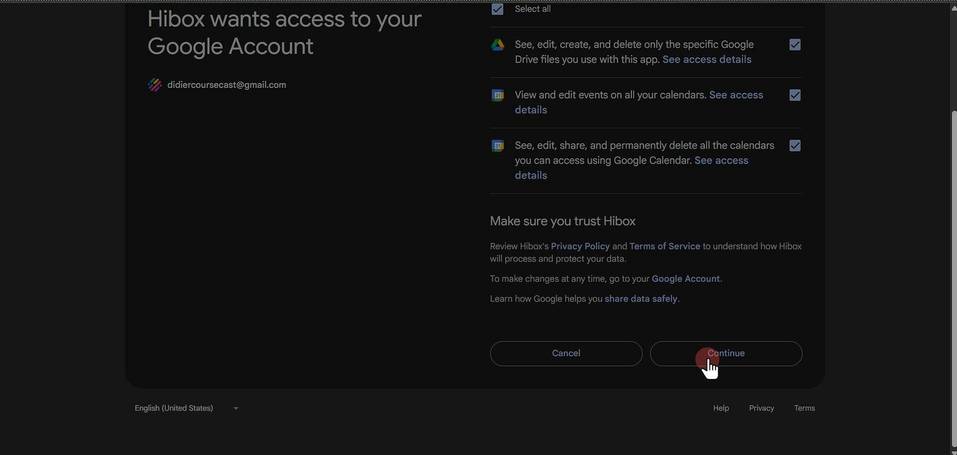
9. Click "Continue"
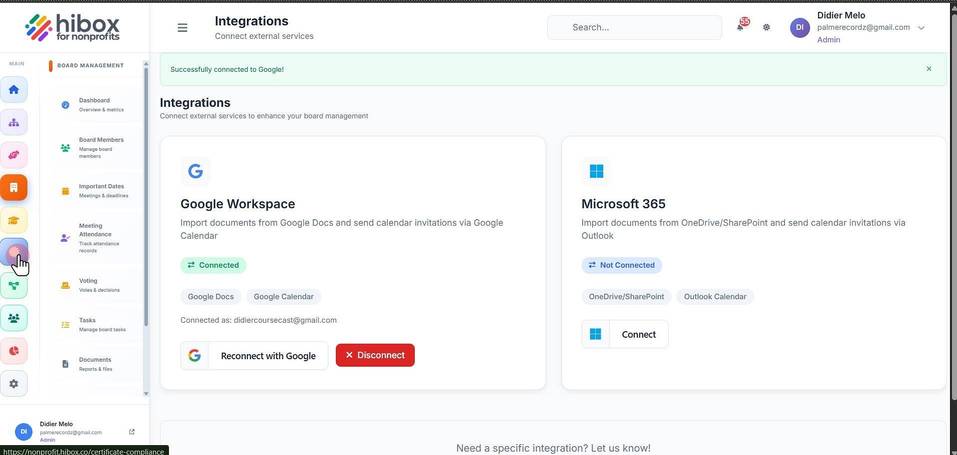
10. Click "Certifications"
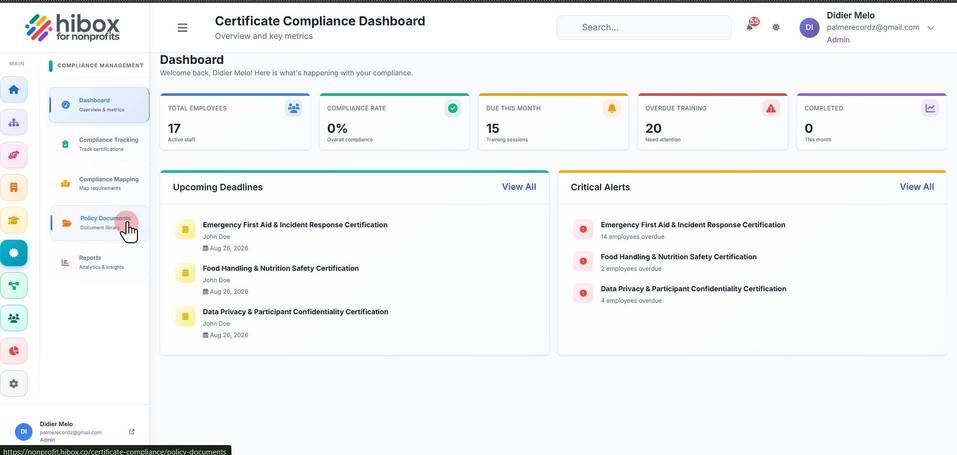
11. Click "Policy Documents"
12. Click "Connect to Google Drive"
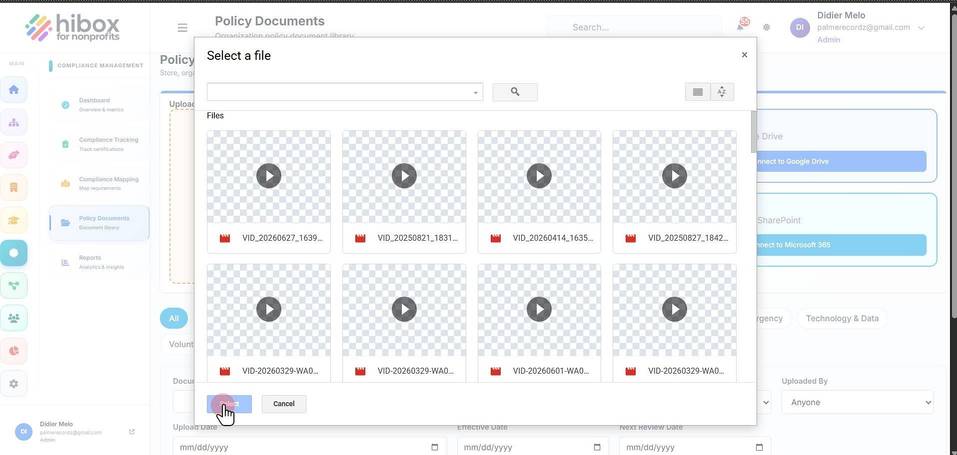
13. Select a file
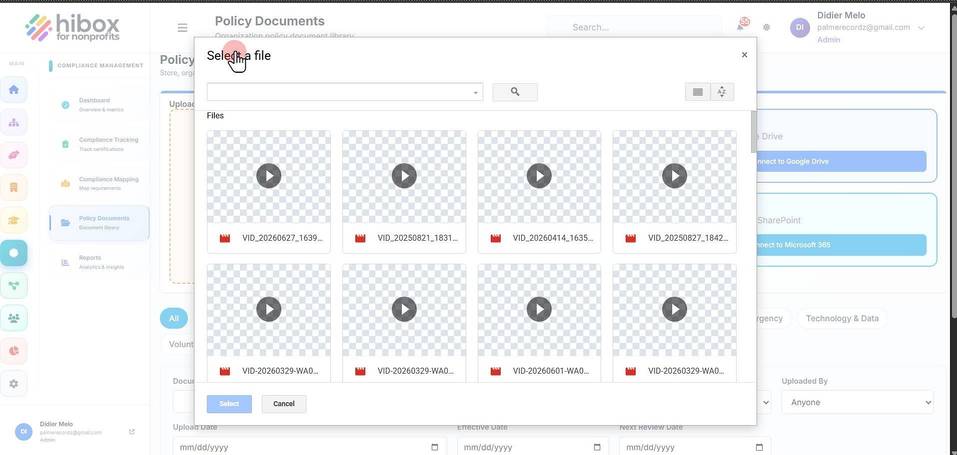
14. Click "Select"