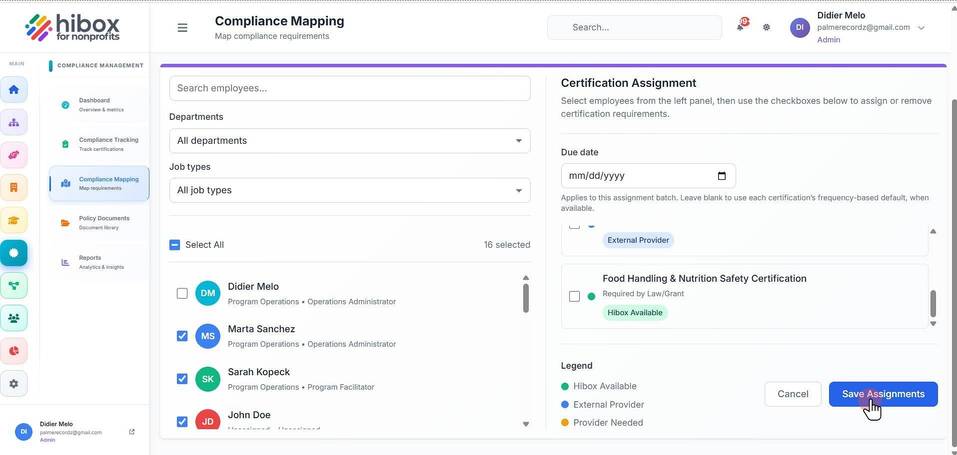
Individual Compliance Mapping
Individual Compliance Mapping
1. Click "Certifications" on the left-side menu
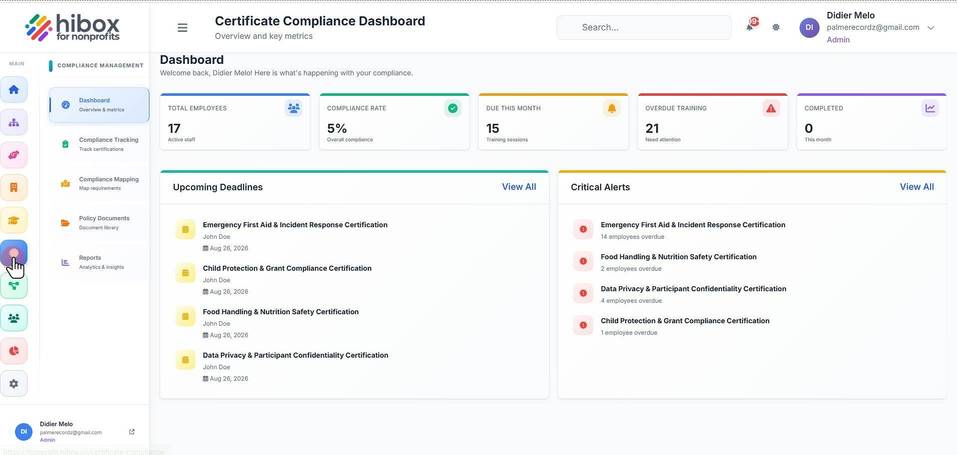
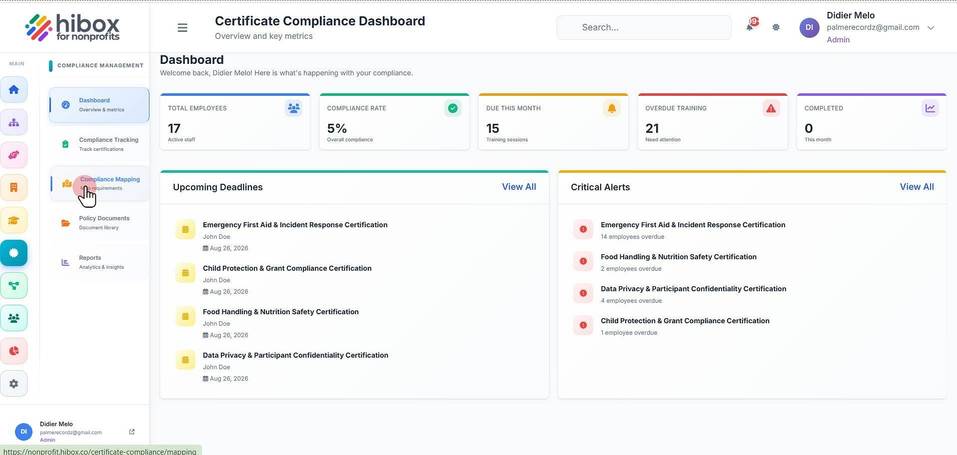
2. Click "Compliance Mapping" on the sub-menu
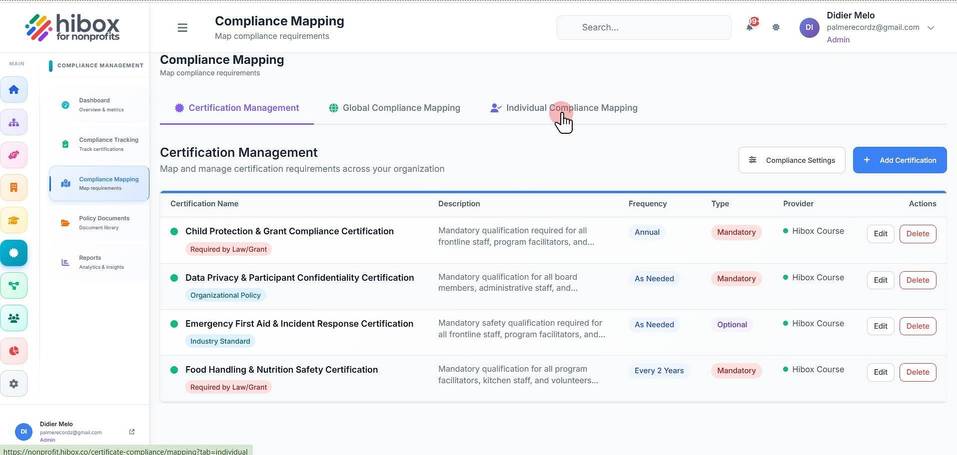
3. Navigate to the "Individual Compliance Mapping" section
4. From here, you can "Search employees..."
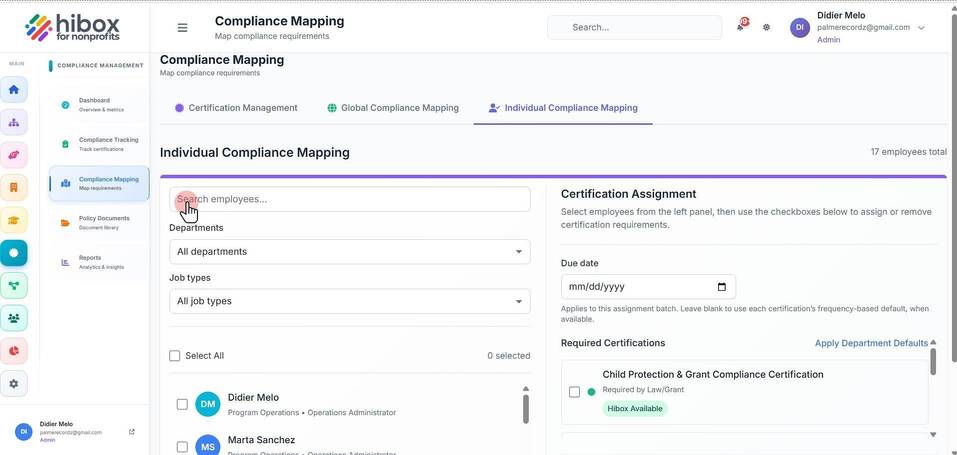
5. Set the "Department"
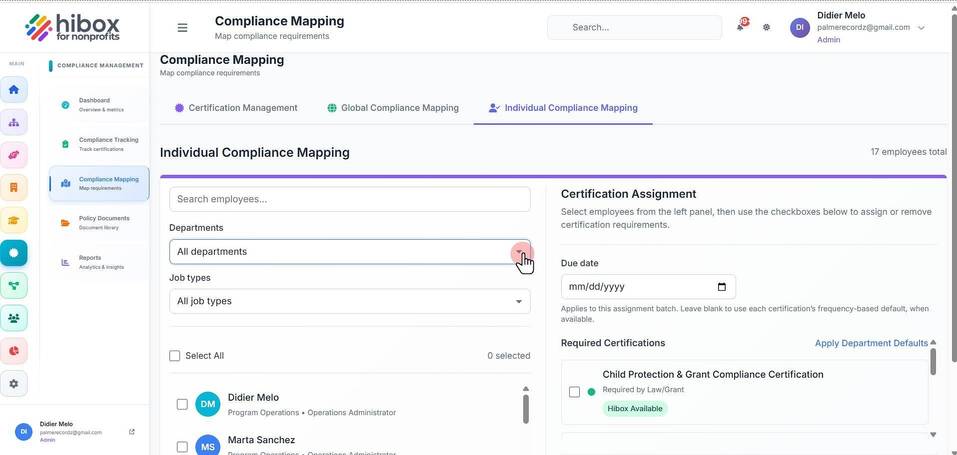
6. Choose the "Job types"
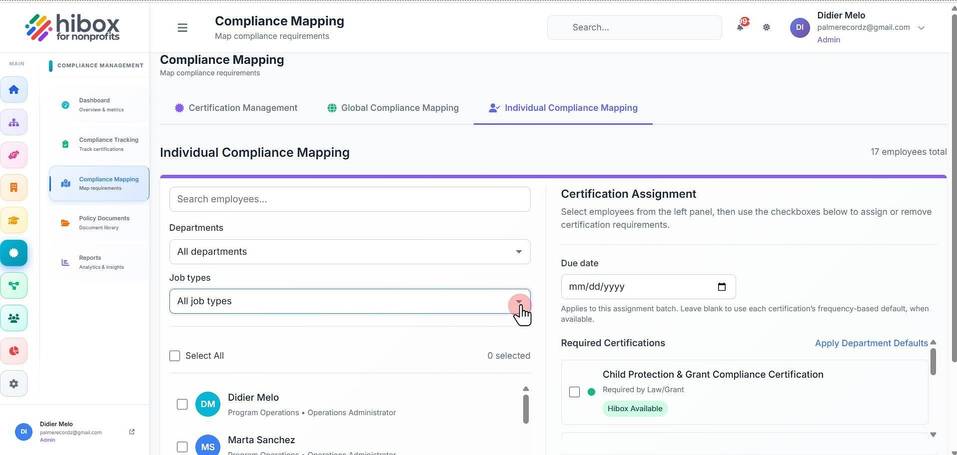
7. Set a "Due date"
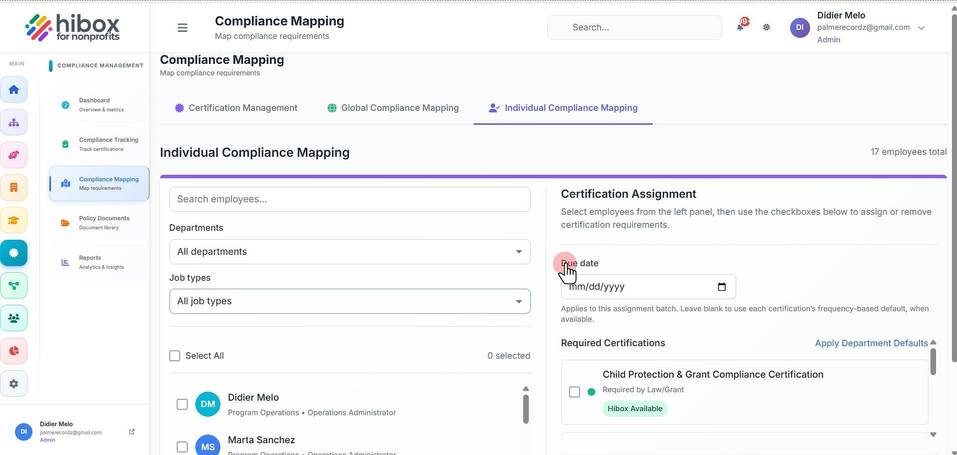
8. Check all the employees you want to map the course to
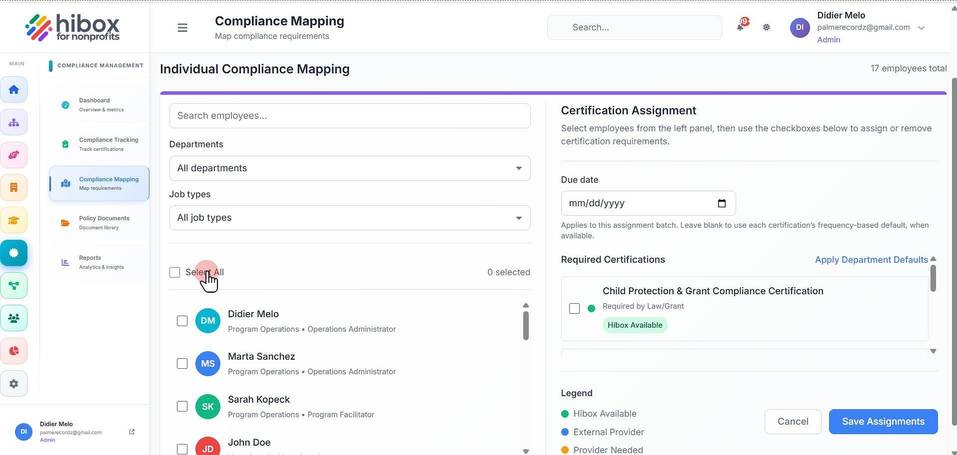
9. Check the "Required Certifications", scroll down to see more
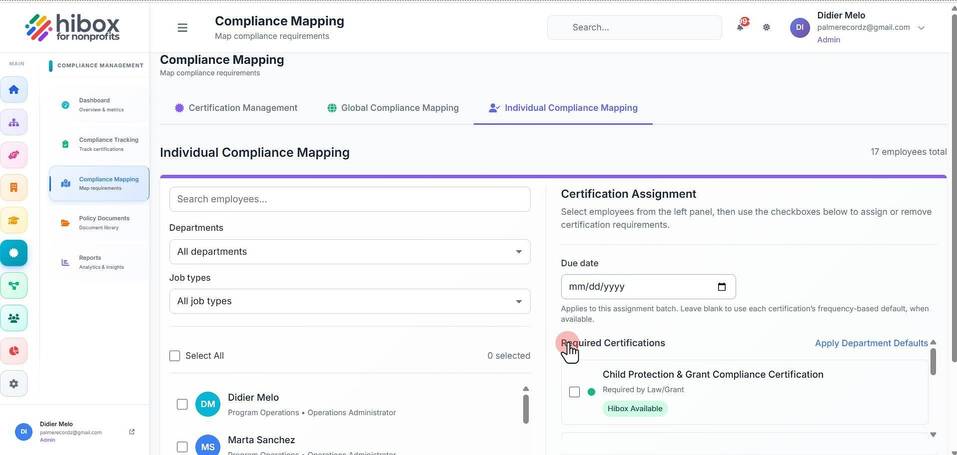
10. Select all or each employee individually
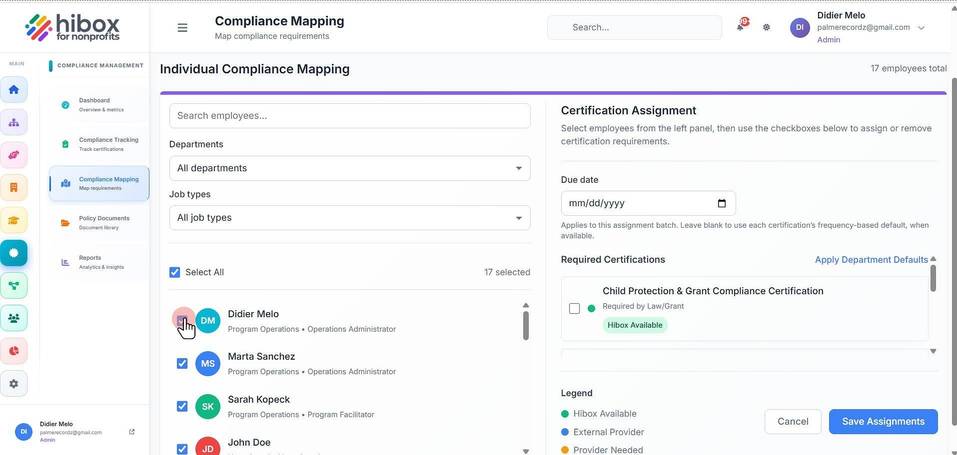
11. Check the "Required Certifications"
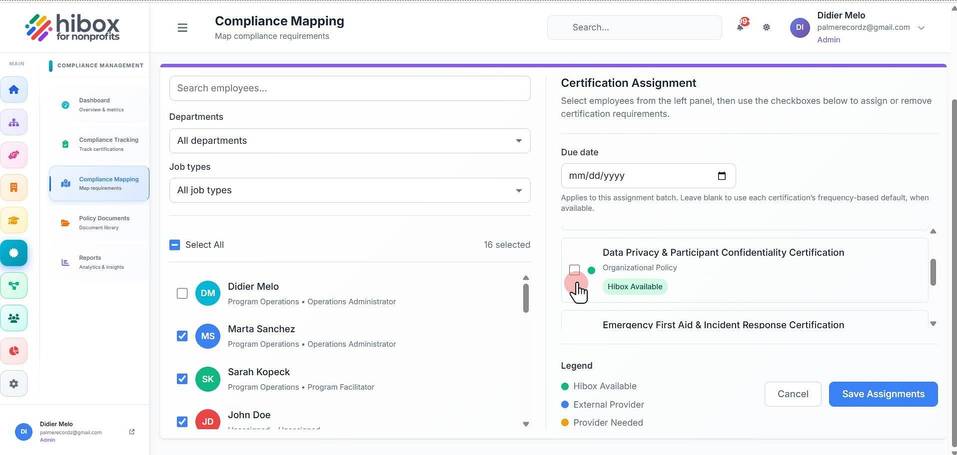
12. You can see the "Legend"
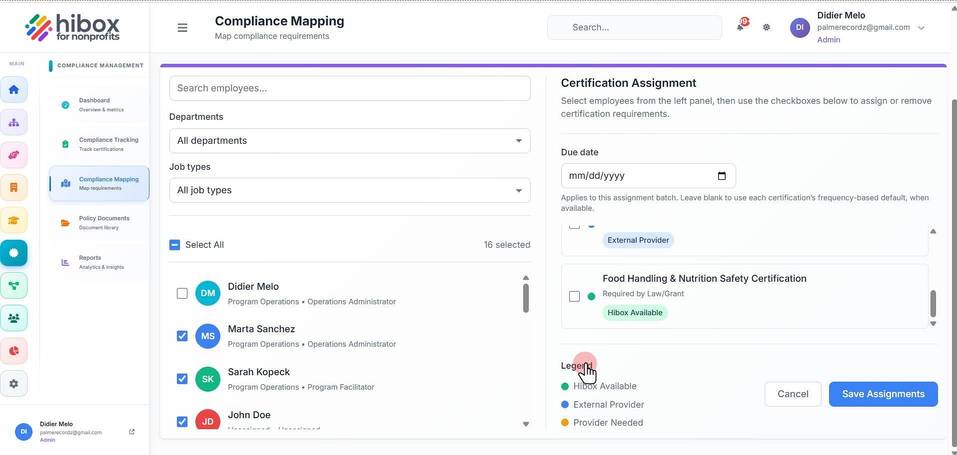
13. And click "Save Assignments" to finish