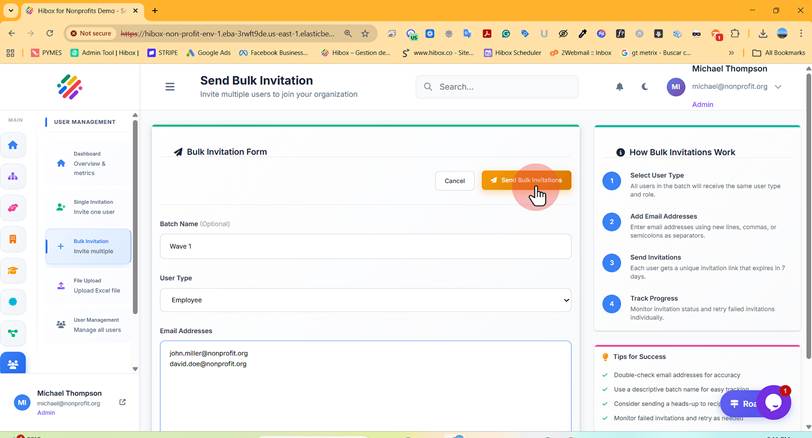
Inviting Multiple Users (Same User Types)
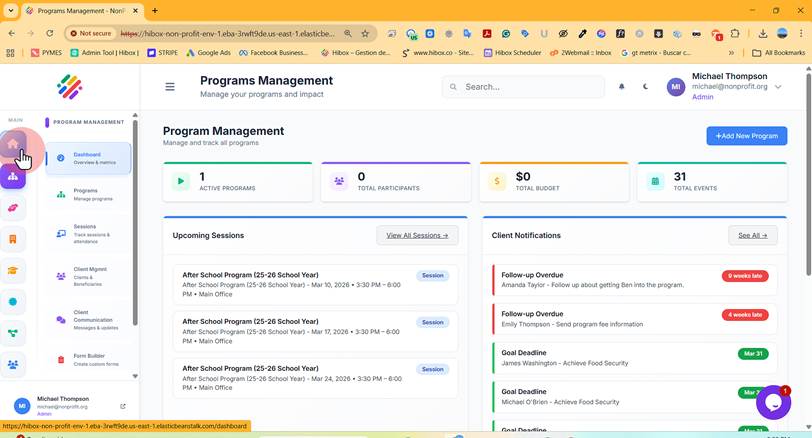
1. Click "Main Dashboard"
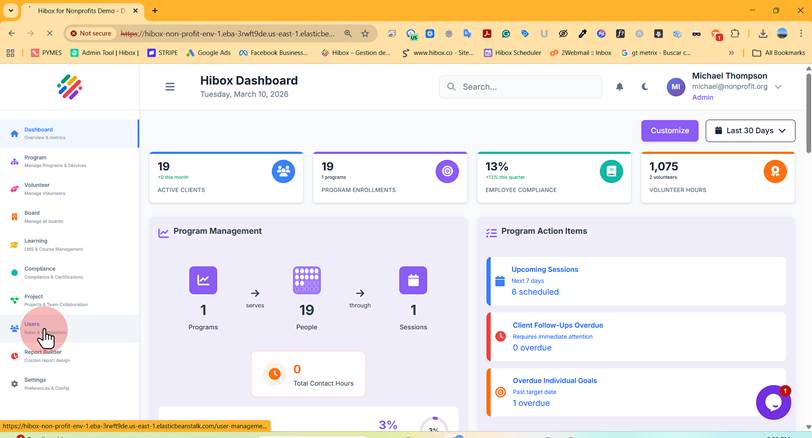
2. Click "Users" on the left-side menu
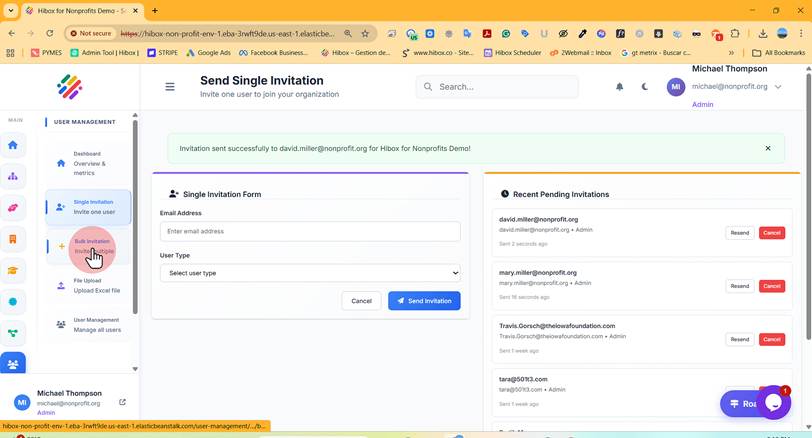
3. Click "+ Bulk Invitation" to invite multiple users at the same time
4. Type a "Batch Name" to identify this batch of users
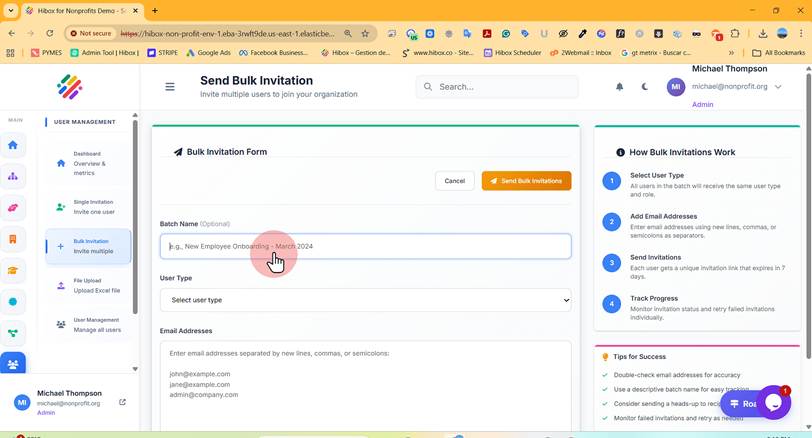
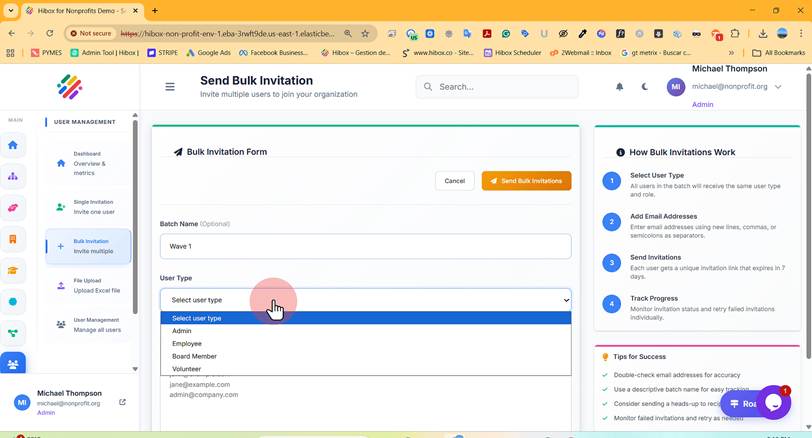
5. Select the "User Type" for this bulk
6. Type the "Email Addresses" on the box
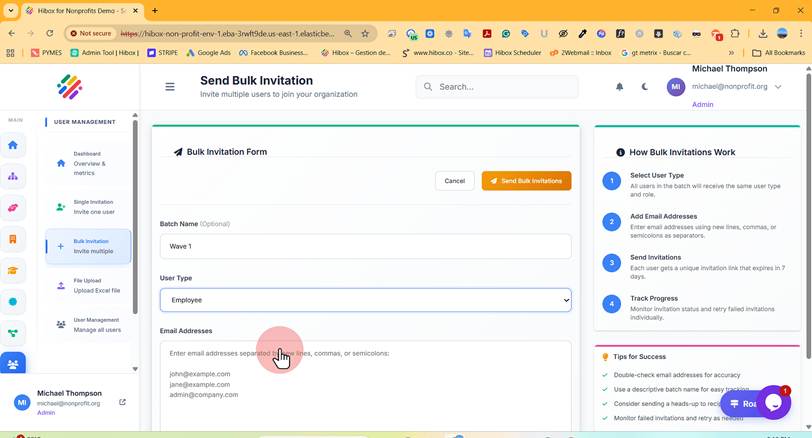
7. Click "Send Bulk Invitations" to send the invites