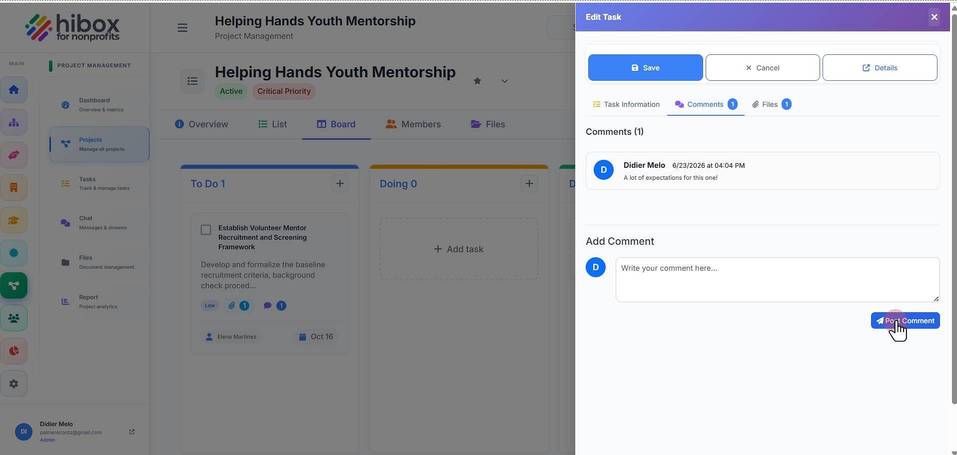
Leave a Comment on a Project Task
Leave a Comment on a Project Task
1. Click "Project Management" on the left-side menu
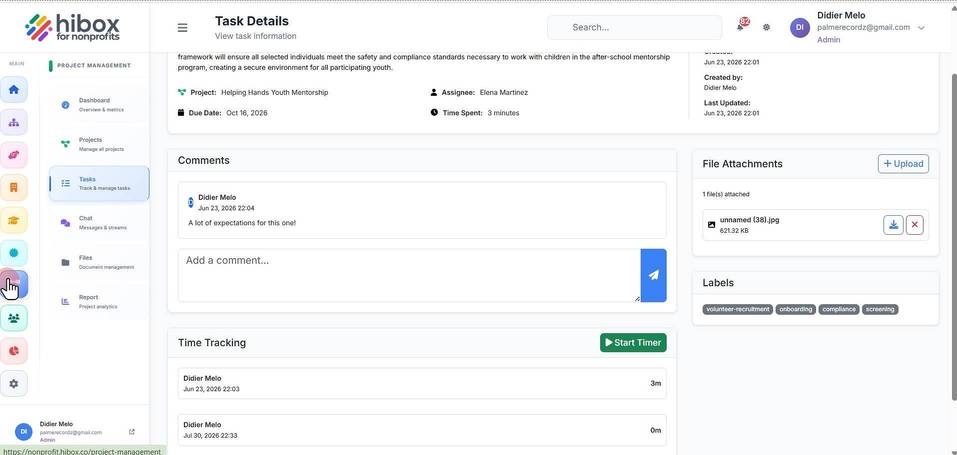
2. Click "Projects" on the left-side menu
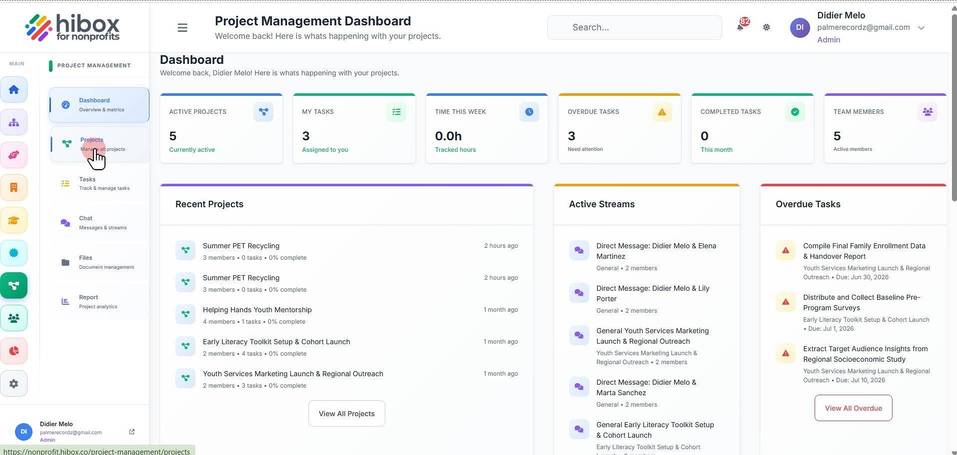
3. Click on the project name
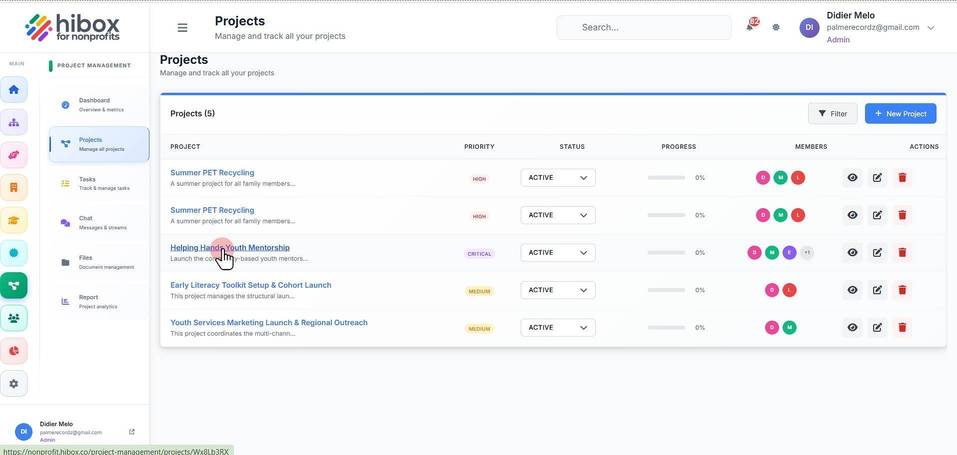
4. Click on the task name
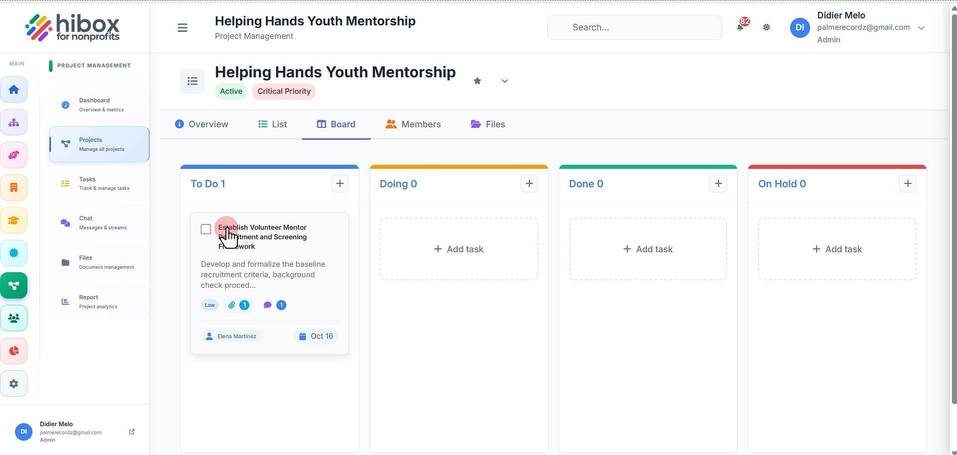
5. Click "Comments" to navigate to into the comment section
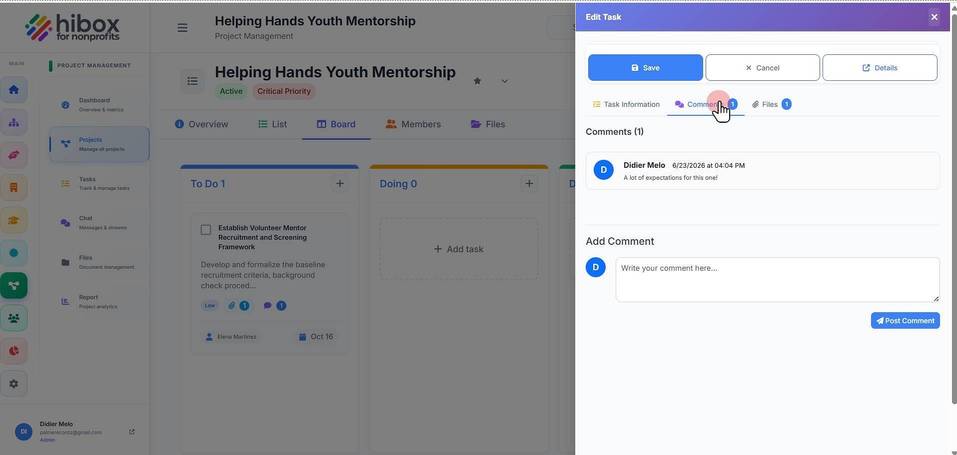
6. Write your comment here
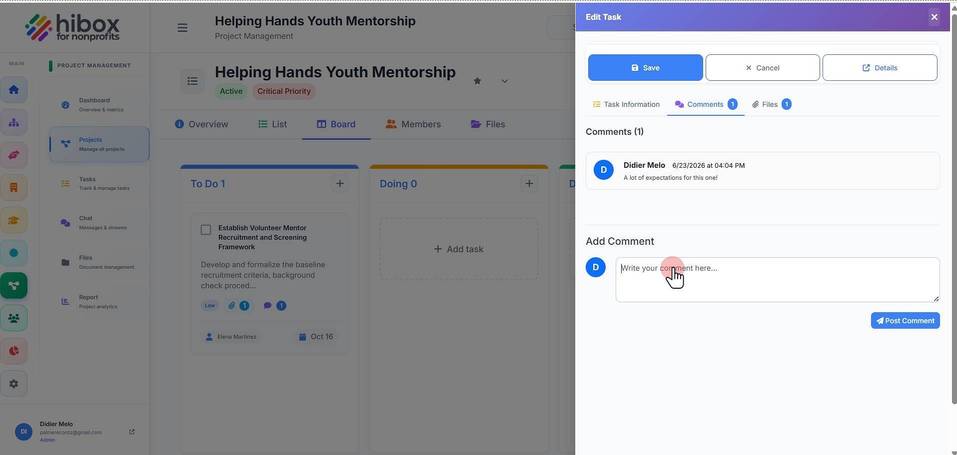
7. Click "Post Comment" to save and finish