Logging Client Communication
1. Click "Program Management" on the left-side menu
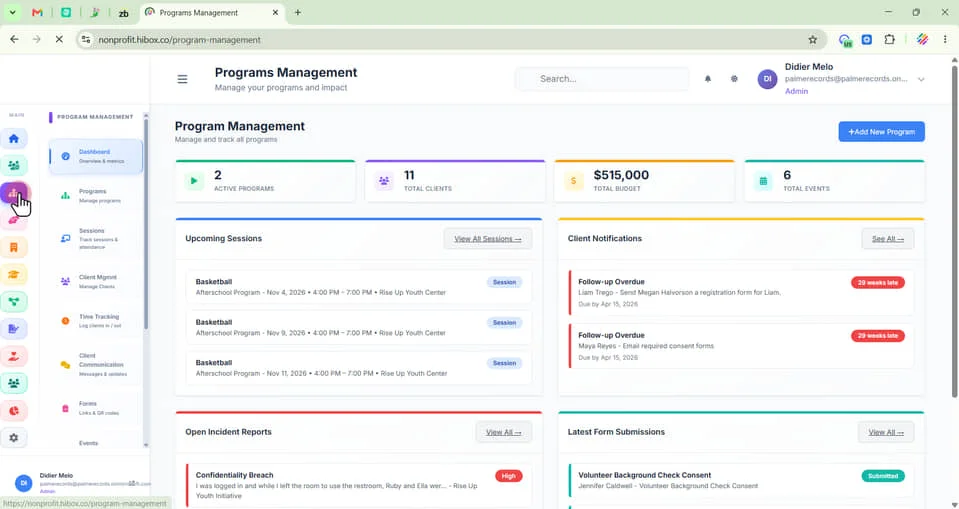
2. Click "Client Mgmnt" on the sub-menu
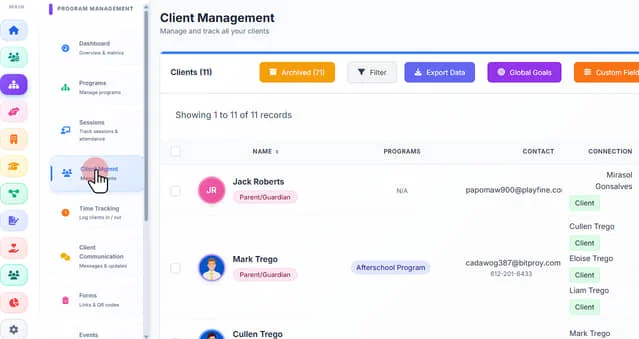
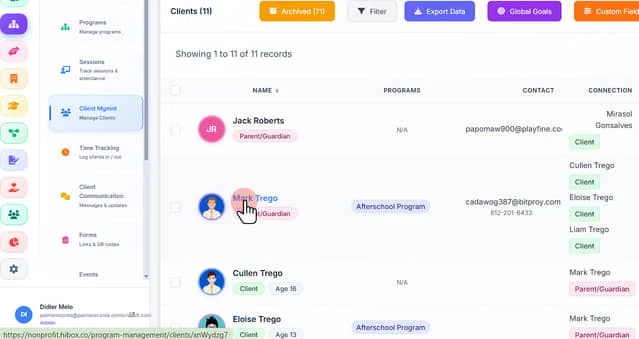
3. Click "Mark Trego"
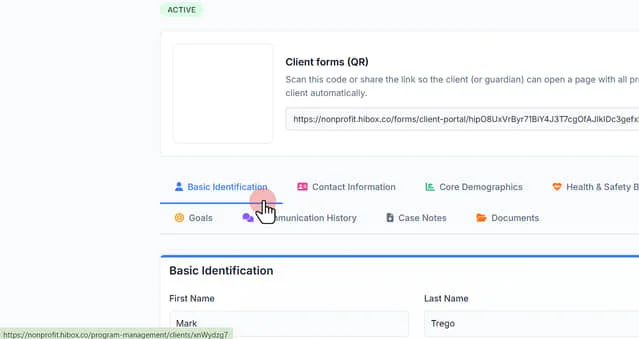
4. Find your client and click on the client's name
5. Navigate into the "Communication History" tab
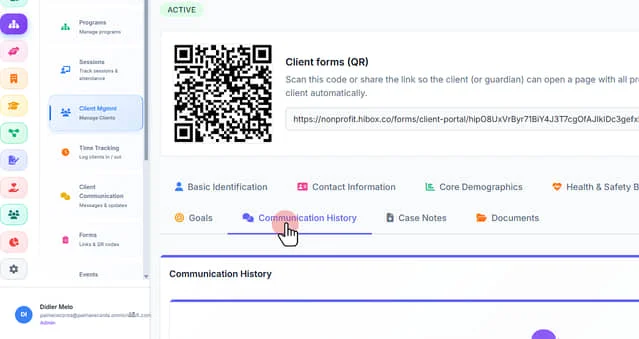
6. Click "Log New Communication"
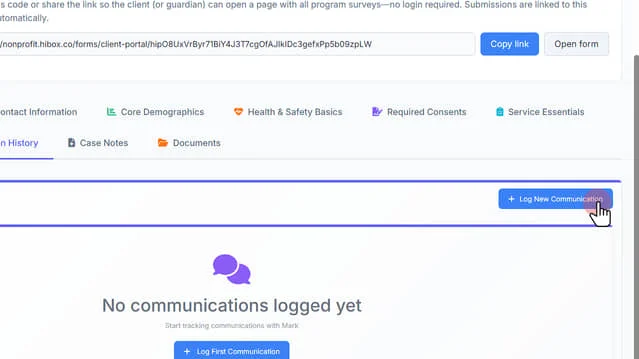
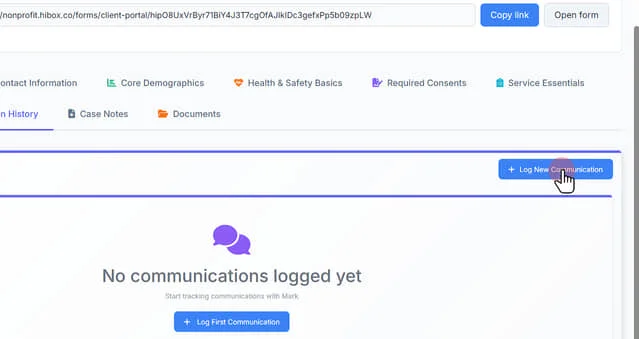
7. Click "+ Log New Communication". A pop-up will appear
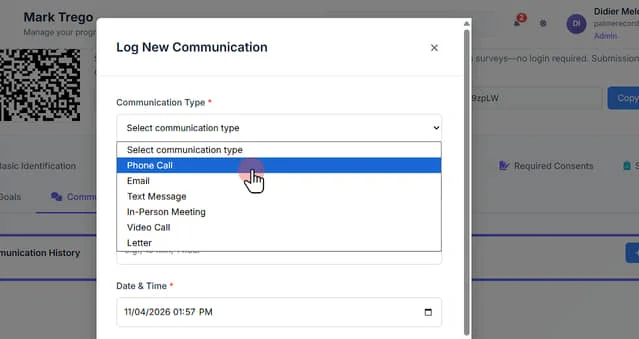
8. Select the "Communication Type" using the dropdown menu
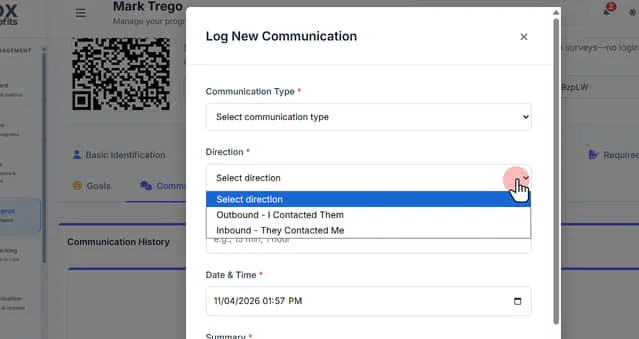
9. Select the communication direction as Outbound or Inbound
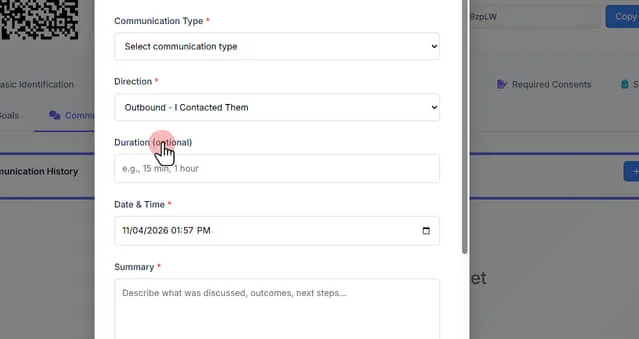
10. Set the "Duration" this is (optional)
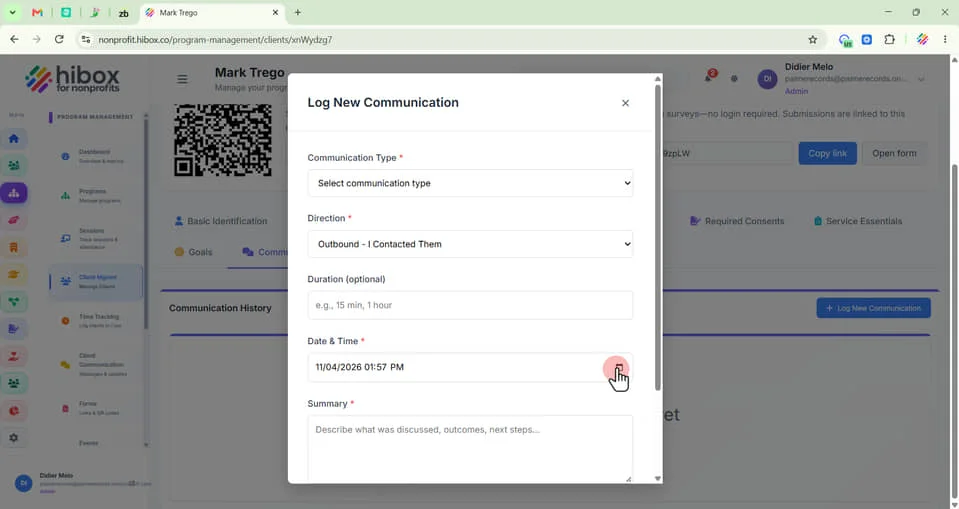
11. Click the calendar icon to set the "Date & Time"
12. Scroll down to the "Summary" section and describe what was discussed, outcomes, next steps..."
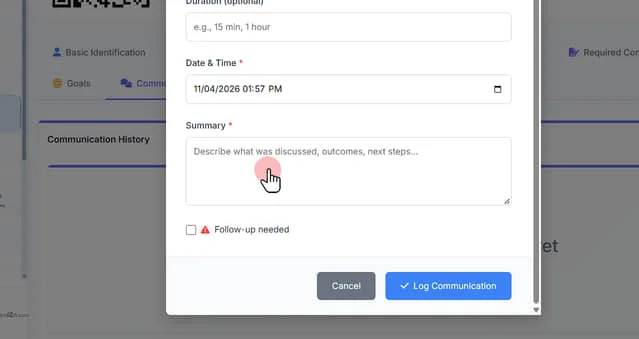
13. Check the "Follow-up needed" box to create a follow up reminder if needed
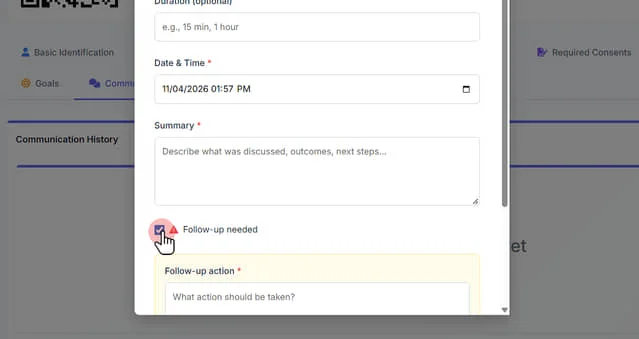
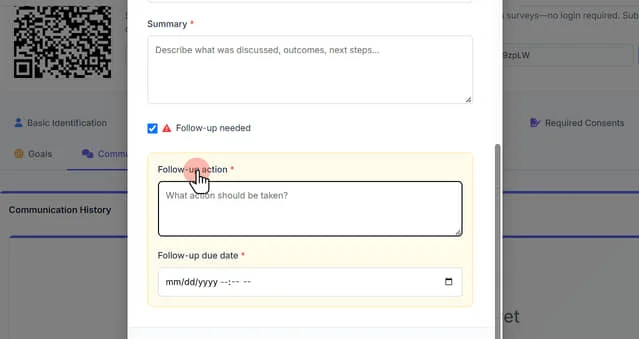
14. Click "Follow-up action"
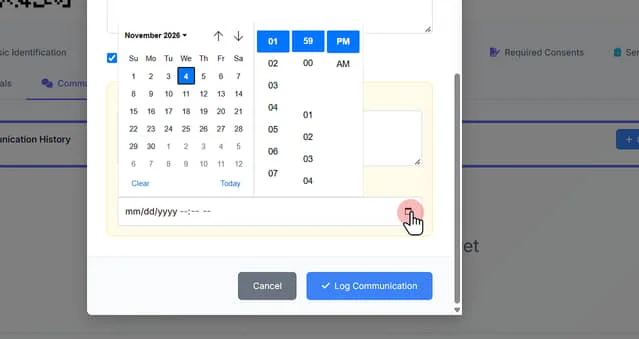
15. Click the calendar icon to set a follow up due date
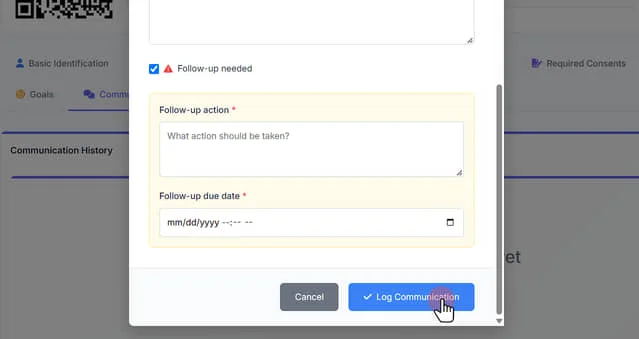
16. Click "Log Communication" to save and close
 Powered by ProductLift