Logging Participation Scores
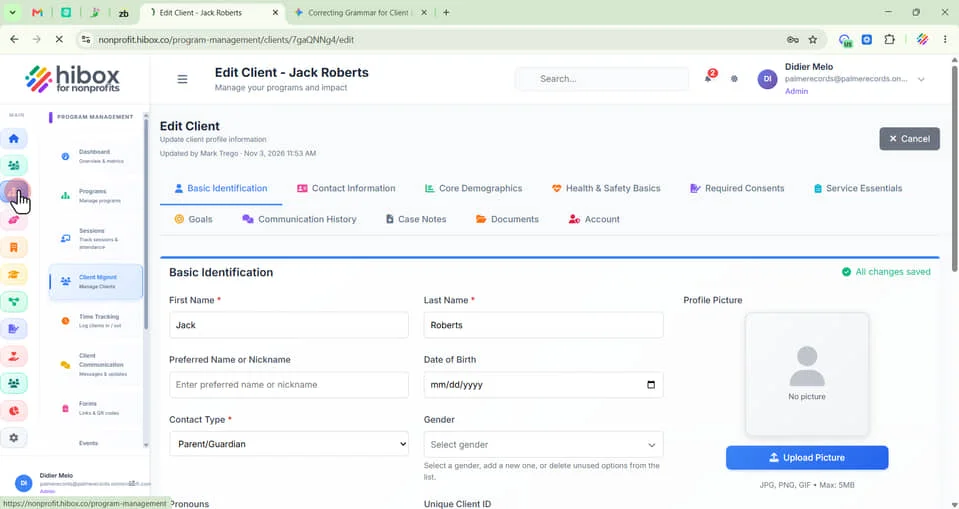
1. Click "Program Management" on the left-side menu
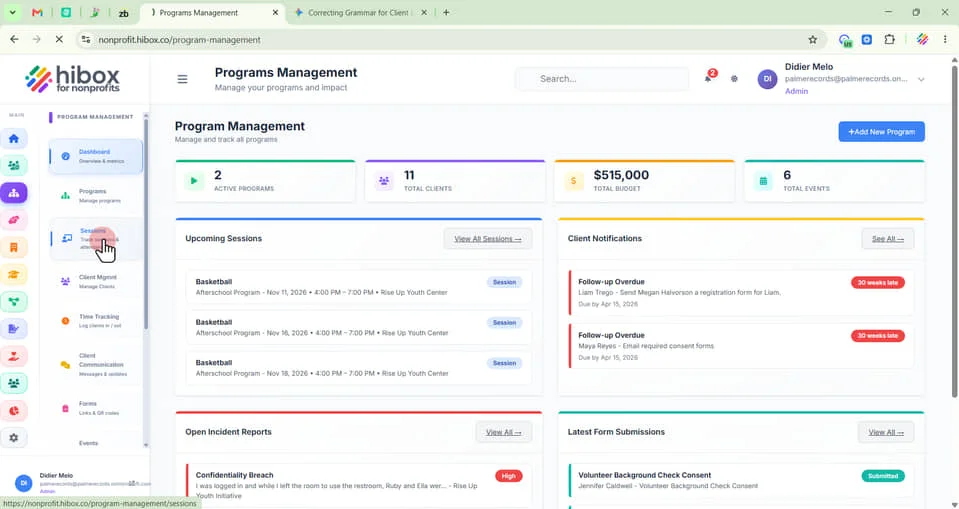
2. Click "Sessions" on the sub-menu
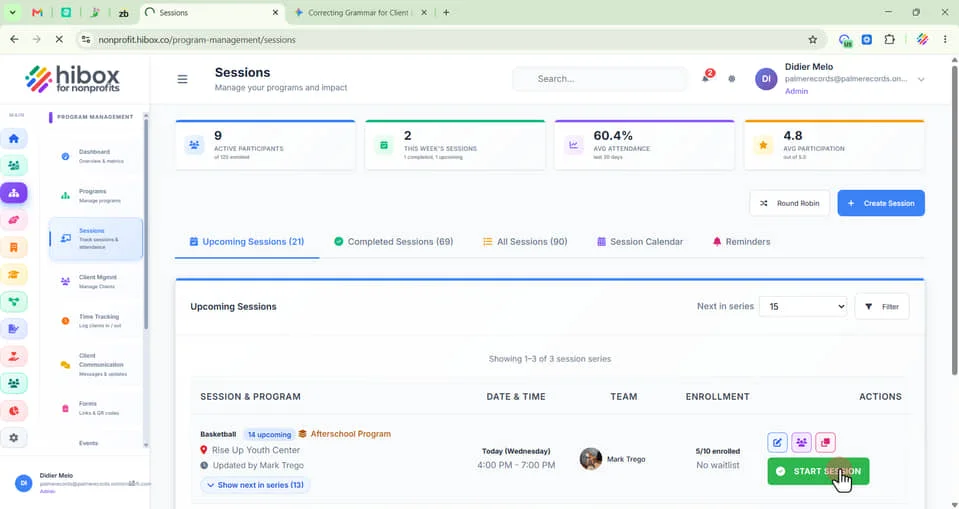
3. Find your session and click "START SESSION"
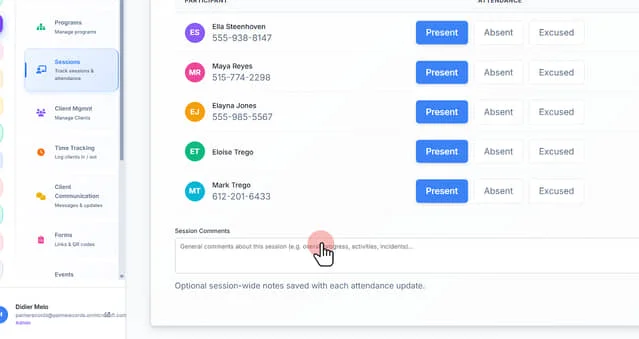
4. Take "ATTENDANCE" as usual
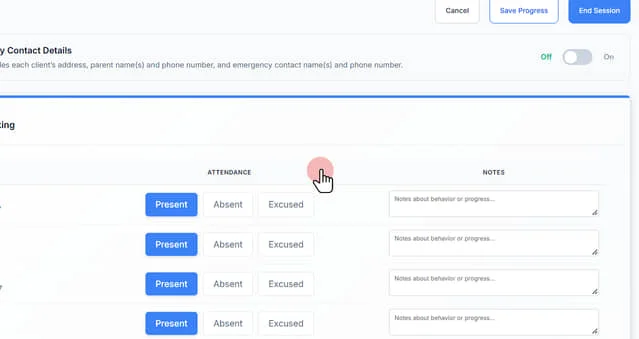
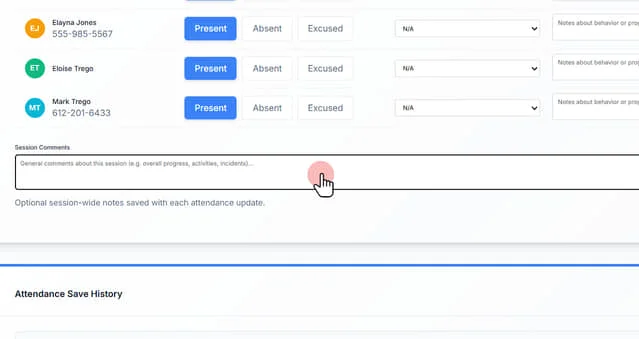
5. Leave "Session Comments" if needed
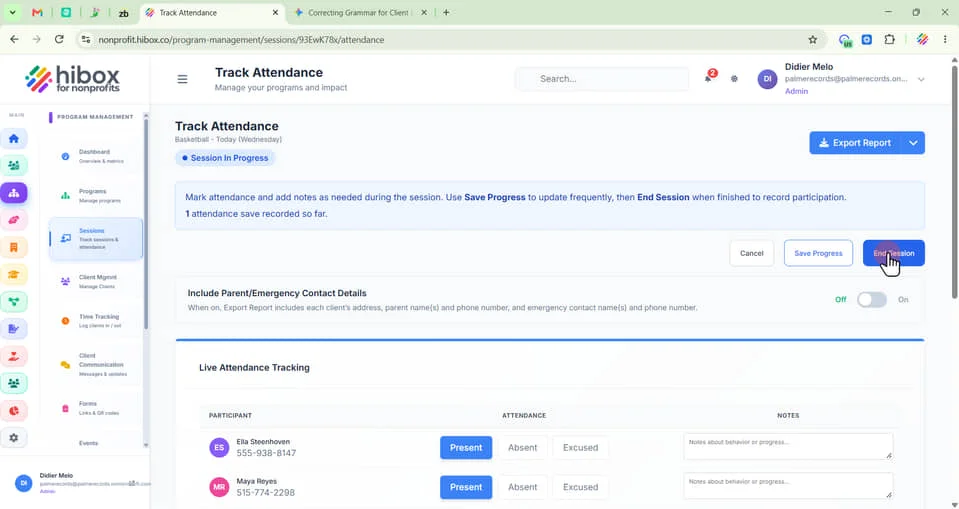
6. Scroll up and click the "End Session" on the top-right
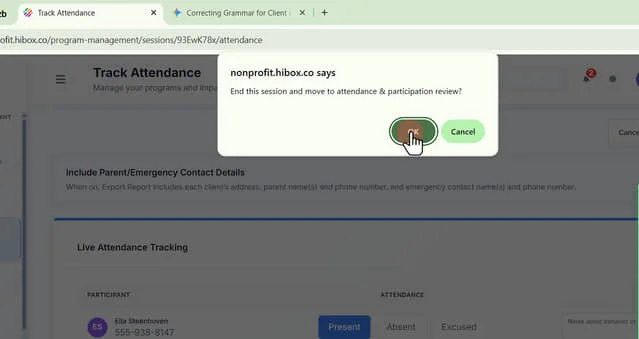
7. Click "OK"
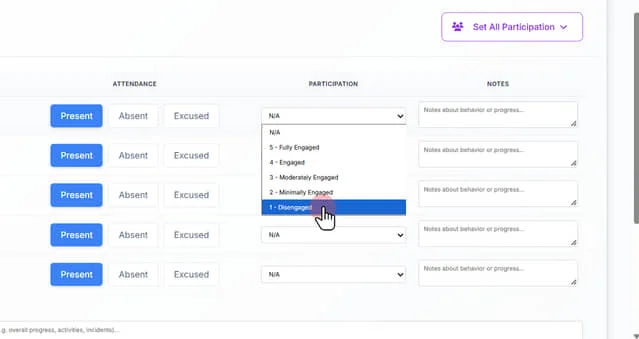
8. Find the "Participation" section here
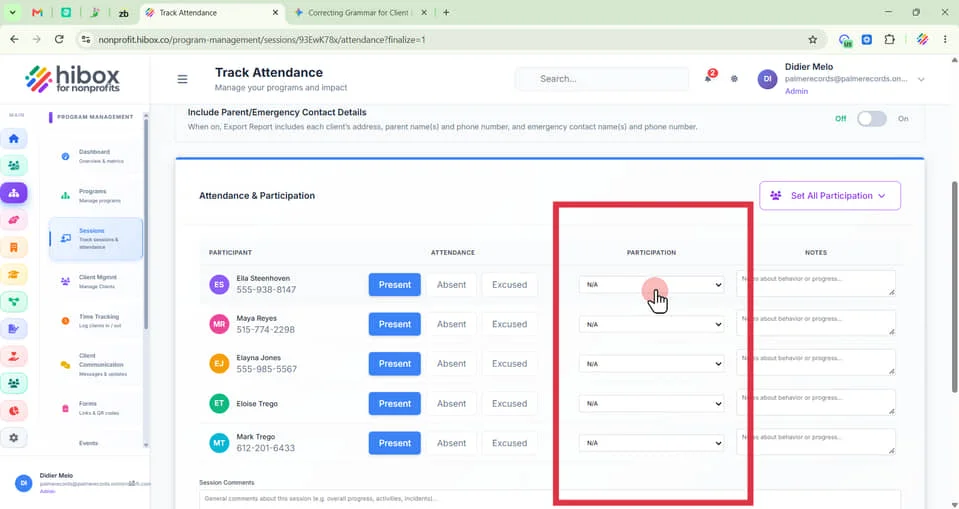
9. Use the dropdown menu to select a participation score for each participant
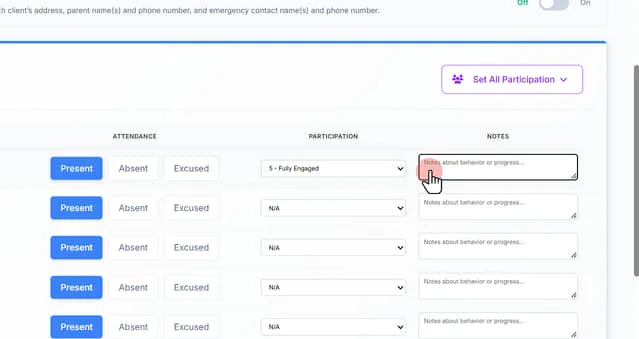
10. Leave individual "Notes about behavior or progress" if needed
11. Type general "Session Comments" in this section
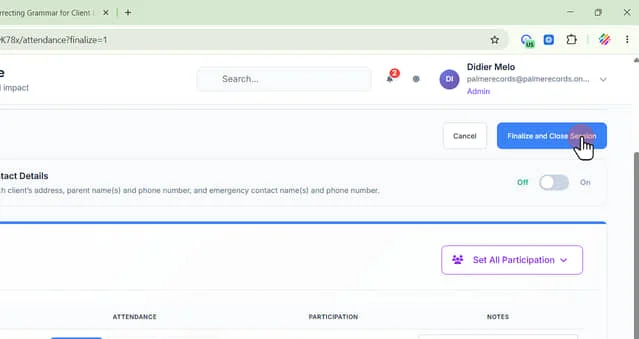
12. Click "Finalize and Close Session" to finish
 Powered by ProductLift