Manage Board Votes and Decisions
Manage Board Votes and Decisions
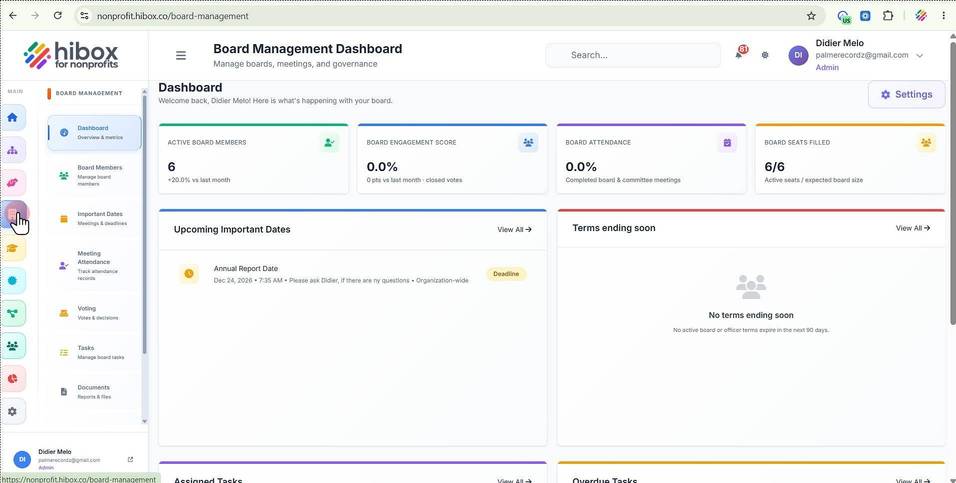
1. Click "Board Management" on the left side menu
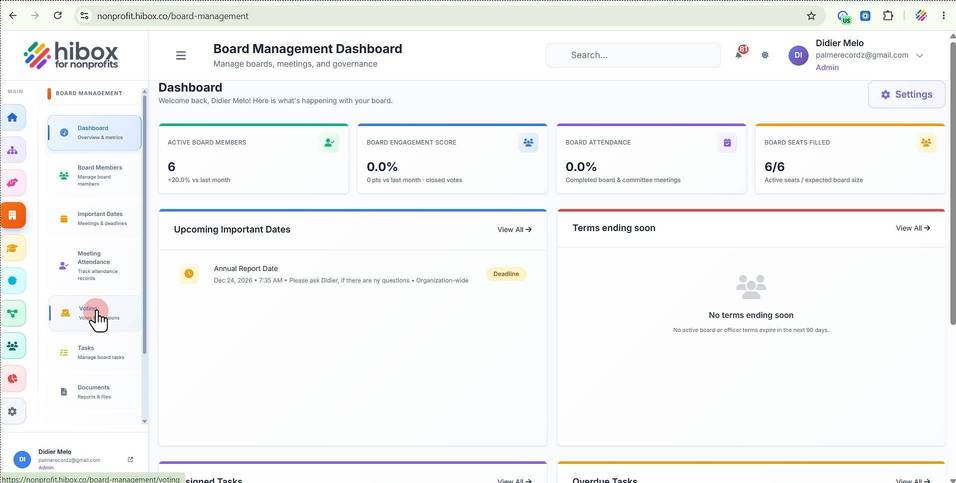
2. Click "Voting" on the sub-menu
3. From here, you can manage board votes and decisions
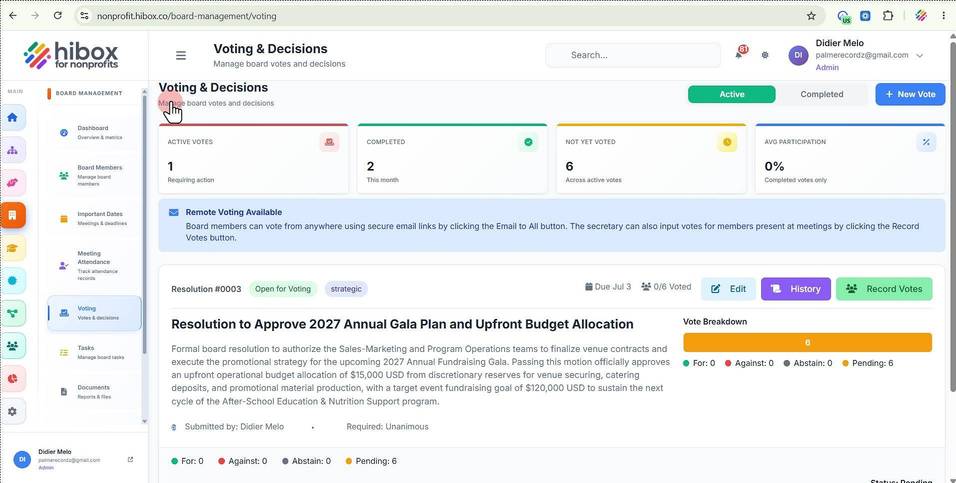
4. You can filter the votes that are currently "Active"
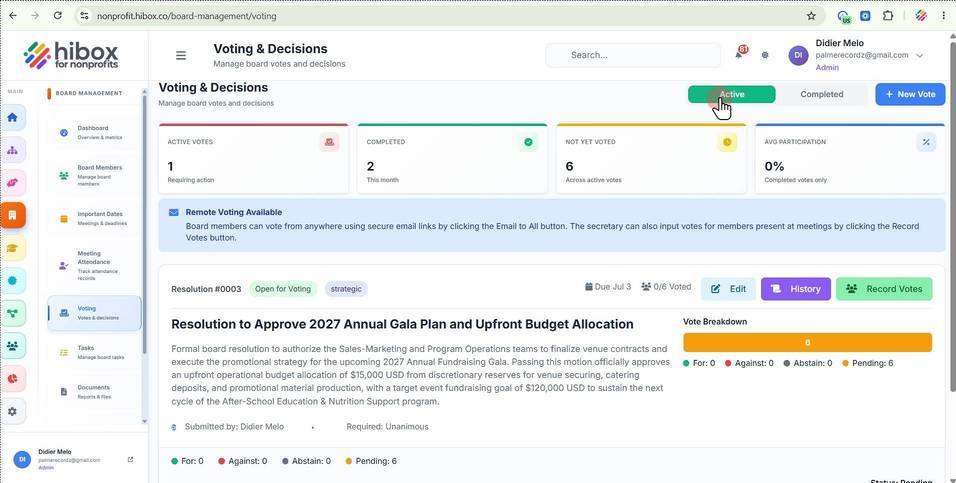
5. or look for those that are "Completed"
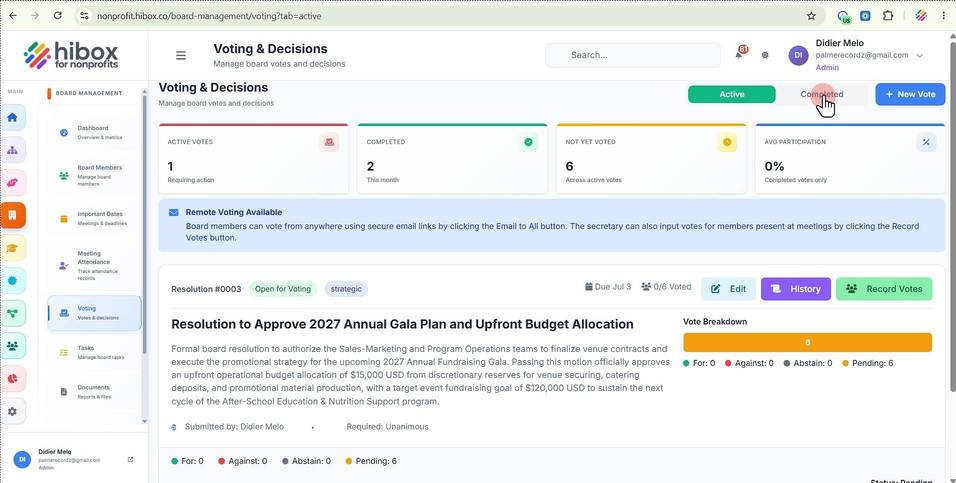
6. Click here to create a "New Vote"
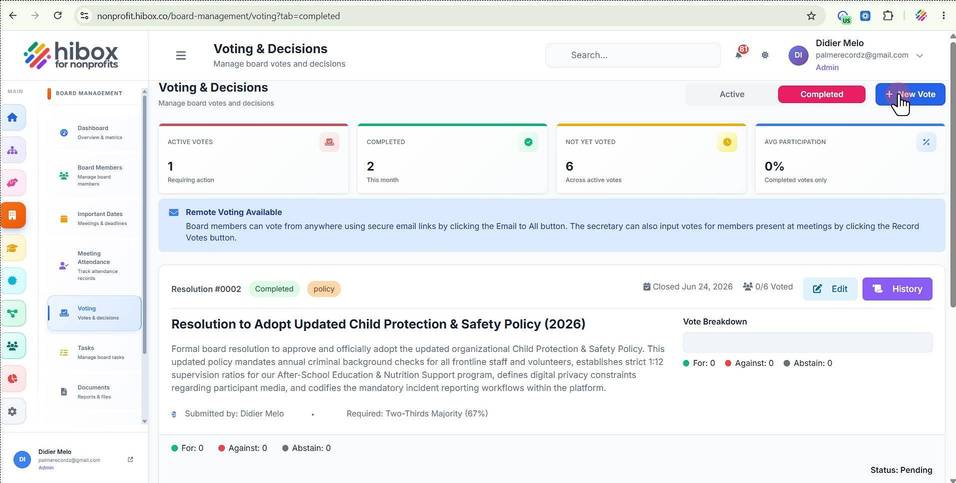
7. The Dashboard will show the the amount of "Active Votes"
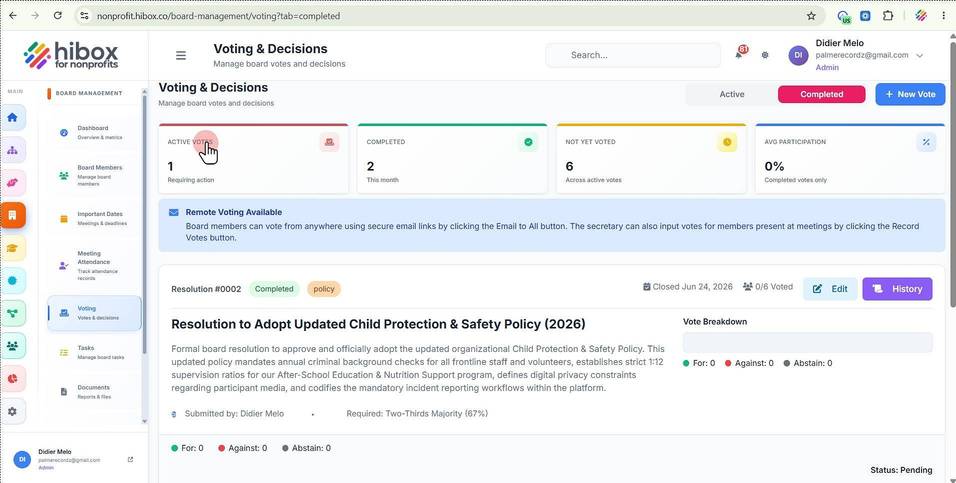
8. the amount of votes that have been "Completed"
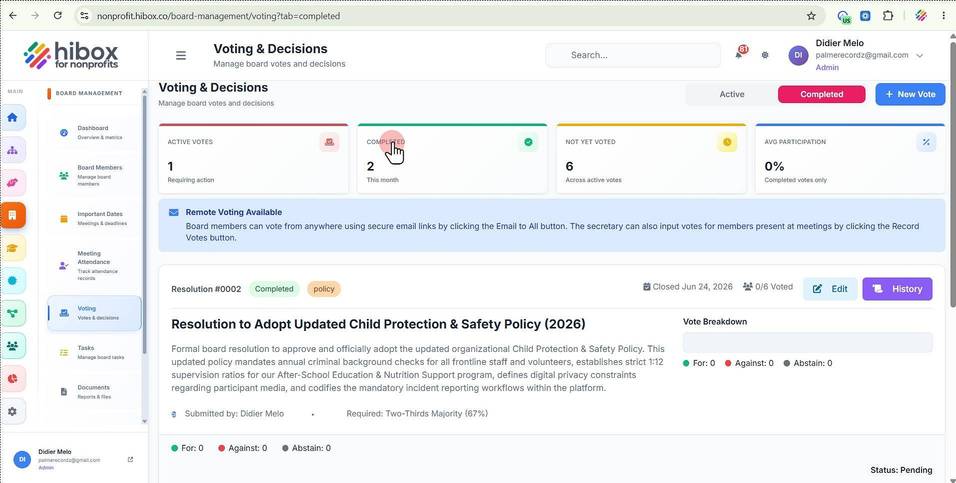
9. as well as the "Not Yet Voted"
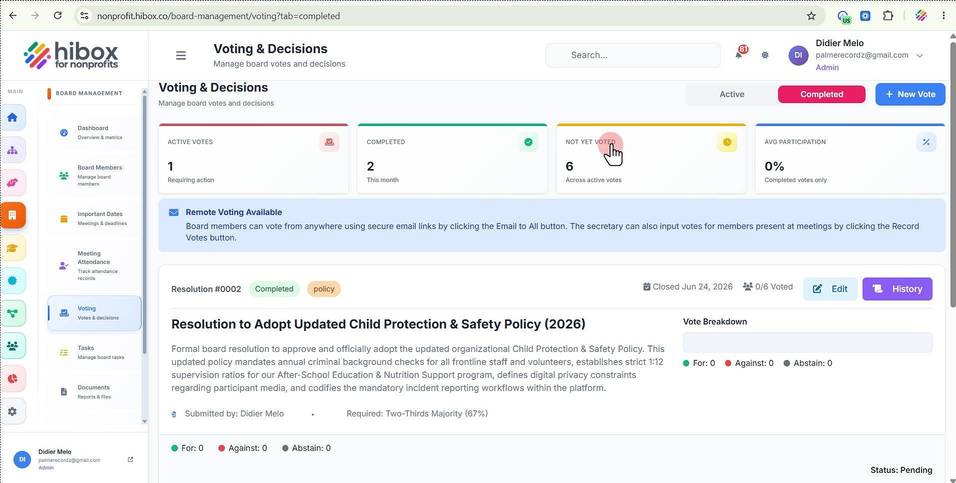
10. and the "Average Participation"
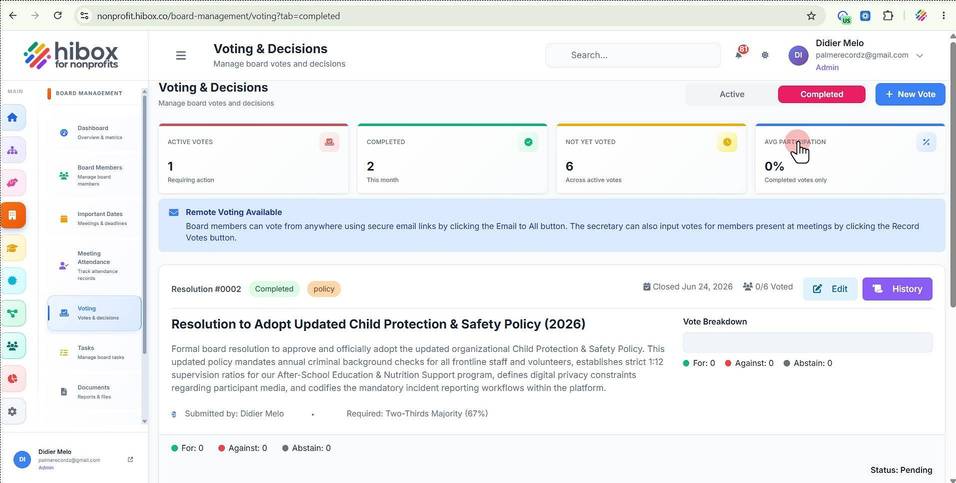
11. Remote Voting is now available, so board members can vote from anywhere using secure email links by clicking the Email to All button. The secretary can also input votes for members present at meetings by clicking the record vote
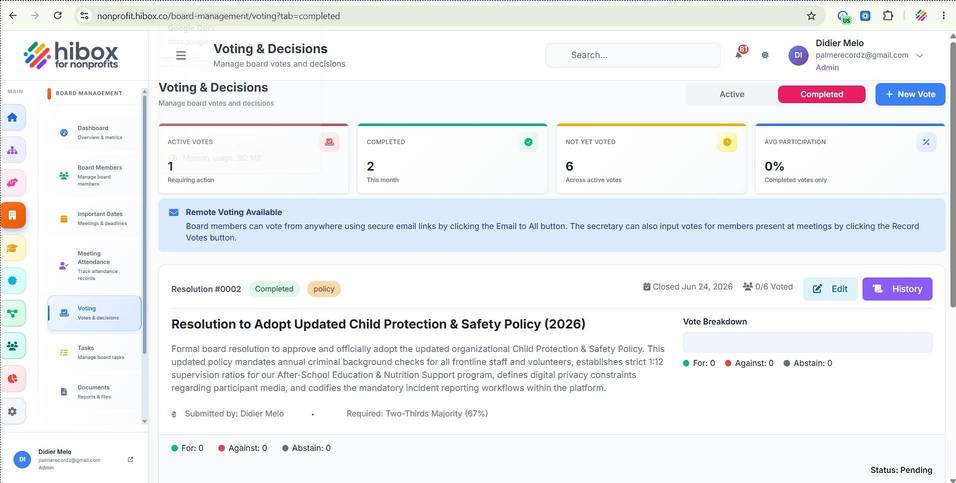
12. Scroll down to locate the "Resolution" you are looking for
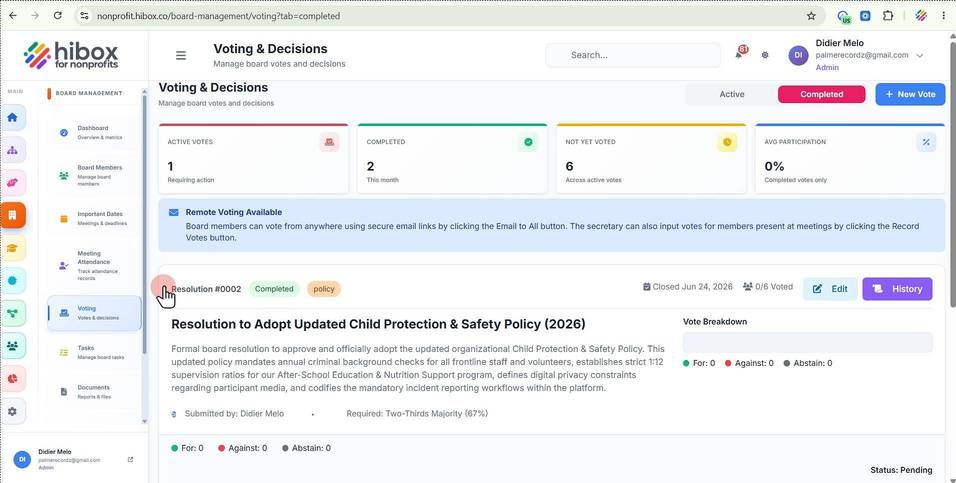
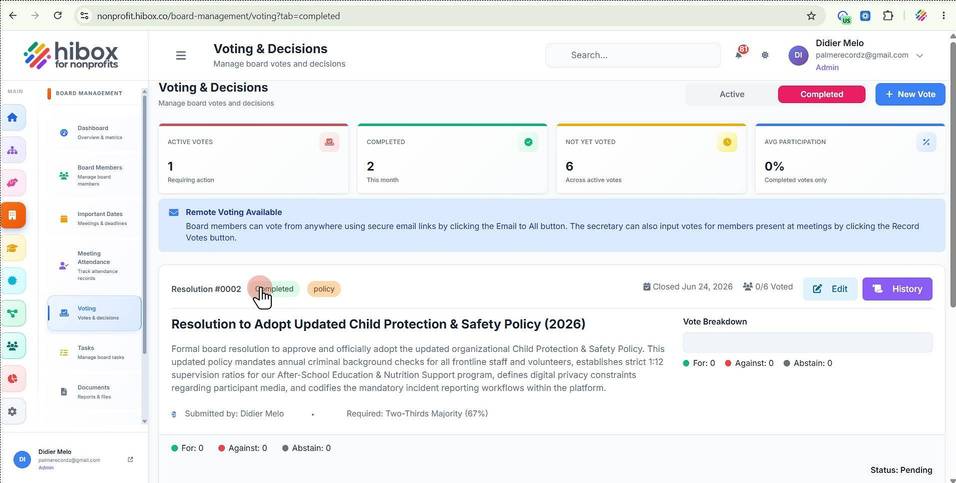
13. Find the "Status" for each resolution
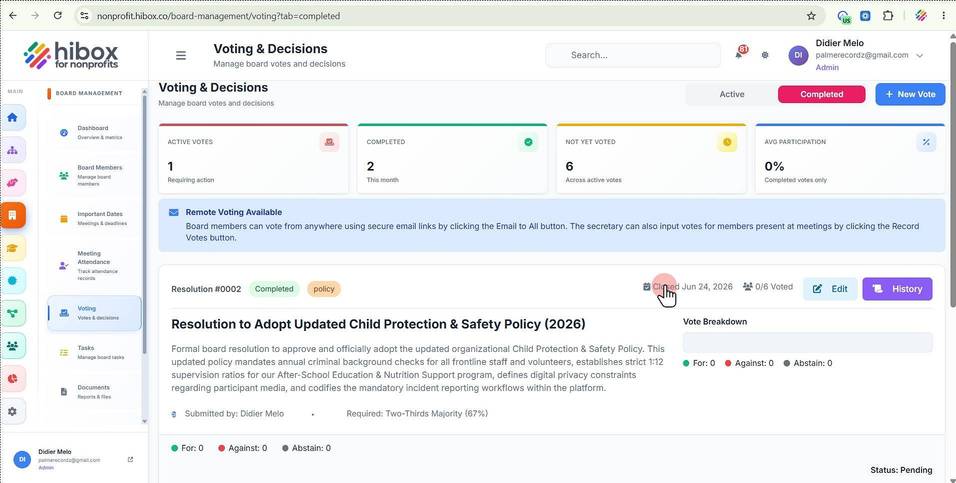
14. You can see the "Closed Date" here
15. As well as the amount of votes
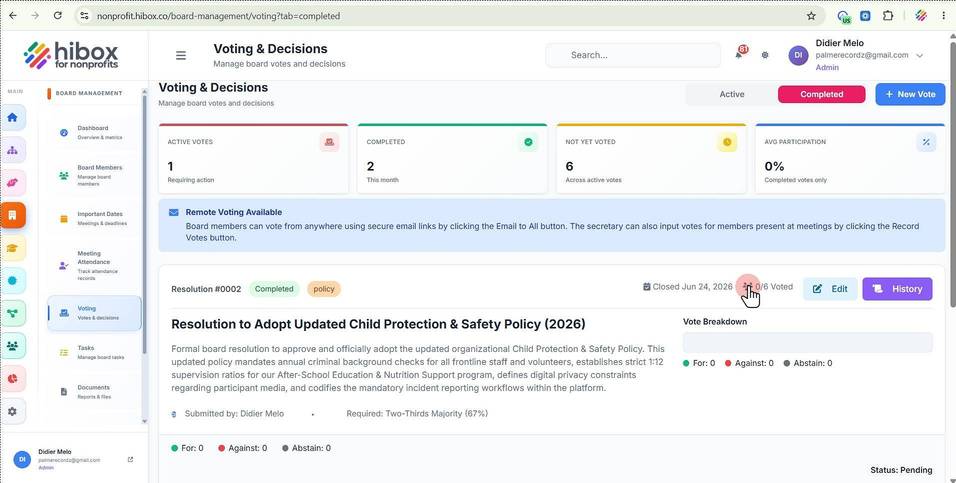
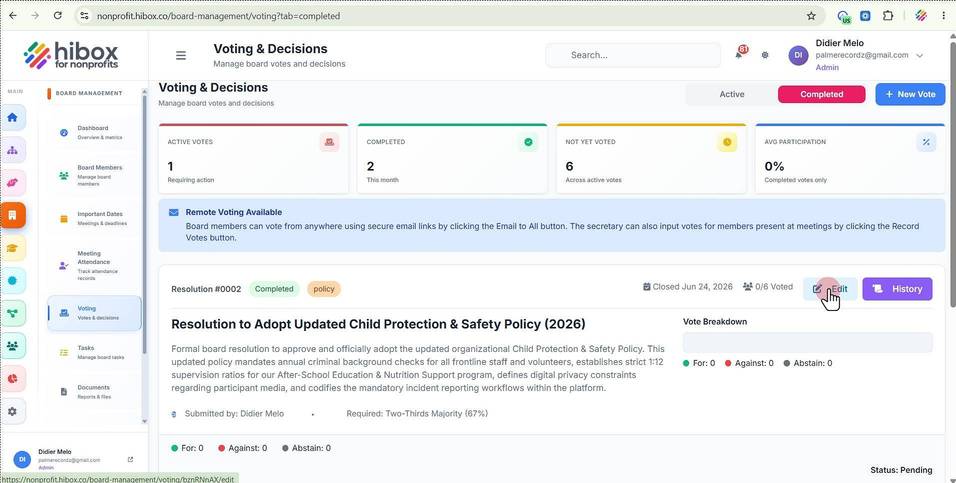
16. Click "Edit" to edit the vote details
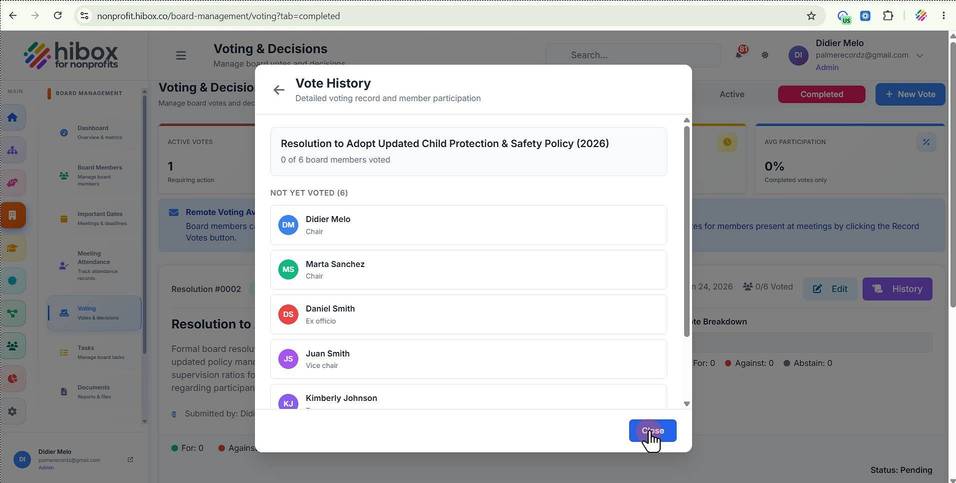
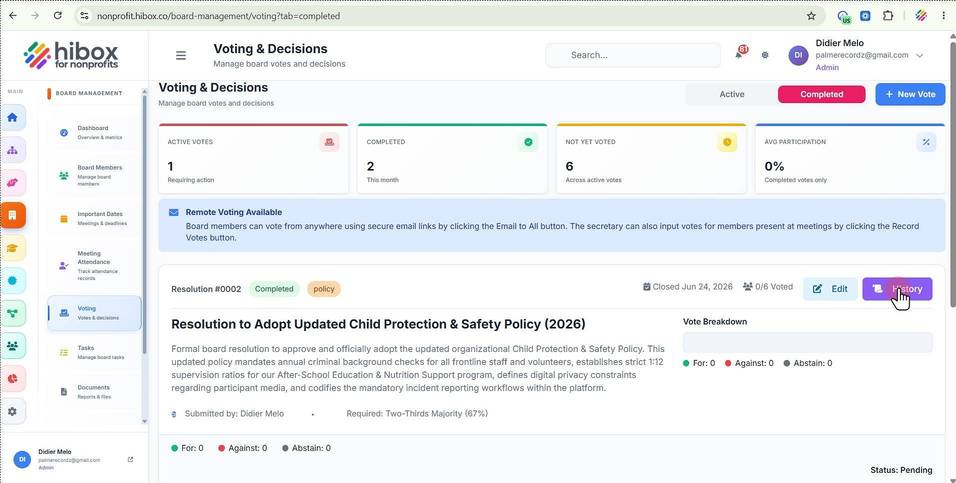
17. Click the "History" button to see the vote details
18. Click the "Close" button to finish