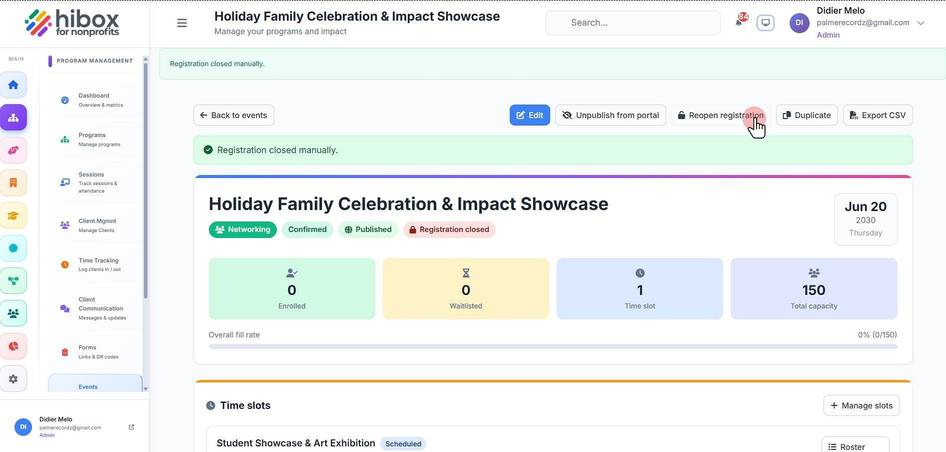
Opening and Closing an Event Registration Manually
Opening and Closing an Event Registration Manually
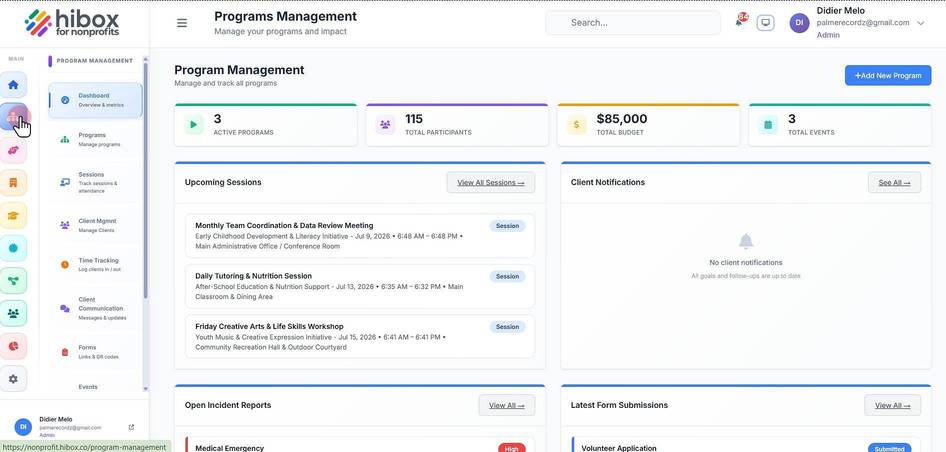
1. Click "Program Management" on the left side menu
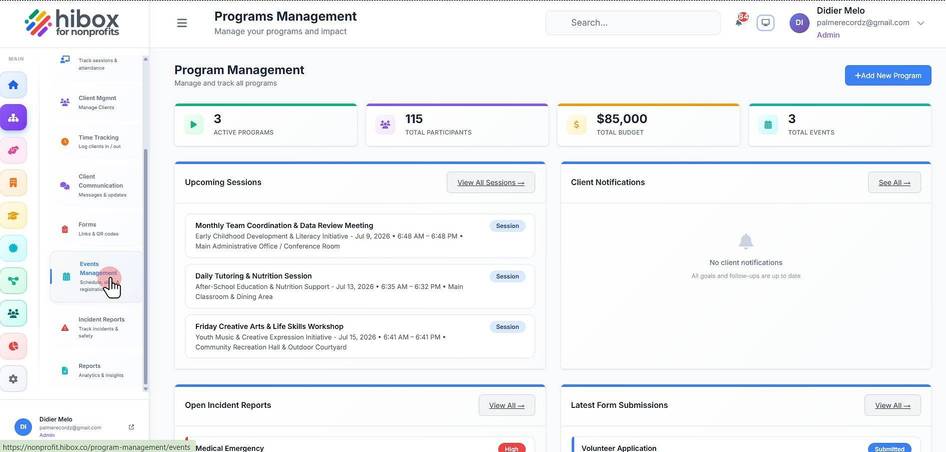
2. Click "Events Management" on the sub-menu
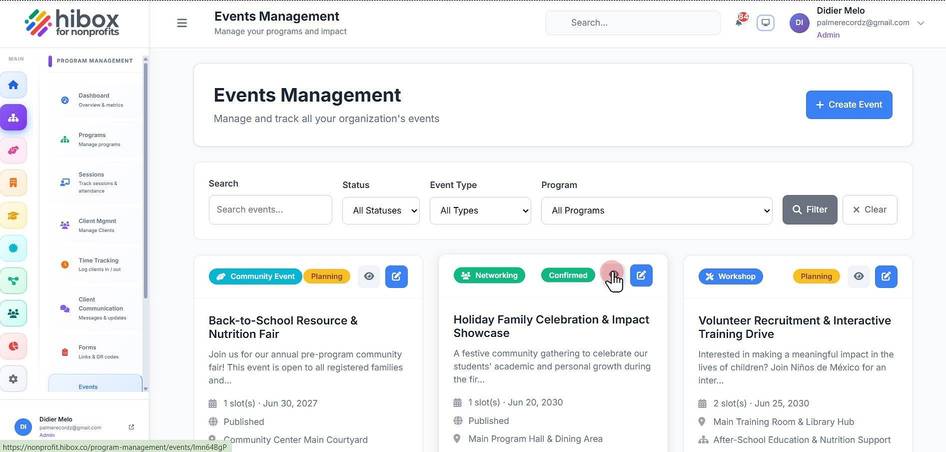
3. Locate the event and click on the eye icon next to it
4. Click "Close registration" to close an open registration
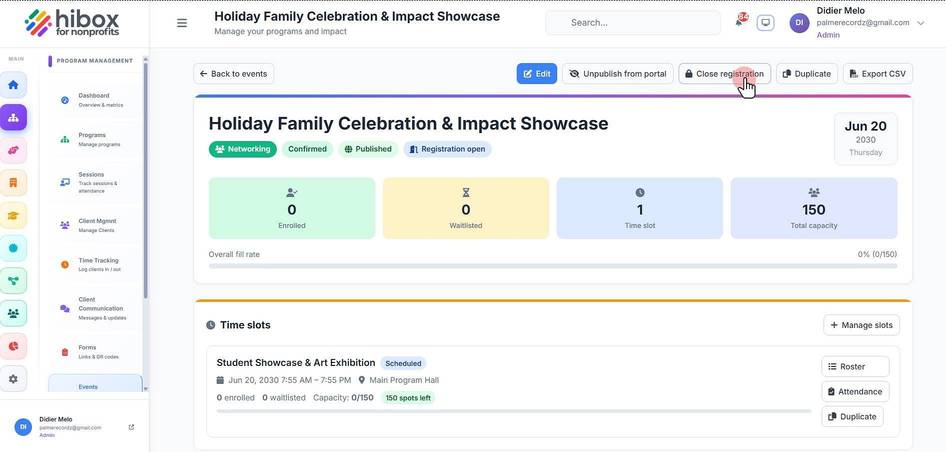
5. Click "Reopen registration" to reopen a closed registration