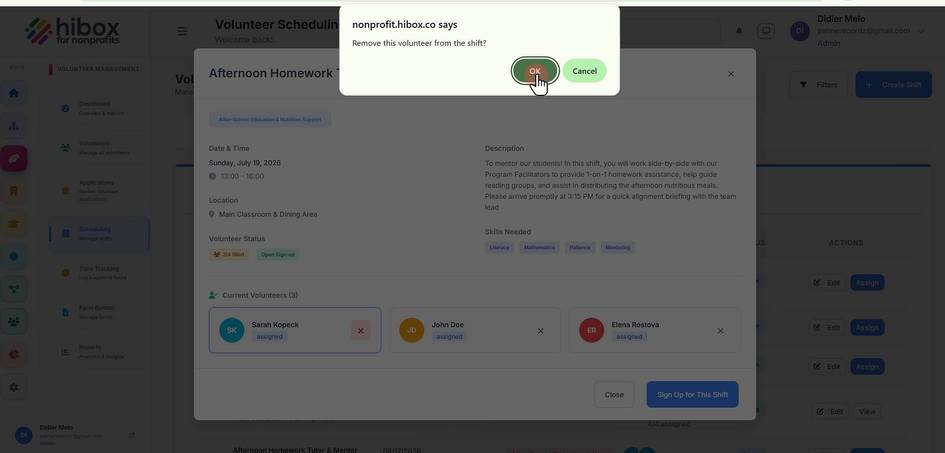
Remove a Volunteer from a Scheduled Session
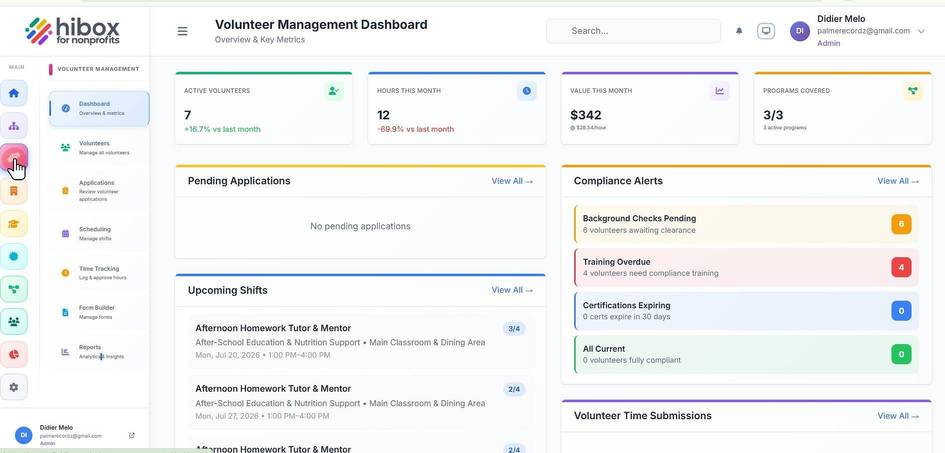
1. Click "Volunteer" on the left side menu
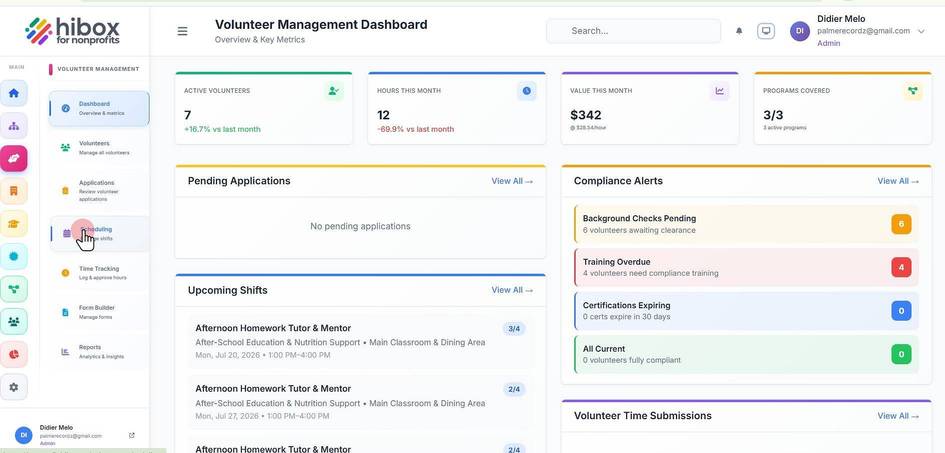
2. Click "Scheduling" on the sub-menu
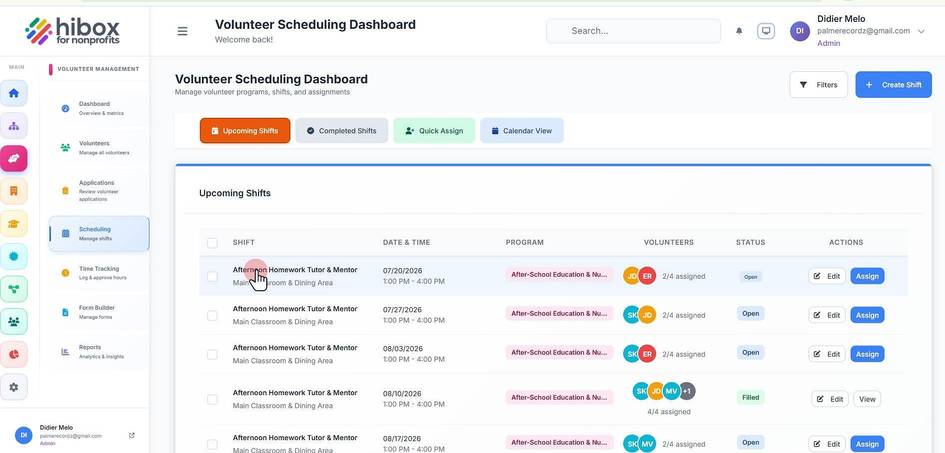
3. Select the shift by clicking on the shift's title
4. Locate the volunteer you wish to remove and click on the red "X" button
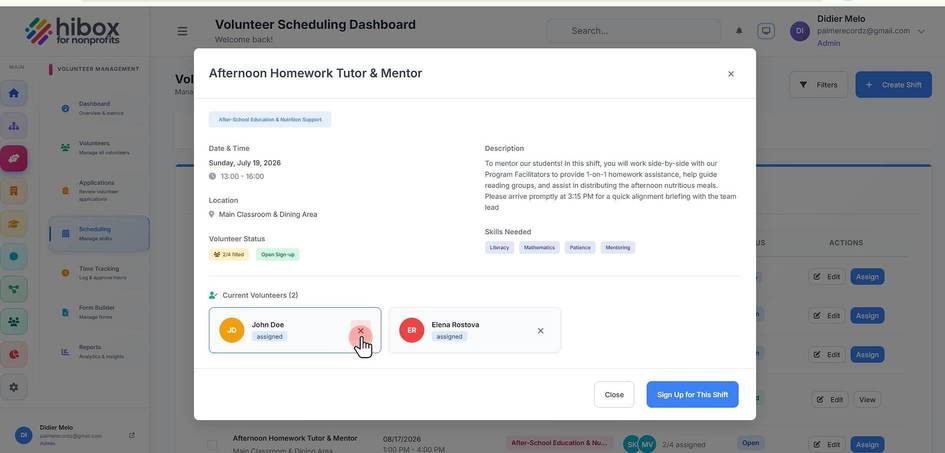
5. Confirm by clicking "OK"