Removing Office 365 Integration
Removing Office 365 Integration
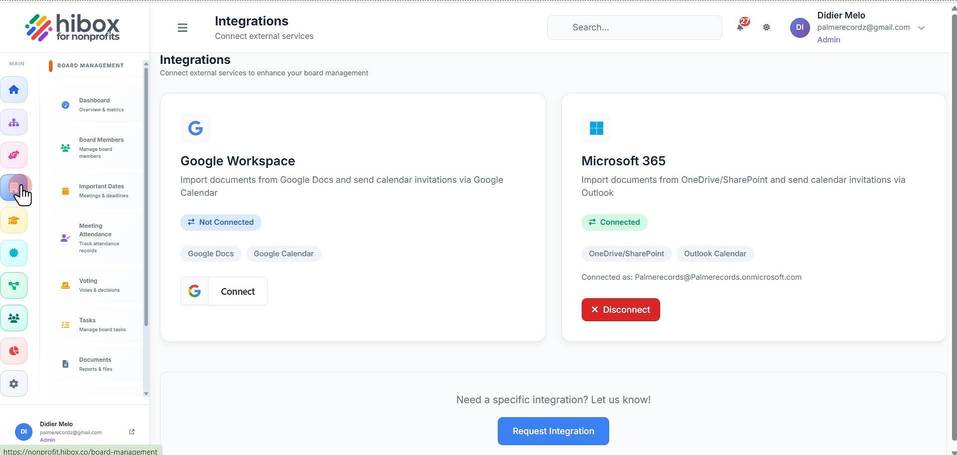
1. Click "Board Management"
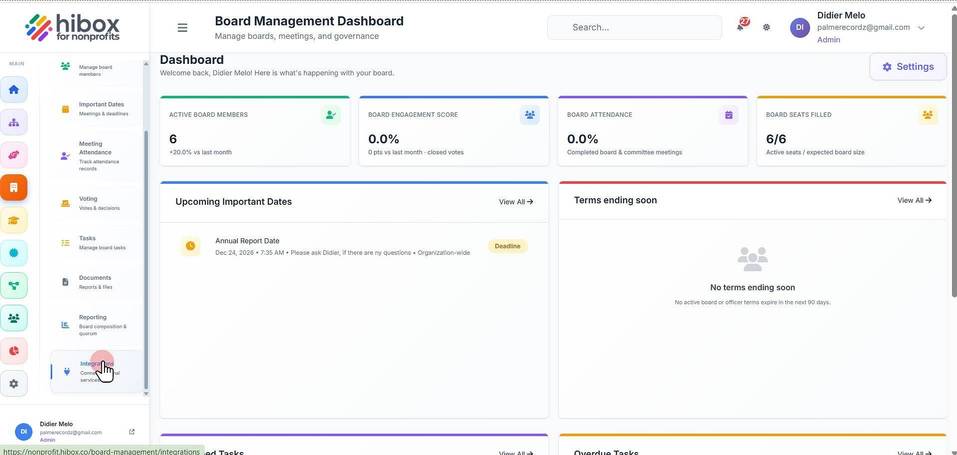
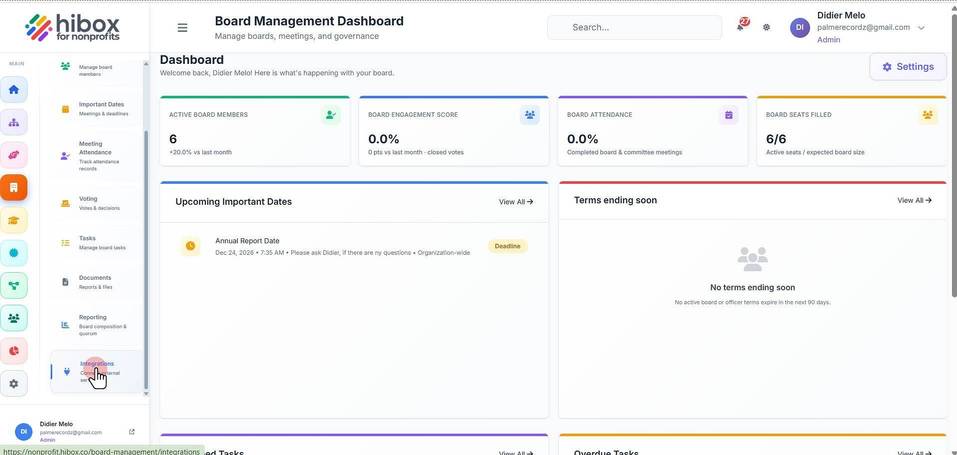
2. Click "Integrations" on the left-side menu
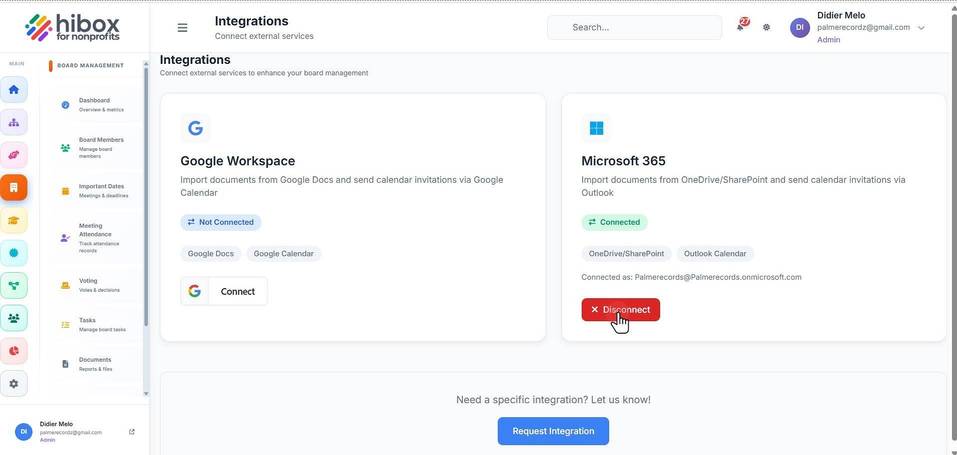
3. Click "Disconnect"
4. Click "OK"
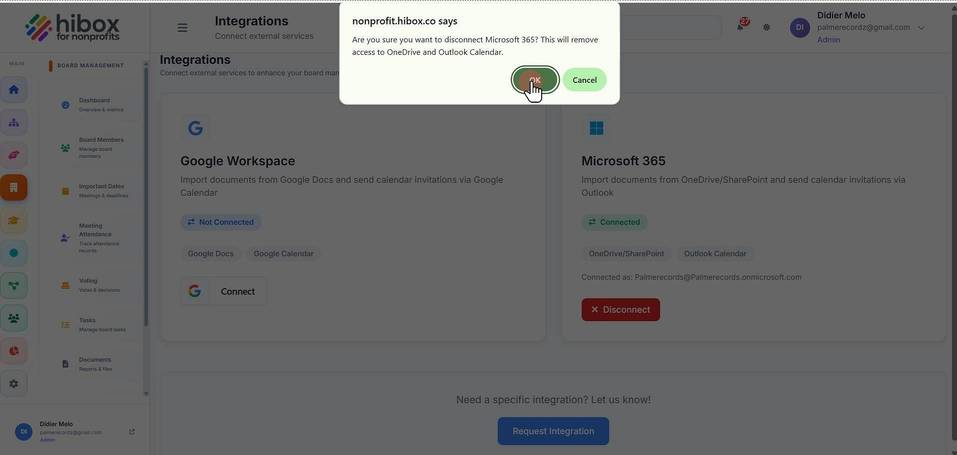
5. Click "OK"
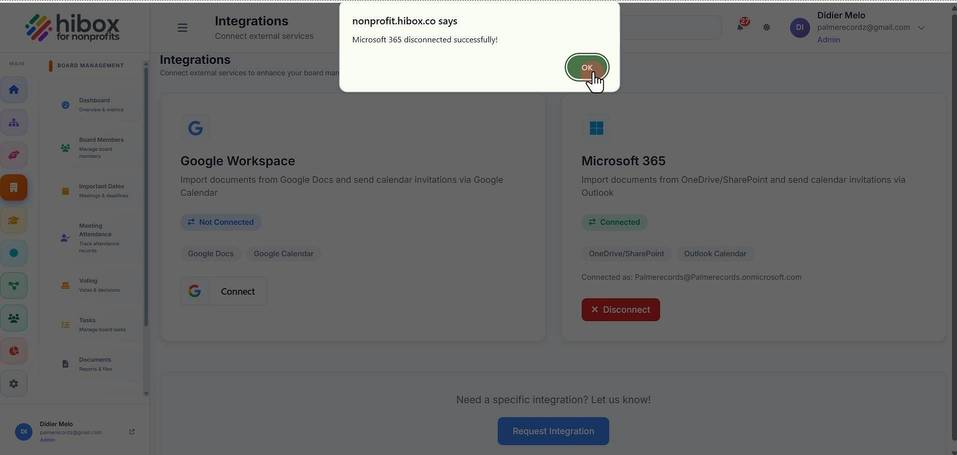
6. The Microsoft 365 Integration has been removed
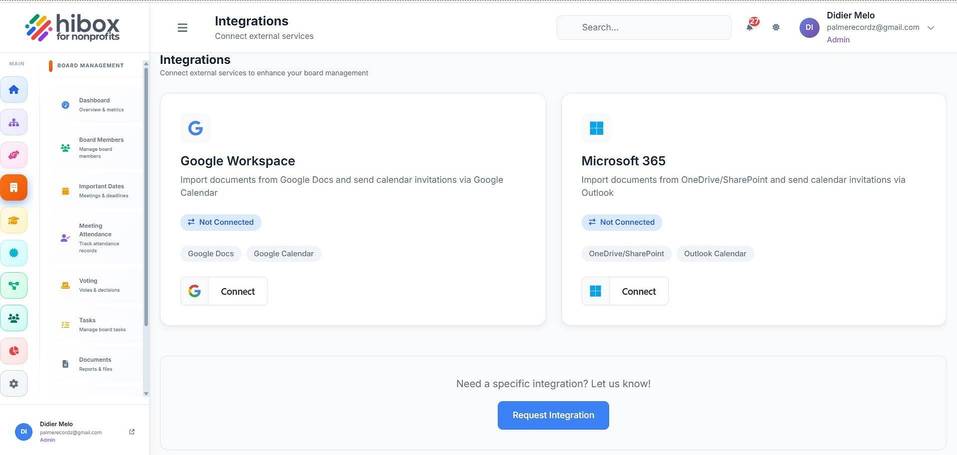
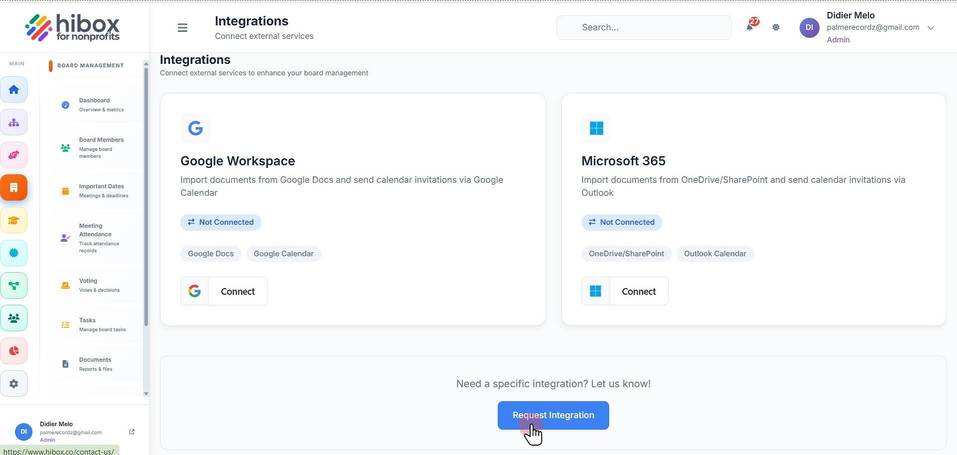
Requesting a New IntegrationRequesting a New Integration
1. Click "Board Management"
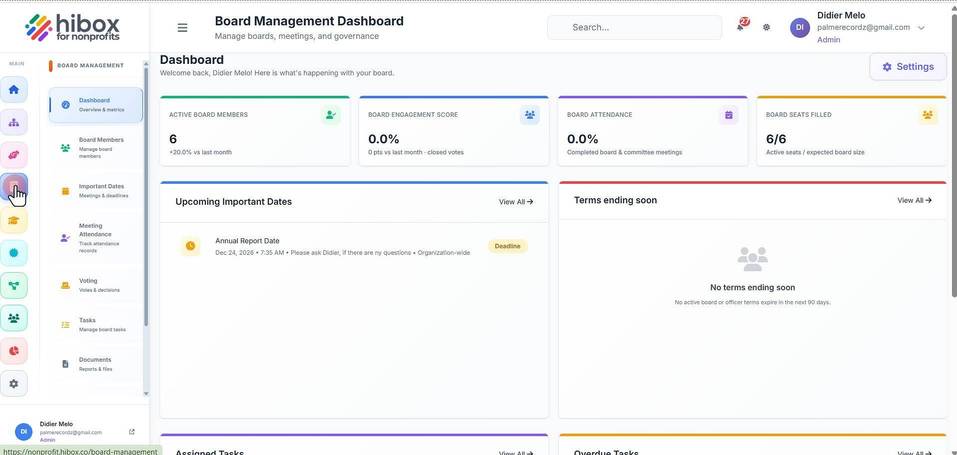
2. Click " Integrations Connect external services"
3. Click "Request Integration"