Replying to Client’s Messages
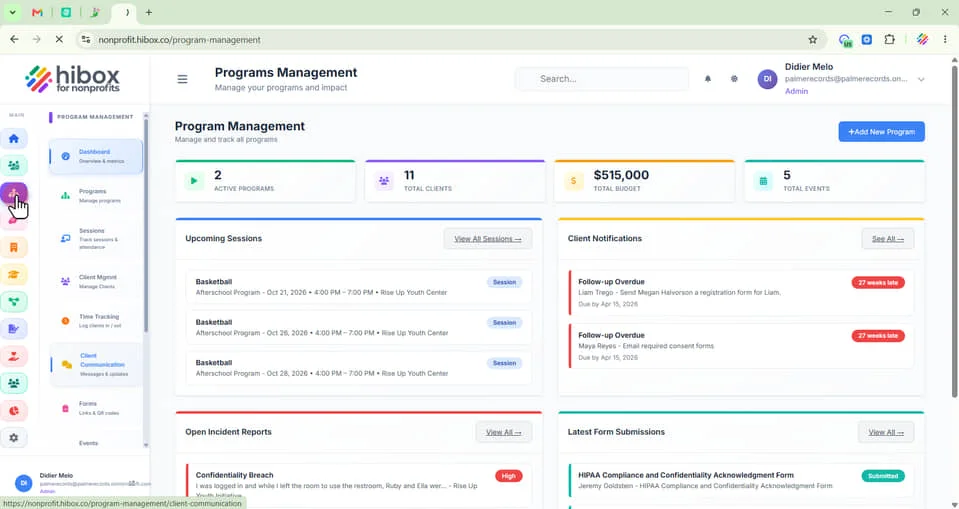
1. Click "Program Management" on the left-side menu
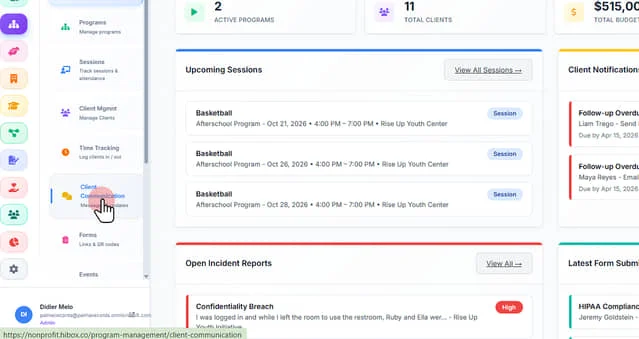
2. Click "Client Communication" on the left-side menu
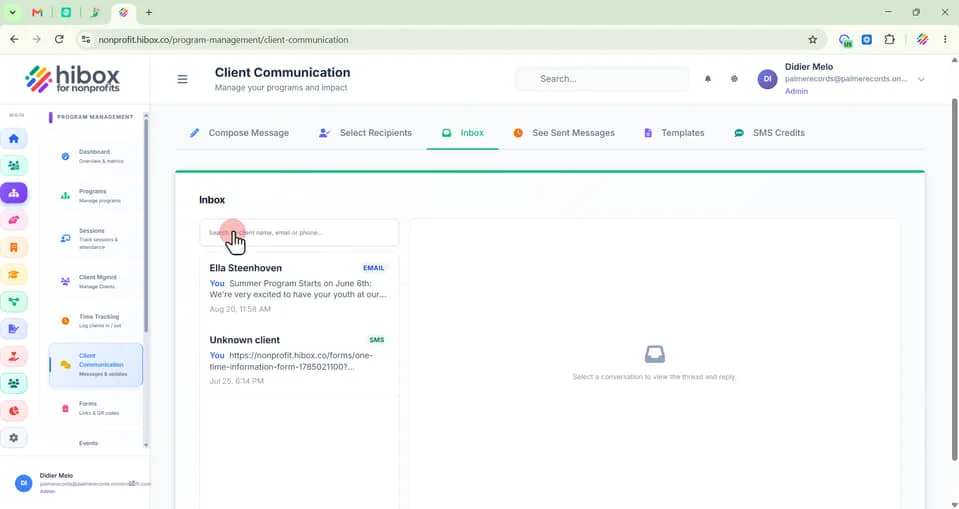
3. "Search by client name, email or phone" on the search bar
4. Click on the message, inside the message bar
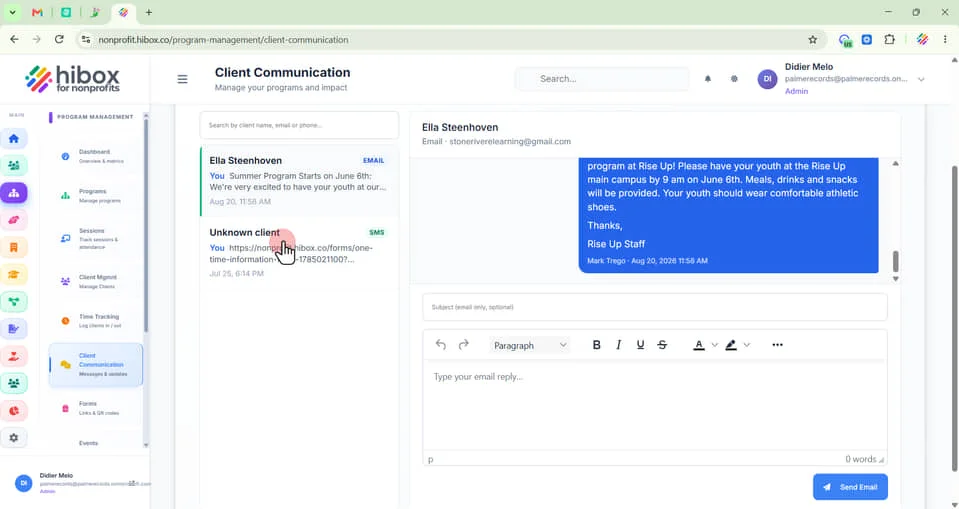
5. See the sender & email information here
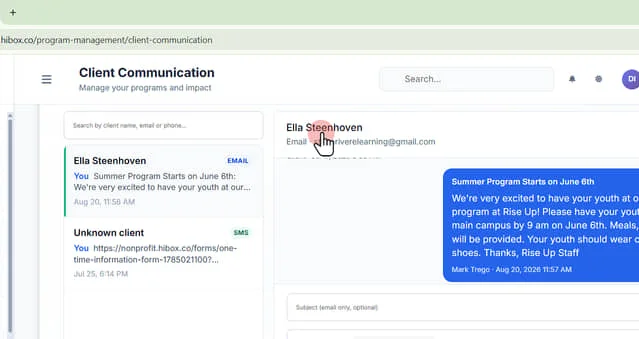
6. Enter an "email subject" here
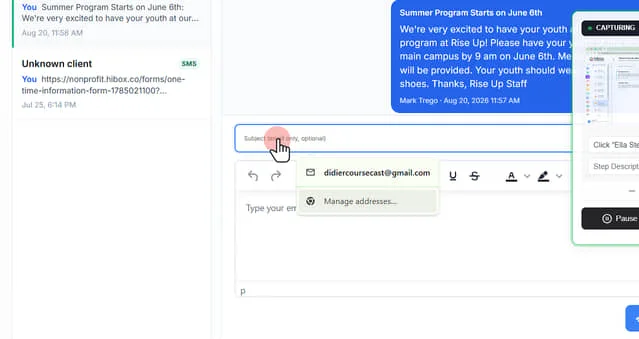
7. Type your email reply here
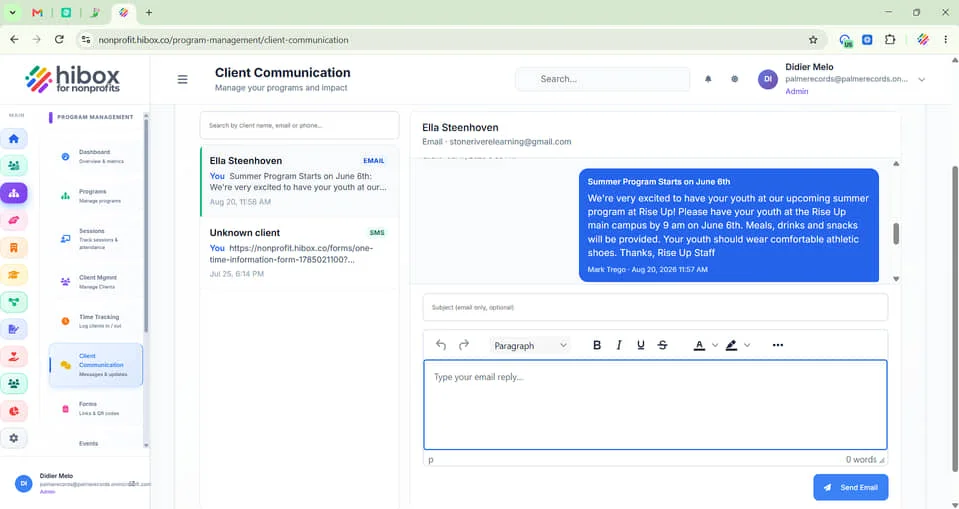
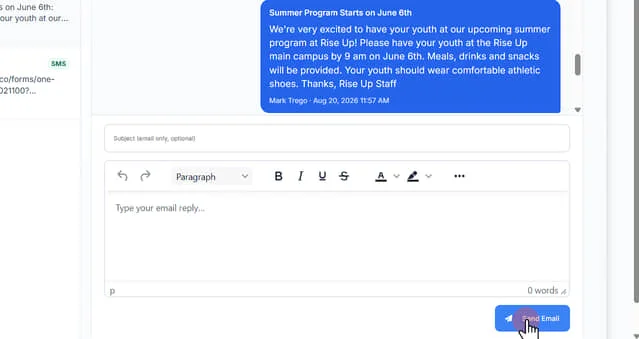
8. Click "Send Email" to send your message
 Powered by ProductLift