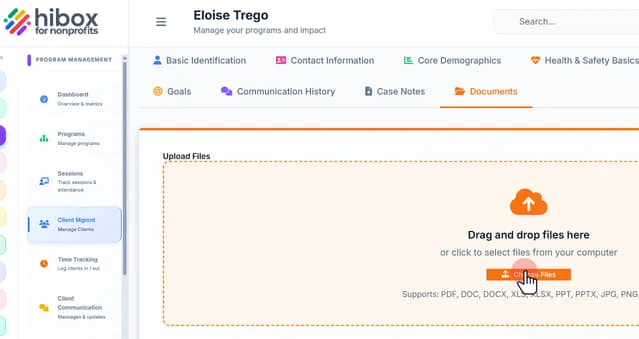
Saving Documents to Client Records
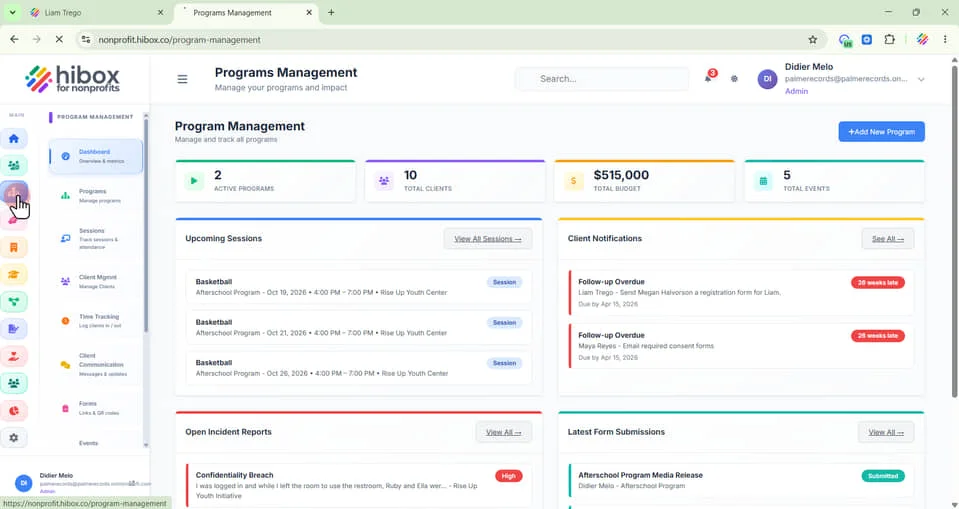
1. On the left-side menu click "Program Management"
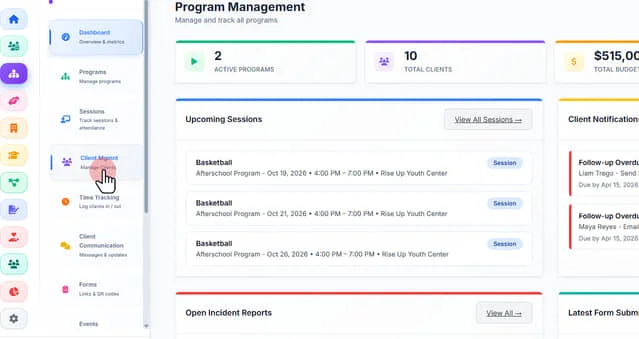
2. Click "Client Mgmnt" on the sub-menu
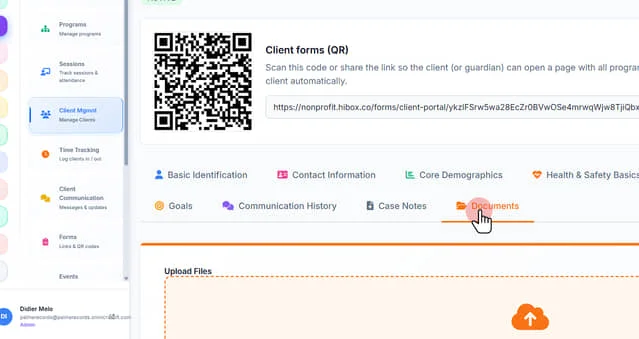
3. Scroll down, find the client and click on its name to open their profile

4. Click "Documents" on the sub-tab menu
5. Drag and drop files here. Supports: PDF, DOC, DOCX, XLS, XLSX, PPT, PPTX, JPG, PNG, GIF