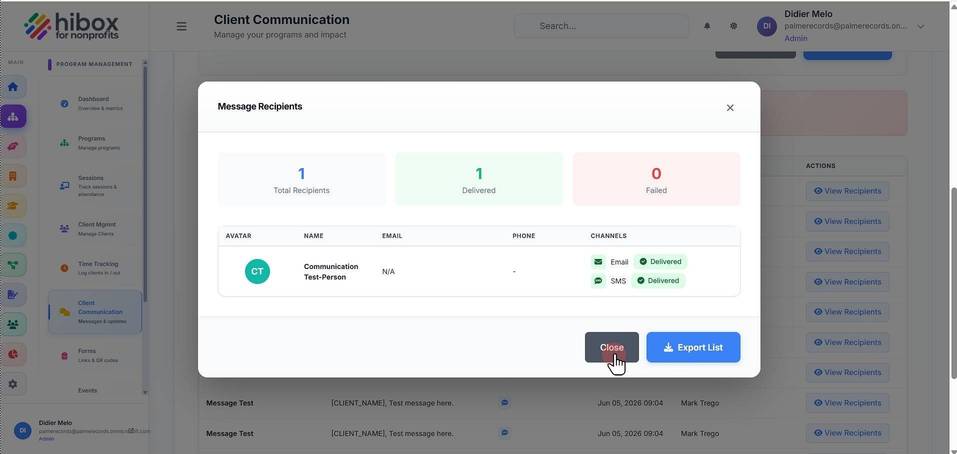
See Sent Messages to Clients
See Sent Messages to Clients
1. Click "Program Management" on the left-side menu
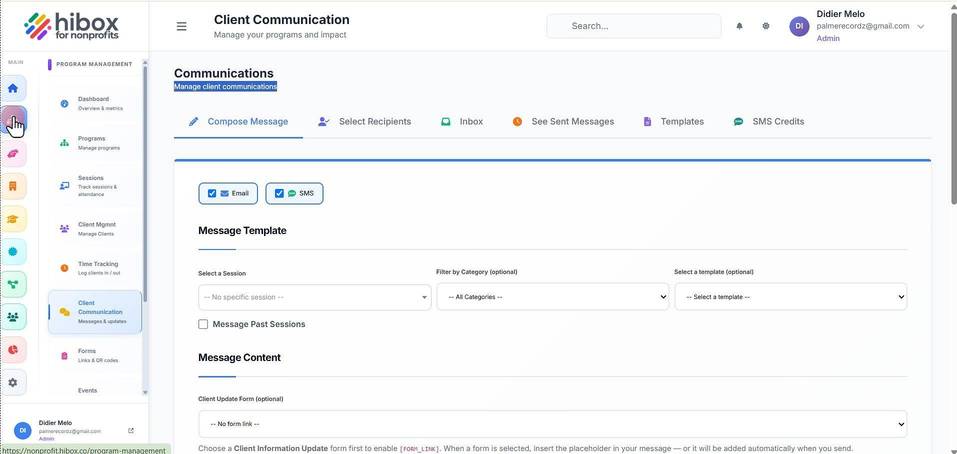
2. Click "Client Communication" on the sub-menu
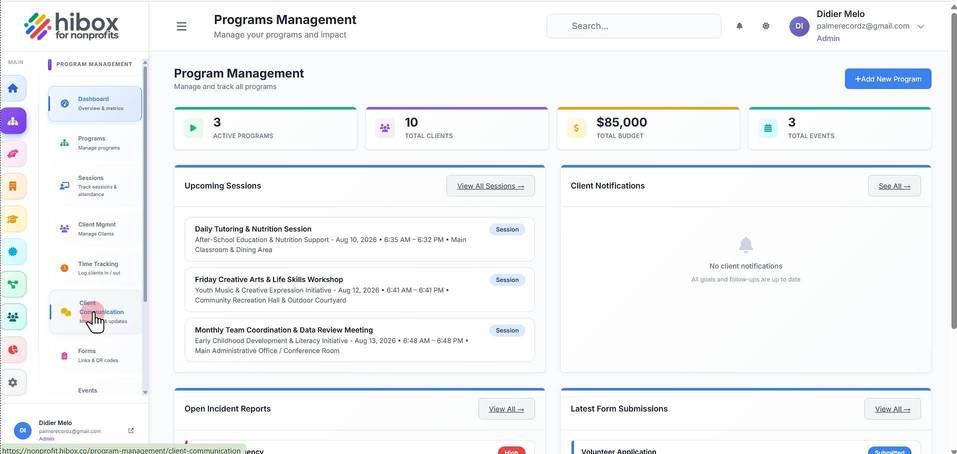
3. Navigate to the "See Sent Messages"
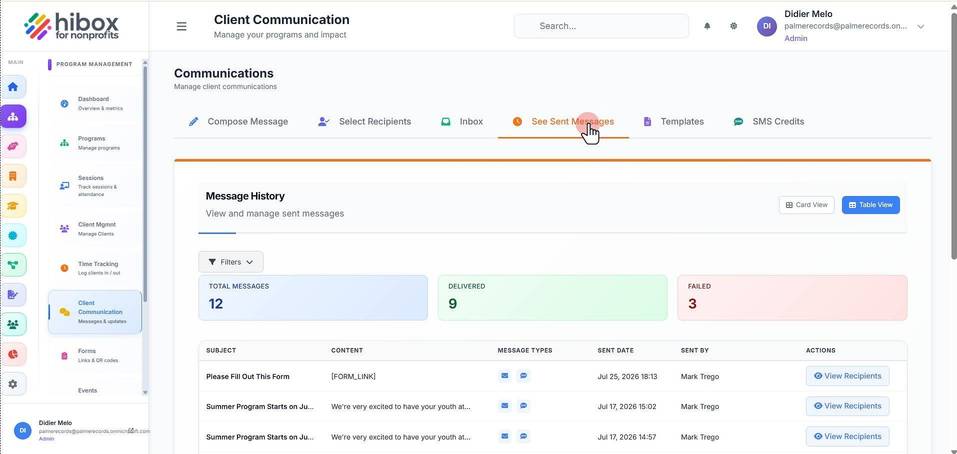
4. Click "Filters" to start a search
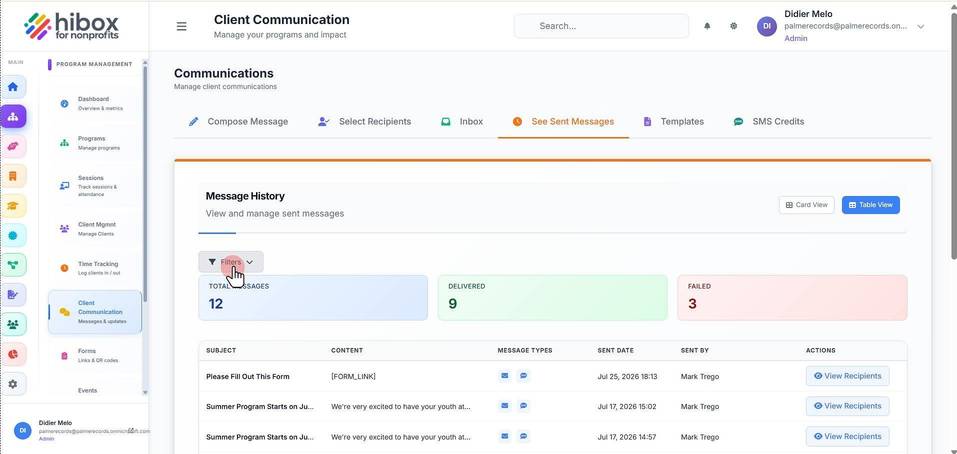
5. Filter by "Delivery Status"
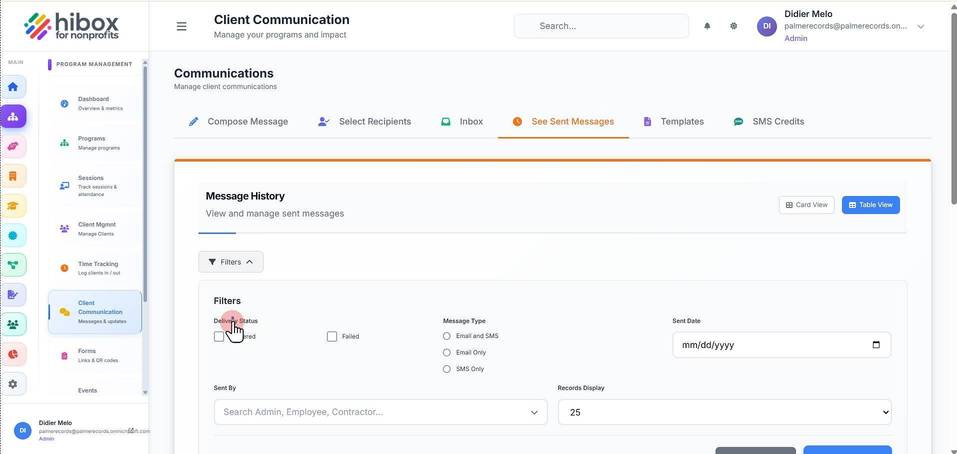
6. Filter by "Message Type"
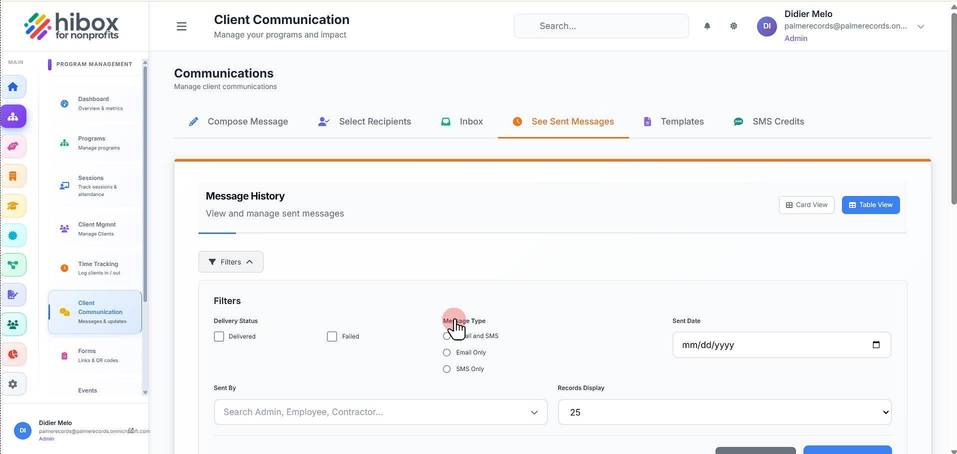
7. Filter by "Sent Date"
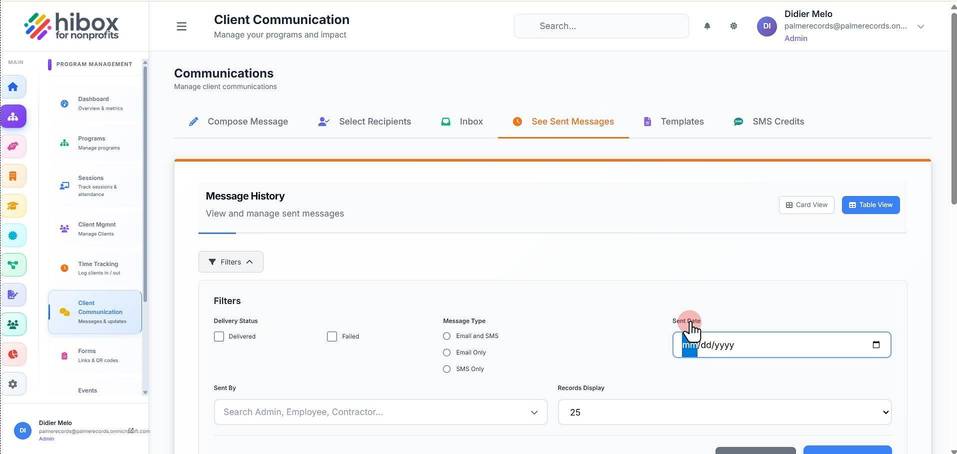
8. Filter by "Sent By"
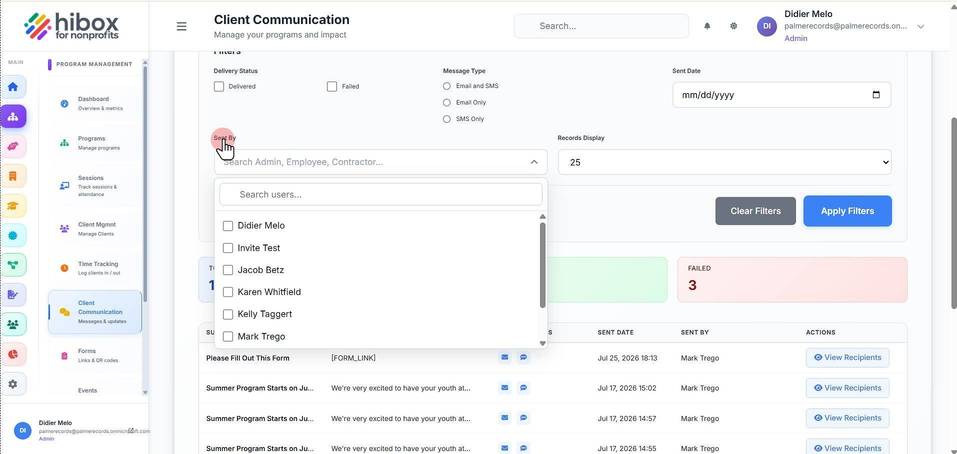
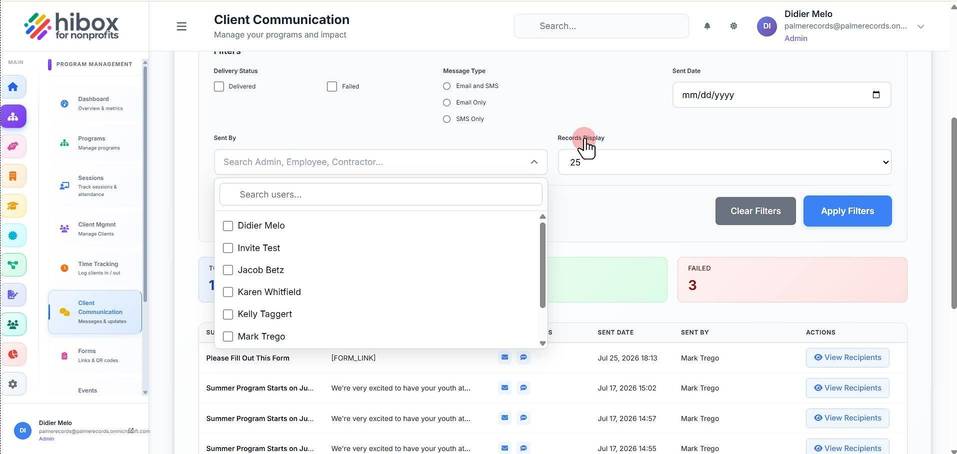
9. Click "Records Display"
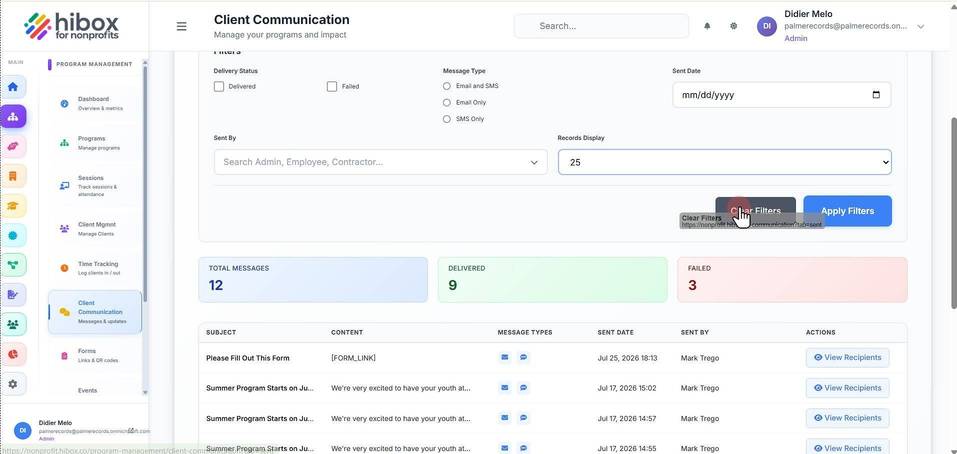
10. Click "Clear Filters" to clear all search parameters
11. Click "Apply Filters"
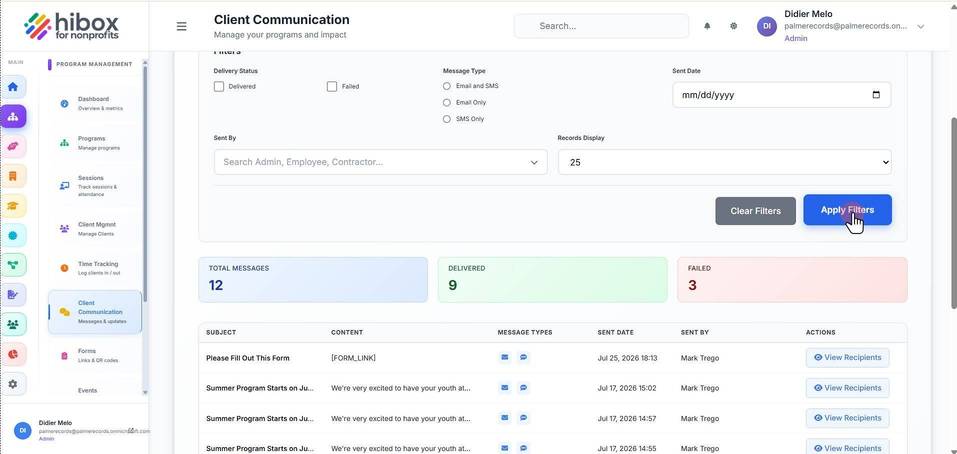
12. Scroll down to see the messages " View Recipients"
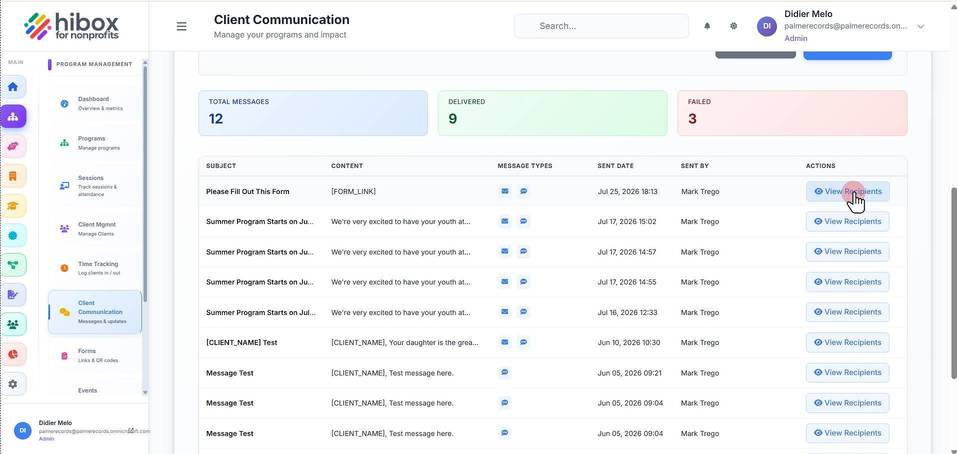
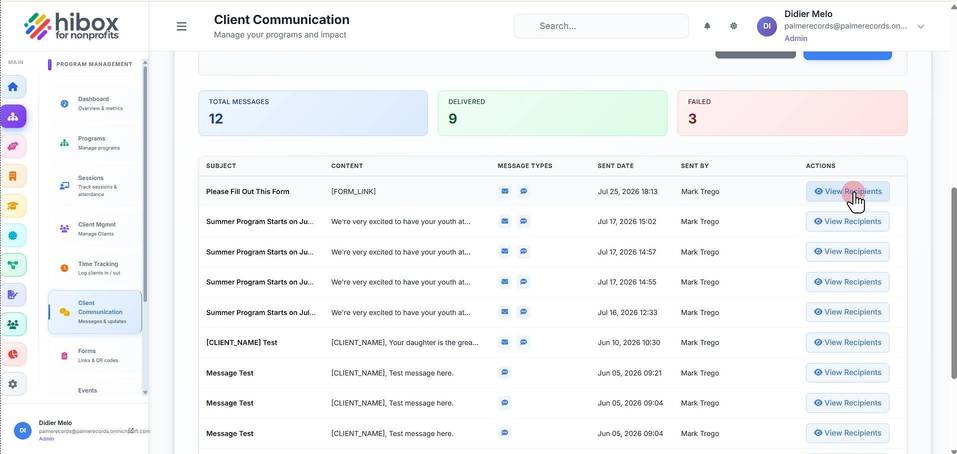
13. Click "View Recipients" to see more details
14. Click "Export List" if you need to export this data
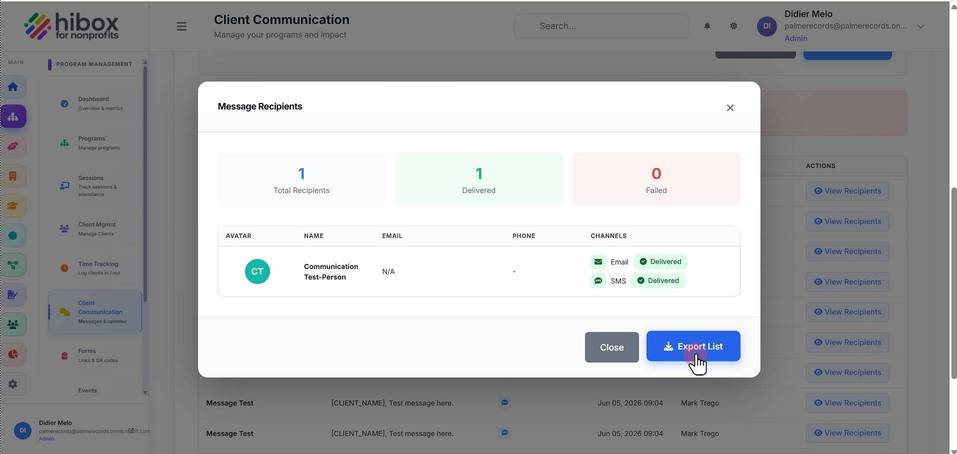
15. Click "Close" to finish