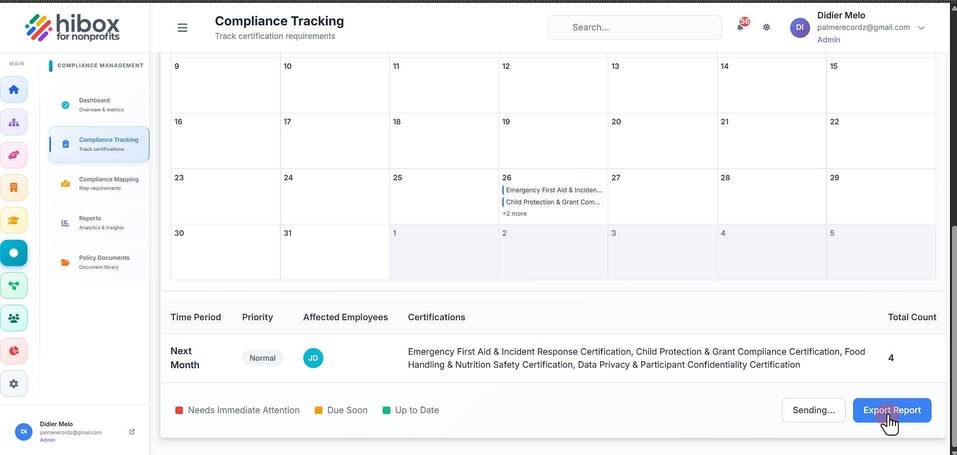
Sending a Compliance Reminder
Sending a Compliance Reminder
1. Click "Certifications" on the left side menu
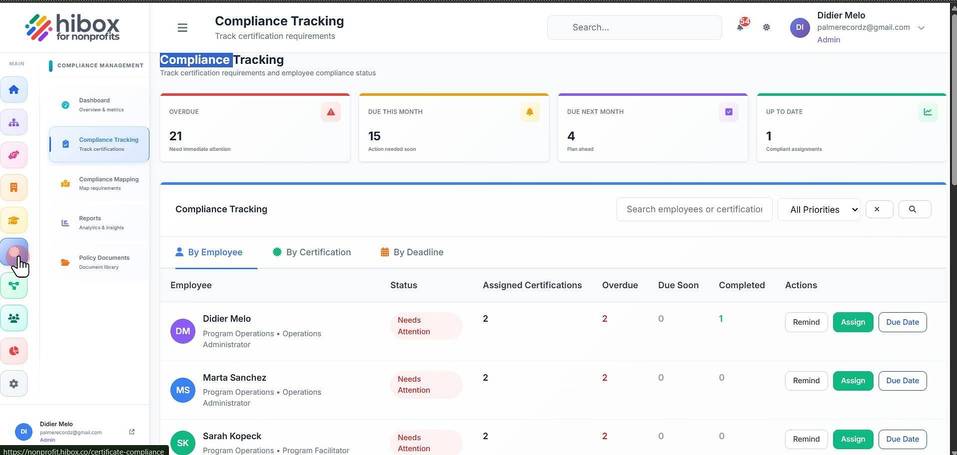
2. Click "Compliance Tracking" on the sub-menu
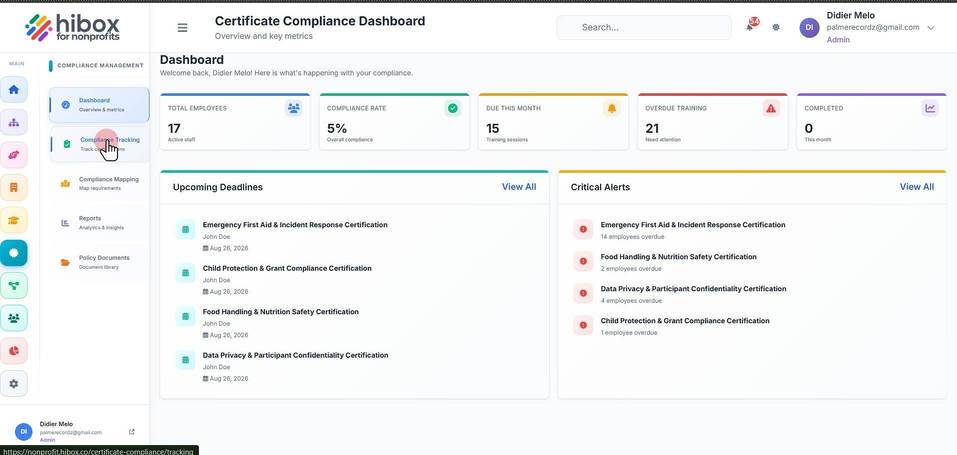
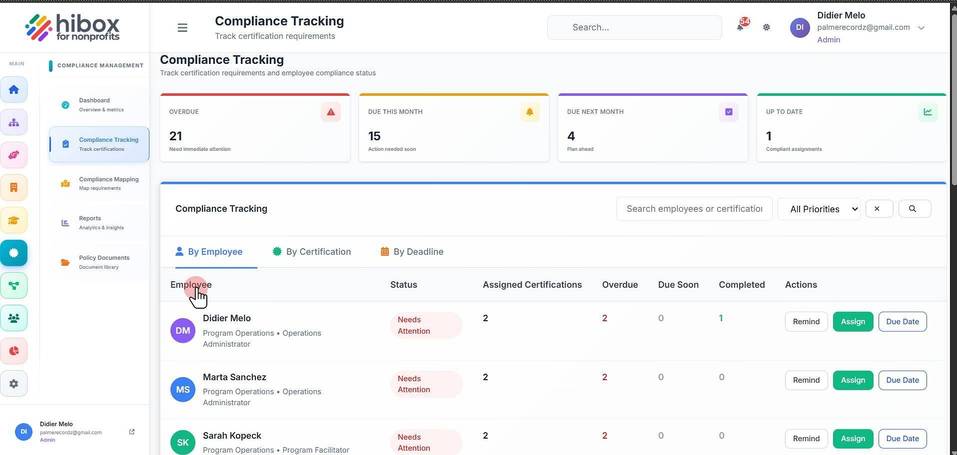
3. Go to the "By Employee" section
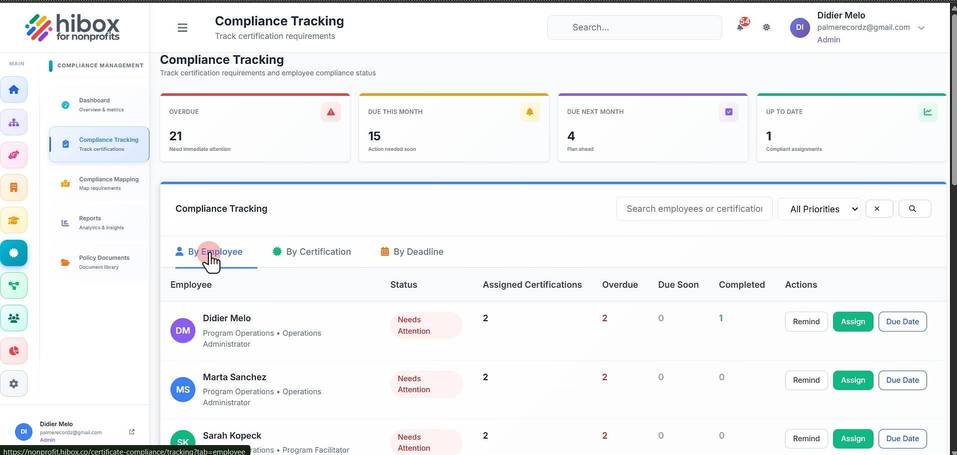
4. Find the "Employee"
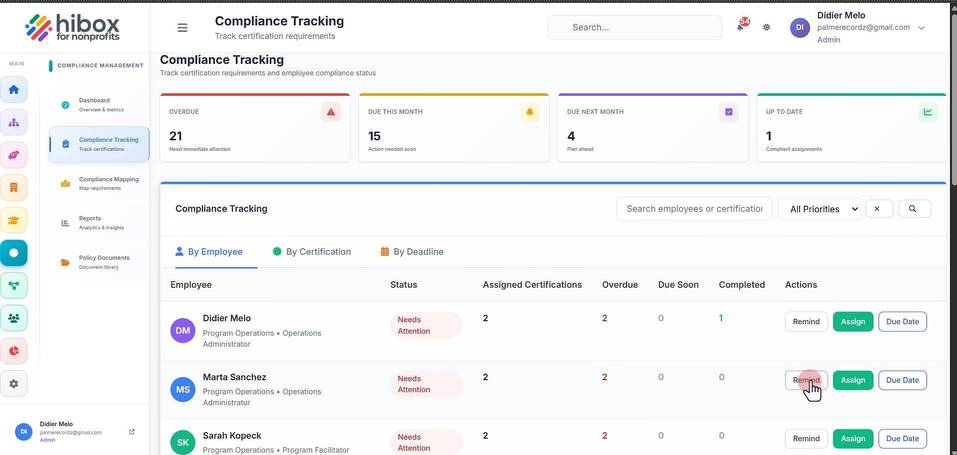
5. Click "Remind"
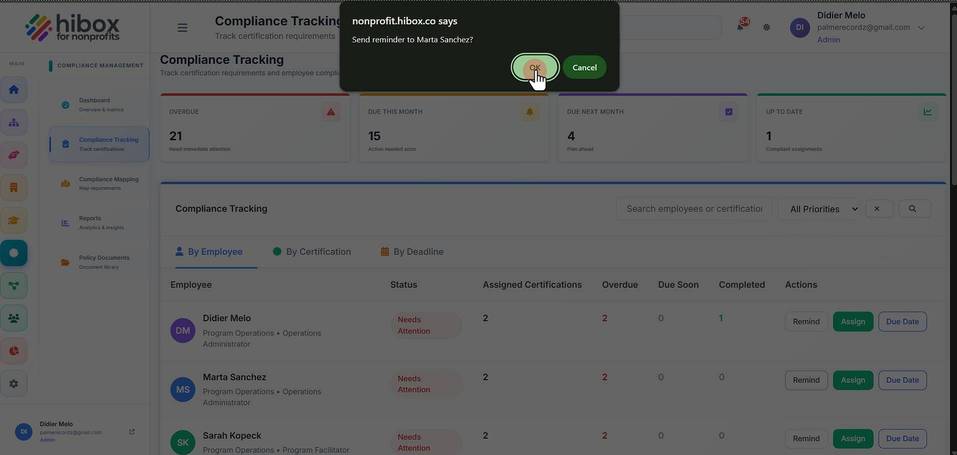
6. Click "OK", the employee will receive a reminder about this
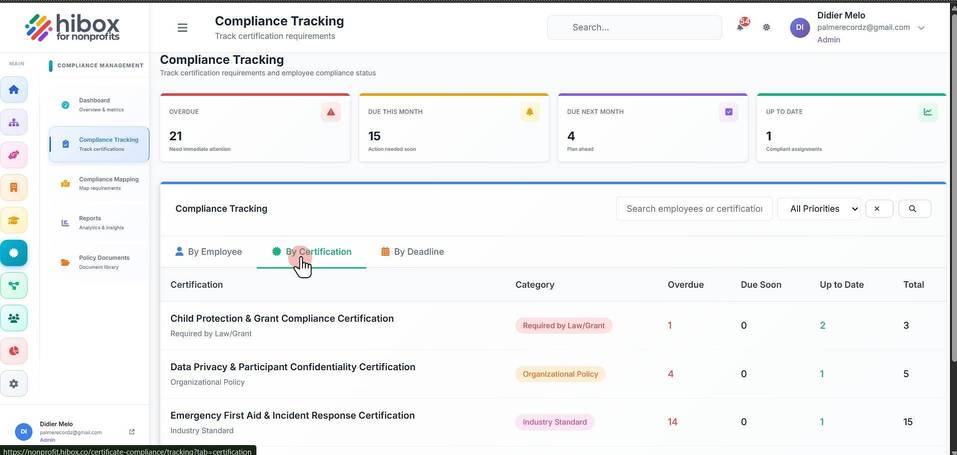
7. You can also send reminders to everyone based on a pending certification by using the "By Certification"
8. Scroll down and click "Send Reminders"
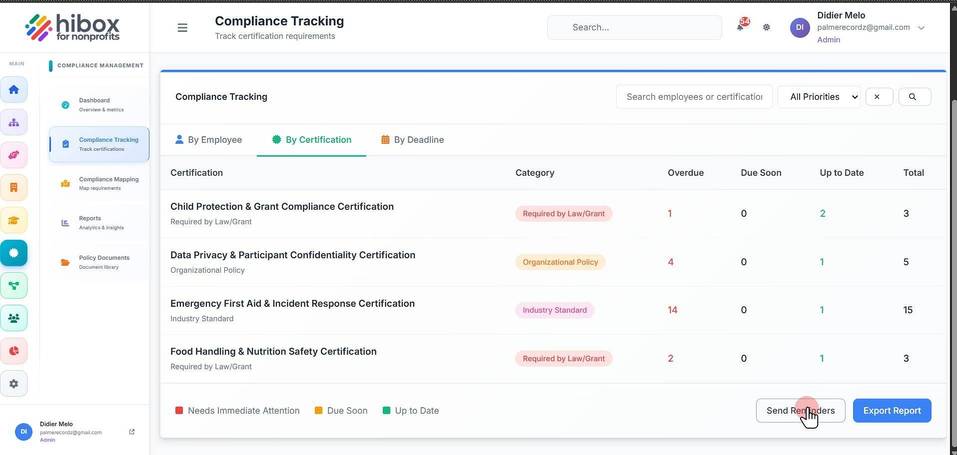
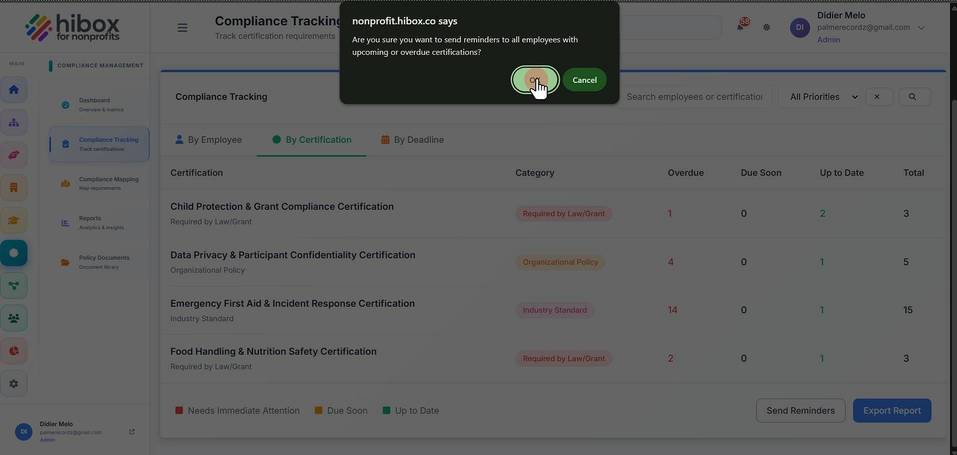
9. Click "OK"
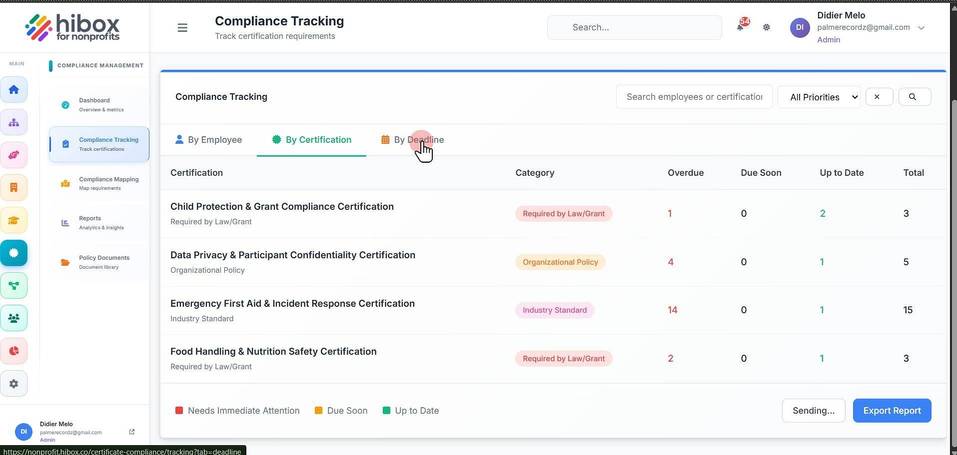
10. You can also click "By Deadline" to see a calendar view
11. Scroll down and click "Send Reminders"
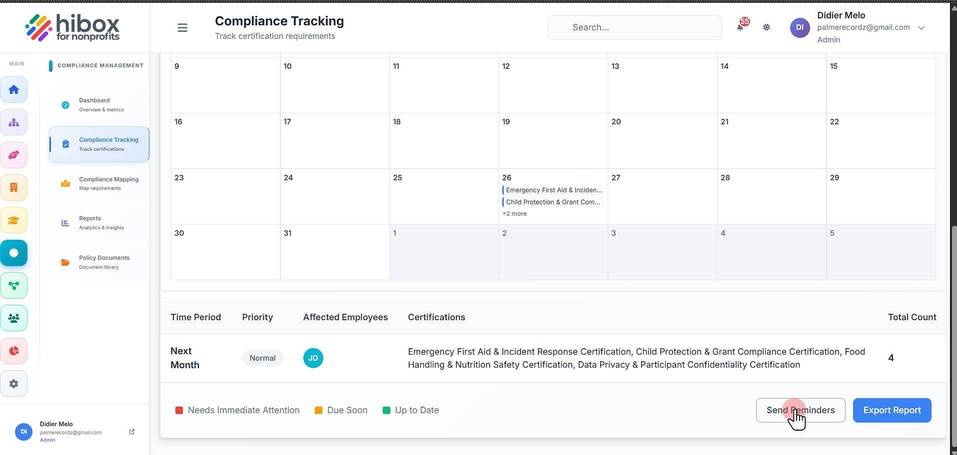
12. Click "Export Report" if you wish to export a report about this