Setting up a Meeting for Board Members
Setting up a Meeting for Board Members
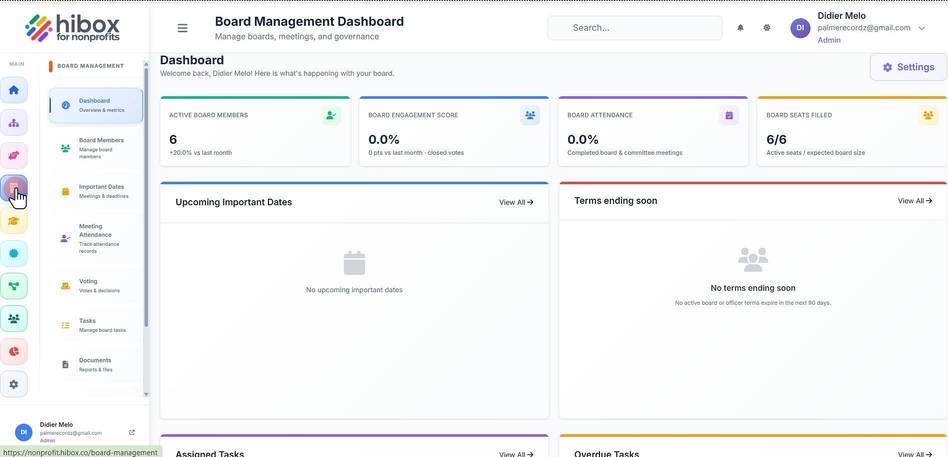
1. Click "Board Management" on the left side menu
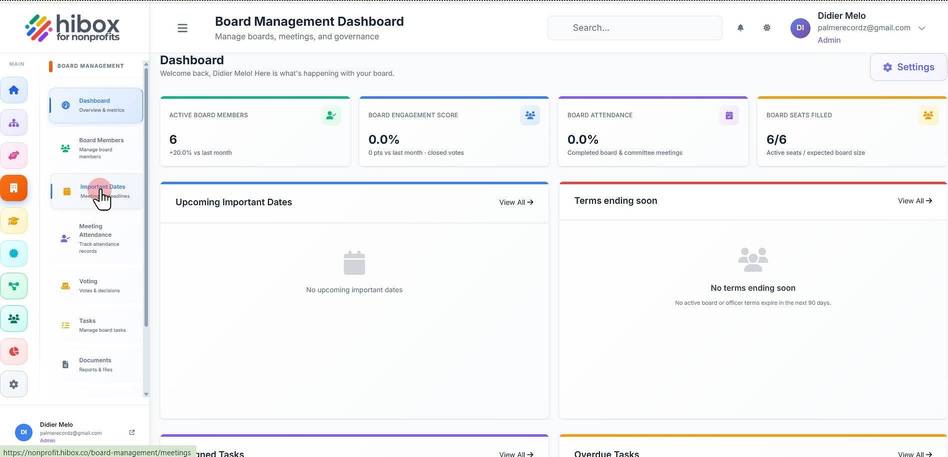
2. Click "Important Dates" on the sub-menu
3. From here, you can manage meetings and deadlines for your board
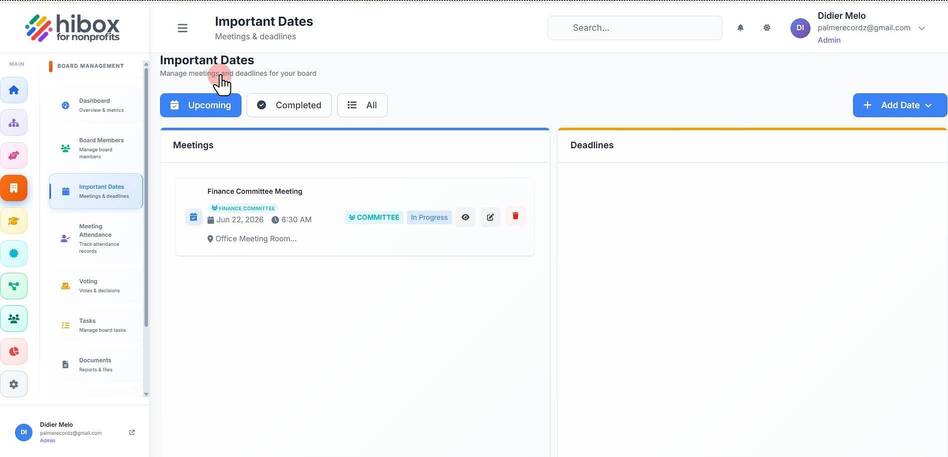
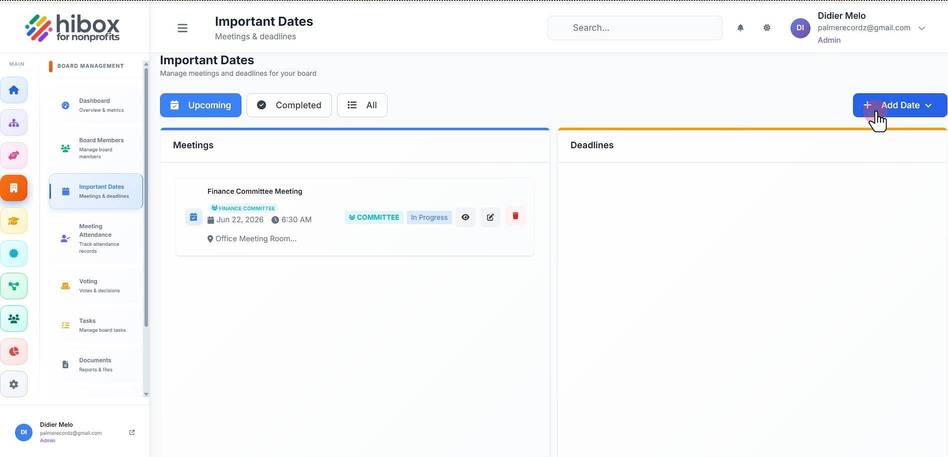
4. Click "+ Add Date"
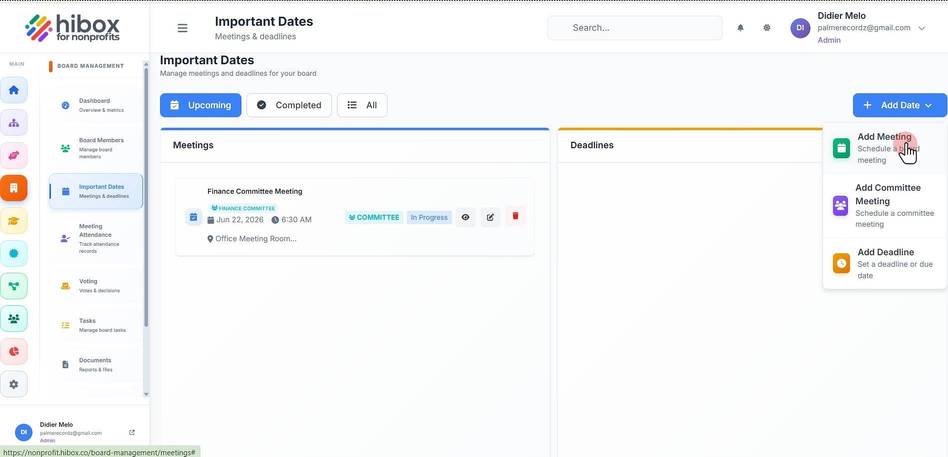
5. Click the "Add Date" dropdown menu, and select "Add Meeting"
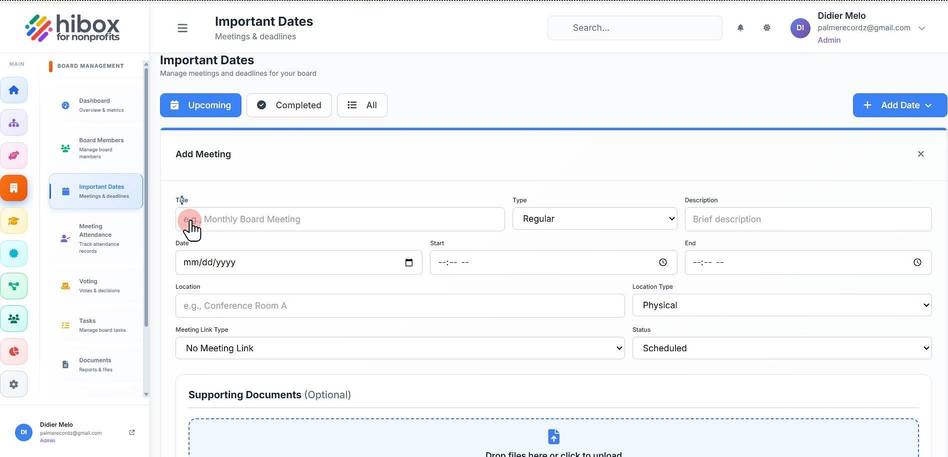
6. Type the Meeting "Title"
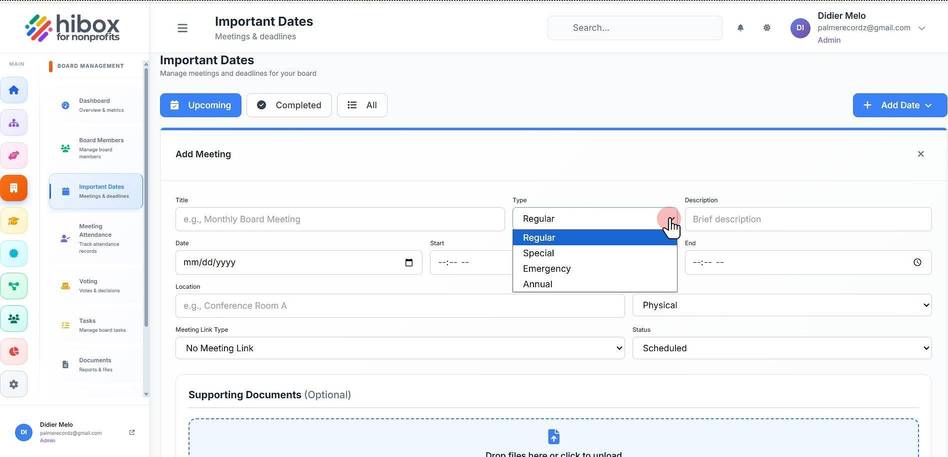
7. Choose the type of meeting
8. Enter a "Description"
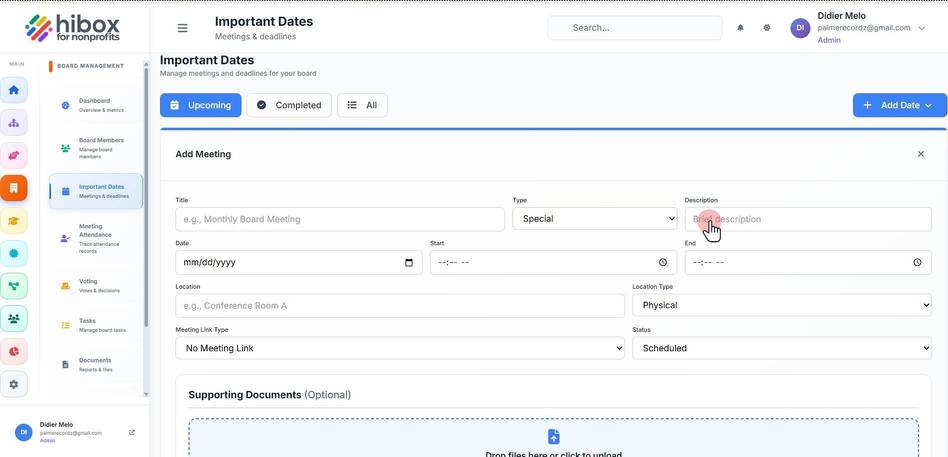
9. Set a "Date" for this meeting
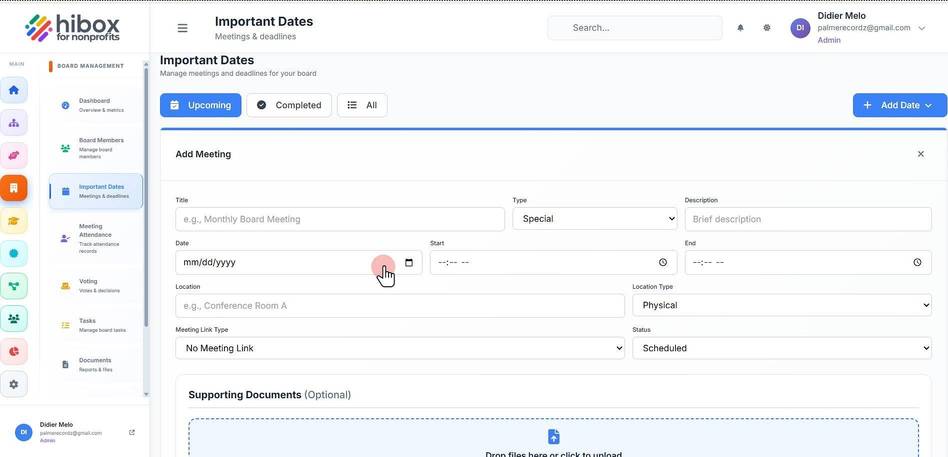
10. Set a "Start" time
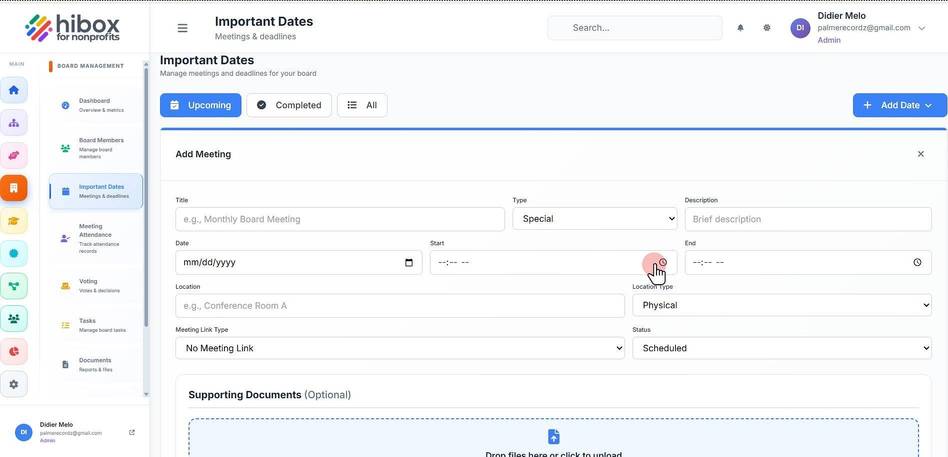
11. Set an "End" time
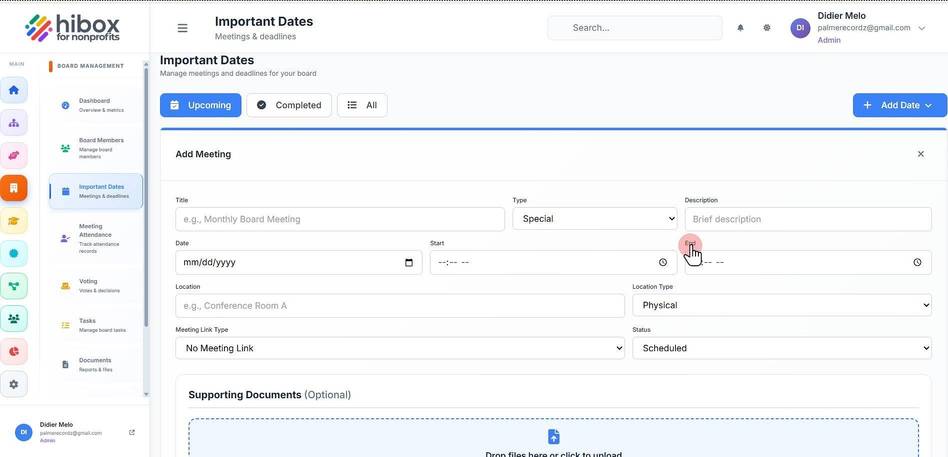
12. Enter a "Location"
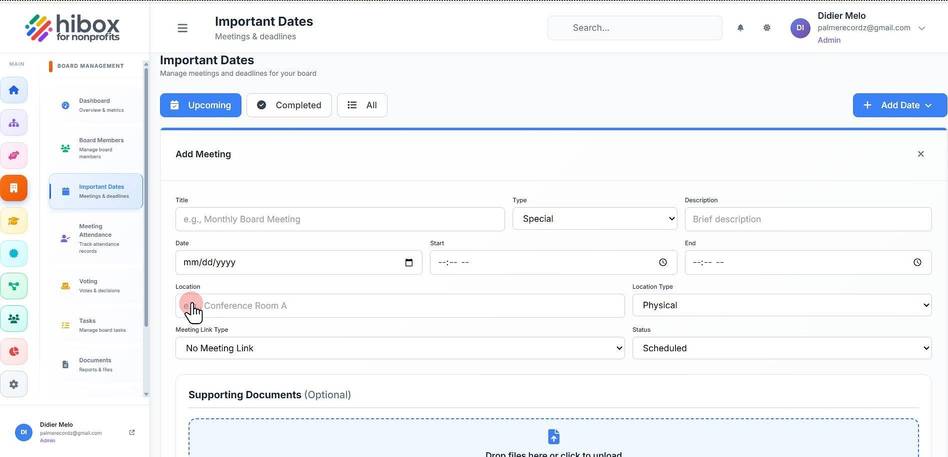
13. Select a "Location Type"
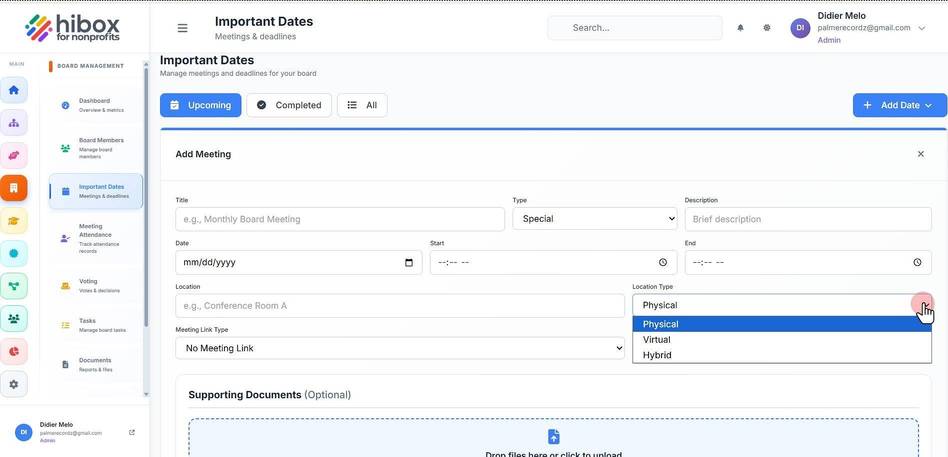
14. Choose a "Meeting Link Type"
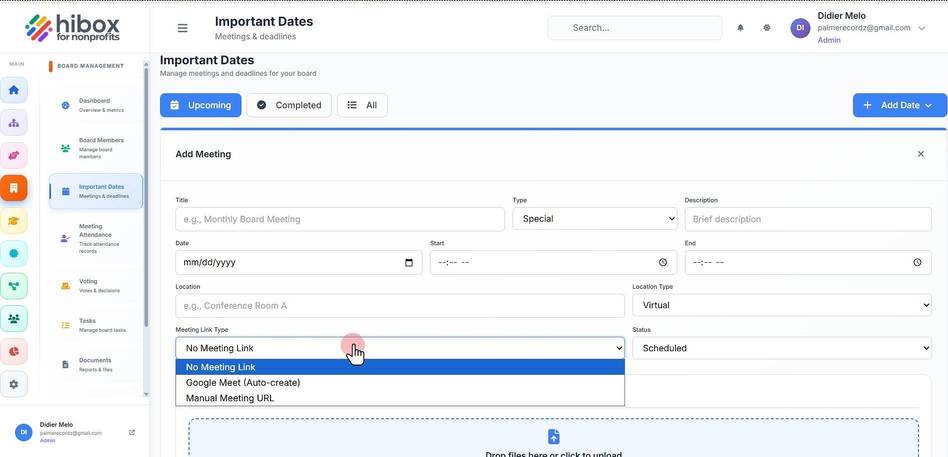
15. Set the "Scheduled" status
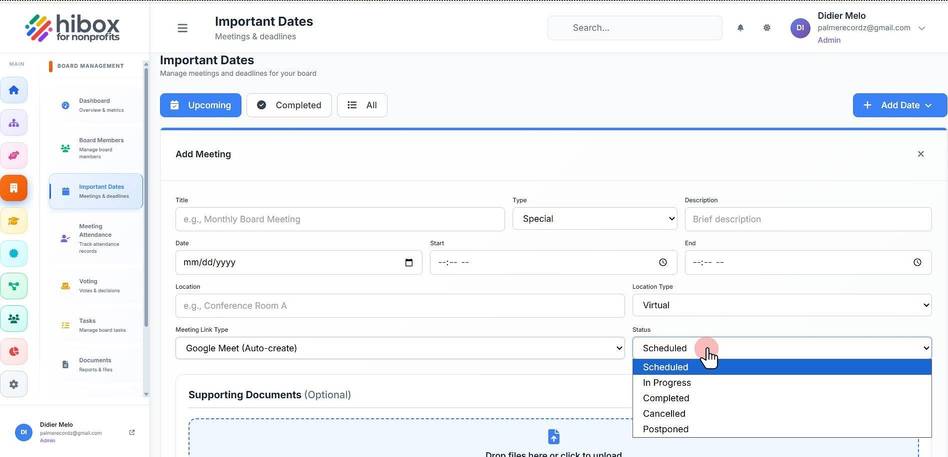
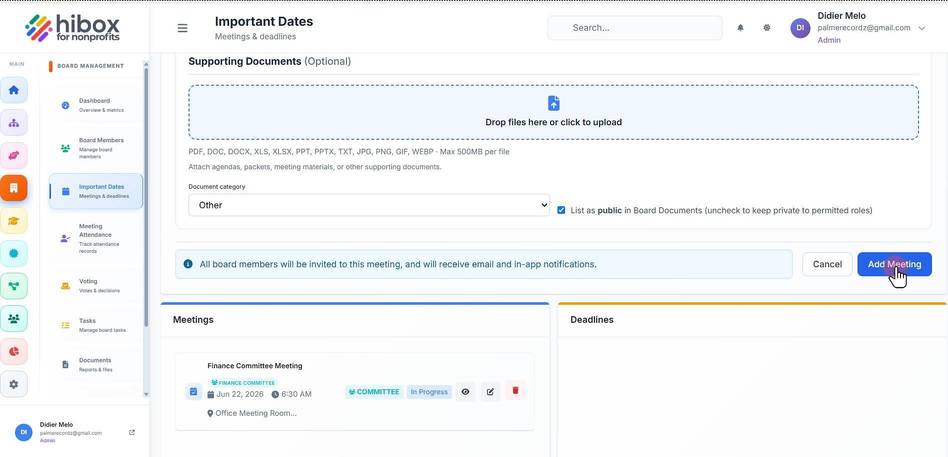
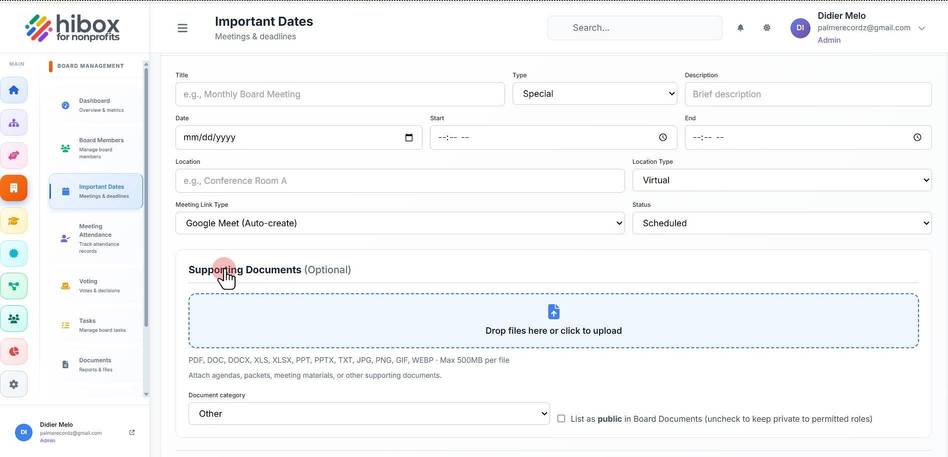
16. Scroll down to find the "Supporting Documents" section
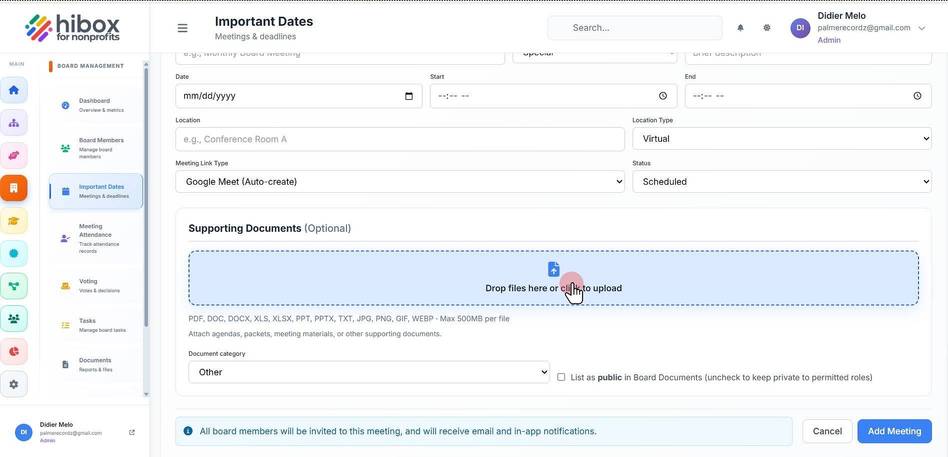
17. Click "Drop files here or click to upload"
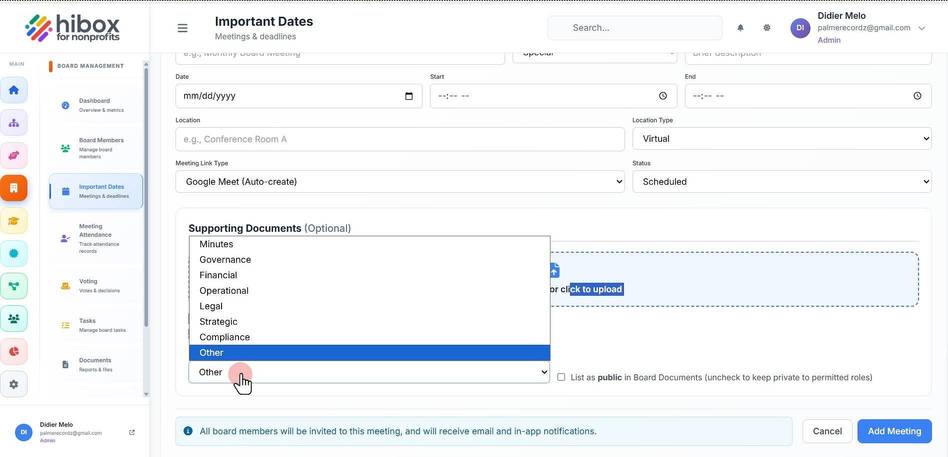
18. Choose the "Document category"
19. Set the document's privacy using this checkbox
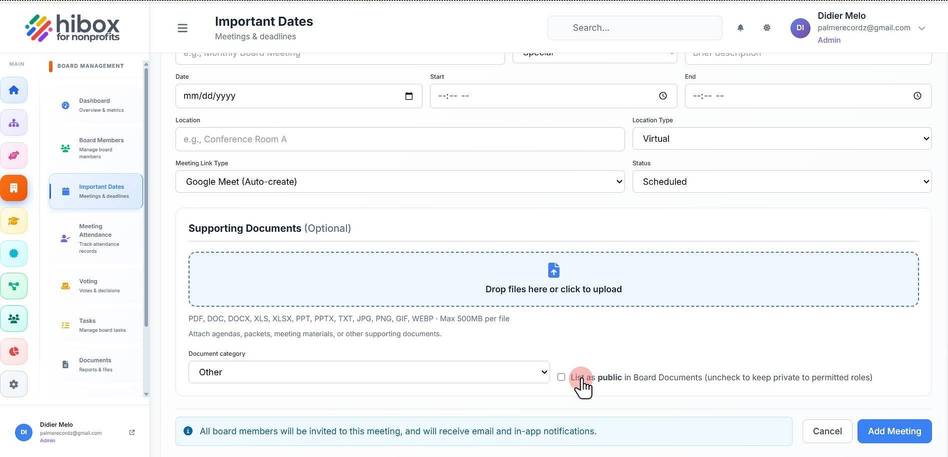
20. Click "Add Meeting" to invite all board members to this meeting, they will receive an email an app notification.