Setting Up a New Program
Setting Up a New Program
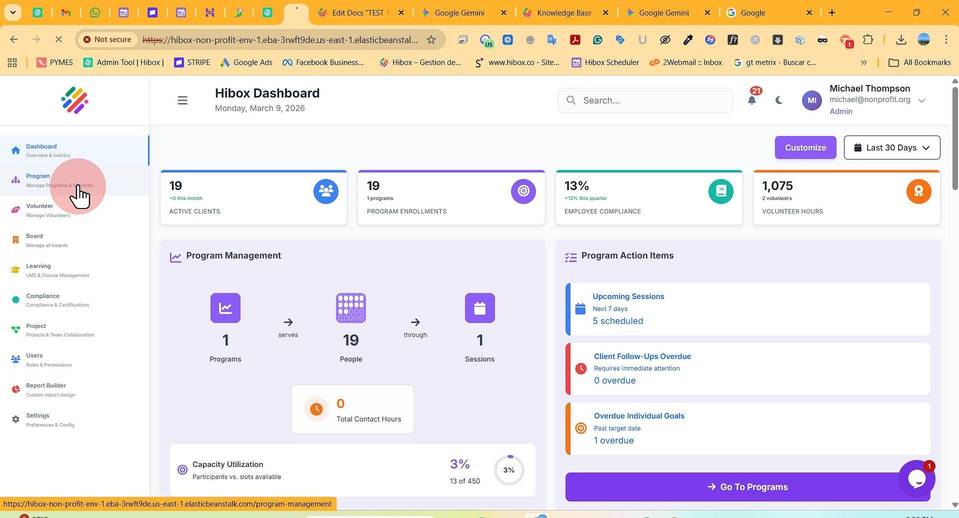
1. Click "Program" on the left side menu
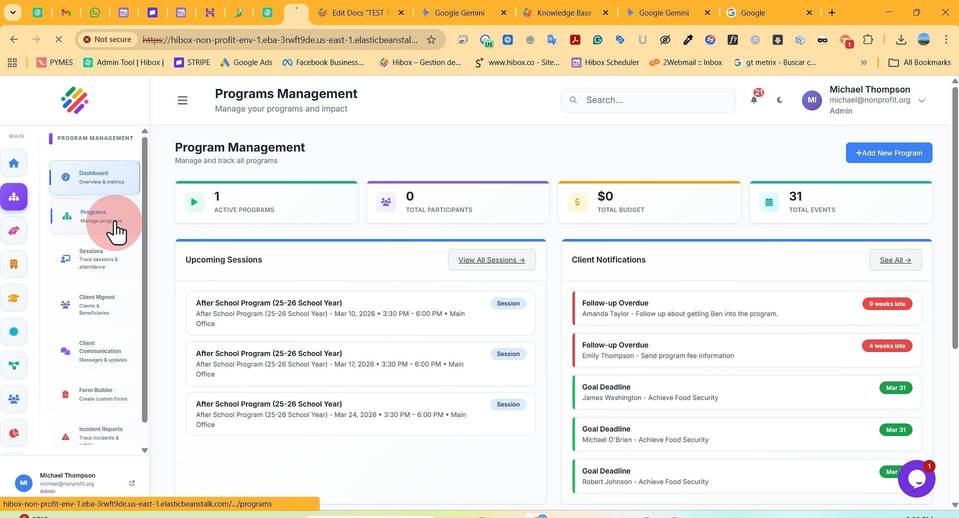
2. Click "Programs" on the sub-menu
3. Enter the "Program Name"
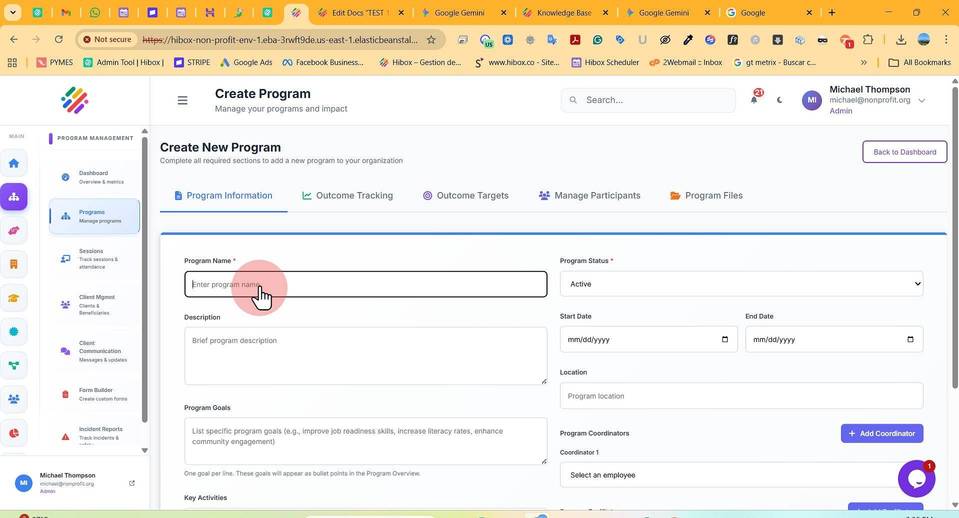
4. Set the "Program Status"
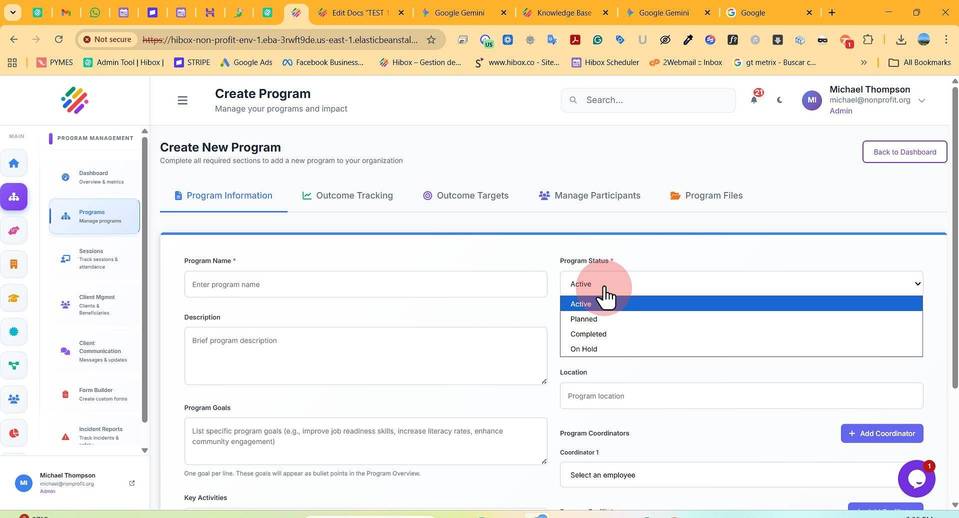
5. Enter a "Description"
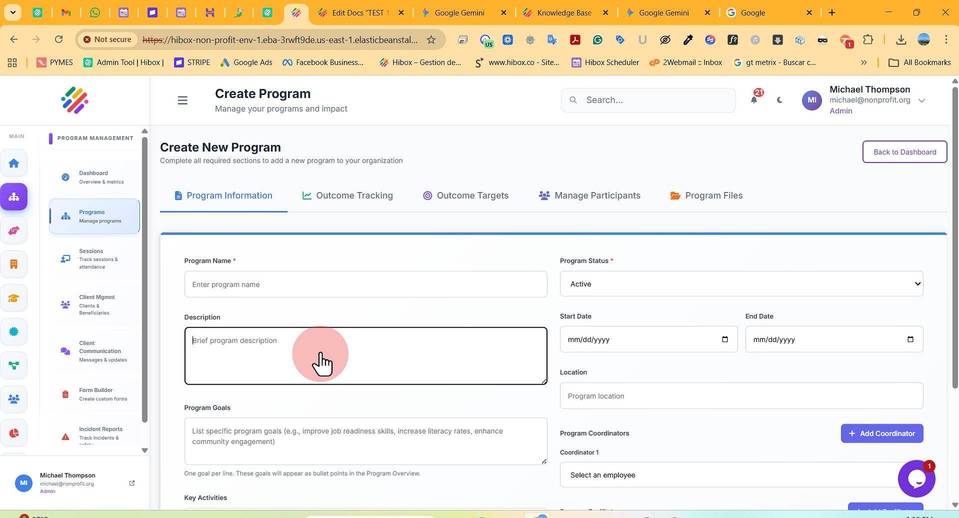
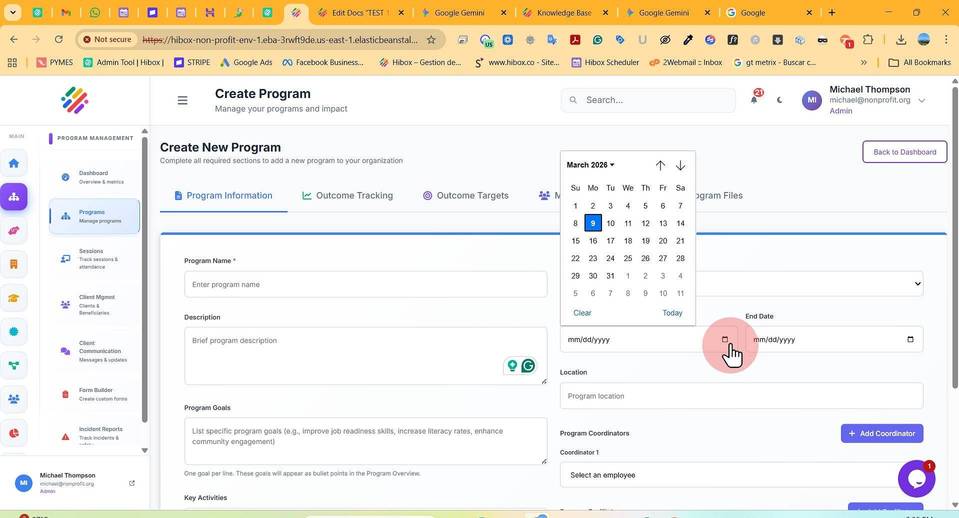
6. Set the "Start Day" & and "End Date"
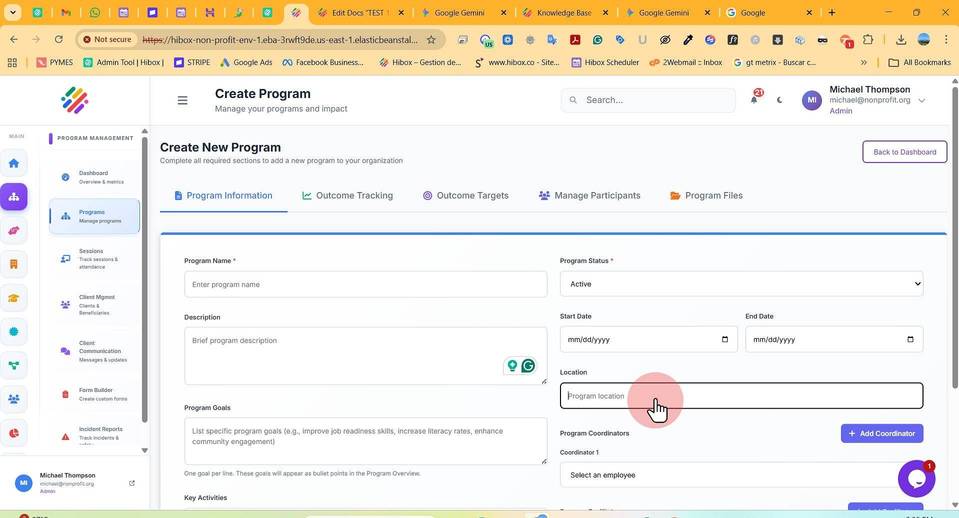
7. Set the "Location" for the program
8. Click "Program Goals" to set specific goals for the program
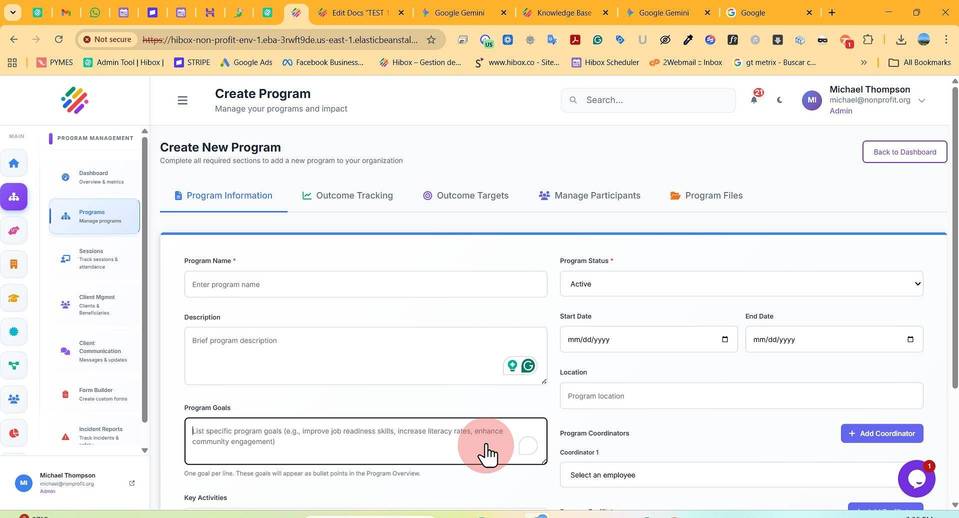
9. Choose the "Program Coordinators"
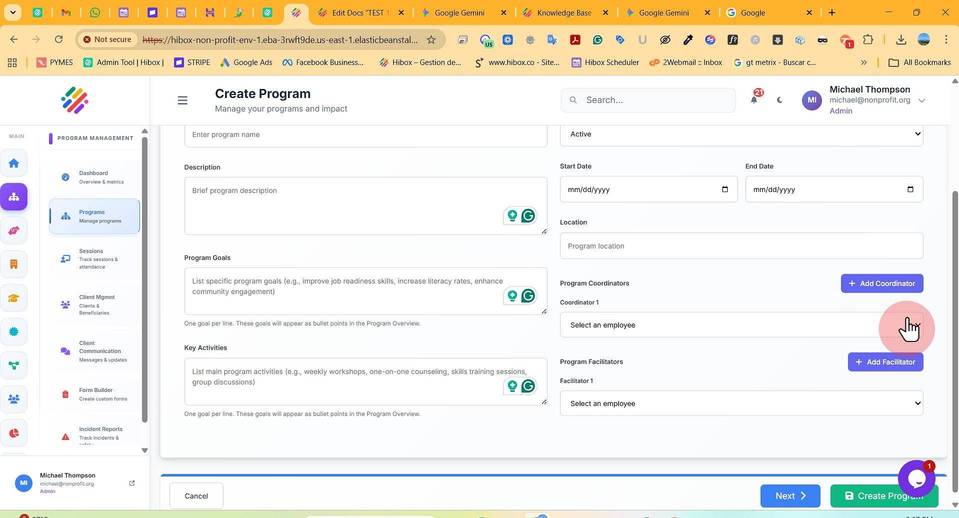
10. Set the "Coordinator"
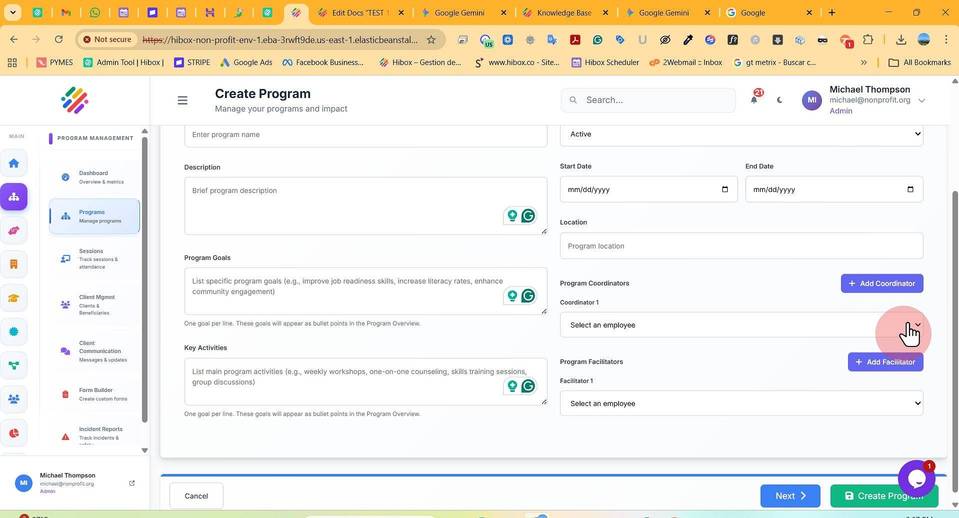
11. If needed, you can add more Coordinators by clicking on "Add Coordinator"
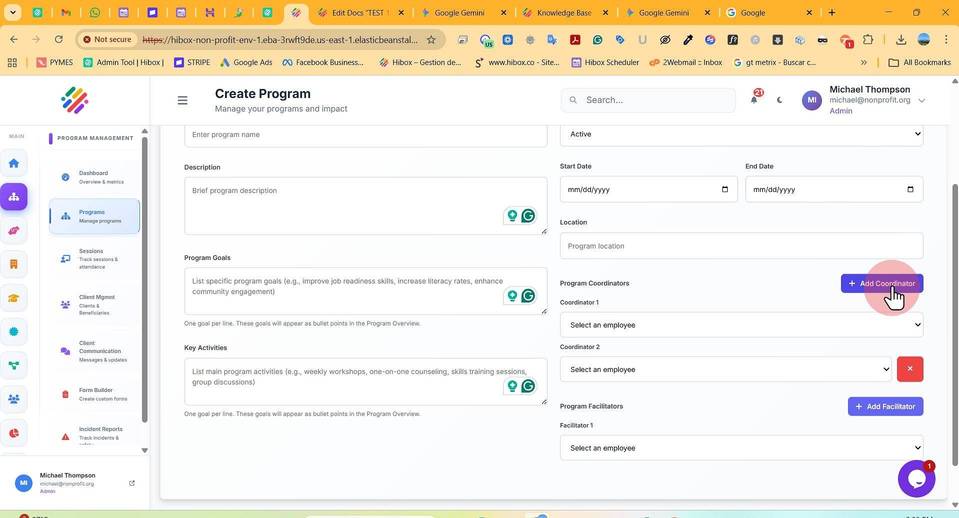
12. Select a "Coordinator 2"
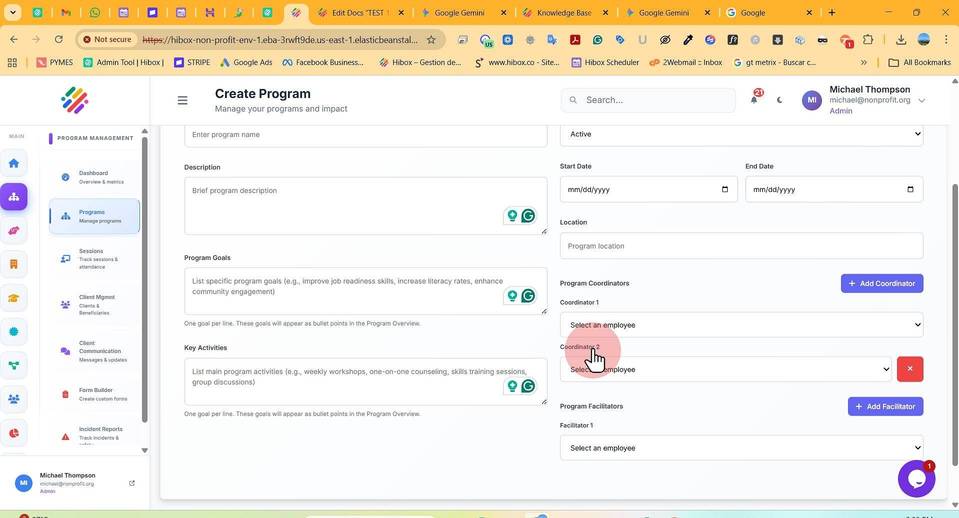
13. Click "Program Facilitators"
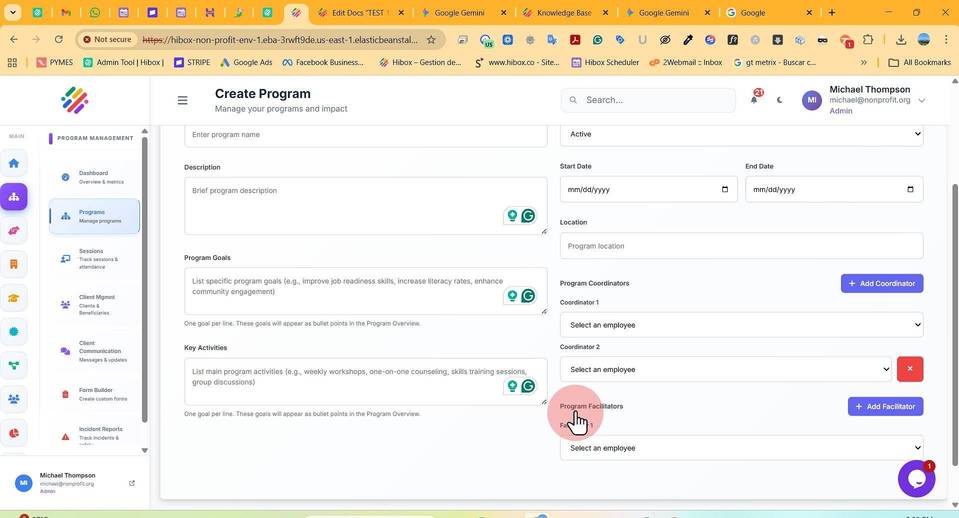
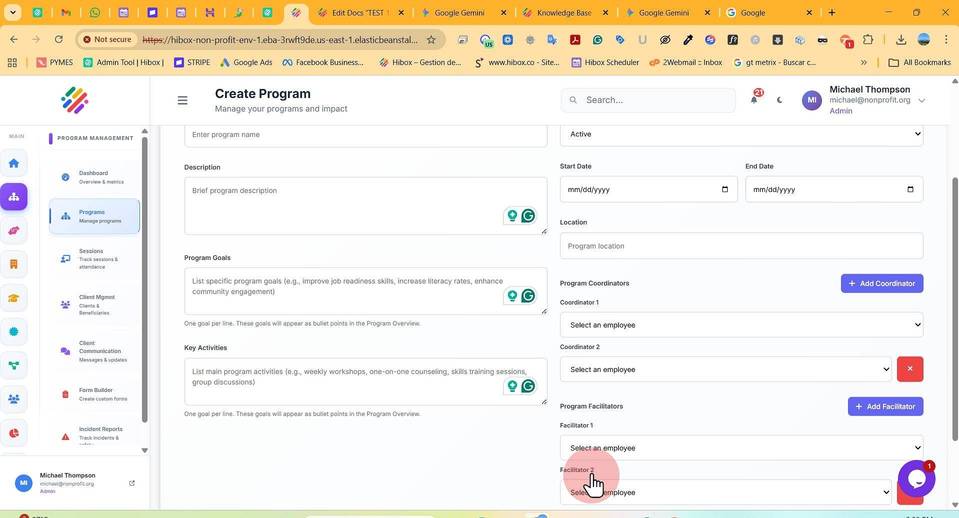
14. Select the "Facilitator 1"
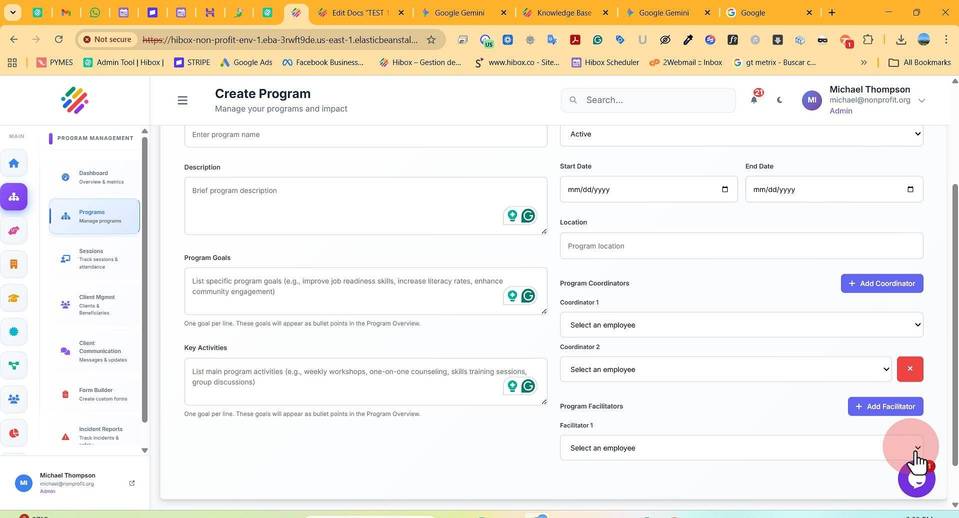
15. If needed, you can add a more Facilitators by clicking on "Add Facilitator"
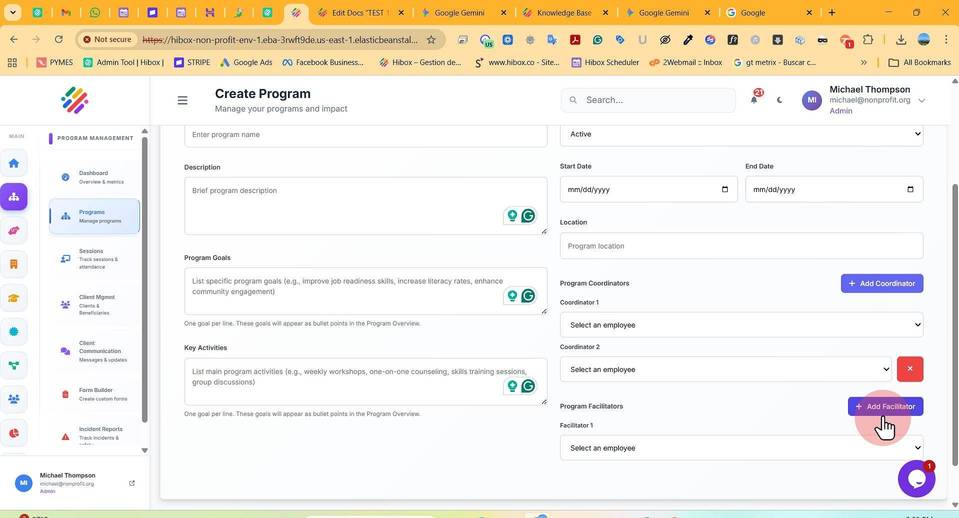
16. Select the "Facilitator 2"
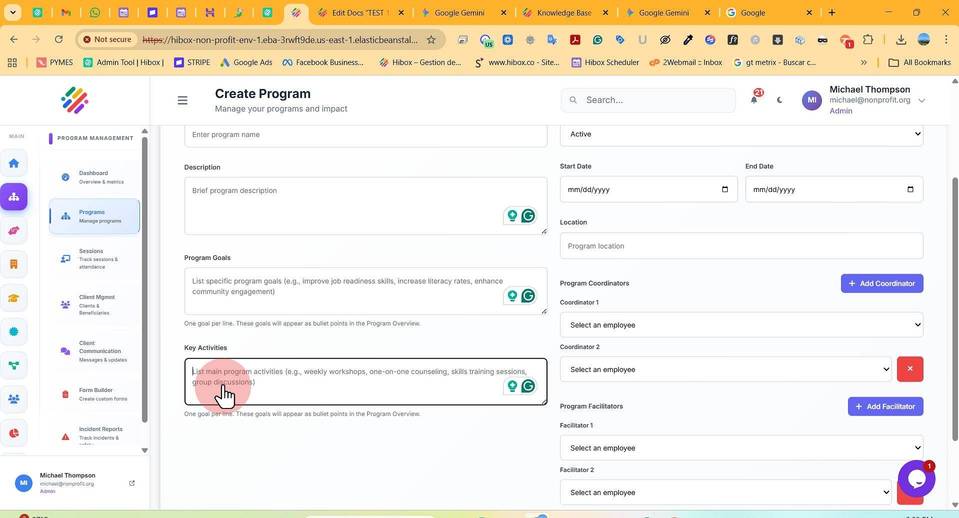
17. Fill out your "Key Activities" for this specific program
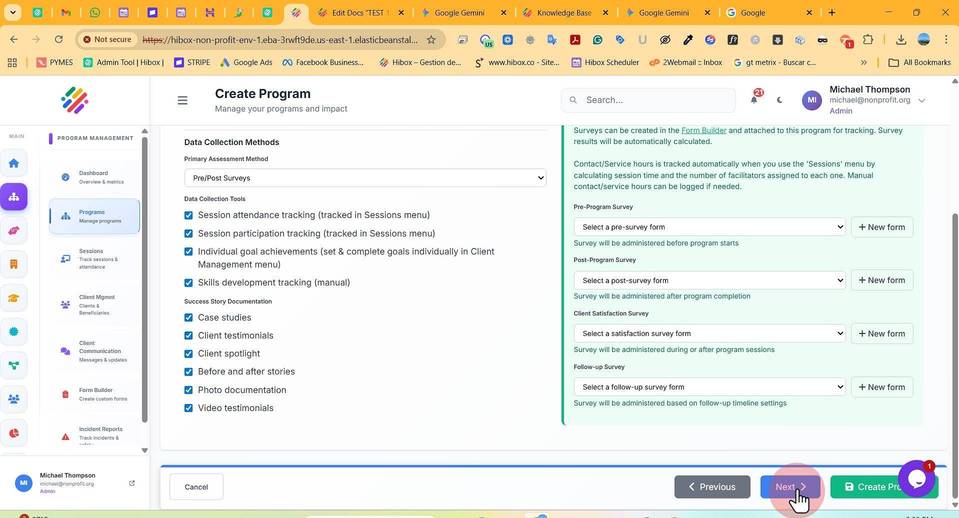
18. Click "Next" to move to the next section
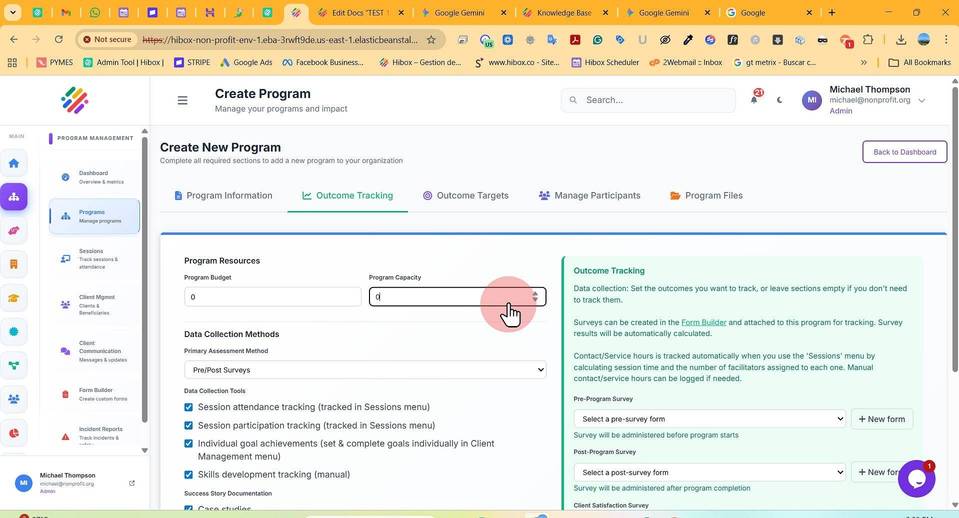
19. Set a "Program Budget"
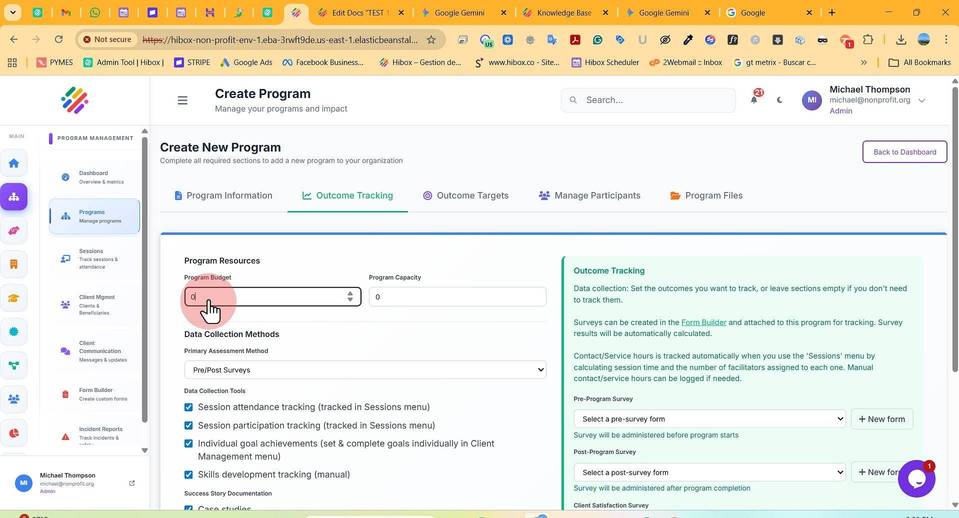
20. Set the "Program Capacity"
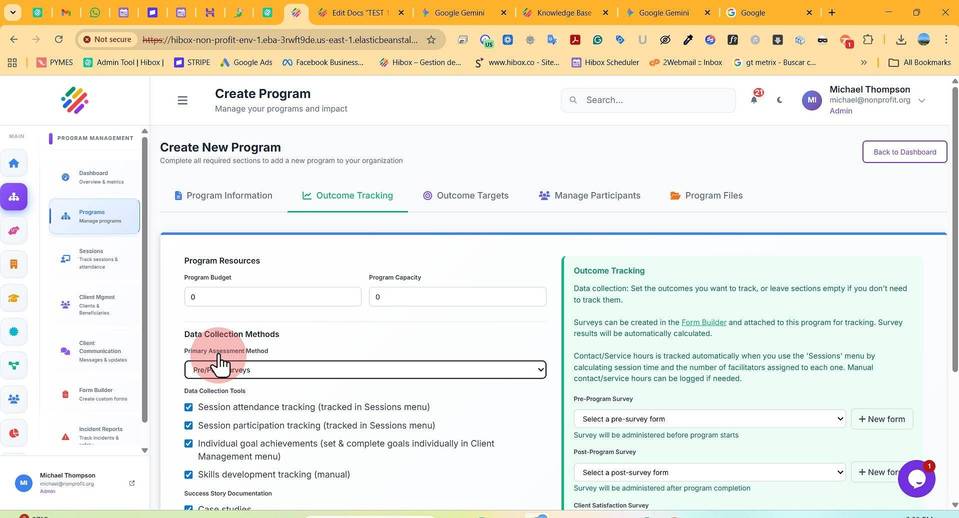
21. Select your "Primary Assessment Method"
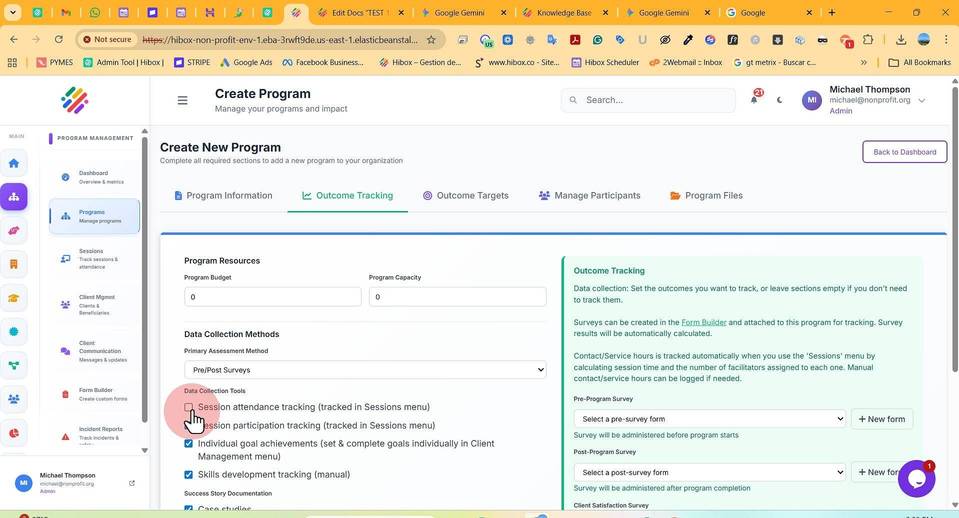
22. Opt- in or out for "Session attendance tracking (tracked in Sessions menu)"
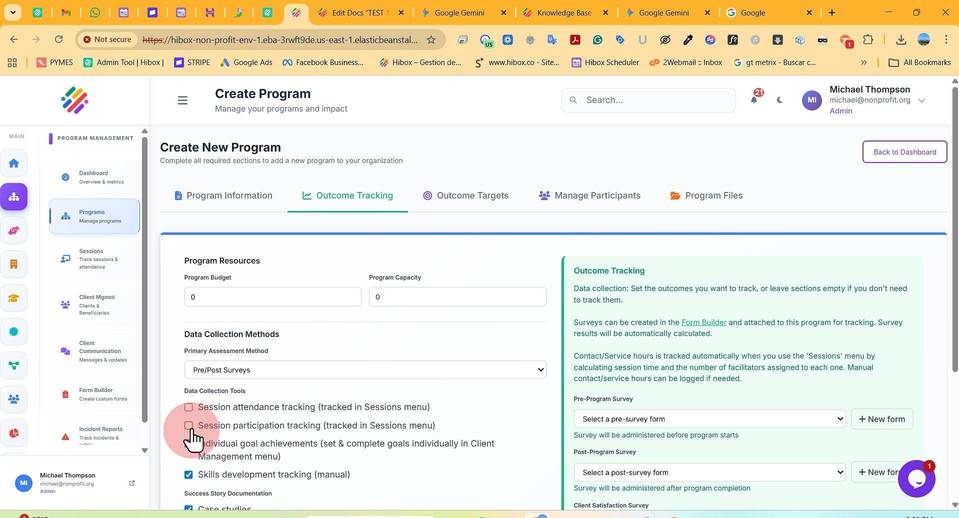
23. Opt- in or out for "Session participation tracking (tracked in Sessions menu)"
24. Opt- in or out for "Individual goal achievements (set & complete goals individually in Client Management menu)"
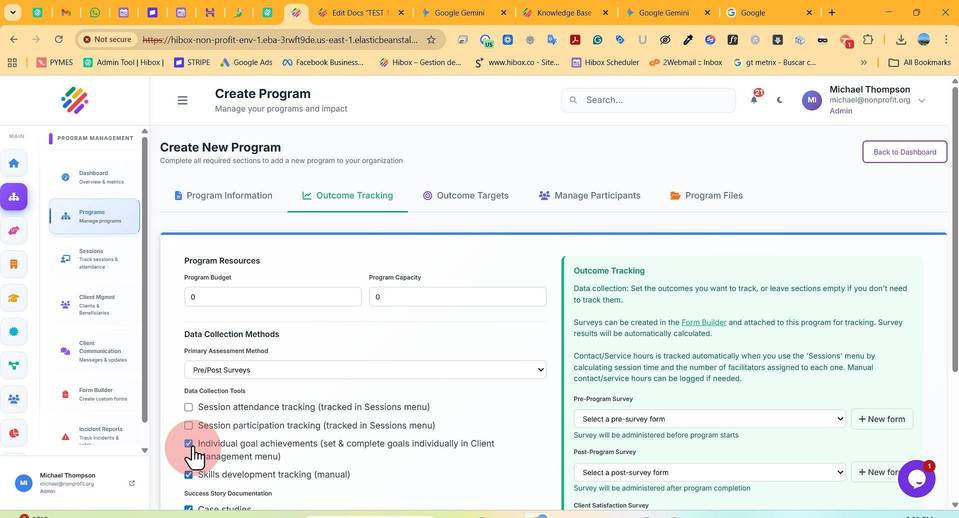
25. Opt- in or out for "Skills development tracking (manual)"
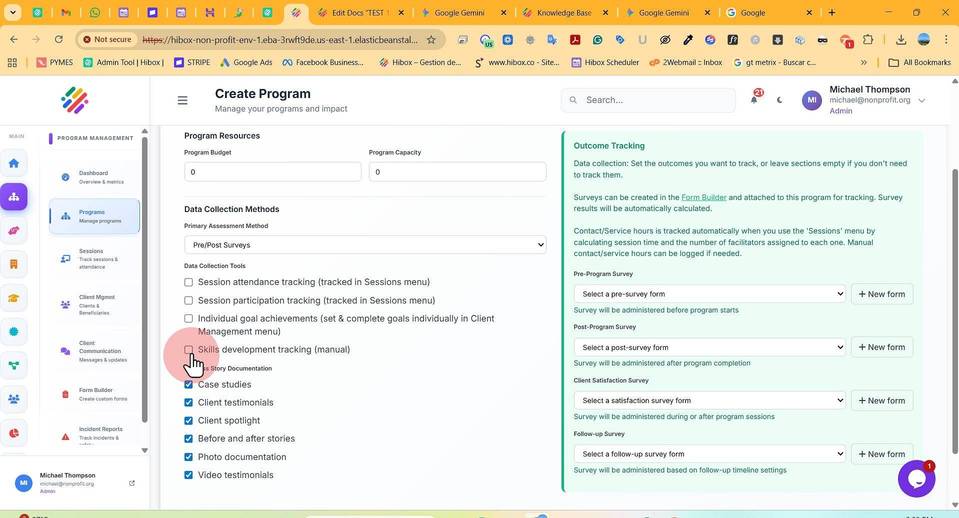
26. Opt- in or out for "Case studies"
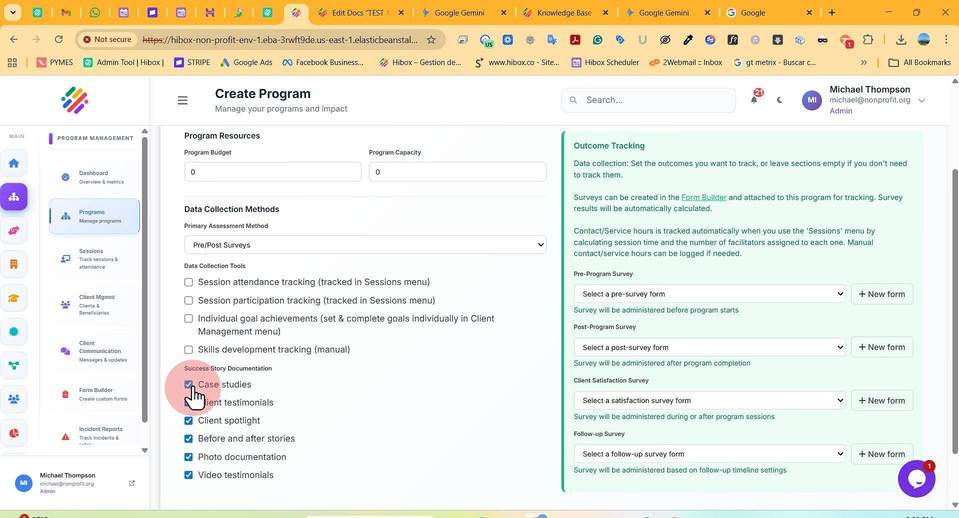
27. Opt- in or out for "Client testimonials"
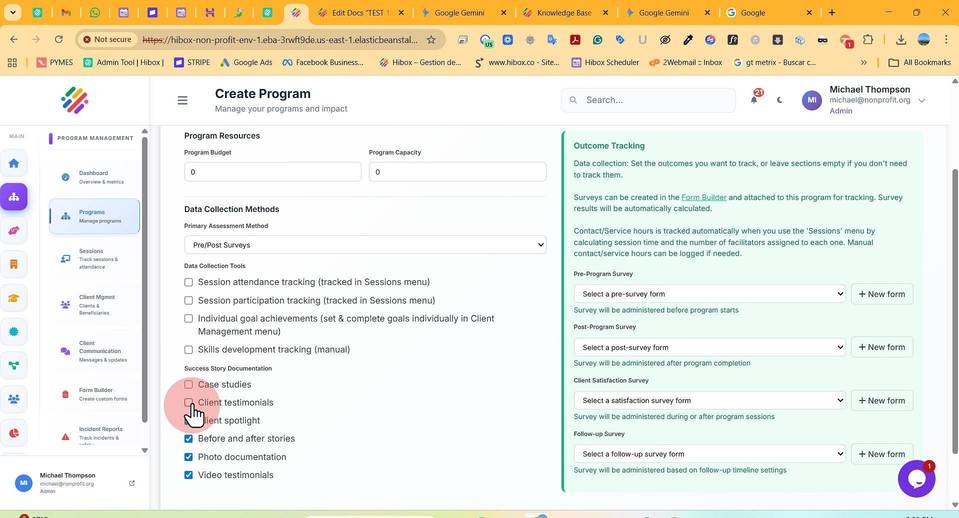
28. Opt- in or out for "Client spotlight"
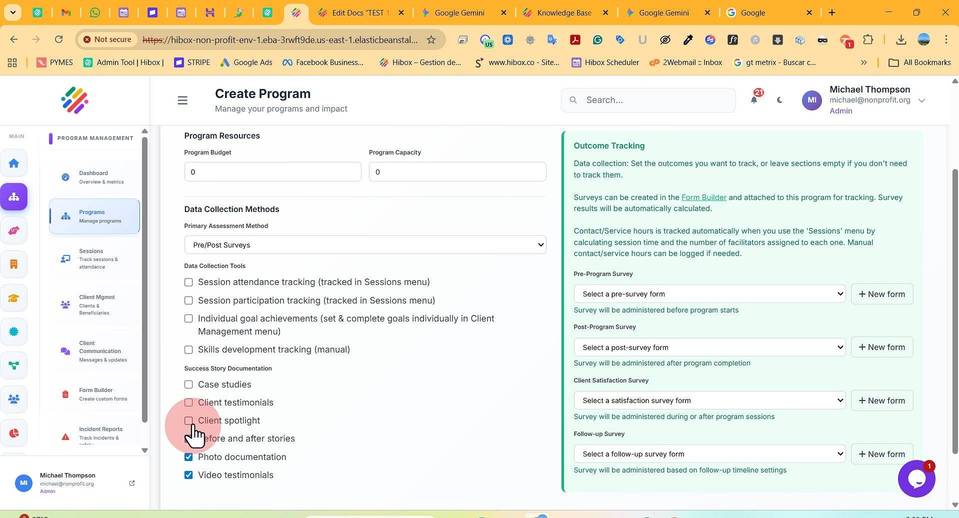
29. Opt- in or out for "Before and after stories"
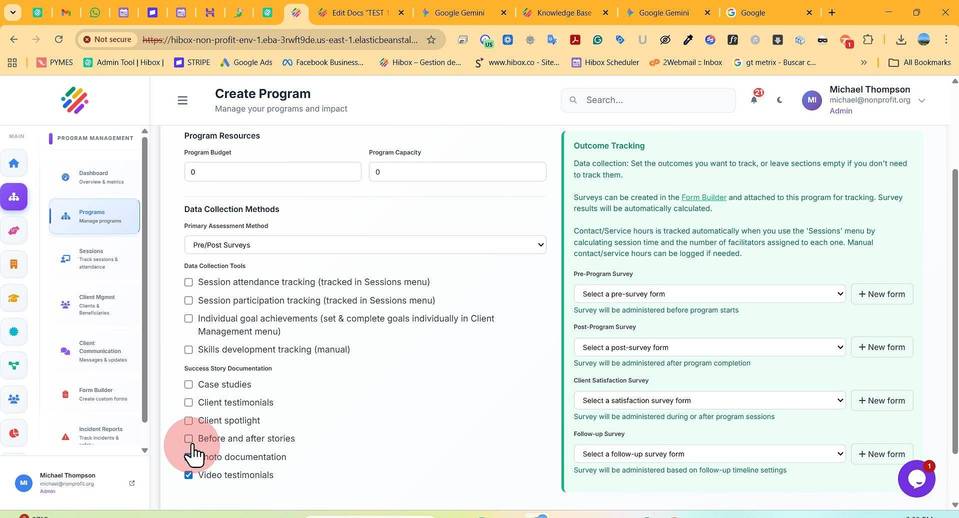
30. Opt- in or out for "Photo documentation"
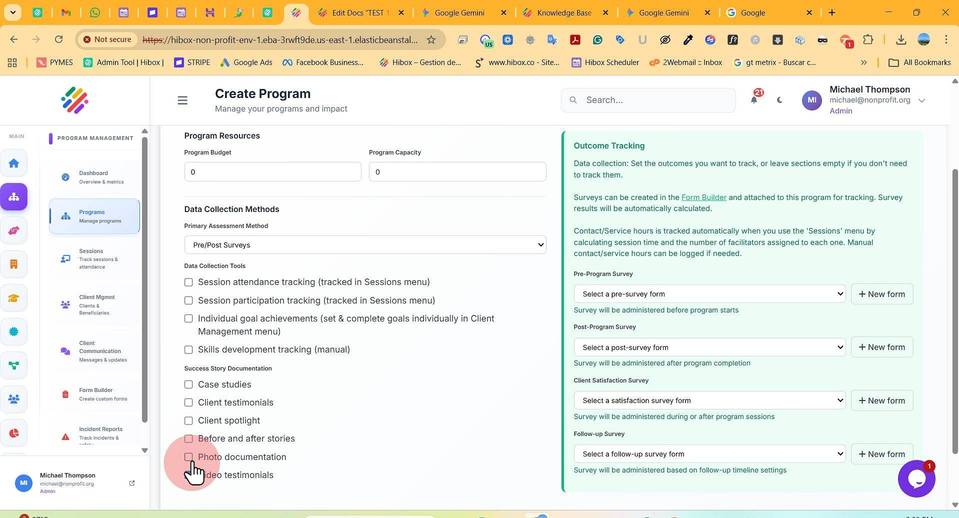
31. Opt- in or out for "Video testimonials"
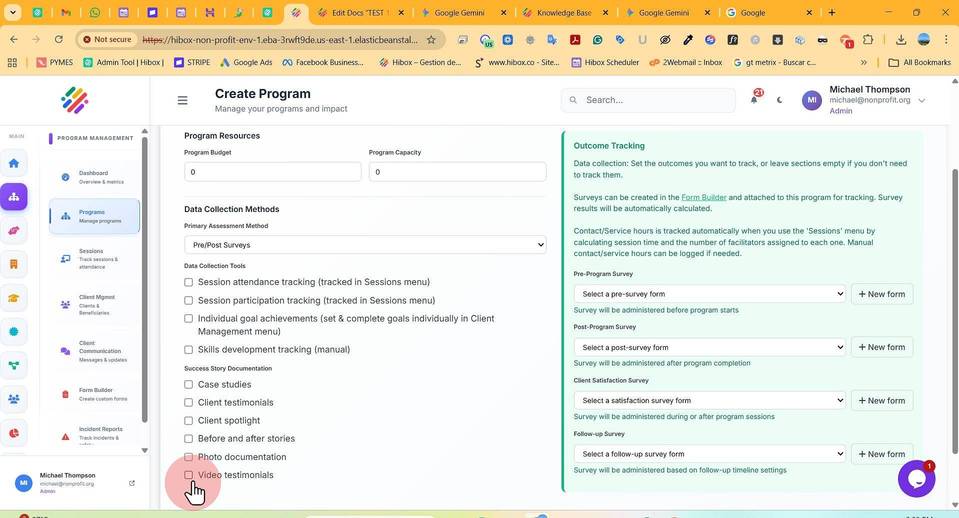
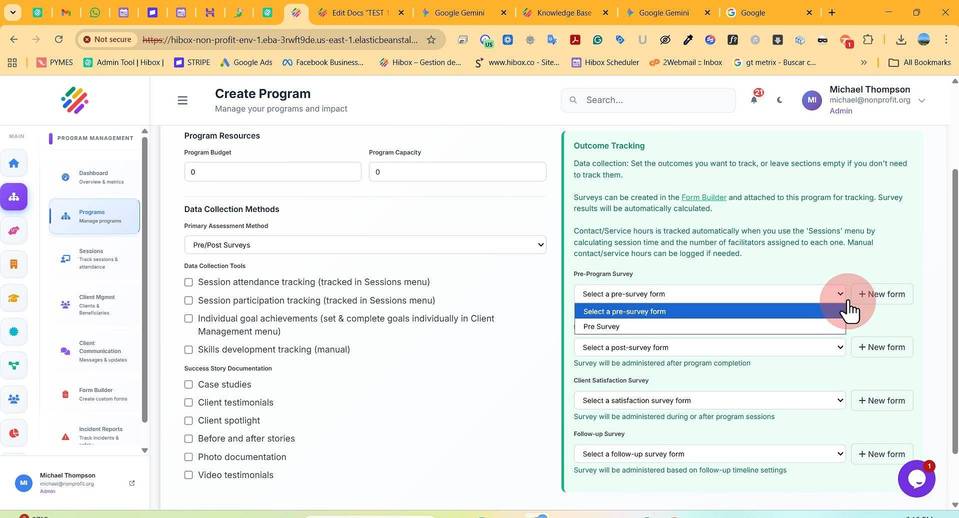
32. Click "Pre-Program Survey" and select the survey for this stage
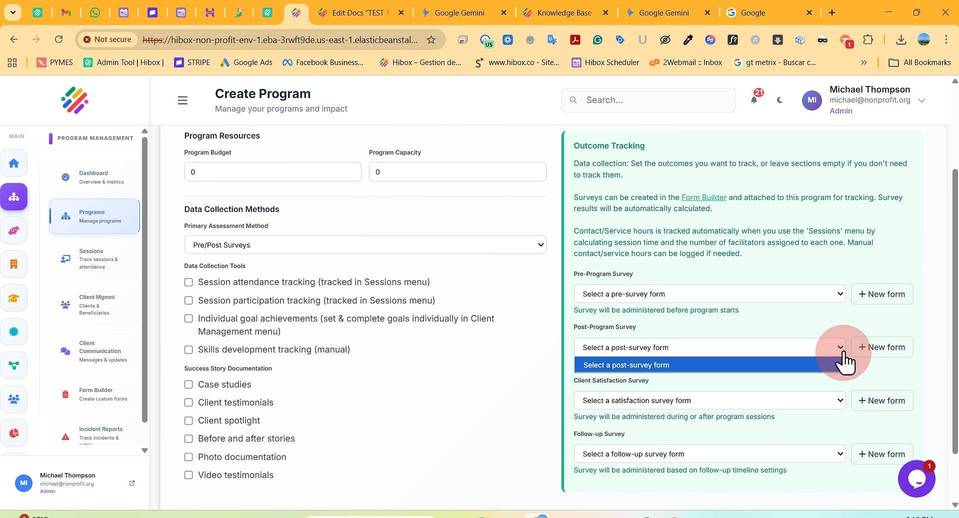
33. Click "Post-Program Survey" and select the survey for this stage
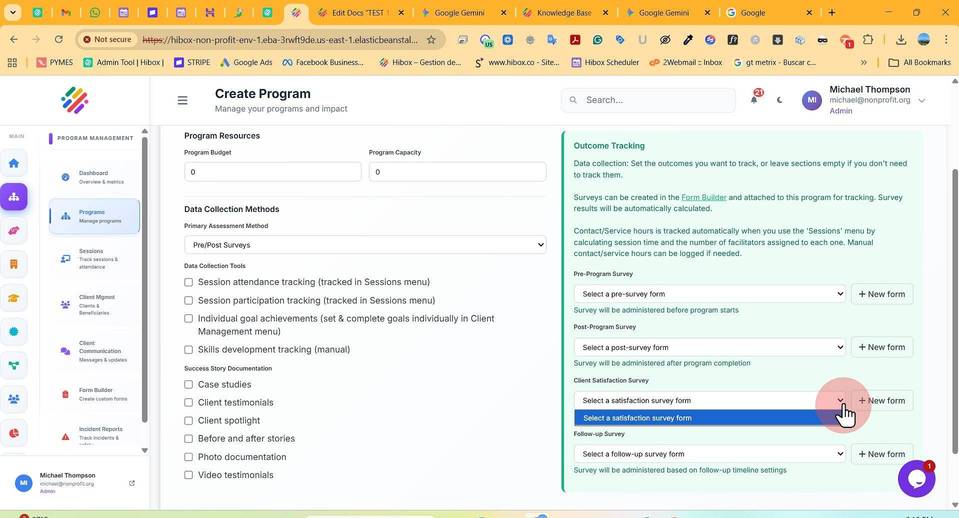
34. Click "Client Satisfaction Survey" and select the survey for this stage
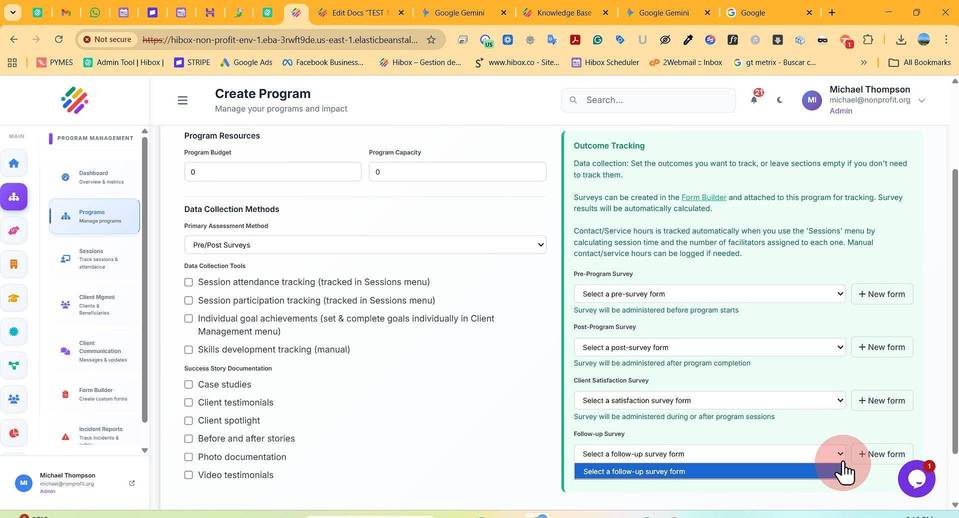
35. Click "Follow-up Survey" and select the survey for this stage
36. Click "Next" to move into the next section
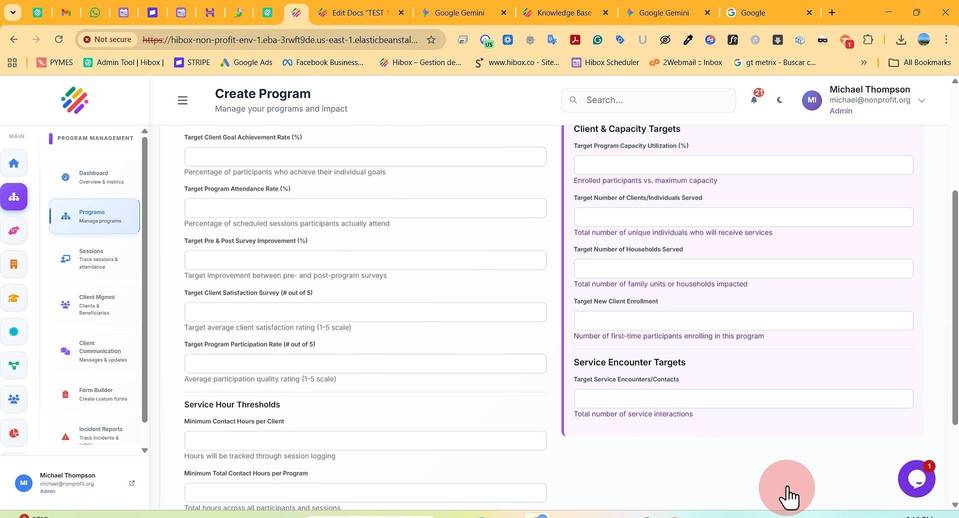
37. Set the "Target Program Completion Rate (%)"
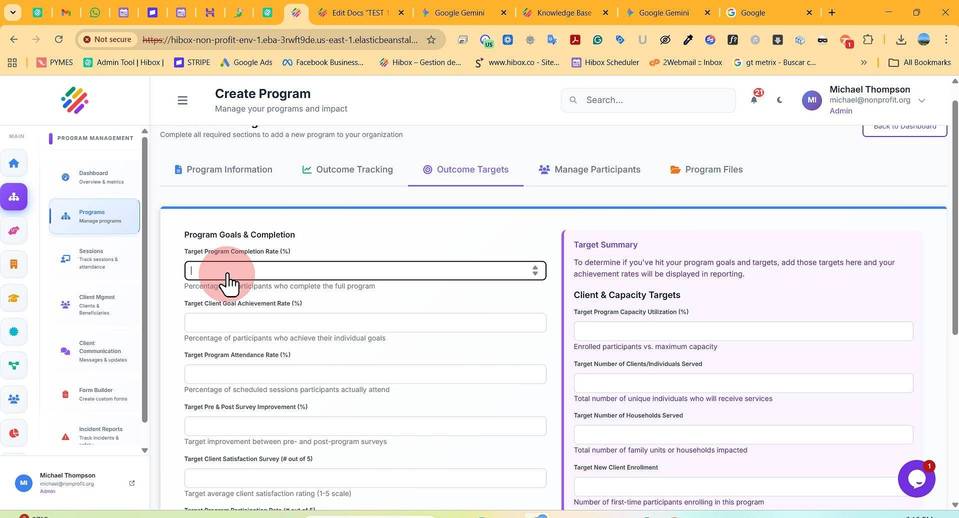
38. Set the "Target Client Goal Achievement Rate (%)"
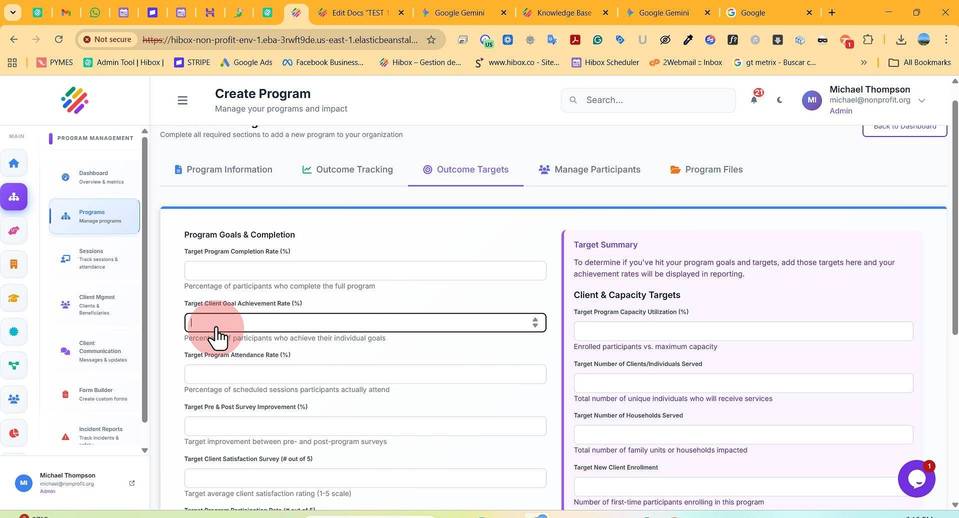
39. Set the "Target Program Attendance Rate (%)"
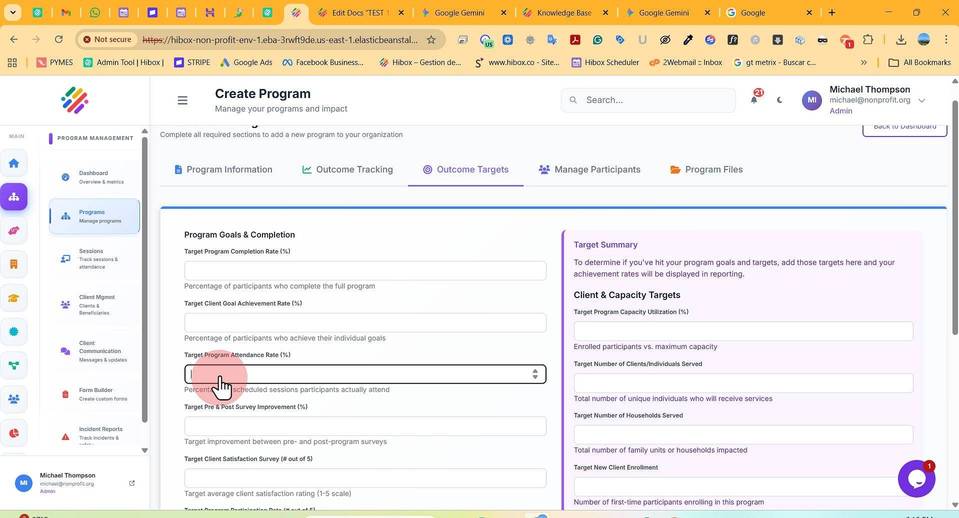
40. Set the "Target Pre & Post Survey Improvement (%)"
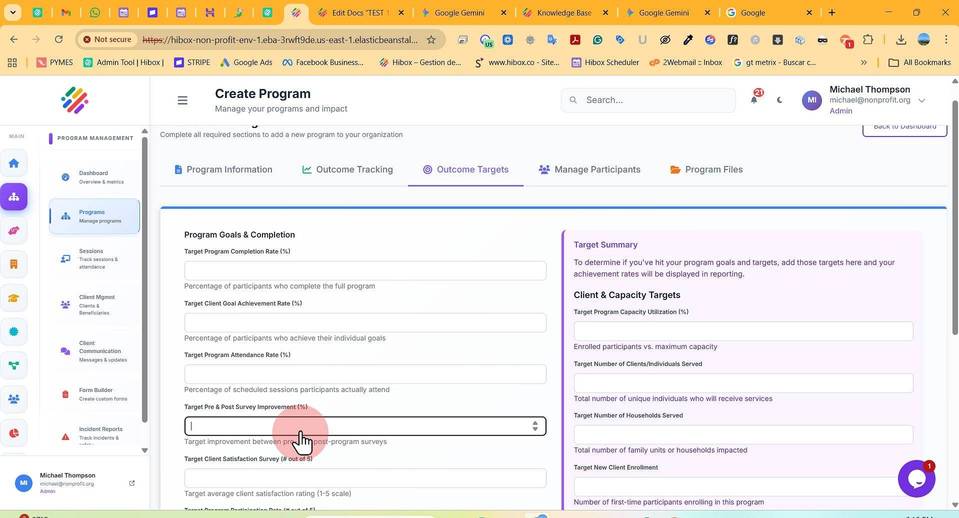
41. Set the "Target Client Satisfaction Survey (# out of 5)"
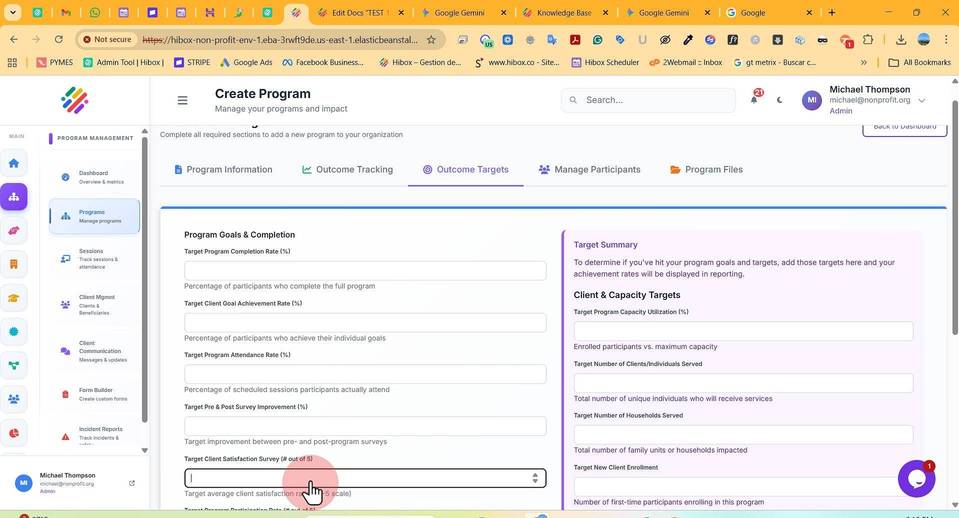
42. Set a "Target Program Participation Rate (# out of 5)"
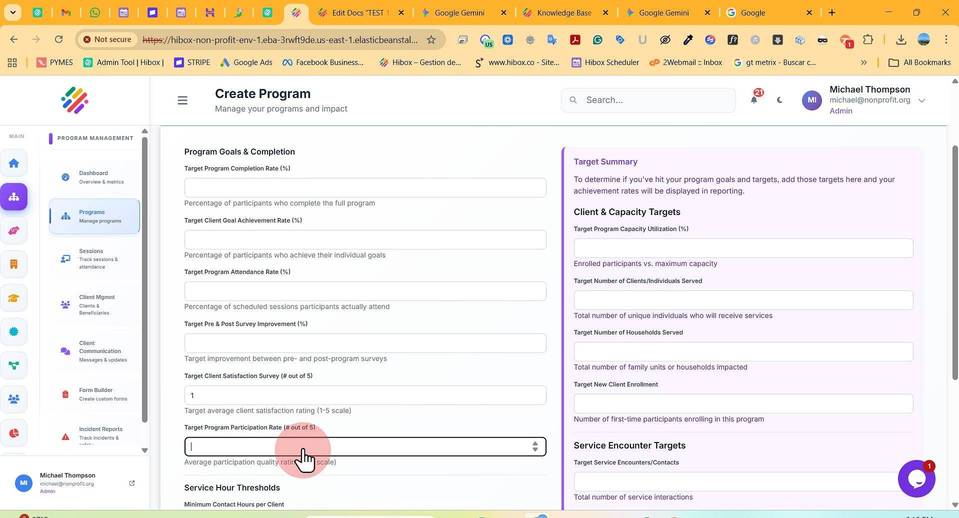
43. Set a "Minimum Contact Hours per Client"
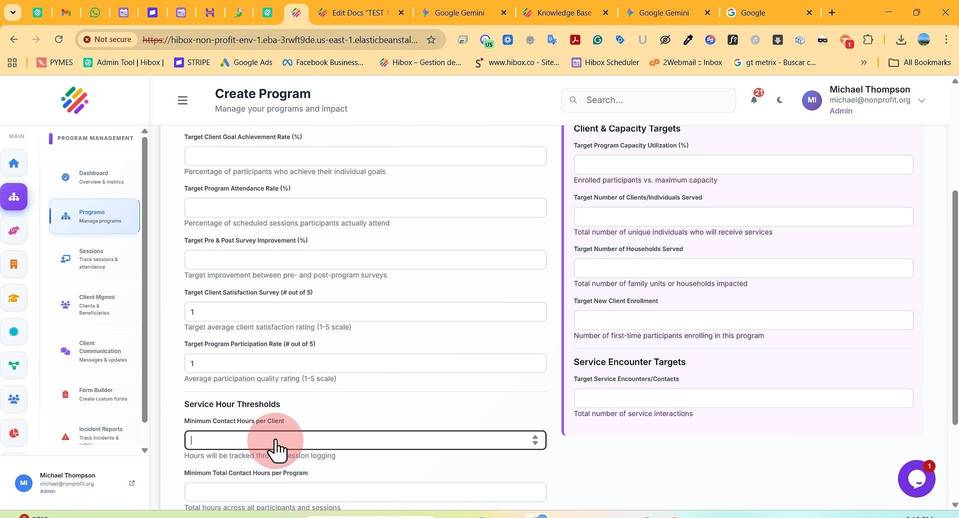
44. Set a "Minimum Total Contact Hours per Program"
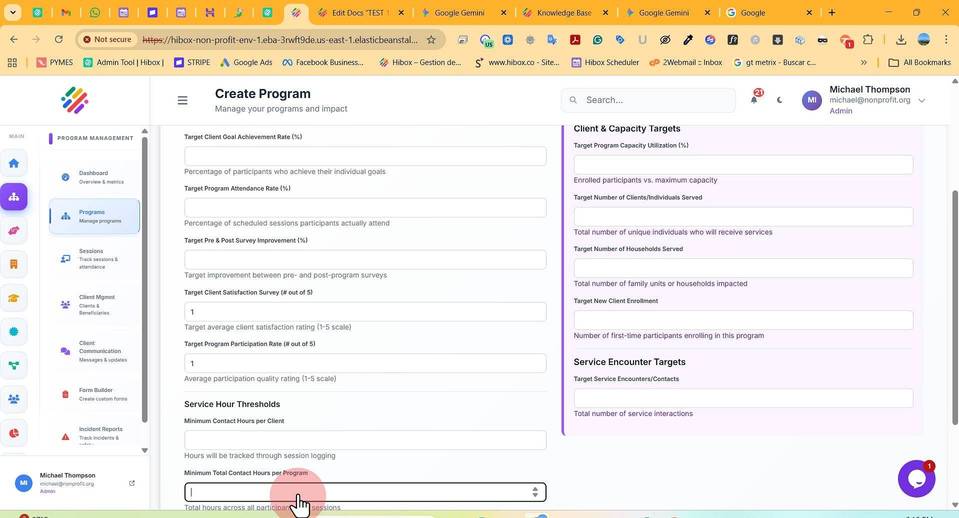
45. Set a "Target Total Service Hours"
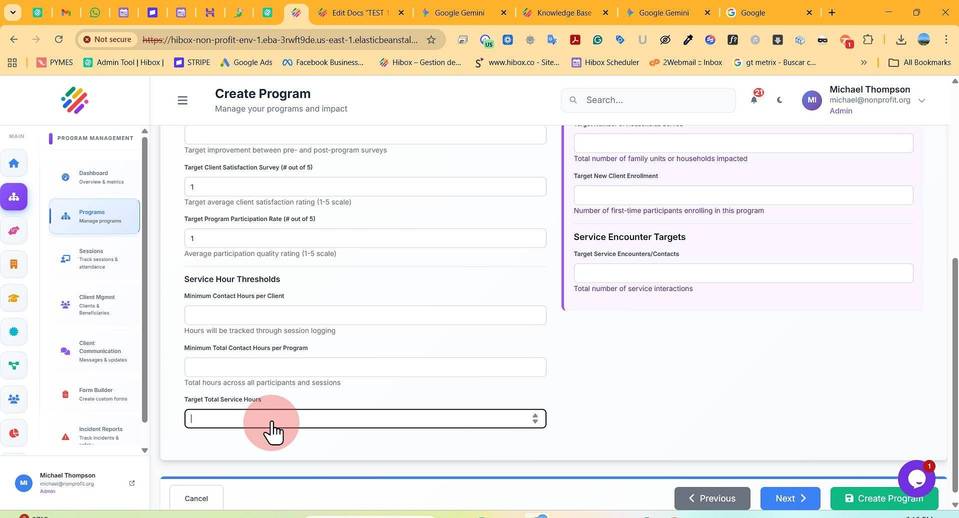
46. Set a "Target Program Capacity Utilization (%)"
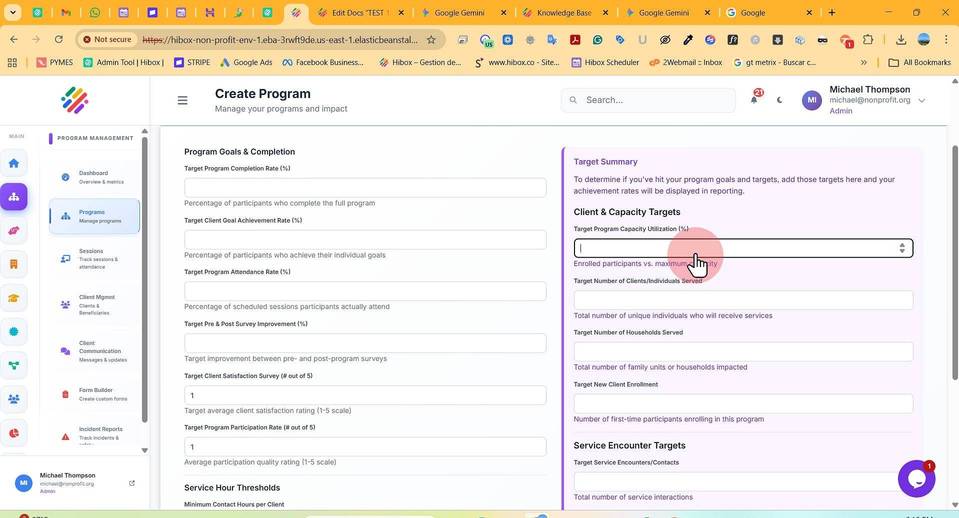
47. Set a "Target Number of Clients/Individuals Served"
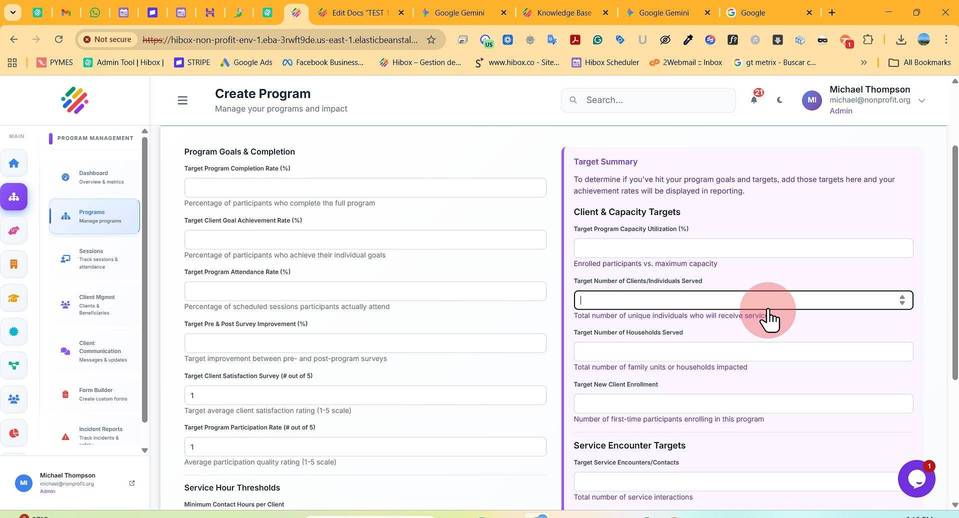
48. Set a "Target Number of Households Served"
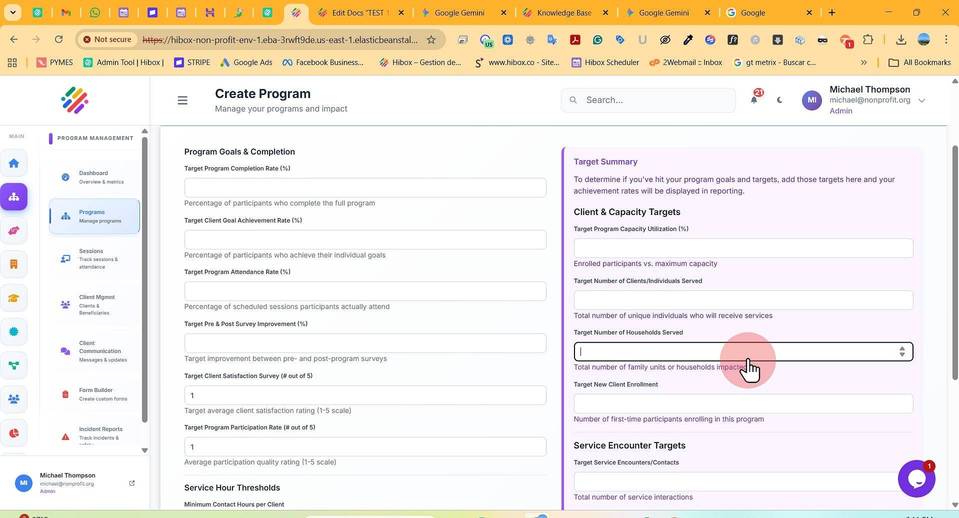
49. Set a "Target New Client Enrollment"
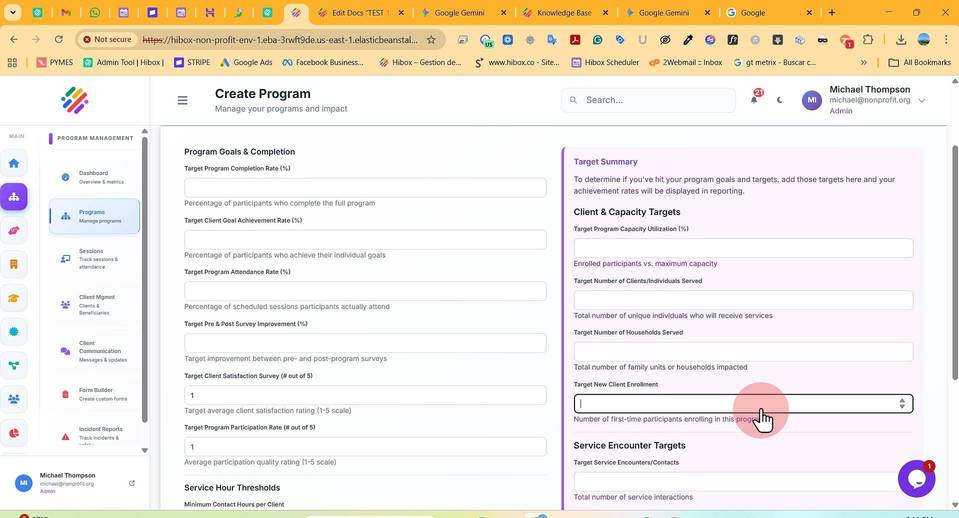
50. Set a "Target Service Encounters/Contacts"
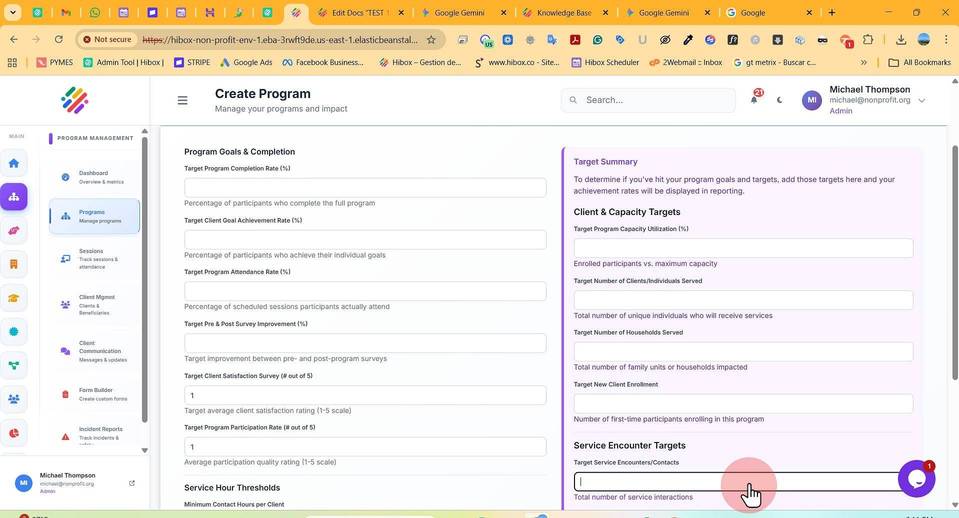
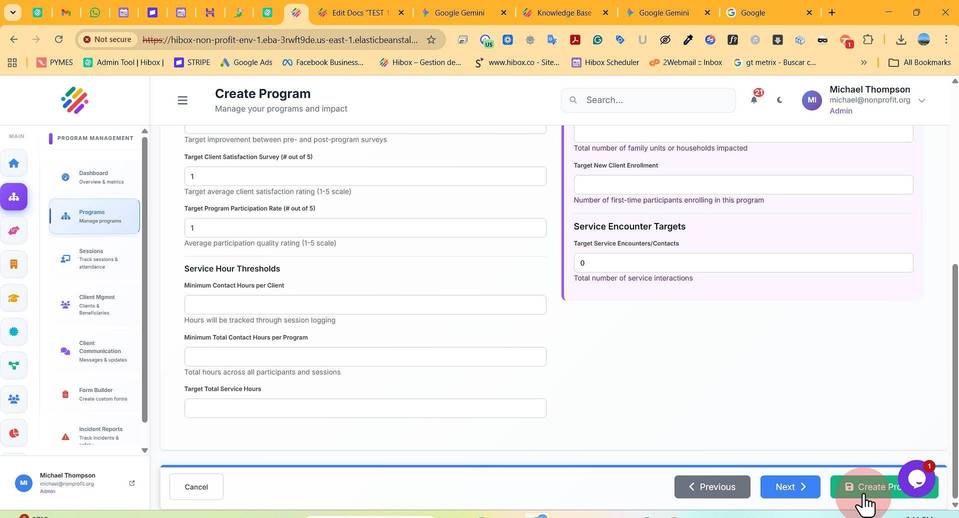
51. Click "Create Program"