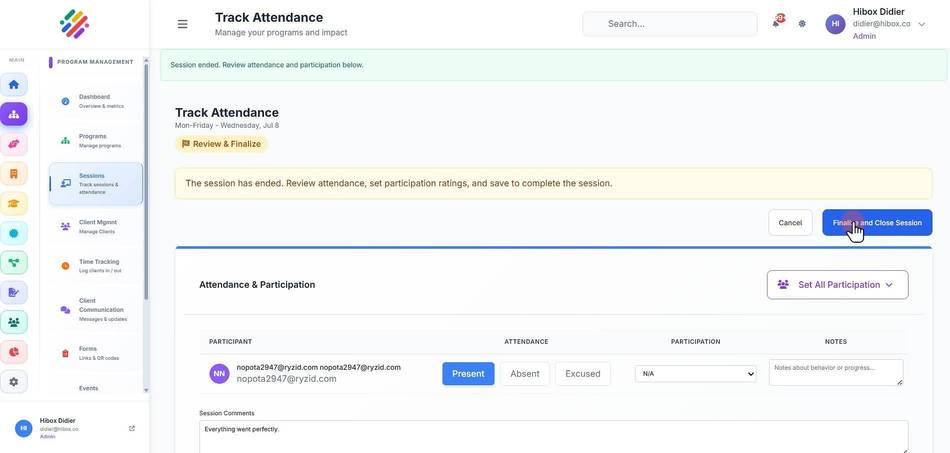
Starting and Ending a Session
Starting and Ending a Session
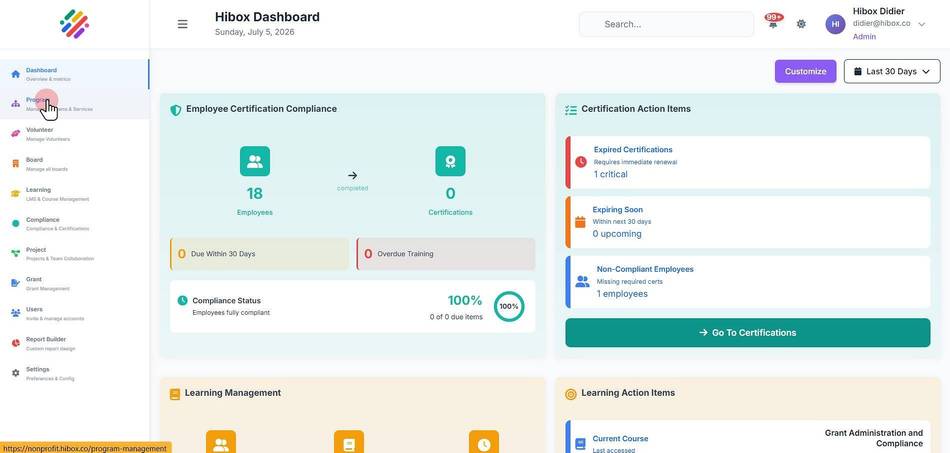
1. On the left side menu, go to "Program"
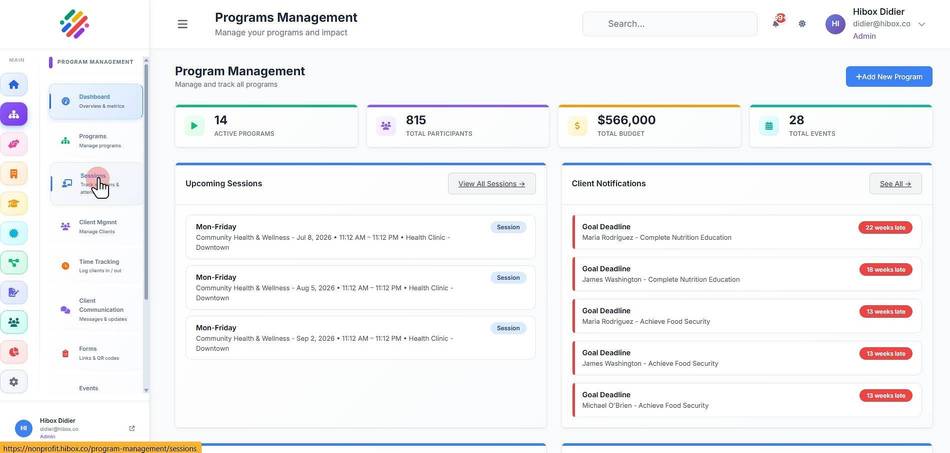
2. Select "Sessions" on the sub-menu
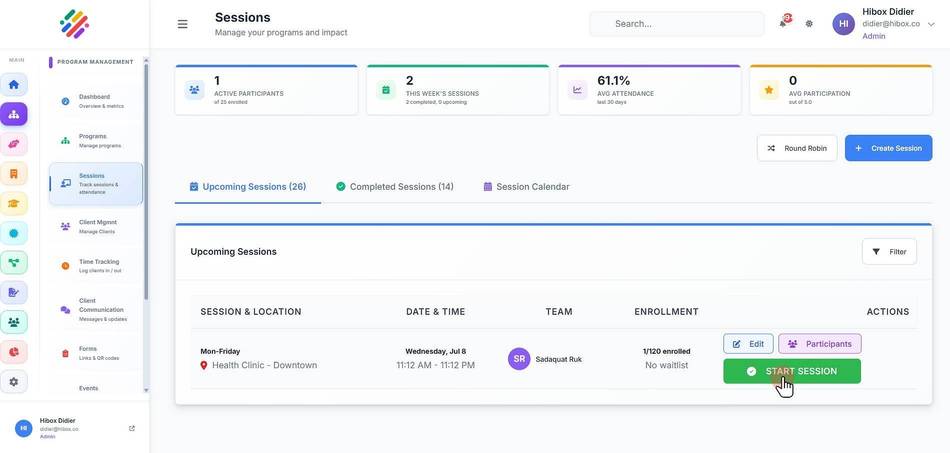
3. Once ready, click "START SESSION" to start the session
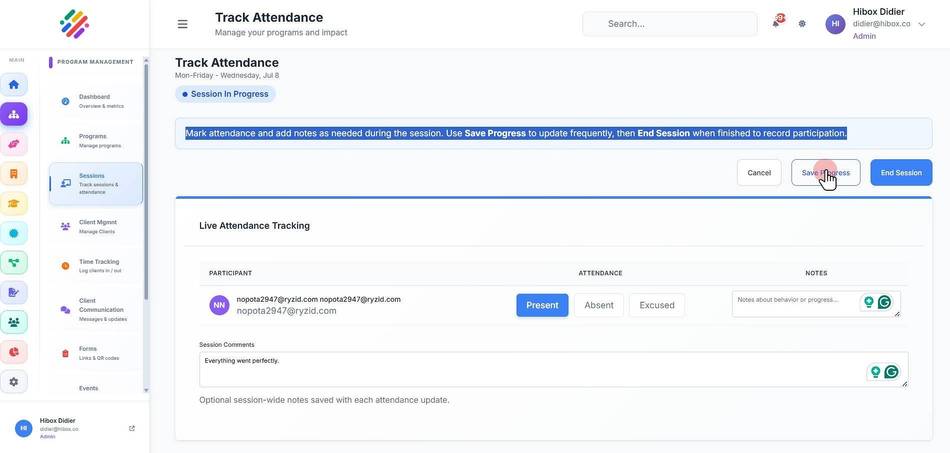
4. On the section for "Live Attendance Tracking"
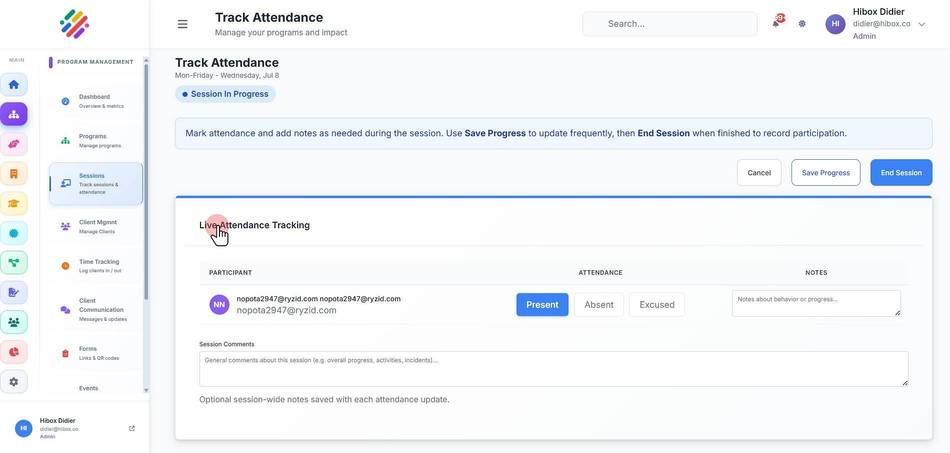
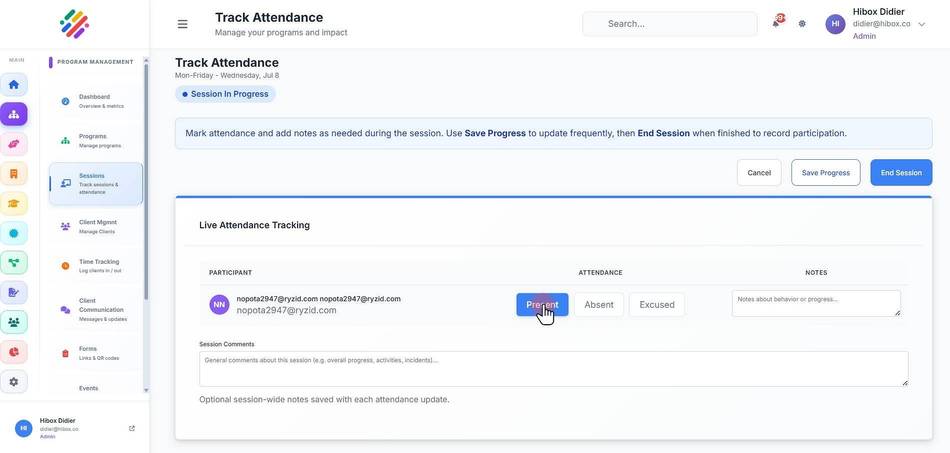
5. Mark the attendance by selecting "Present", "Absent" or "Excused"
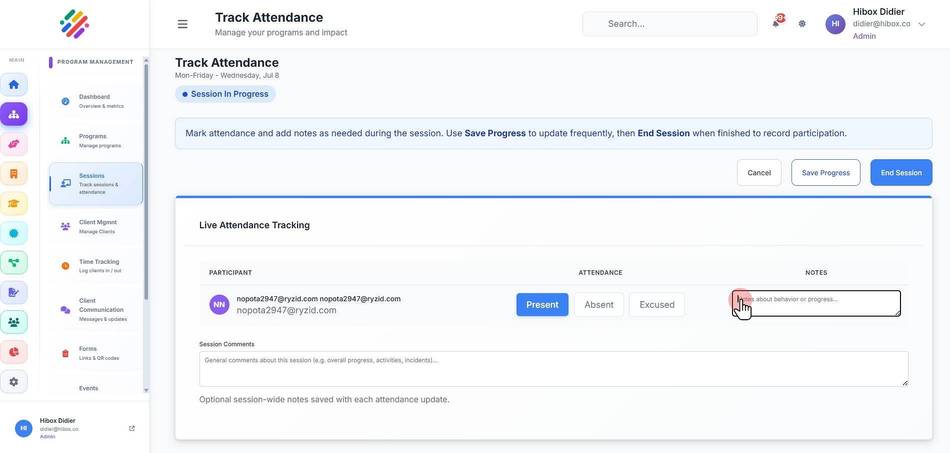
6. You can leave notes per participant
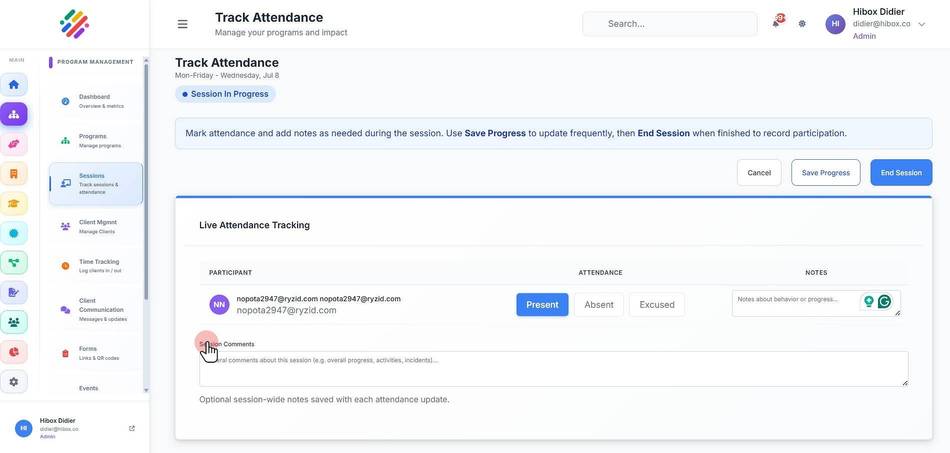
7. as well as general "Session Comments"
8. You can "Save Progress" at anytime
9. Once finished, click on "End Session"
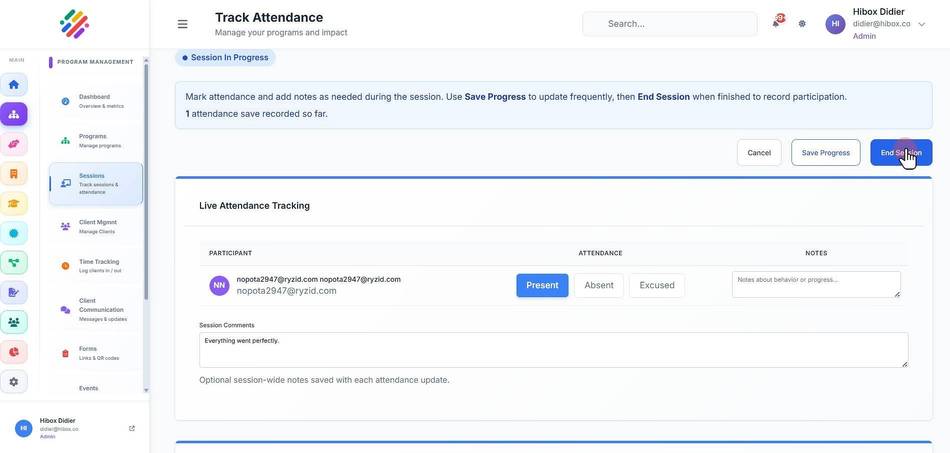
10. and then on "Finalize and Close Session" to confirm