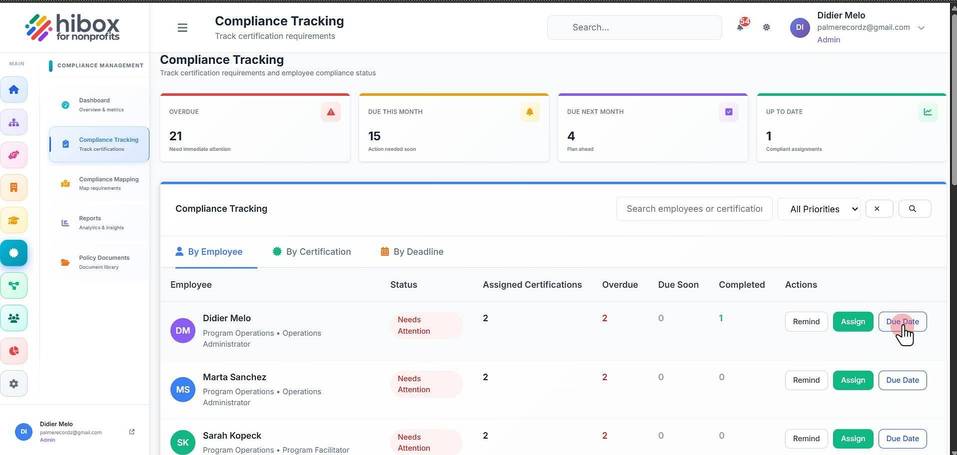
Tracking Employees Compliance
Tracking Employees Compliance
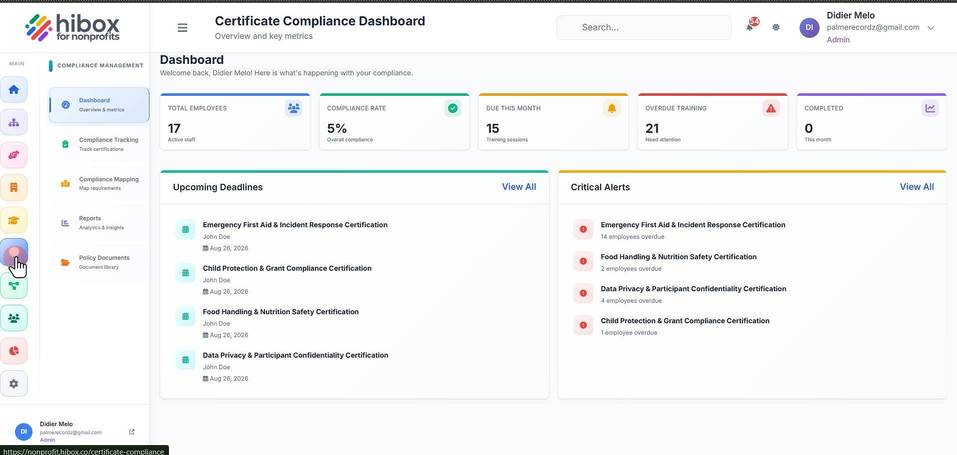
1. Click "Certifications" on the left-side menu
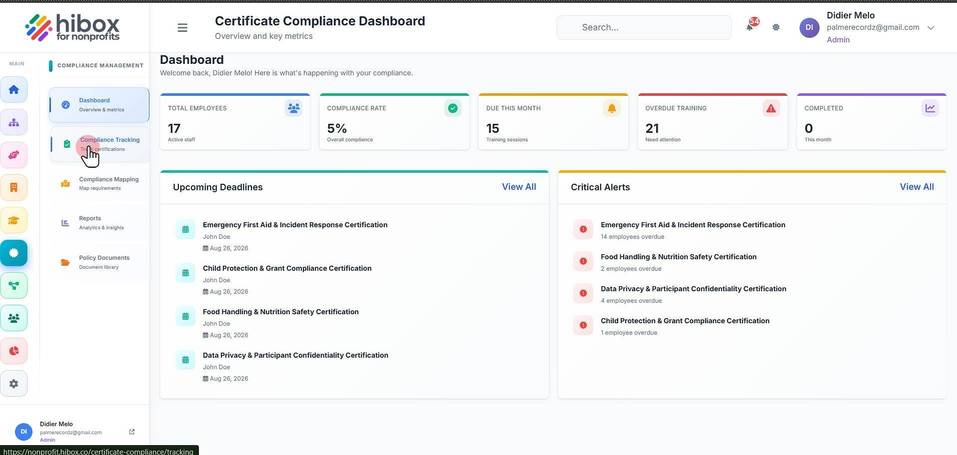
2. Click "Compliance Tracking" on the sub-menu
3. This is the "By Employee" section
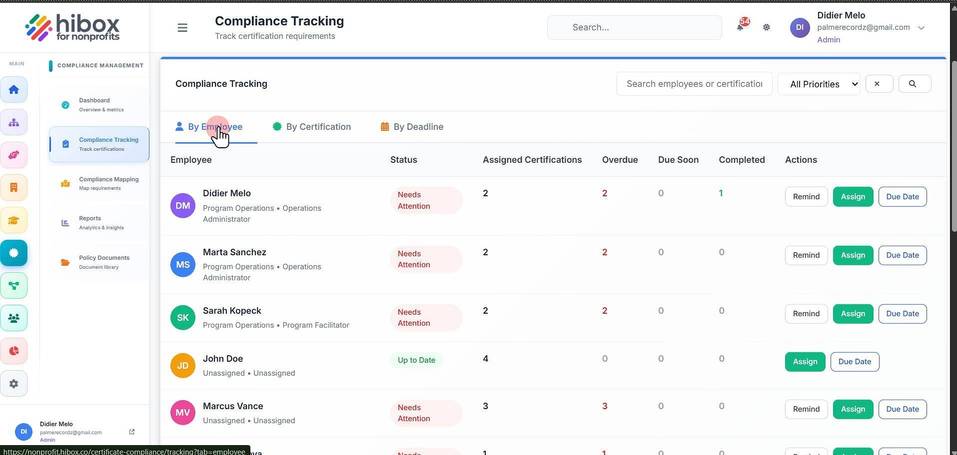
4. Find the "Employee" column with the employee's name
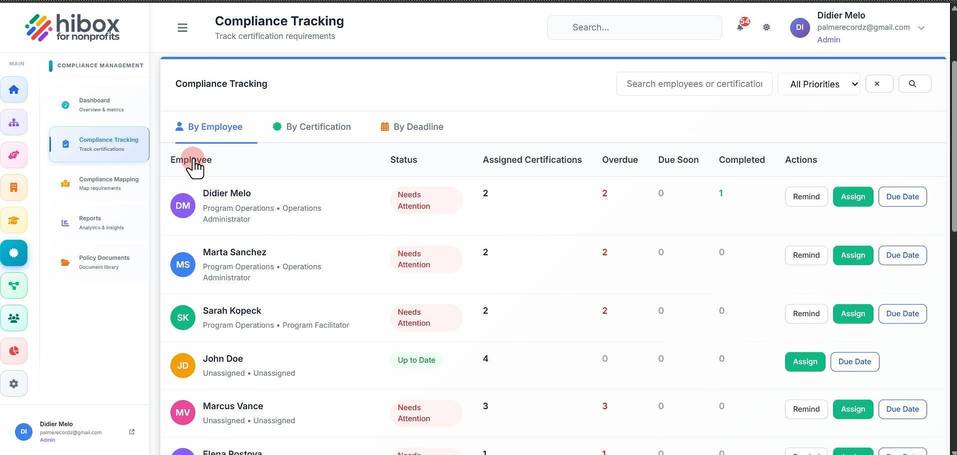
5. You can see the "Status" on the status column
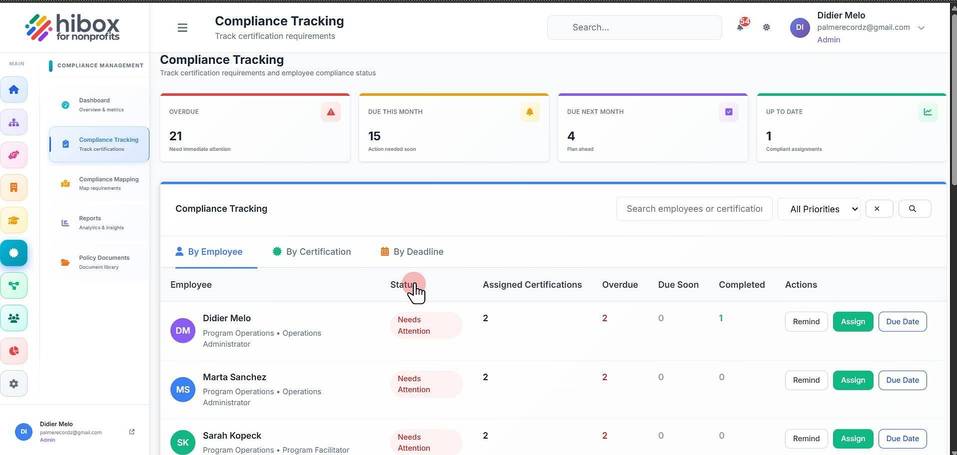
6. The number of "Assigned Certifications" for each employee
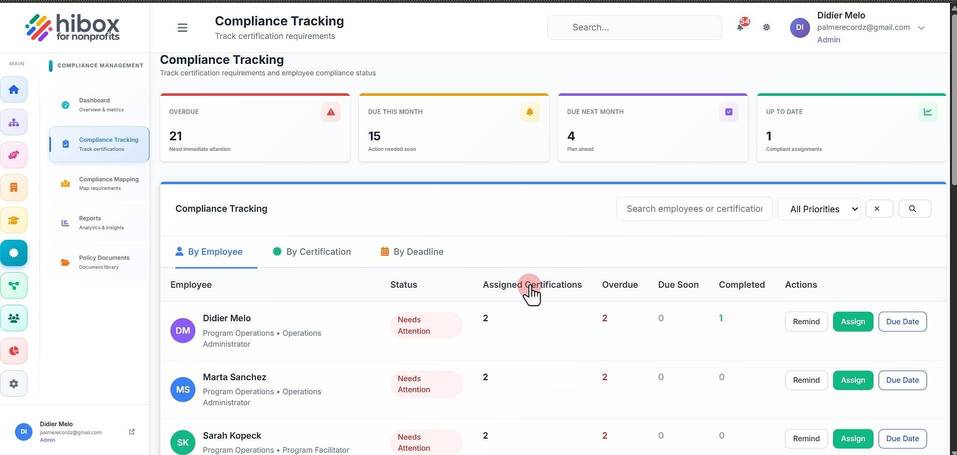
7. The amount of "Overdue" certifications
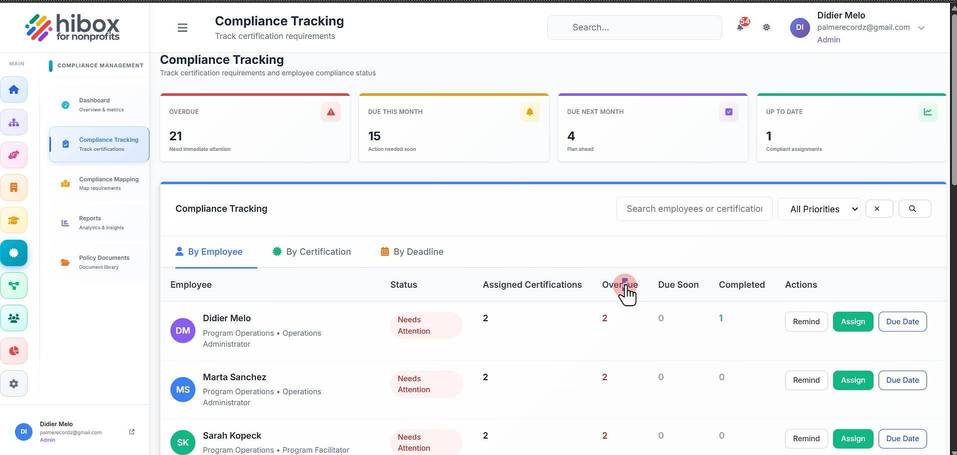
8. And how many are "Due Soon"
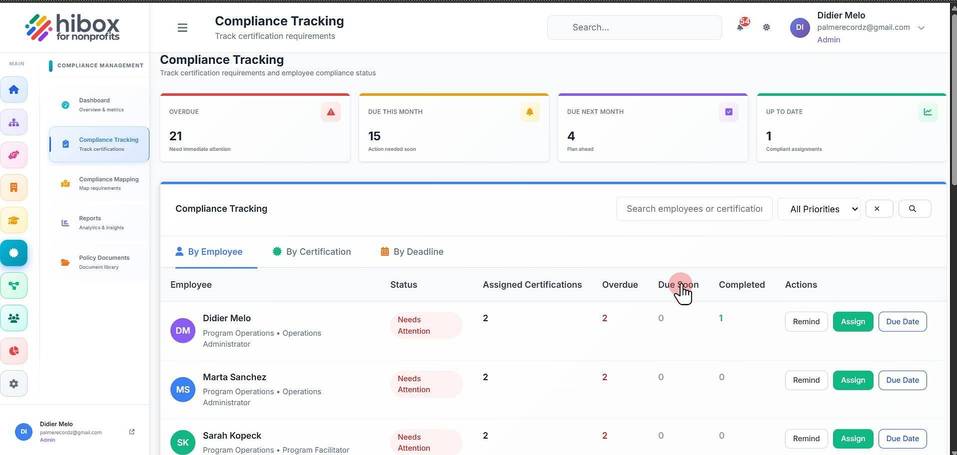
9. how many have been "Completed"
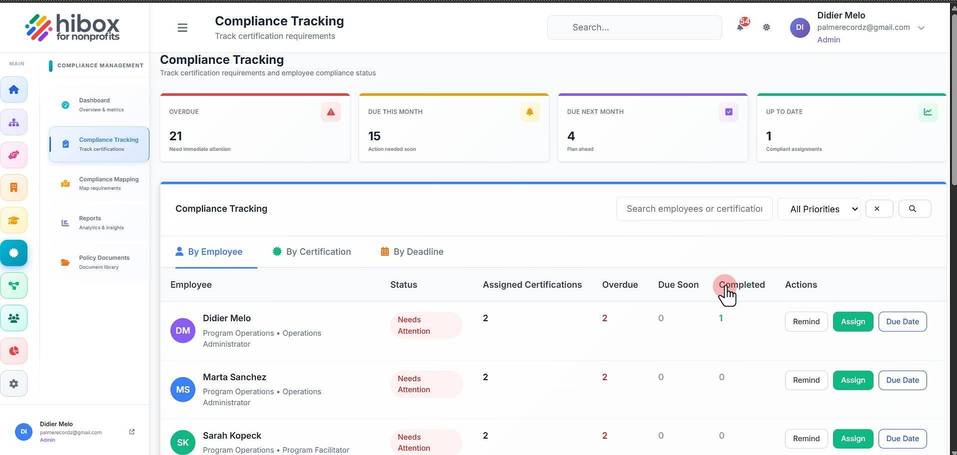
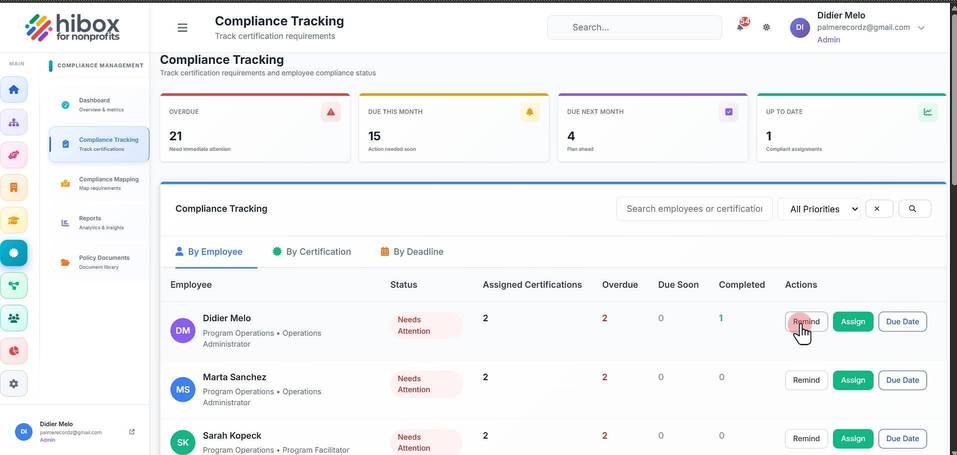
10. Under the "Actions" column, you can send a reminder to the employee
11. or "Assign" a new Course
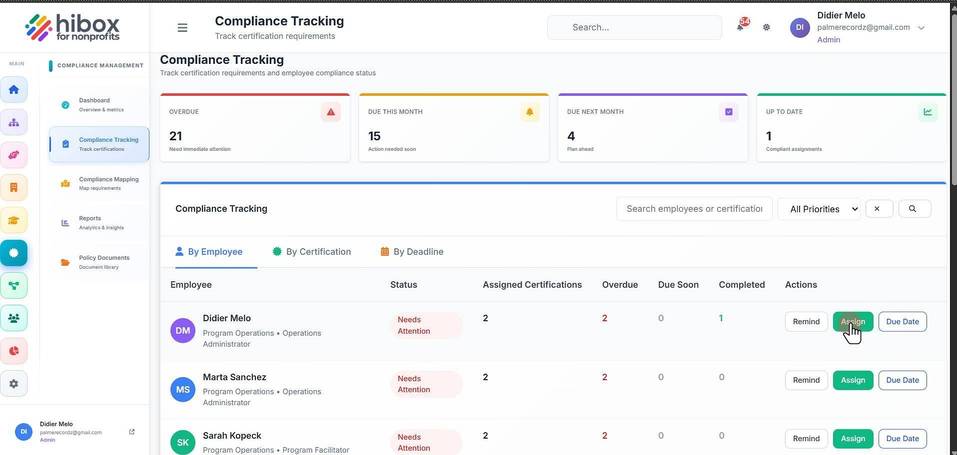
12. Change the "Due Date"