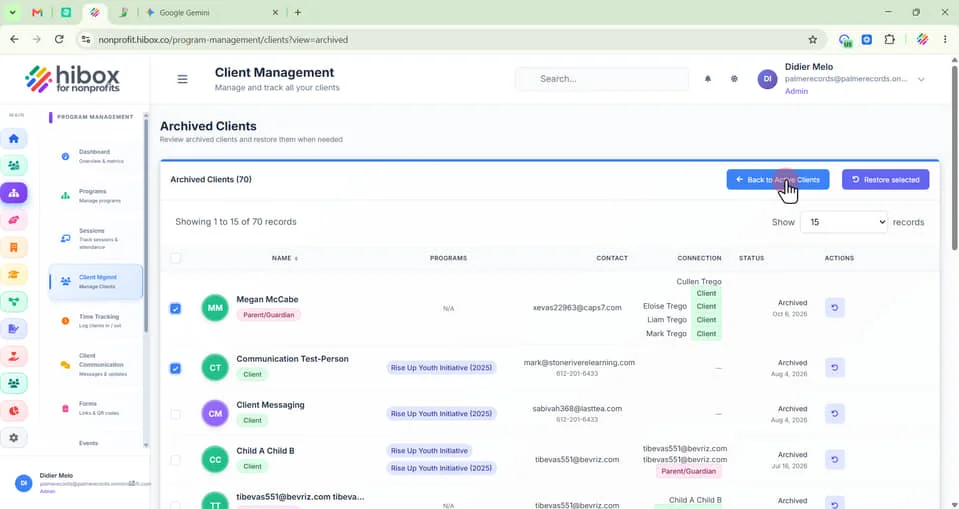
Unarchiving Clients
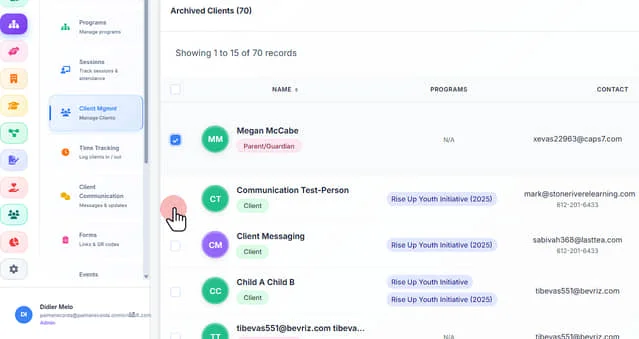
1. Click "Program Management" on the left-side menu
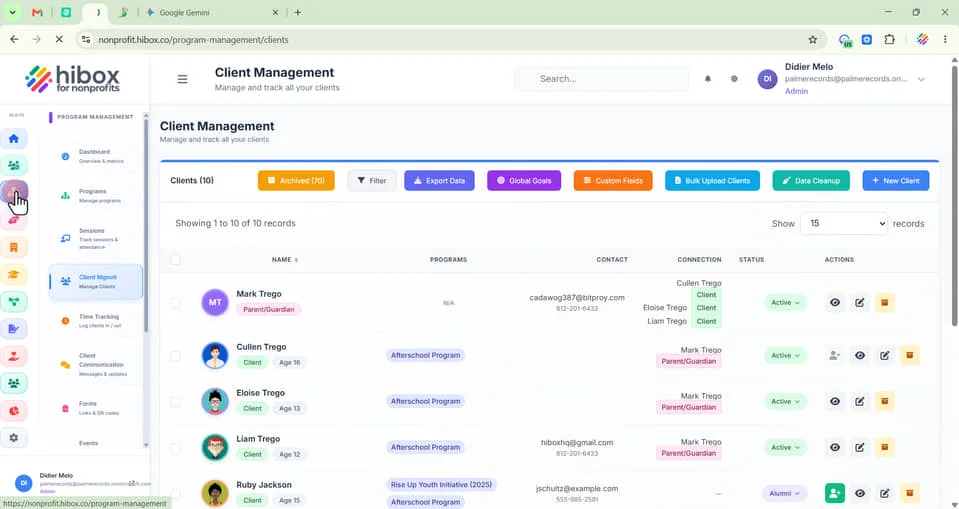
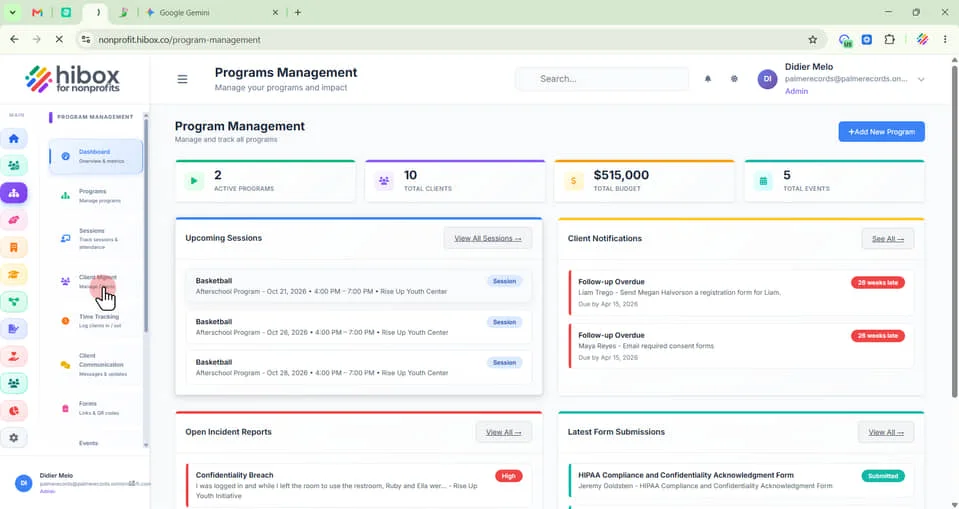
2. Click "Client Mgmnt on the sub-menu"
3. Visualize all archived clients by clicking on the "Archived" button
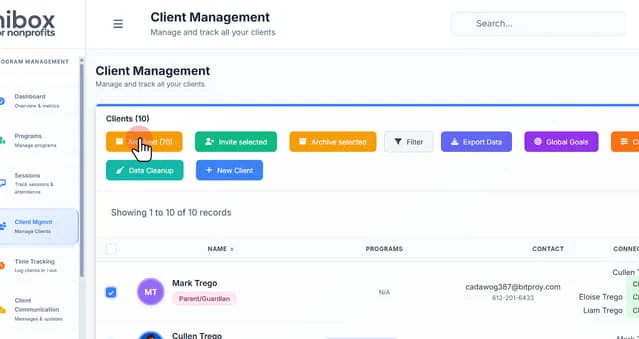
4. Click the checkboxes to select one or more clients
5. Click "Restore Selected" on the right top sub-menu
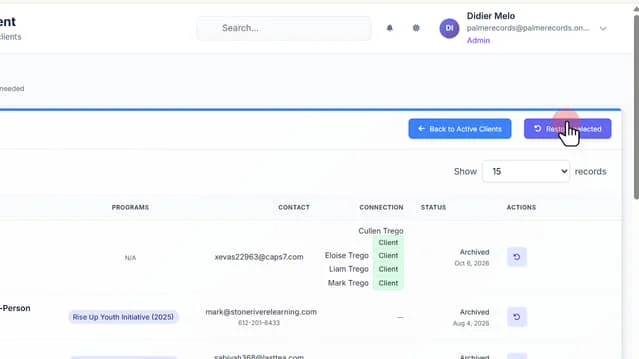
6. Click "Back to Active Clients" to go to the previous page